



AI Summary
You have a great ebook or webinar, and you want email addresses in exchange for it.
WordPress gated content is any asset you place behind a form, so visitors trade their email address for access. I build these gates with WPForms, which handles the form and the delivery in one plugin.
The 10 examples below are the formats I see working most often on WordPress sites. After them, I walk through the four steps I use to build a gate and keep it out of trouble with search engines.
What Is WordPress Gated Content?
Gated content is any online asset that is only accessible after a user fills out a form with their name and email address.
Common gated content forms include white papers, articles, eBooks, and webinars. It’s an effective way to boost lead generation and grow your email list.
On WordPress, the gate is usually a form on a public landing page. The asset sits behind it as a file download or a redirect to a private page.
Ungated content is everything a visitor can read without handing anything over, which is most of your blog. The difference matters because ungated pages earn your search traffic and gated pages turn that traffic into a list.
10 WordPress Gated Content Examples
Let’s take a look at the most popular WordPress gated content examples.
1. White Papers
Probably one of the more common types of gated content for B2B companies is white papers (ebooks, another one of the items on our list, are typically more B2C as you’ll see them on a lot of bloggers’ or individual publishers’ websites).
For example, this company helps businesses recruit new employees. So, they offer a white paper discussing tips for finding employees that stick around.
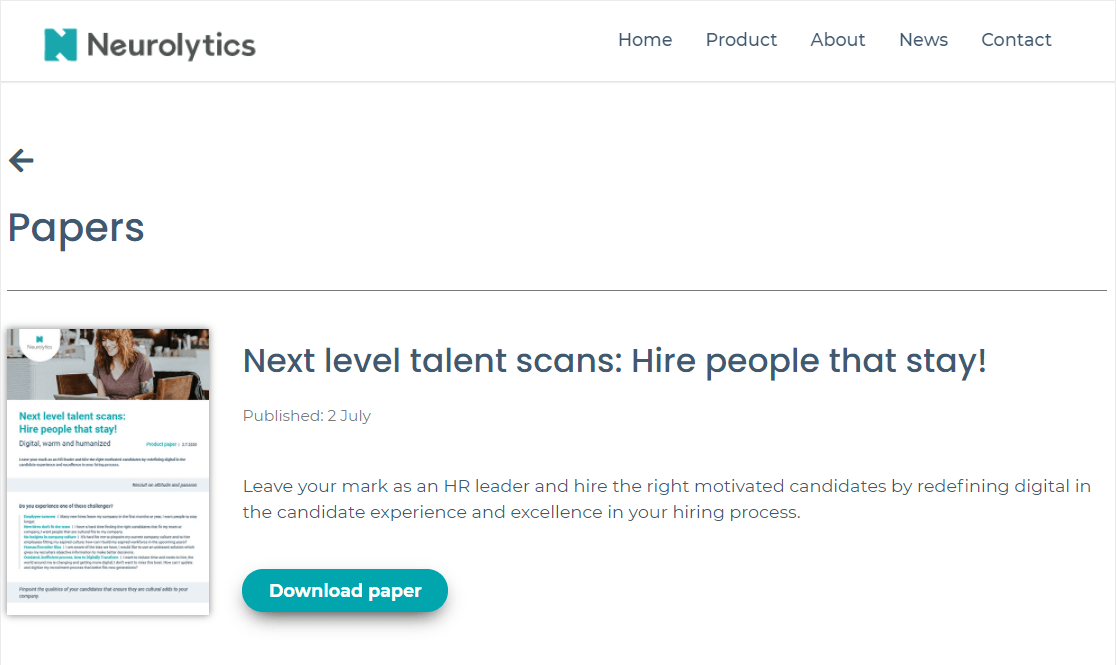
White papers are a great way to establish yourself or your small business as an authority in your space.
2. Webinars
Webinars are a great type of gated content, and they simply work for lead generation. You can use pre-recorded videos or webinar software to execute this type of content easily.
They’re great because you can answer questions to any objectives during the webinar, and give a strong call to action at the end about the next steps with your business (like spending money on your products or services).
And in this gated content example, you can see the webinar is listed as a ‘course’ but it’s actually a webinar (either live or pre-recorded).

They do a good job of explaining the benefits of their course on the webinar landing page, too.
3. ebooks
Guides or ebooks (also sometimes called workbooks, challenges, PDFs, etc) are a very popular way to use gated content.
The great thing about these is that you might be able to make one without writing a ton of new content.
You can take a look at your popular posts around the same topic and combine the information into an effective and digestible guide or ebook. Then, you can brand your gated content as an ‘ultimate beginner’s guide’.

You can even make it quite concise like in the example below that’s using a gated content guide that shows people ‘3 training mistakes’ with training their pets.

If you’re an expert in your field, then gated content using eBooks is one of the best ways to capture high-quality leads.
You can even use a content download form to unlock eBooks by requiring users to first provide their email address.
4. An Email Series
An email series is a set of emails you’ll space out and send to people over a set amount of time. This is a great way to use gated content.
Usually, you can do one per day after you get someone’s email address. You can use an email series as gated content and advertise it as a ‘5-day training’ (or however long your series lasts).
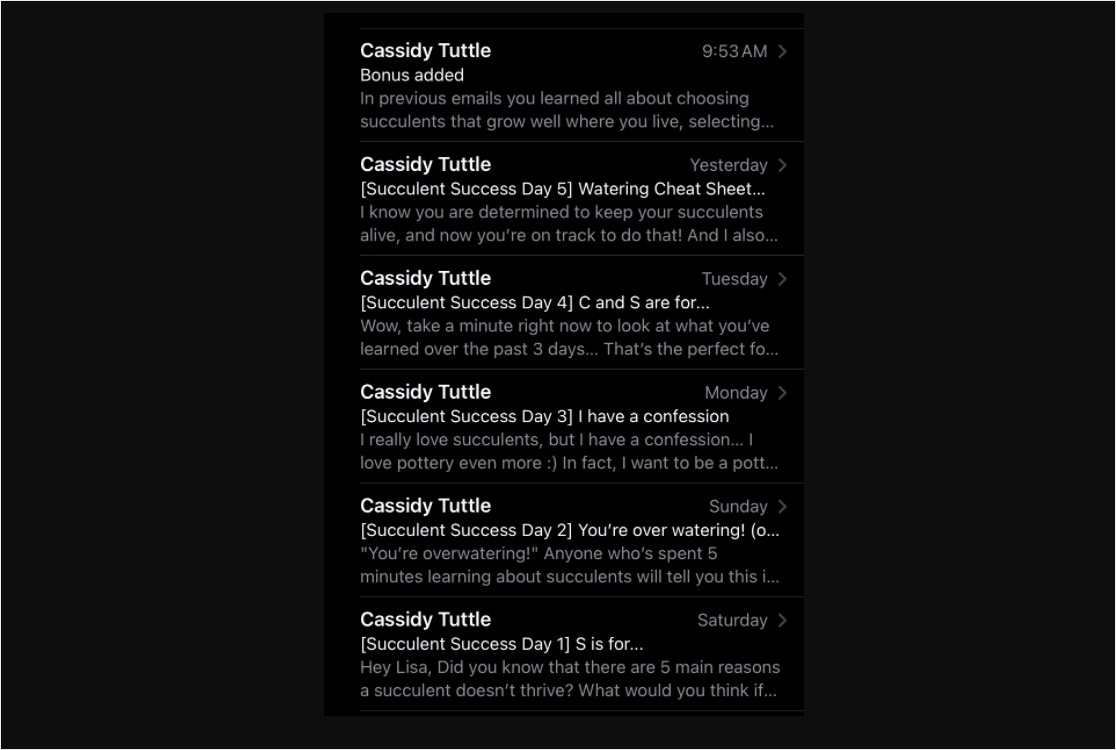
Have a big social media following? Make sure to put a link in your bio to send them directly to the form landing page where your email series offer is hosted. And make sure you’re following landing page form tips.
5. Product Demos
If you’re a SaaS company or have a product that people can try online, you should consider using a product demo as gated content.
This is a wonderful way to get your product in front of customers while also getting their email addresses. You’ll build your list as well as let people take your product for a test drive.

You can offer a full live demo, or even let people use a trial of your software for a set amount of time like Shopify does in this gated content example.

Notice that these examples follow landing page best practices extremely well, which ultimately helps maintain a high conversion rate.
6. Quiz Results
People love taking online quizzes and polls.
You may have taken one yourself and been asked to put your email address into a form before you can start the quiz or see your results. This is a brilliant use of gated content!
Not only do quizzes work as gated content, but you can also use the information you get about your leads to segment them. Then, put them into your marketing automation plan, and offer them different types of content in the future based on their needs.
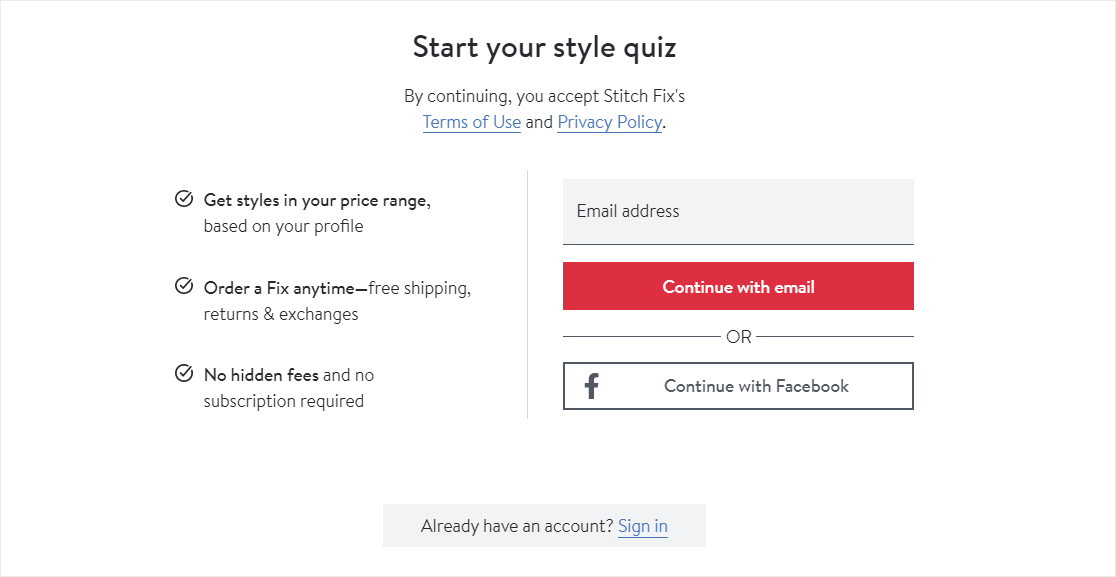
The type of questions you should ask in your quiz depend on your particular service or product area. But in many cases, it’s a good idea to include some demographic questions in your gated content quiz or survey.
7. Courses
Online courses continue to grow in popularity. And you can use them very effectively as gated content (free or paid.)
If you’re interested in using courses as part of your gated content strategy, we encourage you to consider making a portion of your site a membership site.
There’s a lot of income potential with this strategy of digital information marketing.

By offering courses, you can position yourself as an expert within your industry and earn the trust of your customers. This is what makes courses one of the best gated content examples you can use.
8. Annual Reports
If you’re in a big industry, there are plenty of statistics out there that you could put together to create an annual report on. Then, you can use this report as gated content.
Many enterprise-level companies do this to collect lead information from their website.
In this example, you’ll notice a strong CTA with power words telling people they can ‘Get instant access’ to the report by filling out a form with their details.
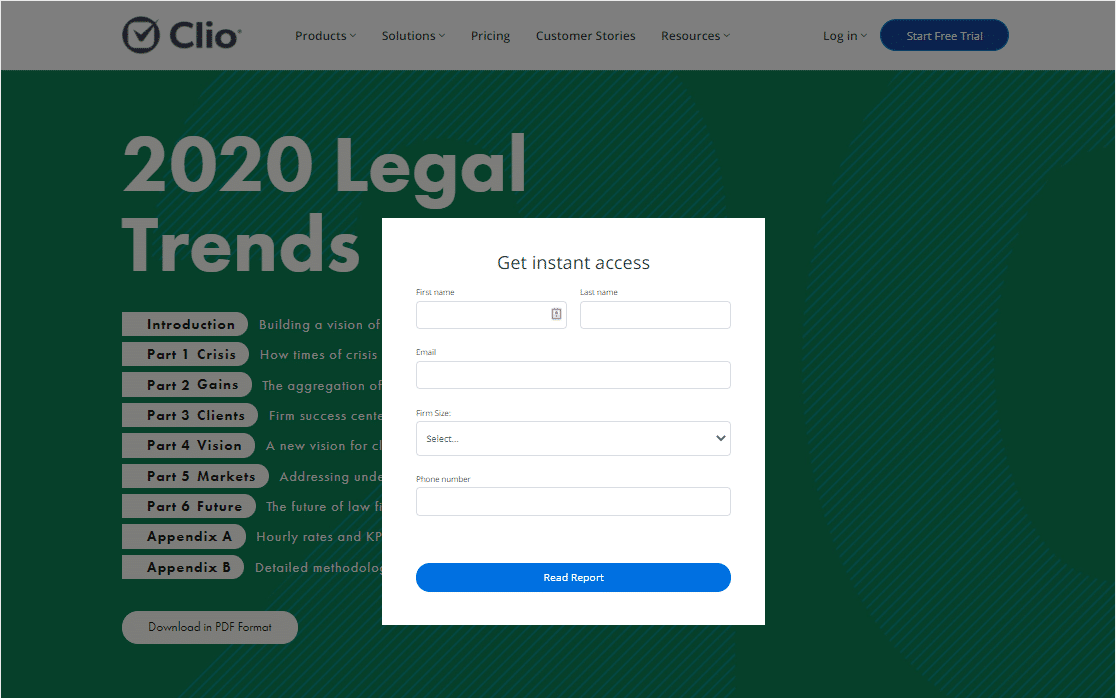
The sales team will be thrilled to not only get a fresh lead but to also get a lead that they already know is interested in their industry since they were downloading a report about a relevant topic.
Gated content like this is a great way to feel like highly qualified leads are coming right to you.
9. Private Communities
A newer version of gated content is a community-based model. You can invite people to join an exclusive area that contains information only they can see once they’ve given you their details. Some people even charge for this.
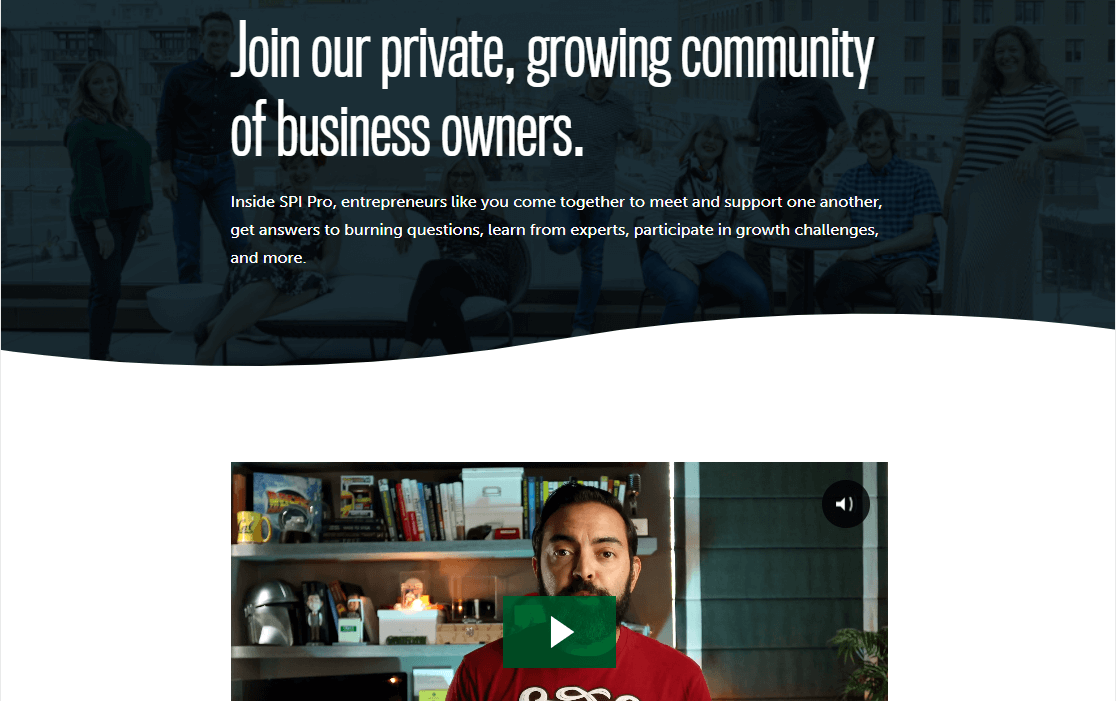
You can find gated content examples of this kind commonly in gaming and sports spaces.
10. Templates
If you’re in the design business, it’s a great idea to offer some of your designs for free as gated content.
With this approach, the hope is that a lead will use your free templates. Then, realize how easy you’ve made things for them. After that, they’ll return out of appreciation or because they realized someone else can do the hard work for them.
So with that in mind, remember how important it is to create things of high value if you’re going to be using them for gated content. It’s not best practice to use one of you’re less desirable templates in this case. You really want to hook people up here!
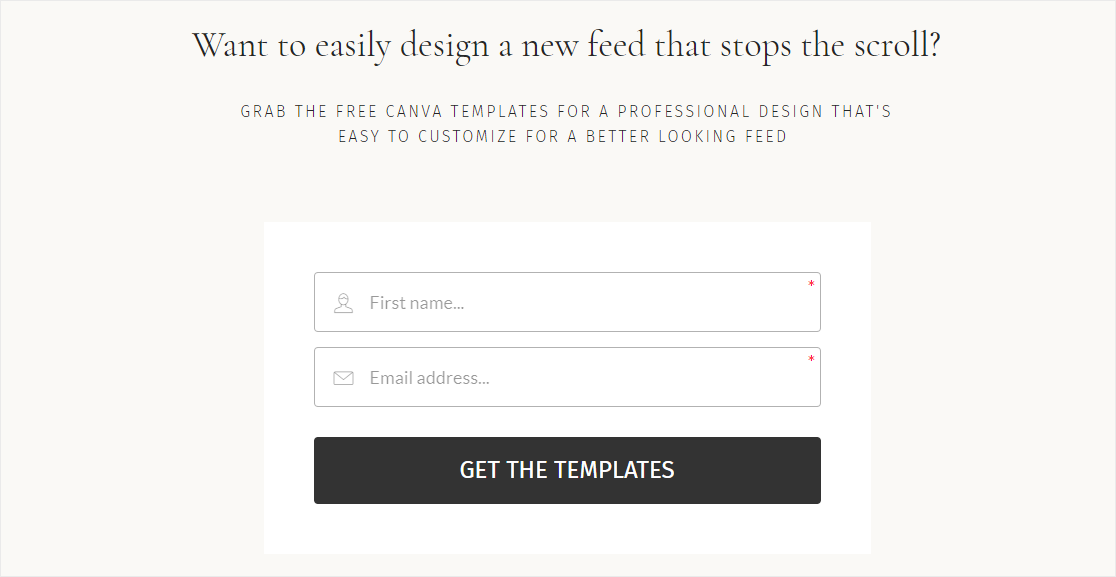
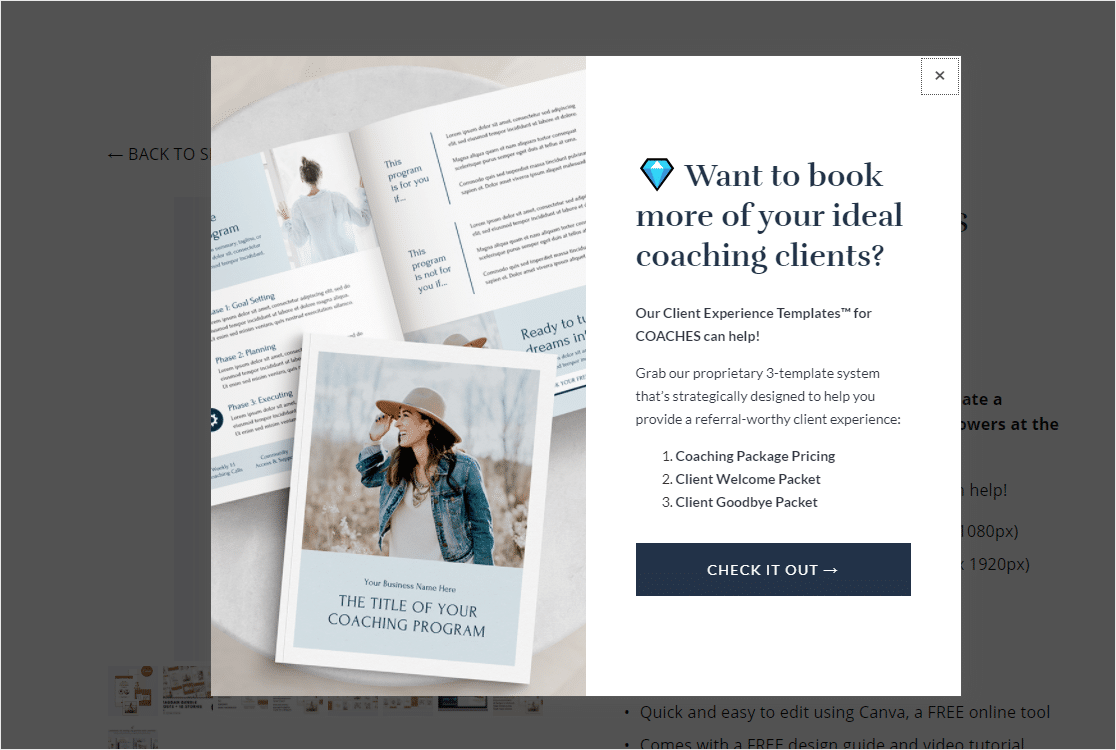
Of course, you don’t have to be in the design business to offer templates.
For example, check out this coach offering templates of pricing packages and customer welcome packets to other people with service-based businesses.
So that’s what gated content is and some great examples of it. To recap, gated content is nearly anything that’s “behind” a contact form.
If lead generation is part of your content marketing strategy and sales funnel, gated content is a must.
So, How Do You Use WordPress Gated Content?
Want to start using gated content to grow your small business website and engagement with your brand?
A very popular way to use gated content is to create a lead magnet form. This is a simple form that asks for an email address in exchange for your digital product. This can work for nearly everything on the list of examples above.
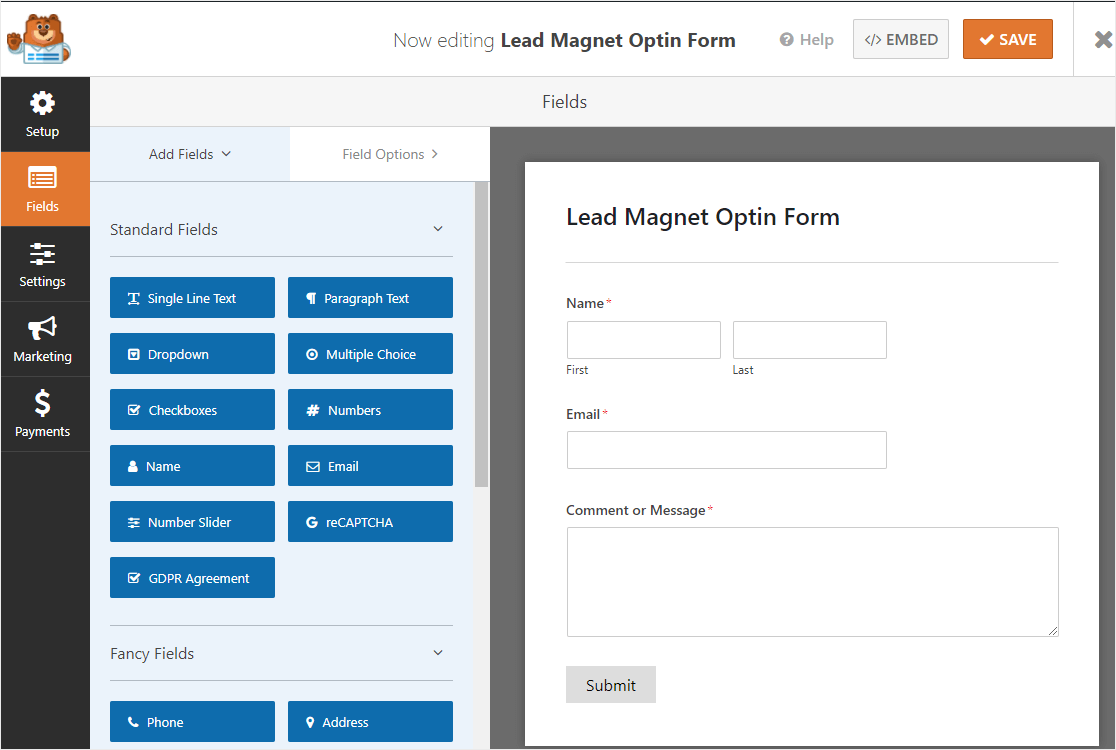
You could also use gated content on a membership website. Or, you can give your newsletter subscribers a password and put content behind a password-protected WordPress page so only those who get your emails will be able to access that content.
Here are some other smart ways to use gated content.
- Place a form on a landing page.
- Deliver the content as a lead magnet after a form is filled out.
- Embed a form with relevant content inside a blog post of the same category.
- Create a user registration form that lets logged-in users view your content.
Once your gated content form is set up and ready, the options for how you can use it are nearly endless.
Those examples should give you a few ideas about what to put behind a form and how gating it can grow your email list. Building the gate itself takes four steps.
Step 1: Install the WPForms Pro Plugin
WPForms is the form builder I reach for whenever a site needs a gate. It ships with 2,100+ form templates, and one of them is a ready-made content gate that asks for an email and then reveals the content on a second screen.
What I like most about WPForms here is that the gate and the delivery live in the same place. You build the form, then choose how the file reaches the reader and switch on email verification without installing a second plugin.
WPForms is the most beginner-friendly WordPress form builder. That matters more than usual with gated content, because the setup touches three separate settings panels and none of them should need a developer.
The content gate template is a Pro feature, and so is the Form Locker addon you will need in Step 4. A simpler email gate does work on the free version, where Lite’s single notification email carries the download link, so start there if that is all you need.
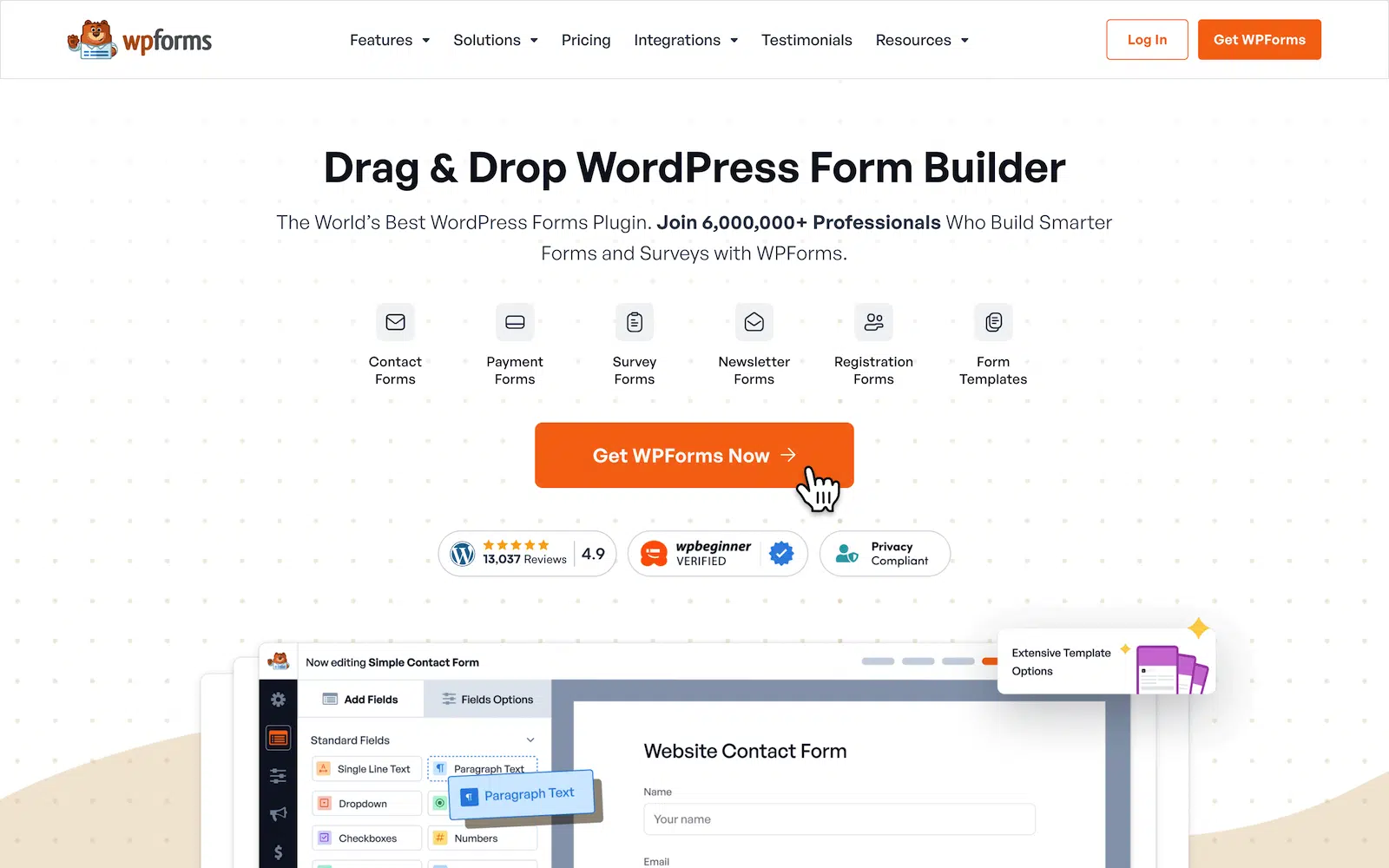
To get started, buy the Pro license. Then, install WPForms on your website. If you need help, follow these instructions on how to add a plugin to WordPress.
Step 2: Build Your Gated Content Form
The quickest start is the Content Gate Form template, which WPForms builds as a two-screen form. The first screen asks Enter Your Email to Access Content, and the second screen holds whatever you are gating.
Go to WPForms » Add New, search for the Content Gate Form template, and click Use Template. You can create a form with WPForms and start collecting data in under 5 minutes.

Keep the field list short, because an Email field is the only thing the gate really needs. Every extra question costs you submissions, so add a Name field only if you will use it.
Step 3: Deliver the Gated Content After Submission
WPForms gives you three ways to hand over the content once someone submits. All three live under Settings » Confirmations in the form builder.
- Message: reveal the content or the download link right there on the page.
- Show Page: send the reader to an existing page that holds the asset.
- Go to URL (Redirect): point them at a file or an external address.

For a downloadable file, I usually pair Show Page with a page that is not linked anywhere in the site navigation. The reader lands on it straight after submitting, and nobody stumbles onto it while browsing.
You can also email the asset instead of showing it on screen. Open Settings » Notifications and write the message that goes to the person who submitted the form. From there, paste the download link into the body or attach the file to the notification email itself.
Emailing the link is the version I prefer when the goal is to require an email address before a file download, because a bad address never receives anything. The WPForms confirmation settings documentation covers each option in more detail.
Step 4: Lock Down Access With Email Verification
The Form Locker addon adds the checks that stop a gate from leaking. You turn them on under Settings » Form Locker in the same builder.
Switch Enable verification to Email and WPForms sends a confirmation link before the entry counts. A throwaway address never reaches your file.

Two other settings in that panel are worth switching on.
- Enable user entry limit: stops one person collecting the same file over and over.
- Logged in users only: restricts the form to people who have an account on your site.
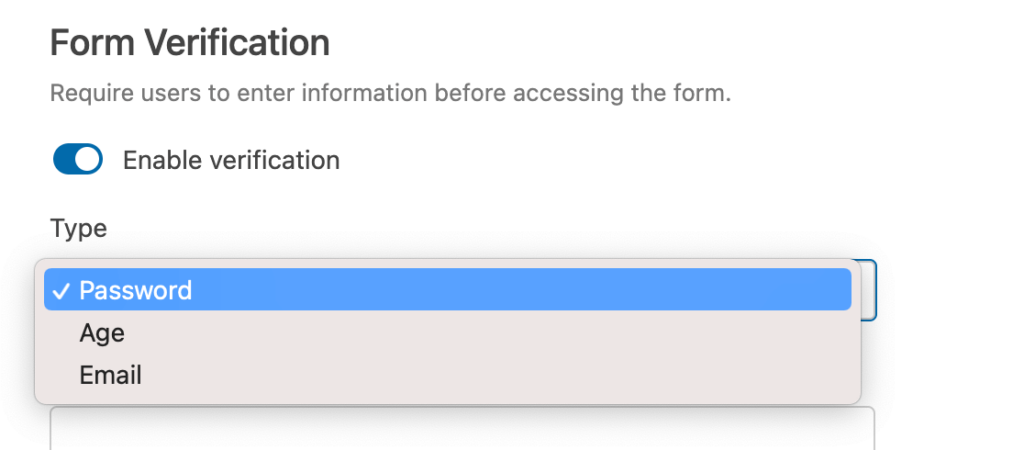
Form Locker protects the form itself, and the page around it stays visible to anyone who lands there directly. That reader sees everything on the page except the form.
So if you need the content locked rather than the form, keep the content on a password-protected page and let the gated form hand out the password.
Keep Your Gated Content From Hurting Your SEO
Gated content hurts your SEO when you lock a page that was already ranking, because search engines cannot read what sits behind a form. A post you gate in place loses the text that earned its traffic.
A landing page and a gated asset do two different jobs, so give them two different pages. The landing page describes the asset and carries your keywords, and it stays fully indexable. The asset itself sits behind the form, where Google never needs to see it.
That split is why I build gates with a form rather than a content locker. Locking part of a published post trades a ranking page for a handful of email addresses, and that trade rarely works out.
Two more habits keep this working in your favor, and the first is to gate only the things that cost you real effort, like a research report or a template pack. Leave the blog posts open so they keep bringing in the traffic you gate against.
FAQs on WordPress Gated Content
Gated content on WordPress raises the same handful of questions every time, from which gated content plugin to use to whether gating will cost you rankings. Here are the answers I give most often.
What does gated content mean?
Gated content means any digital asset a visitor can only reach after giving you something, which is almost always an email address. White papers, webinars, eBooks and template packs are the formats you will see most often.
What is the difference between gated and ungated content?
Ungated content is free to read and gated content asks for an email address first. Most of a healthy site stays ungated, because ungated pages are what earn your search traffic. Only the high-effort assets go behind a form.
Is gated content bad for SEO?
Gated content is only bad for SEO when you gate a page that was already ranking. Put the asset behind a form on a public landing page instead, and that landing page stays indexable while the file stays private.
How do I create gated content in WordPress for free?
Free WPForms Lite is enough for a working gate, because Lite includes one email notification you can use to send the download link. Custom confirmation messages and page redirects start at WPForms Basic, and the email verification from Step 4 needs Pro.
Can I stop people from sharing my gated content link?
No gate on a public web page is airtight, but a few settings make sharing much harder. Email verification confirms the address before the link goes out, and the user entry limit stops one person collecting the file repeatedly. A page you never link to also stays out of your site navigation.
Next, Explore Business Form Templates
Managing a business is never easy. But with the right tools, you can run your business more efficiently. This is why WPForms includes various business form templates to help you succeed.
And if you allow users to register on your site, you might also want to consider adding a proper password reset form. See our guide on customizing a WordPress password reset form for tips.
Create Your WordPress Gated Content Form Now
Ready to build your form? Get started today with the easiest WordPress form builder plugin. WPForms Pro includes lots of free templates and offers a 14-day money-back guarantee.
If this article helped you out, please follow us on Facebook and Twitter for more free WordPress tutorials and guides.





Thanks for this helpful post. I’ve created a page with (PDF downloads on it) that I only want visitors to be able to access after they have submitted a form. Is it possible to prevent the downloads page from being directly accessible?
Hey Roland – I apologize, we don’t have the exact feature you are looking for to prevent accessibility to the download page. However, I’d recommend checking our Form locker addon (available in the Pro license level or higher) to achieve a password protection feature for the users.
Hope this helps. Let me know if you have any other questions. Thanks 🙂