



AI Summary
If you’ve been using WPForms for a while, you’ve watched it change under your hands.
A new integration here, a smarter field type there, and the AI features quietly leveling up the whole time.
Each update made sense on its own, but it’s easy to miss how much ground they cover when you add them all up.
WPForms 2.0 is the milestone that puts the whole picture in one place.
So this is the story of how we got here, and a tour of everything you can do with WPForms today, because chances are good you own features you haven’t tried yet.
The Road to WPForms 2.0
You build a form, connect it to the tools you use, turn visitors into leads with it, automate what happens after someone hits submit, and then measure the results so you can improve them.
- Build Faster: Forms That Take Minutes
- Connect Everything: Your Form Is the Front Door
- Handle the Rest: Storage, Productivity, and Payments
- Convert More: Turn the Same Traffic Into More Leads
- Automate the Busywork: Your Forms Work While You Don't
- Measure and Improve: WPForms v2.0 Brings Built-in Form Analytics
Build Faster: Forms That Take Minutes
The WPForms AI story unfolded in layers, and each one took over a different part of the job. Then, we also introduced a bunch of new fields and features.
AI Choices
The first layer arrived in late 2024. Point AI Choices at any dropdown, checkbox, or multiple choice field and it fills in the options for you. A field asking for a visitor’s industry, country, or budget range gets sensible, complete choices in one click instead of twenty minutes of typing.

AI Form Builder
Weeks later, the AI Form Builder extended that idea to the whole form. Describe what you need in a sentence, and a complete draft appears with the right fields already in place. It turned the blank-canvas problem into a starting point you refine.

AI Calculations
Formulas came next, with AI Calculations writing the logic behind price estimators, quote calculators, and scoring forms from a plain description of the math. If you’ve ever reverse-engineered a spreadsheet formula for a form, this is the layer that ends that chore.

Smart Edit
Smart Edit arrived this May and completed the set. A chat box lives right inside the builder, and whatever you type happens to your form. It adds and reorders fields, updates settings, builds conditional logic, and configures notifications, with a one click undo behind every change.

Abilities API write support
The newest layer moves the conversation outside WordPress entirely, and with Abilities API write support, the AI assistant you already use, whether that’s Claude, ChatGPT, or Cursor, can build and edit your forms through the open WordPress Abilities API.

Form Themes
Speed only matters if the result looks right and Form Themes for every form brought styled, brand ready looks to all users in mid 2025, and Elementor form themes carried the same polish into Elementor sites, so a form matches your design without a single line of CSS.

Camera Field
Some information is easier to show than to type, and the Camera Field is built for exactly that. Visitors snap a photo or record a short video right inside the form, with a preview and retake option before they submit. Contest entries and video testimonials get simpler when the camera is part of the form.

Map Field
Typed addresses invite typos, so the Map Field, part of the Geolocation addon, lets visitors drop a pin instead, and the address fills itself in. Anything location based, from service calls to event RSVPs, arrives as an address you can trust.

Quiz Building
Since January, you can build quizzes that grade themselves like knowledge checks, personality quizzes, and weighted assessments, all of which run on the same builder you already know. You can even build a quiz using WPForms AI.

Connect Everything: Your Form Is the Front Door
A form earns its keep when the information it collects lands where you work. That idea drove the busiest integration stretch in WPForms history.
Zoho CRM
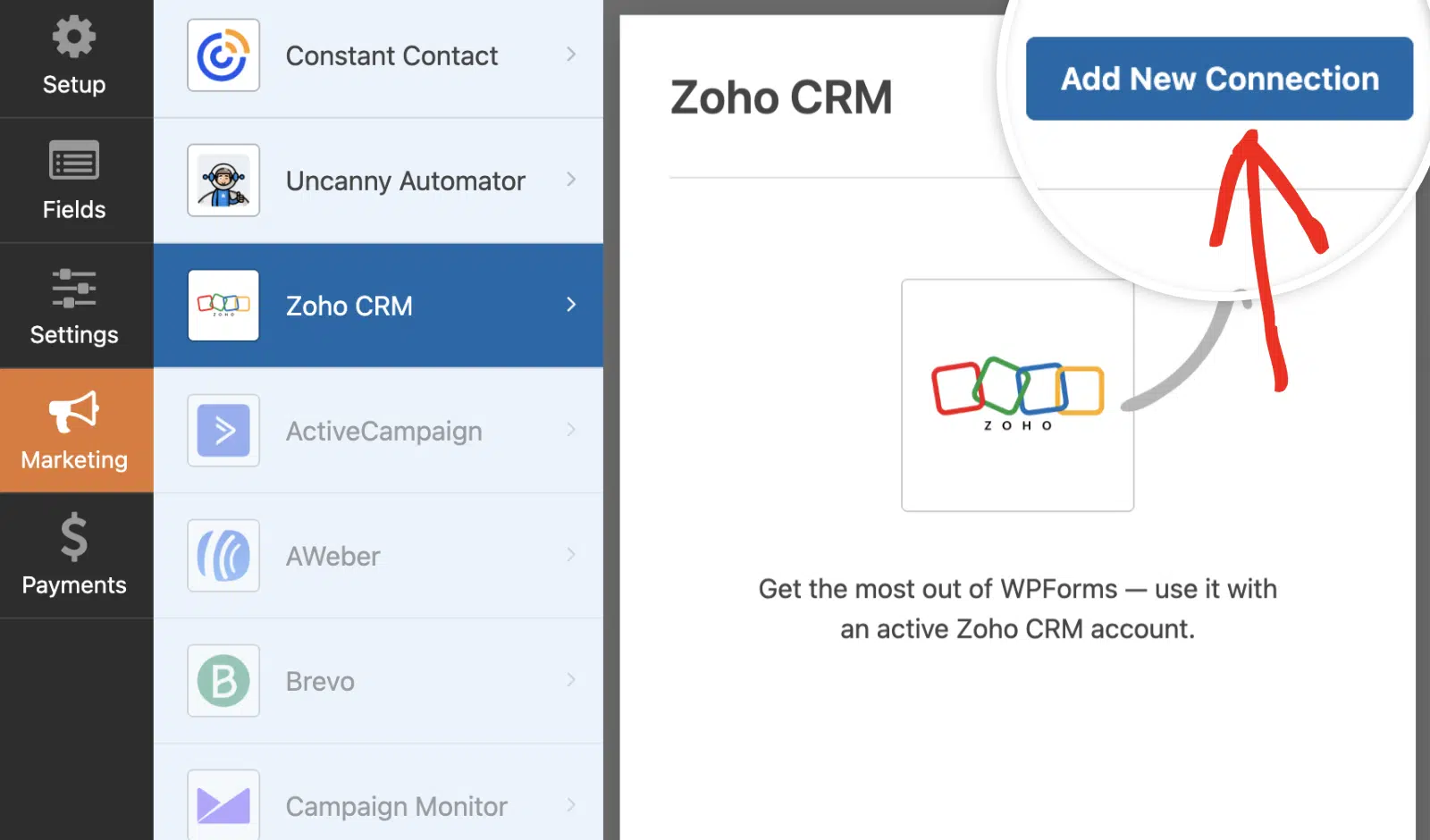
The Zoho CRM addon turns each submission into a contact or lead the moment it arrives, with your form fields mapped to the CRM fields your sales process expects.
Pipedrive
The Pipedrive addon does the same for deal-driven teams, so a form fill becomes a person and a deal in your pipeline without anyone copying data between tabs.

MailPoet
Use the WPForms MailPoet Addon to automatically add new form submissions to your email lists and use smart conditions to optimize list growth and target specific audiences.

Klaviyo
The Klaviyo addon connects your forms to the segmentation and flows ecommerce teams rely on, so a signup can trigger the right sequence immediately.

SendGrid
The SendGrid addon landed just weeks ago and routes new contacts into SendGrid marketing lists as they submit. Your files and records needed homes too, so storage and productivity connections filled in.

Handle the Rest: Storage, Productivity, and Payments
Files need somewhere to live, appointments need a slot on the calendar, and payments need to clear. This batch of integrations handles all three: storage, productivity, and payments.
Airtable
Entries sync into your Airtable bases in real time. Connect your Airtable account in a few clicks, pick your base and table, and you’re ready. Turn each submission into a new record or update matches using a unique field.

Notion
The Notion addon syncs entries into your databases, so an intake request lands where your team already plans its work. Every form submission creates a new Notion page (row) within seconds, so your team stays up to date without delays.

Google Calendar
The Google Calendar addon creates events from submissions, so a booking request goes from form to calendar without a manual step in between.

Google Drive
The Google Drive addon auto-uploads entries and file submissions into the Drive folders you choose, with conditional routing when different forms belong in different places.

Dropbox
The Dropbox addon rounds out the storage set, saving uploaded files into your Dropbox folders automatically. Files go straight to your Dropbox folders as soon as forms are submitted.

Make
The Make Addon allows you to use Make’s drag-and-drop interface to design powerful automation flows triggered by form submissions without writing a single line of code.

n8n
The n8n addon does the same for teams that prefer self-hosted automation, keeping the workflow engine under your own control. Every form submission can start an n8n workflow automatically.

Twilio
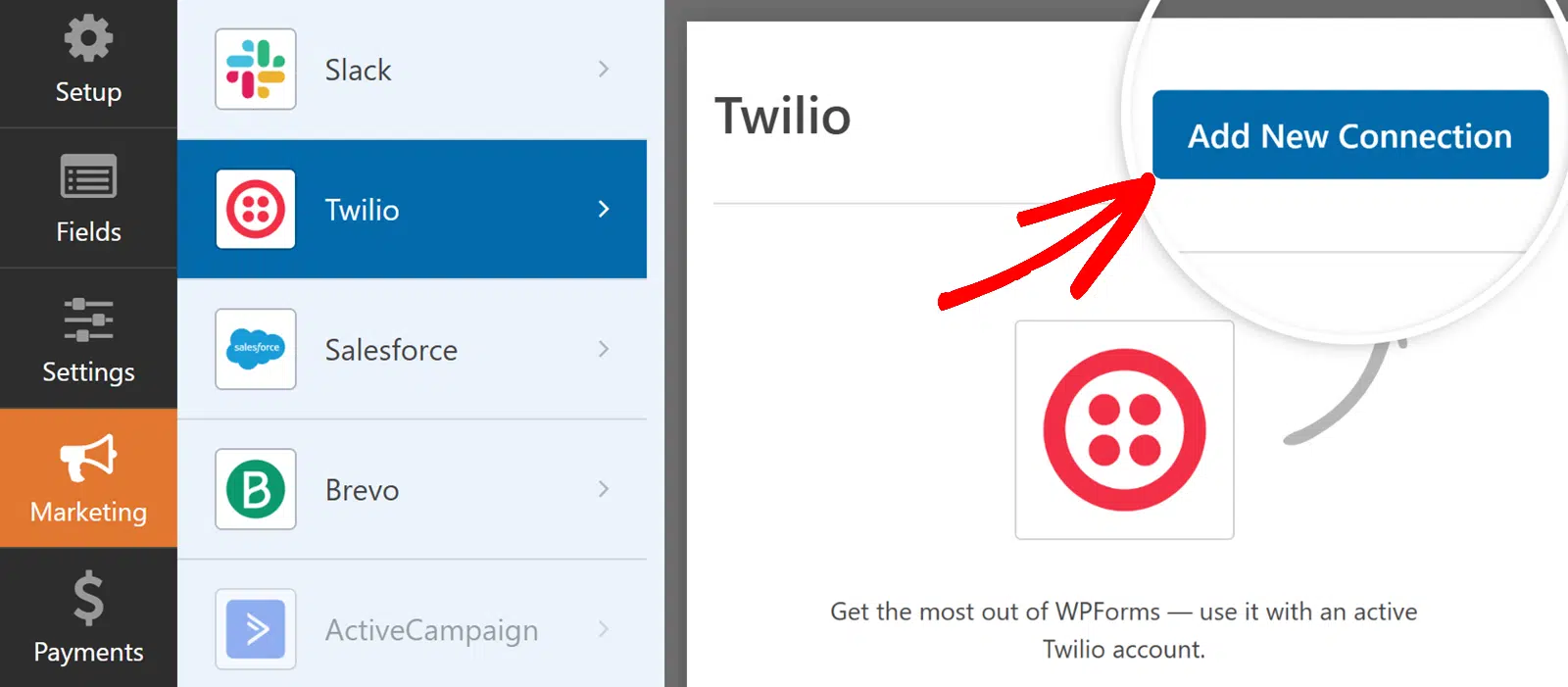
The Twilio addon sends SMS and WhatsApp alerts the second a form comes in. Some leads expect a reply within minutes, and this is how you meet them there.
Square
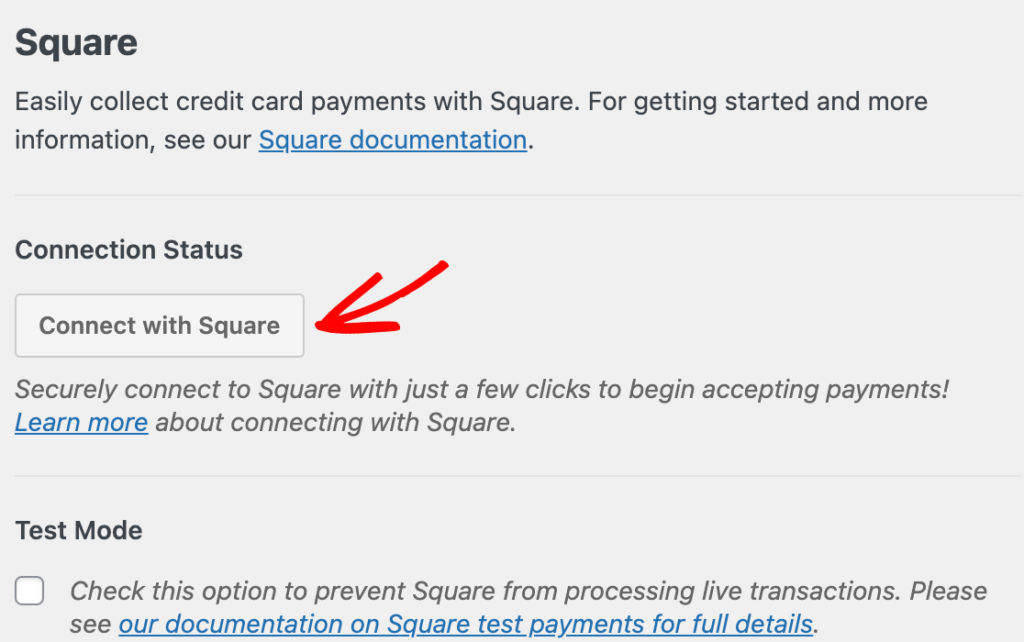
Square payments opened up to every user in 2025, and real time payment tracking followed, so you can watch a payment’s status change right inside WordPress.
PayPal Payments for All
PayPal Payments for everyone arrived with v1.10.0 this spring, putting the world’s most recognized payment button on any form, on any license.

Stripe
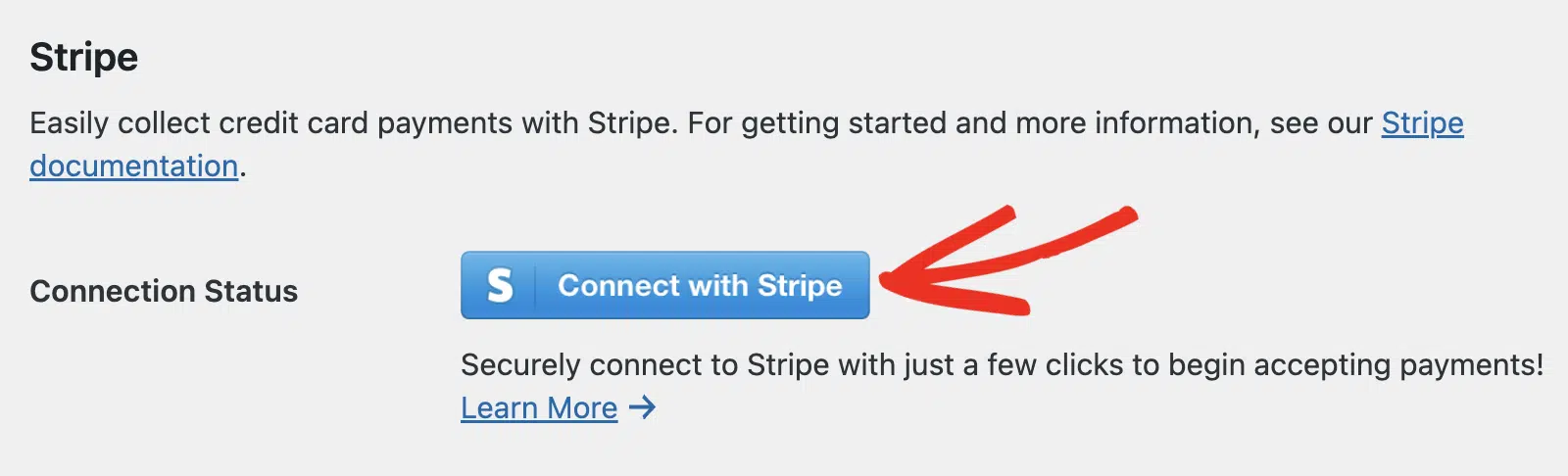
Stripe payments remain the standing foundation they’ve always been, handling cards and subscriptions with the deepest integration in the product.
Convert More: Turn the Same Traffic Into More Leads
Most of the tools in this act have been part of WPForms licenses for years, so you may already own a few of them without having switched them on.
Each one attacks a different reason a visitor doesn’t become a lead, and together they protect the thing every other feature in this article depends on, a steady flow of entries like these.
Lead Forms
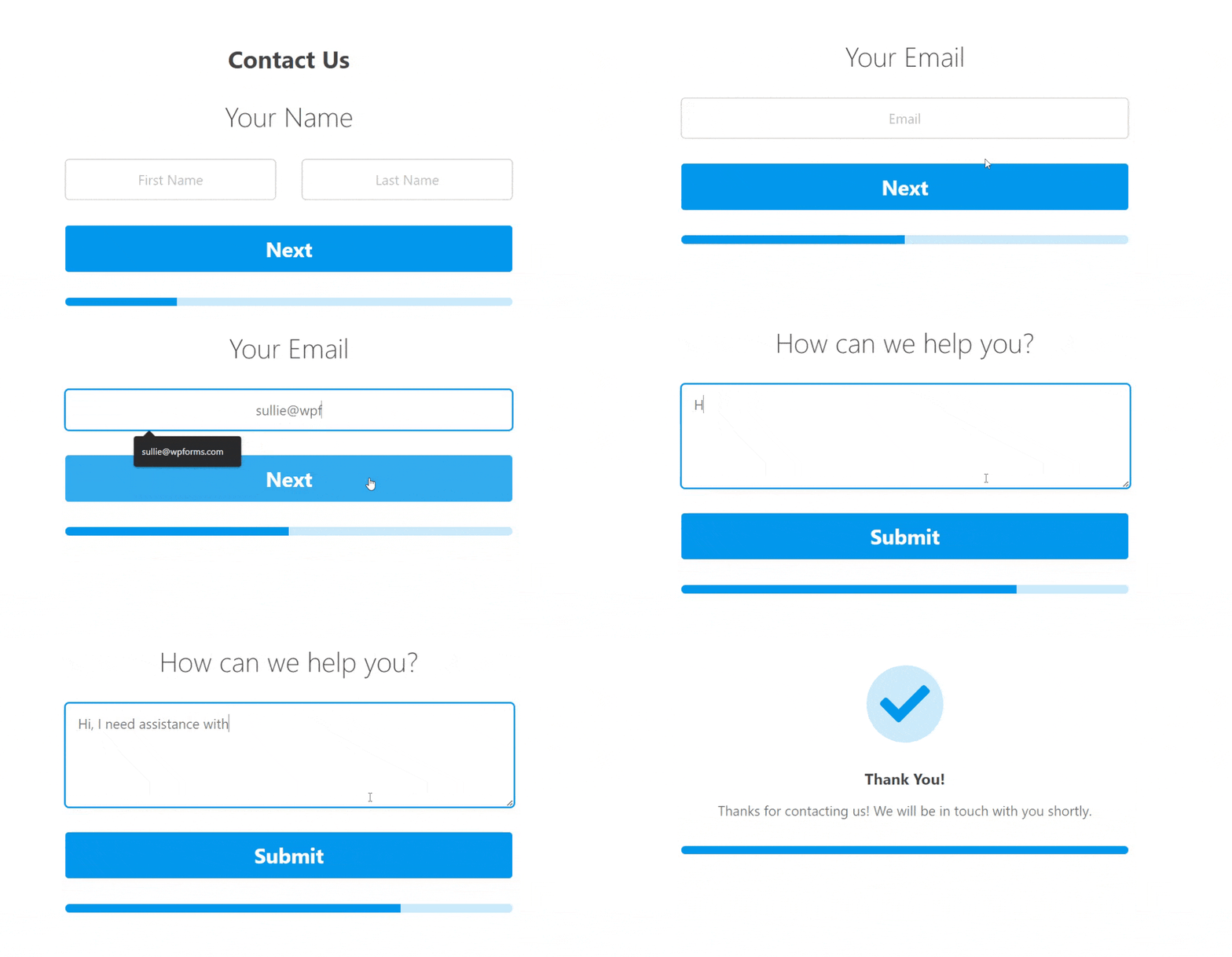
Lead Forms strips away every distraction and presents your form one clean step at a time. It’s built for landing pages that have a single job, where every extra element on the page costs you signups.
Conversational Forms
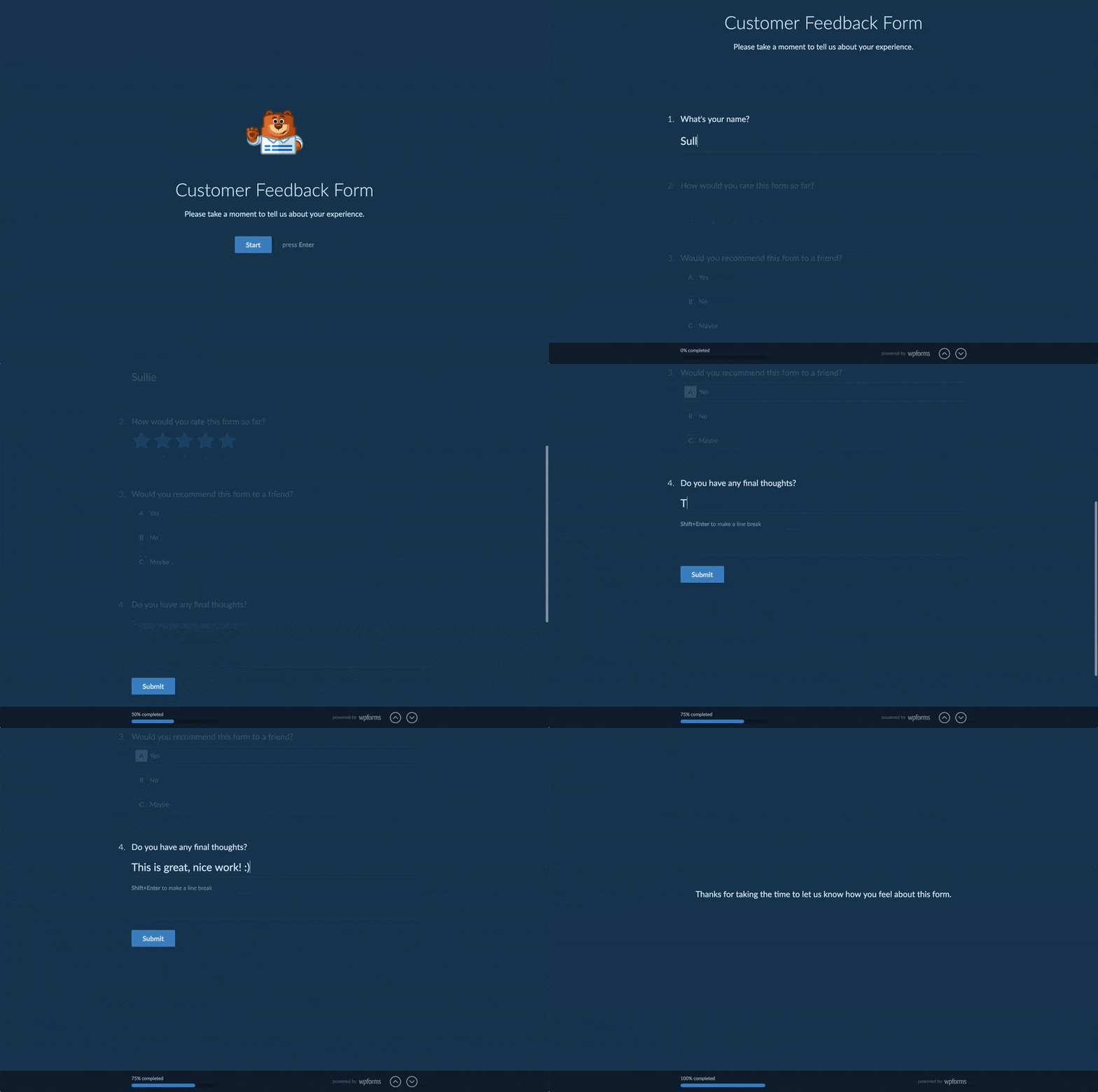
Conversational Forms takes a similar idea further and asks one question at a time, like a chat. Longer surveys feel shorter this way, especially on a phone, where one question fills the screen comfortably.
Form Abandonment
Some visitors start your form and leave anyway, which is exactly what Form Abandonment exists for. It captures partial entries in real time, so a visitor who typed an email address and walked away is still a lead you can follow up with.

User Journey Reports
User Journey reports show you the pages a visitor moved through before they reached your form. That’s the other half of the measurement story, what happens before the form, while Analytics covers what happens inside it.

Geolocation
Geolocation autocompletes addresses as visitors type and enriches entries with location data. It also powers the Map Field from the first act, so shorter forms and richer data come from the same addon.

Form Pages
Form Pages gives any form its own distraction free landing page with a clean URL, no page builder required. It pairs naturally with Lead Forms when a campaign needs a dedicated destination.
Multi-Page Forms
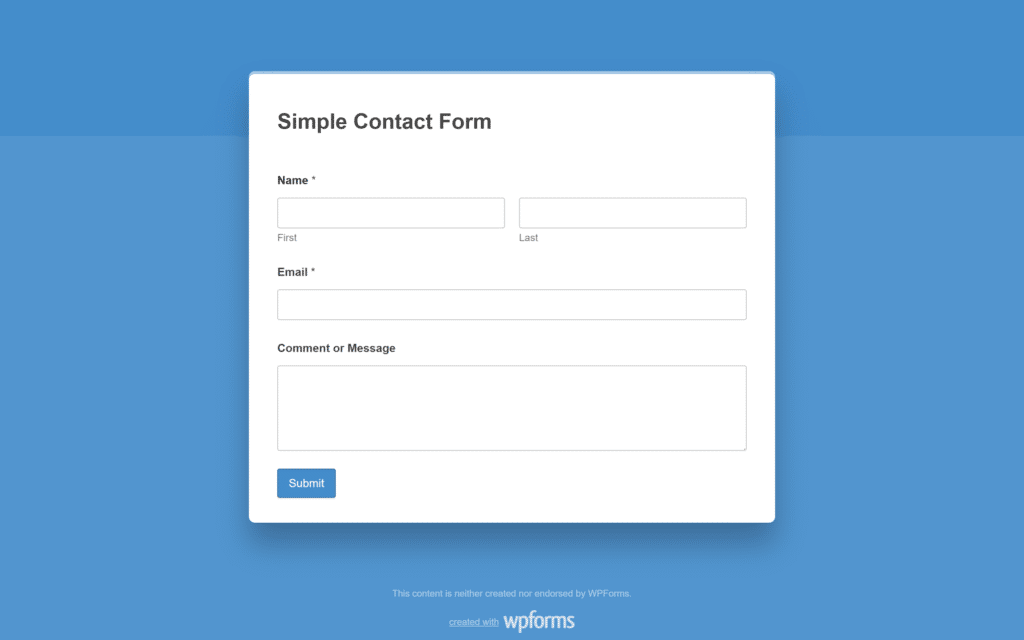
A big ask reads smaller when it comes in steps, so multi-page forms break long forms into pages with a progress bar. An application that would scare someone off as one wall of fields becomes a sequence of easy screens.

Spam Protection
Conversion also depends on trusting what comes in, which is why built in spam protection keeps junk out of your entries so the data you act on is real.

File Upload Restrictions
Forms that accept files need control over what arrives, and File Upload Restrictions gives you exactly that. You decide what visitors can send, by type and by size, so uploads stay useful.

Automate the Busywork: Your Forms Work While You Don’t
Once entries arrive, the repetitive work begins, and the last eighteen months went after it piece by piece.
Entry Automation
Entry Automation schedules exports and deletions so weekly reports and data cleanup run themselves. Set the schedule once and the Friday export you used to do by hand simply appears.

Entry Importer
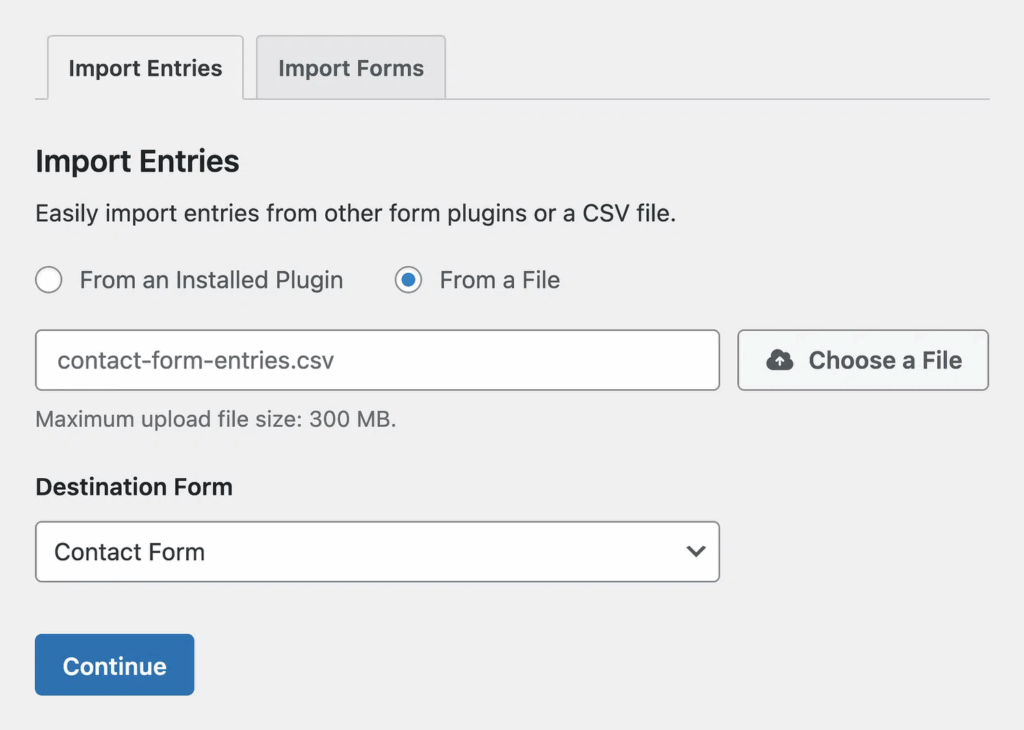
Entry Importer works in the other direction and brings submissions into WPForms from any CSV file or from other WordPress form plugins, with smart field mapping and validation on the way in.
PDF Addon
The PDF addon turns entries into branded documents automatically. Quotes and certificates generate themselves from templates you style once.

Surveys and Polls Reporting
This spring the Surveys & Polls reporting experience was rebuilt around a clearer results page, so the feedback you collect turns into charts worth putting in front of stakeholders.

Measure and Improve: WPForms v2.0 Brings Built-in Form Analytics
WPForms Analytics is the headline of version 2.0, and it’s a full reporting home for your forms inside your WordPress dashboard.
It tracks how many people view each form and how many convert, shows you which fields cause friction, and counts how many visitors abandon along the way.
You can set conversion goals to prove that a change worked, and when you’d rather ask than dig, AI Chat answers questions about your form data in plain English.
Your tracking data is stored on your own site, and AI Chat sends your questions to the WPForms AI service when you use it. There’s no external analytics account to wire up before you see your first numbers.

Make the Most of What You Already Own
If you’re already on Pro or Elite, the honest next step is an audit of what you already own. Update to WPForms 2.0, open Analytics, and then pick one feature from this article that you own but haven’t activated.
Most of the conversion toolkit above is already in your license.

If you’re on Lite or a lower tier, everything in this story is one upgrade away. 5+ million websites run WPForms, backed by 13+ thousand 5-star reviews on WordPress.org, and everything you just read ships in v2.0.
FAQs About WPForms v2.0
Here are answers to the questions we hear most about WPForms 2.0, the new Analytics reports, and what the update means for your license.
What’s new in WPForms v2.0?
WPForms 2.0 introduces WPForms Analytics, a built in reporting area that tracks form views, conversion rates, field level friction, and abandonment counts, with conversion goals and an AI Chat for asking questions about your data.
Is WPForms v2.0 a free update?
Yes, the update itself is free for every WPForms user and arrives through the normal WordPress update flow, including for Lite users.
You’ll see the new analytics columns appear on your All Forms page after updating, with a preview of what’s being measured.
To unlock the full picture, upgrade to WPForms Pro and join over 6 million website owners who trust WPForms to power their online forms.
Do I need to set anything up to use WPForms Analytics?
No separate analytics account is required, and your form tracking data is stored on your own site.
Update to WPForms 2.0 and the new Analytics area appears in your WordPress dashboard, ready to start reporting on your forms.
Next, See Where Your Forms Can Go From Here
If you enjoyed the story of the road so far, the full milestones timeline shows every release in order, and our 2025 Year in Review captures the year the integration surge happened, with the numbers to match.
Get Started With WPForms Today
Ready to build your form? Get started today with the easiest WordPress form builder plugin. WPForms Pro includes lots of free templates and offers a 14-day money-back guarantee.
If this article helped you out, please follow us on Facebook and X (Twitter) for more free WordPress tutorials and guides.





