









WordPress Form Analytics

See Exactly Where Your Forms Lose People

While most websites guess why visitors abandon their forms, you’ll have field-level analytics and AI insights to find and fix every conversion leak.

Everything You Need to Understand Your Forms

You don’t need to connect an analytics account, set up event tracking, or add any code. It’s all built into the form builder you already use. Join over 6,000,000 businesses who rely on WPForms to power their workflows. Get started with WPForms today!

Form Health at a Glance

See Views, Entries, and Conversion Rate beside every form on your All Forms page.

Analytics Dashboard

Stat cards track views, interactions, conversion rate, abandonments, and errors.

Field-Level Insights

See how visitors interact with every field, including the time they spend on each one.

Abandonment Tracking

Find the exact field where people give up so you know precisely what to fix.

Error Tracking

Spot the fields that throw errors before they quietly cost you leads.

Conversion Goals

Set a target conversion rate and watch the built-in progress ring climb toward it.

Built-In AI Chat

Ask questions about your form data and get plain-English answers with fixes to try.

CSV Export & Print

Share polished analytics reports with clients and teammates in just a few clicks.

Accurate by Design

Form previews and your own logged-in visits never pollute the numbers.

WordPress Form Analytics for Every Kind of Site

WPForms Analytics is built for anyone who wants their forms to convert better, without turning form tracking into a second job.

Lead Generation

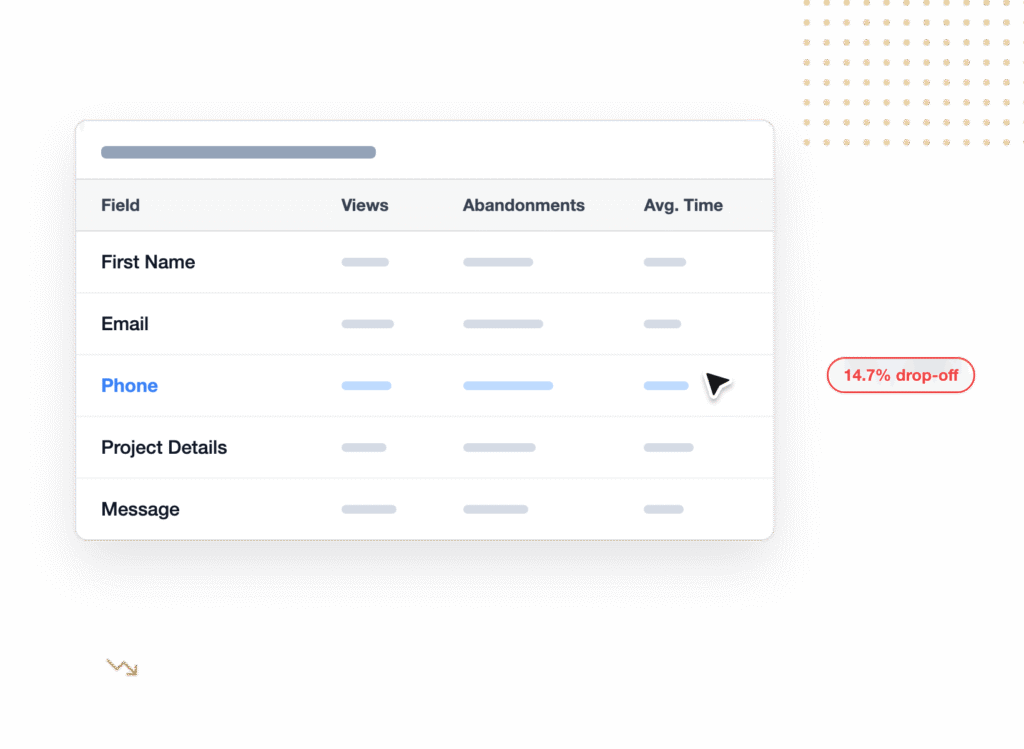
Your quote and contact forms get steady traffic, but how many visitors actually finish them? Open a form’s analytics and the field table shows where prospects hesitate, error out, or quit, so you know exactly what to simplify.

Dashboard table listing fields (First Name, Email, Phone, Project Details, Message) with loading skeleton bars for Views, Abandonments, and Avg. Time, plus a right-side badge reading 14.7% drop-off.

Agencies & Clients

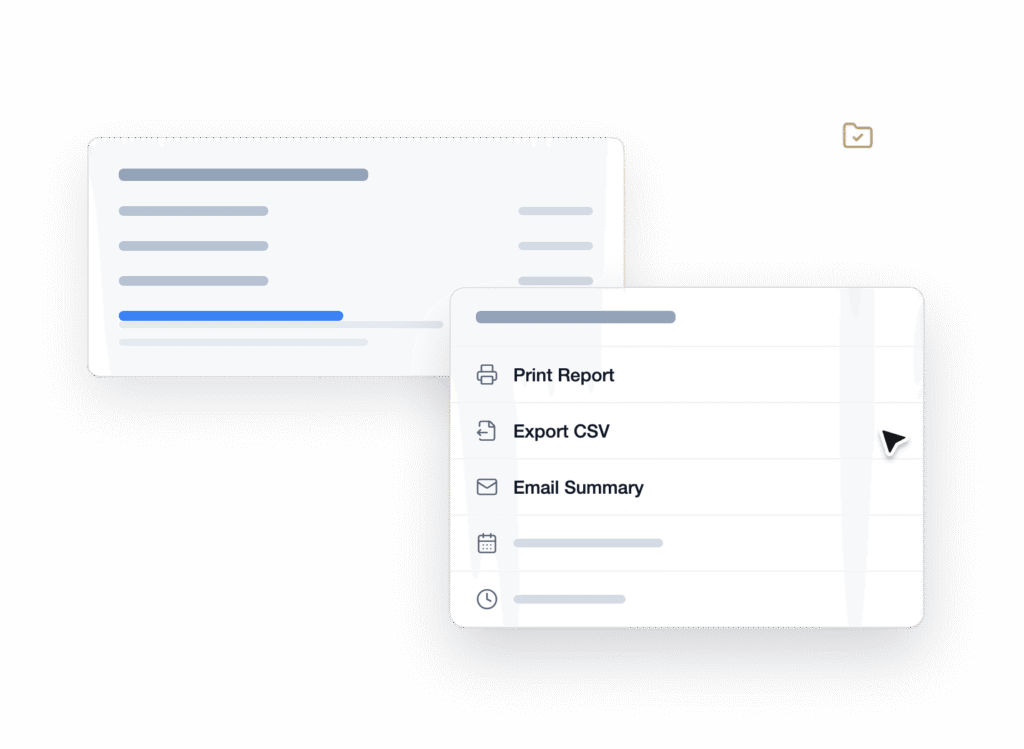
Scan Views, Entries, and Conversion Rate across every form on a client’s site in one screen. Then export the report to CSV or print it, and walk into the monthly review with numbers instead of guesses.

Floating menu on a white card listing export actions: Print Report, Export CSV, Email Summary, etc.

eCommerce Orders

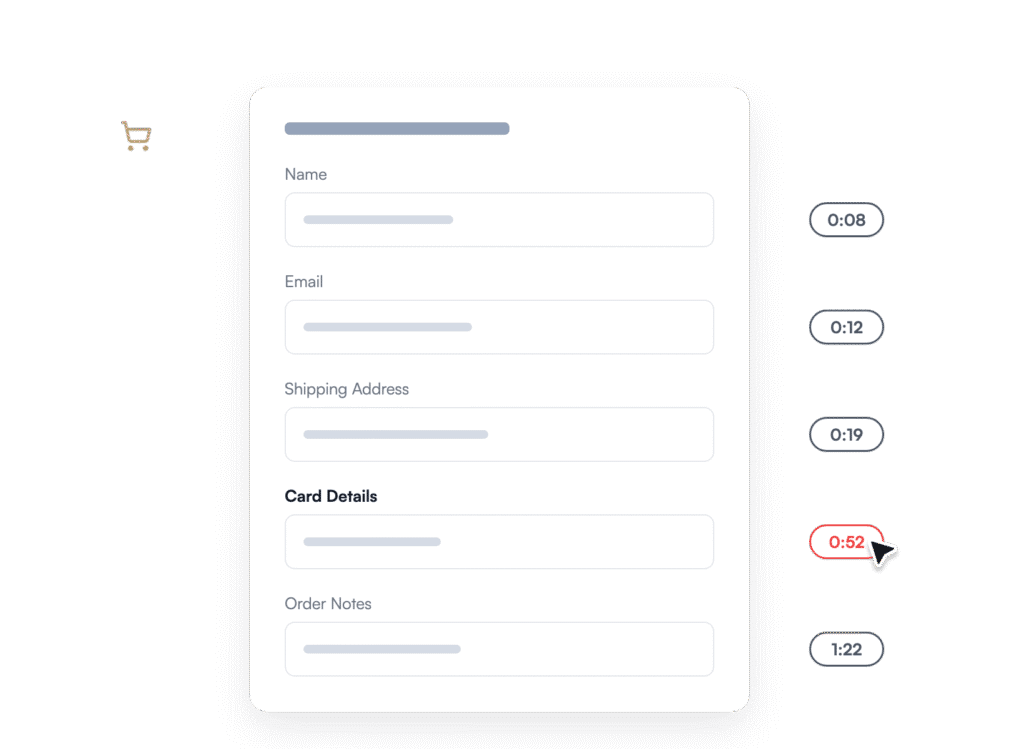
Order, quote, and inquiry forms leak revenue quietly. Field-level analytics shows the exact step where buyers slow down or bail, so you can fix the friction before it costs another sale.

White rounded form card on a dark background with labeled input fields (Name, Email, Shipping Address, Card Details, Order Notes).

Marketing Campaigns

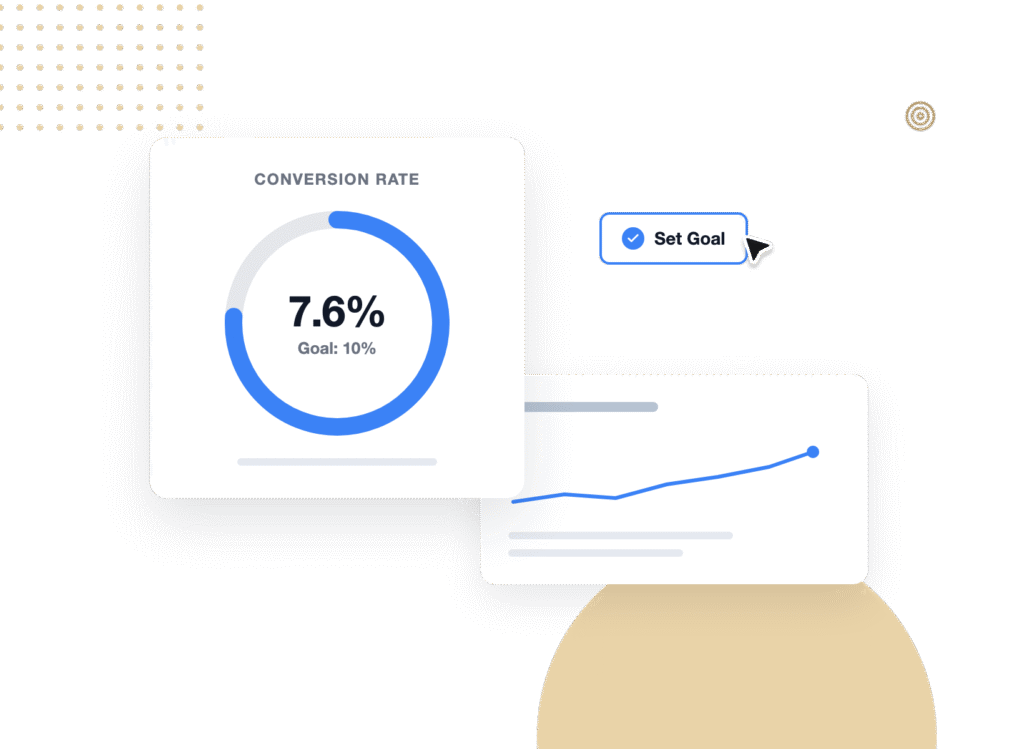
You test landing pages, so why guess at forms? Set a conversion goal, watch the trend week over week, and ask WPForms AI which change moved the number.

Dashboard card showing a conversion rate of 7.6% with Goal: 10% and a blue progress ring progress

Everything WPForms Analytics Can Do For You

WPForms Analytics is built by the team that builds your forms, so it sees details outside tools simply can’t reach.

See Every Form’s Health at a Glance

Your All Forms page now shows Views, Entries, and Conversion Rate beside every form on your site. One look on Monday morning tells you which forms are pulling their weight and which one dipped last week. No tabs to open, reports to run, or guesswork.

Overview card titled 'Forms Overview' with a green 'NEW' badge and orange '+ Add New' button; below a table listing form names (Newsletter Signup, Job Application, Customer Support) with metrics (Entries, Views, Conversion) and a floating 'Conversion Rate' card showing 7.6% and a green up indicator; a dark rounded pill at bottom left says 'Form Health at a Glance'.
Form Fields table on pink background showing fields First Name, Email, Project Details; Project Details row highlighted with 0:58 and 33% abandonment; right-side callout bubble says '1/3 abandon here'.

Find the Exact Field Where People Give Up

A field-by-field table shows how often visitors interacted with each field, how long they spent on it, how often it threw an error, and where they abandoned. When people spend nearly a minute on a certain field and a third of them quit right there, the fix becomes obvious. Make the field optional, split it in two, and watch the numbers respond.

Set a Conversion Goal and Watch It Climb

Set a target conversion rate for any form and WPForms tracks your progress with a built-in goal ring. Without a benchmark, it’s hard to know whether 4% is good or needs attention. With one, every improvement you ship has a scoreboard.

Donut chart showing a 7.6% conversion rate with a goal of 10%, on a white rounded panel labeled 'Conversion Rate' against a green gradient background. A green badge on the right reads '↑ 5% this week'. In the foreground, a white card displays a 'Conversion Rate' form with a large blue 'Save Changes' button bottom-left and rounded corner shapes. A dark rounded pill reading 'Hit Your Conversion Goal' appears near the bottom left.
White card on a lavender background showing the WPForms AI hero with a bear mascot, bold title, descriptive text and a list of example questions with a purple 'Ask WPForms AI' CTA.

Ask WPForms AI to Get Answers Quickly

Ask what’s hurting conversions, which form is underperforming, or where people drop off. The built-in AI chat reads your real form data and answers in plain English, with suggestions you can act on the same day. It’s like having a conversion analyst inside your dashboard.

Get Client-Ready Reports in Two Clicks

Need to share the numbers with a client, your team, or your own records? Export any form’s analytics as a CSV or print the report straight from the dashboard, scoped to the last 7, 30, or 90 days or any custom range. Plus, every site keeps its data in its own database, which makes agency reporting clean by default.

Illustration of a forms analytics dashboard titled 'Forms Analytics • Last 30 Days' showing metrics (Views, Interactions, Conversion Rate, Abandonments, Errors) and two action buttons (Export CSV, Print Report) on a yellow background.
White rounded card on a blue background titled 'Engineered for Accuracy' with three green-check bullet points, and a second card noting data stays in your WordPress database; a green 'Numbers You Can Trust' button appears below.

Numbers You Can Actually Trust

Form previews are never counted, so testing your own form won’t inflate its stats. Logged-in admins, editors, and authors are excluded automatically, and a field only counts as viewed when it actually appears on the visitor’s screen. As a result, even long forms report honest numbers you can make decisions on.

View all

Frequently Asked Questions and Resources

Have questions about WPForms Analytics? We’ve got answers.

What is WPForms Analytics?

WPForms Analytics is a built-in form performance tracking suite inside your WordPress dashboard. It tracks how many people view each form, how they interact with every field, where they abandon, which errors fire, and how your conversion rate trends over time. There’s nothing to install separately, because it’s part of WPForms itself.

Do I need to set up Google Analytics or add tracking code?

No. WPForms Analytics requires no analytics account, no event tracking, and no code. Tracking starts automatically when you update WPForms, and your first insights appear as soon as visitors start using your forms. In short, if you can update a plugin, you can track your forms.

Does WPForms Analytics replace Google Analytics or MonsterInsights?

No, WPForms Analytics complements site-level analytics tools rather than replacing them. Google Analytics and plugins like MonsterInsights tell you how people find and move through your site, while WPForms Analytics sees inside the form itself, down to individual field timing, errors, and abandonment points that outside tools can’t reach. Many sites run both: site analytics for traffic, WPForms Analytics for everything between form view and submit.

Which WPForms plan includes Analytics?

WPForms Analytics is included with WPForms Pro and Elite plans at no extra cost, covering the dashboard, field-level insights, conversion goals, exports, and the AI chat. On Lite, Basic, or Plus, you’ll see the new Views, Entries, and Conversion Rate columns as a preview of what’s being measured. To unlock the full picture, upgrade to WPForms Pro.

Where is my form analytics data stored?

All WPForms Analytics data is stored in your own site’s WordPress database. Nothing is sent to a third-party analytics service, there’s no external account to connect, and your visitors’ behavior stays on your server. That also keeps reporting clean for agencies, because each client site owns its own numbers.

What can I ask the built-in AI chat?

The built-in AI chat answers questions about your real form performance data. For example, you can ask “How does the conversion rate compare to last week?”, “Which fields have the most drop-offs?”, or “Summarize this form’s overall performance,” and get plain-English answers with suggestions to improve conversions. It’s part of WPForms AI, which also generates forms, field choices, and translations.

Will tracking slow down my site, and does it work on mobile?

No, WPForms Analytics tracking is lightweight and runs inside the plugin you already have, so there’s no extra third-party script to load. It tracks visitors on desktop, tablet, and mobile automatically, and the analytics dashboard itself is fully responsive. Your own visits won’t pollute the data either, since logged-in admins, editors, and authors are excluded.

Can I export or share my form analytics reports?

Yes, every WPForms Analytics report can be exported as a CSV or printed directly from the dashboard. That makes it easy to drop the numbers into a client deck, share them with your team, or keep monthly records. Date filters for the last 7, 30, or 90 days, or any custom range, let you scope the report before you export.

How does WPForms Analytics work with Form Abandonment?

They’re partners. WPForms Analytics shows you where and how often visitors abandon your forms, while the Form Abandonment addon captures partial entries so you can follow up and win those leads back. Pair them with User Journey reports to also see the pages visitors viewed before reaching the form. Together you get the full story: before the form, inside the form, and after someone leaves.

Start Tracking Your Forms. It’s That Simple.

Join the 6,000,000 professionals who use WPForms to turn form data into more leads and conversions.

✓ 14-Day Money-Back Guarantee · ✓ Setup in Under 5 Minutes · ✓ No Coding Required · ✓ Used on 6,000,000 Sites

🔔 Subscribe to get our latest updates
📧 Subscribe to Emails

Email Subscription

Join our Newsletter

We won’t spam you. We only send an email when we think it will genuinely help you. Unsubscribe at any time!

No announcements available at the moment.