


AI Summary
Running a nonprofit means wearing every hat on the rack, and “web developer” probably isn’t the one you signed up for. Meanwhile, the donations your cause depends on can’t wait for a complicated tool to cooperate.
The right WordPress donation plugin takes that weight off your shoulders. It collects one-time and recurring gifts, keeps your donor records tidy, and leaves your budget for the mission instead of the software.
I’ve rounded up the 10 best WordPress donation plugins for nonprofits and charities, with verified pricing, free-version notes, and a quick verdict on who each one actually fits.
Create Your WordPress Donation Form Now
What Is the Best Donation Plugin for WordPress?
For most small nonprofits, WPForms is the best WordPress donation plugin because it handles donation forms, event registrations, and volunteer signups in one place, and qualified nonprofits get 75% off. If fundraising is your site’s entire job, a dedicated suite like WP Charitable or GiveWP may fit better.
Here’s how all 10 compare at a glance.
| Plugin | Best For | Starting Price | Free Version |
|---|---|---|---|
| WPForms | Flexible donation forms for small nonprofits | $199.50/year (75% off for nonprofits) | Yes (Lite) |
| WP Charitable | Dedicated fundraising campaigns | $69/year | Yes |
| WP Simple Pay | Simple Stripe payment forms | $49.50/year | Yes |
| GiveWP | Donor management in WordPress | $199/year | Yes |
| WP Crowdfunding | Kickstarter-style backer sites | Premium (via developer) | Yes |
| Donorbox | Hosted donation forms | 2.95% per donation | Yes |
| YITH Donations | WooCommerce checkout donations | Annual license | Yes |
| Formidable Forms | Data-heavy donation reporting | $39.50/year | Yes |
| Easy PayPal Donation | Simple PayPal donate buttons | Free (paid Pro upgrade) | Yes |
| Seamless Donations | Existing installs only (sunsetting) | Free with paid addons | Yes |
When choosing a WordPress donation plugin, here’s what I looked for:
- Can handle other aspects of your fundraising website’s needs.
- Allows for recurring donations (so you can scale up with monthly recurring donors).
- Is flexible and lets you do other things besides just donations.
- Ability to export entries.
- Is affordable (look out for nonprofit discounts!).
- Integration with email marketing services so you can connect your website to your donor lists.
With those boxes in mind, let’s look at the tools.
- 1. WPForms
- 2. WP Charitable
- 3. WP Simple Pay
- 4. GiveWP
- 5. WP Crowdfunding by Themeum
- 6. Donorbox
- 7. YITH Donations for WooCommerce
- 8. Formidable Forms
- 9. Easy PayPal Donation
- 10. Seamless Donations
1. WPForms
WPForms is the perfect WordPress donation plugin for small nonprofits looking to save money on pricey donation management software.
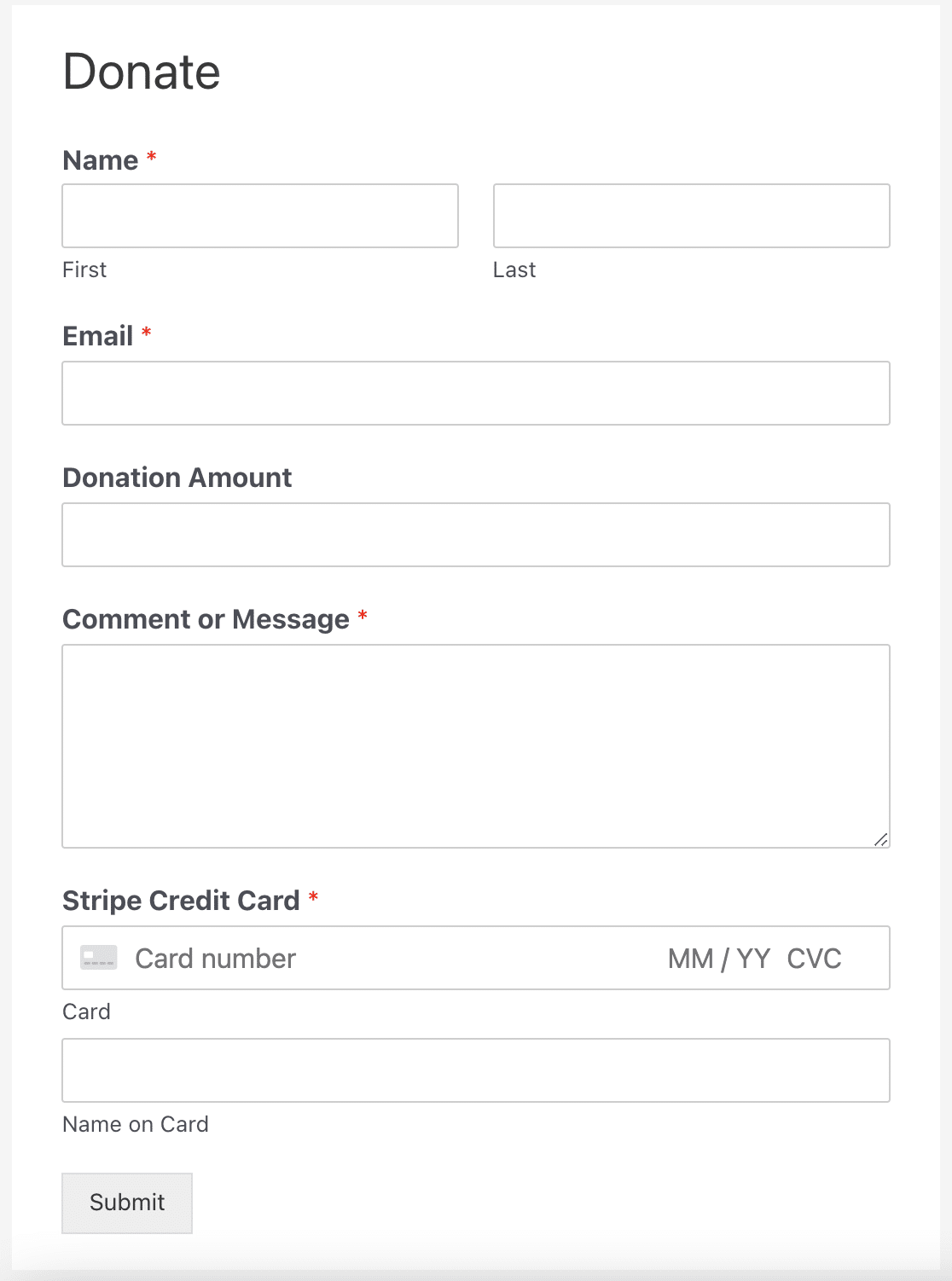
If you’re a nonprofit, WPForms gives you enough flexibility to create any kind of donation form you want for your specific needs. You can design your form and add media to it to draw more attention and encourage people to contribute to your fundraiser. Plus, you can accept donations using various payment methods including Stripe and PayPal.
Overall, WPForms is one of the best ways to run online charities in WordPress.
Features:
- Offers a massive WPForms Pro 75% discount for nonprofits.
- Accepts recurring donations via credit card with Stripe on any paid plan. Lite users can still collect one-time Stripe and PayPal donations.
- Also connects to Square (Pro plan), PayPal Commerce (Pro plan), or Authorize.Net (Elite plan) payment gateways.
- Entry editing features let you edit and export your form details so you can stay on top of donor management.
- Conditional logic lets you hide or show certain fields based on previous answers, which is great for segmenting donors into different categories based on the donation amount.
- Accept payments on any form you’d like to by simply adding payment fields.
- Search entries by payment details to find past transactions.
- Gives you a way to include the processing fee in the donation using the Calculations addon.
Pricing: WPForms Lite is free. Pro starts at $199.50 per year (introductory pricing), and qualified nonprofits get 75% off.
2. WP Charitable

WP Charitable is a donation plugin that enables you to accept PayPal and Stripe donations on your WordPress site. With the premium version, you can also use advanced fundraising features such as recurring donations, peer-to-peer fundraising, crowdfunding campaigns, and more. The paid version also offers additional payment gateway options and anonymous donations.
Features:
- Secure PayPal and Stripe donations (free).
- Unlimited campaigns (free).
- Recurring donations.
- Peer-to-peer fundraising.
- Crowdfunding.
- Anonymous donations.
Pricing: The core plugin is free. Paid plans start at $69 per year (normally $149).
3. WP Simple Pay
WP Simple Pay is an easy way to collect one-time or recurring donations from your WordPress site. It’s super simple to set up, you don’t need to touch a line of code or set up a complex shopping cart system.
Features:
- Collect donations via Stripe and ACH debit payments.
- Allows recurring donations and custom donation amounts.
- Easy drag and drop payment form builder.
- Offers multi-language and currency support.
- Apple Pay and Google Pay options for mobile visitors.
- Free version available with limited features.
Pricing: A free version is available. Paid plans start at $49.50 per year (normally $99).
4. GiveWP

There’s some huge, clunky fundraising software out there, but GiveWP keeps things simple and lightweight. This tool includes everything you’ll need to earn donations from your fundraising website.
Features:
- Offers a free WordPress donation plugin with limited features.
- Works great with any of the best WordPress themes for nonprofits.
- Customizable forms let you choose the suggested donation amount.
- Includes donor management tools.
- Recurring donations.
- Offers text-to-give donations for high conversions.
Pricing: The core plugin is free. Paid plans with the addon bundle start at $199 per year, now sold through Liquid Web.
5. WP Crowdfunding by Themeum
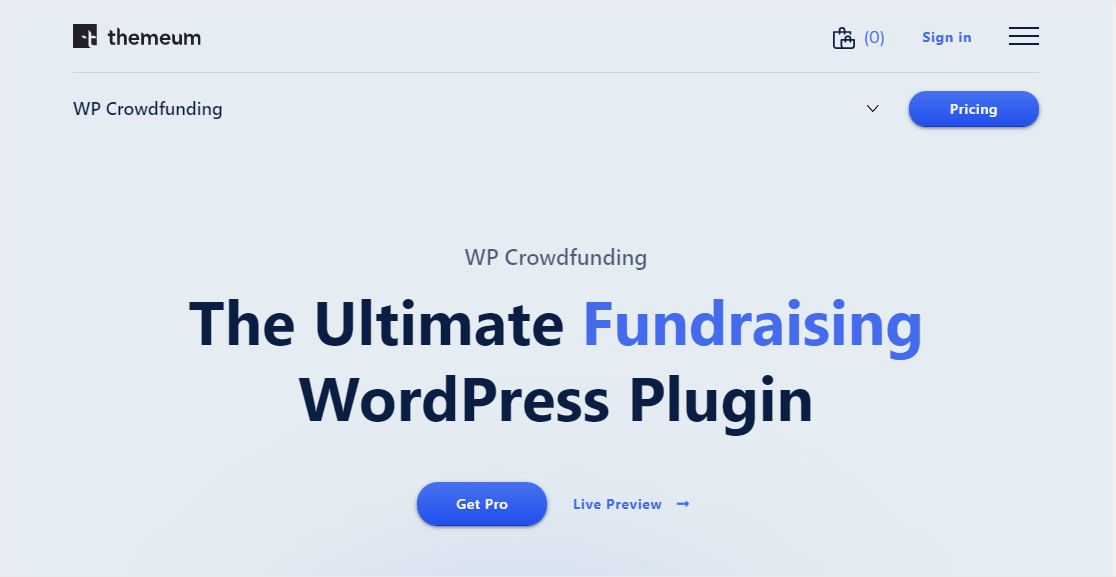
If you want to use a fundraising backer site like Kickstarter or GoFundMe, WP Crowdfunding is a great tool.
Features:
- Can be used for multiple charities at a time for big accounts.
- Integrates with WooCommerce, Stripe, PayPal, and Authorize.Net.
- Option to charge other charities a commission fee.
- Offers a limited free option.
- Features helpful reporting.
- Tightly integrated with WordPress (through the WooCommerce platform).
Pricing: A limited free version is available, with premium licenses sold through the developer’s site.
6. Donorbox
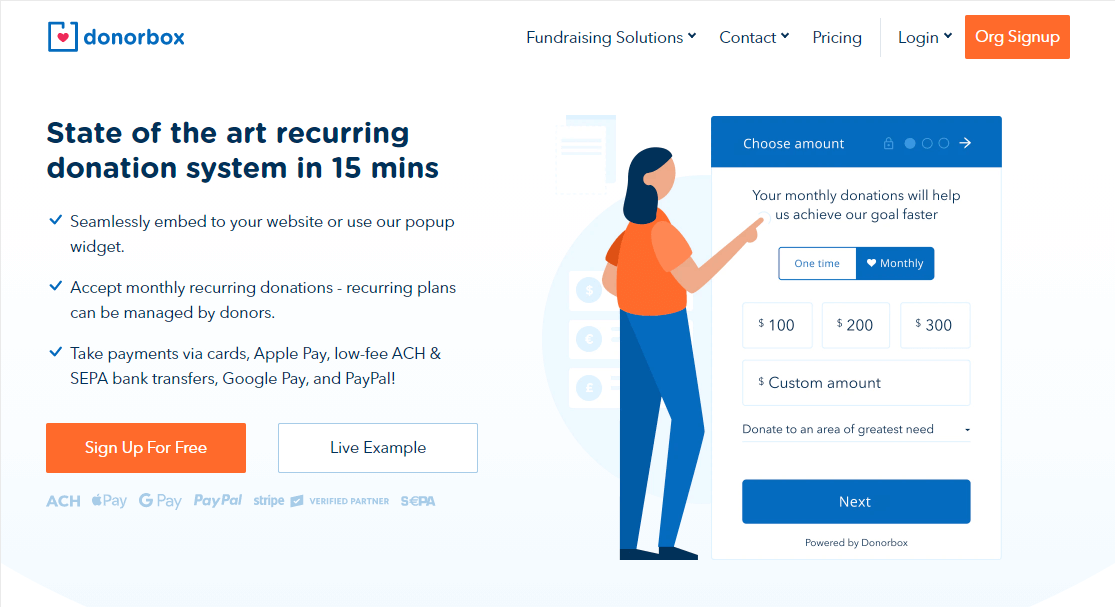
Donorbox is an online donation tool that works on many websites including WordPress. It’s easy to set up and packs quite a punch when it comes to features.
Features:
- Mobile Apple Pay integration to accept money at events, a smart fundraising idea for nonprofits.
- Optional company gift matching option for even more donations.
- Recurring donations including weekly, monthly, and annually.
- A goal meter to track and display your progress, encouraging more donations.
- Donation popup forms.
- No monthly cost on the Standard plan, with a 2.95% platform fee per donation.
Pricing: The Standard plan has no subscription fee and charges a 2.95% platform fee on each donation, plus payment processing. The Pro plan lowers the fees and costs $150 per month.
7. YITH Donations for WooCommerce
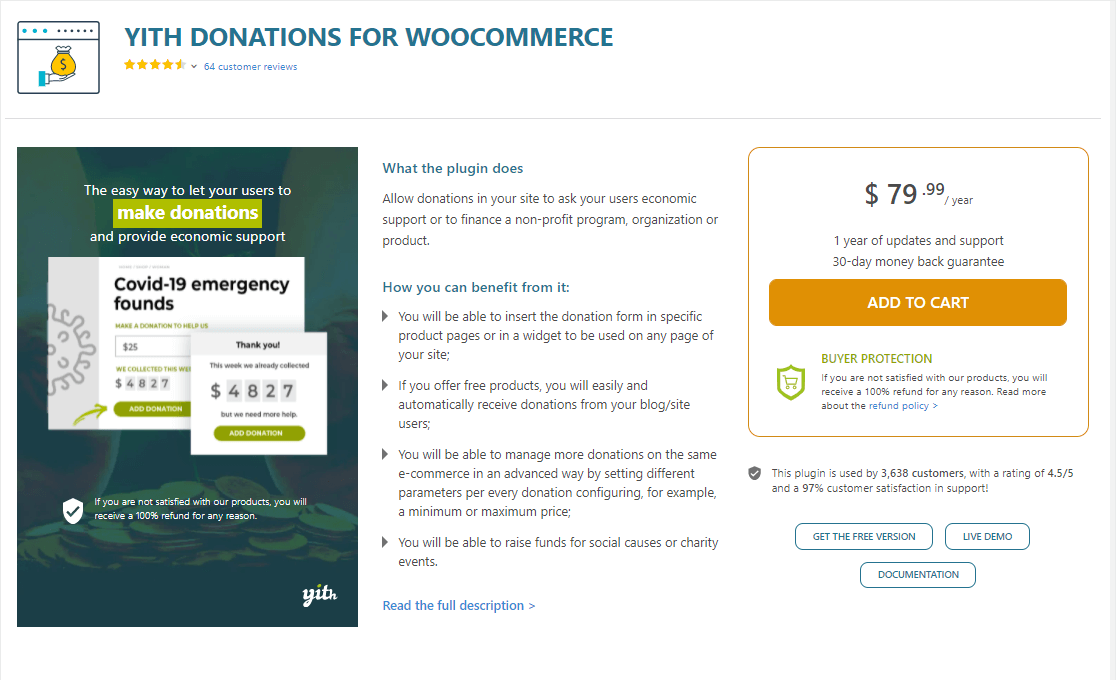
YITH Donations for WooCommerce is a very popular 3rd-party plugin for online store owners and nonprofits. You use it to simply add an option to collect donations from your online store.
Features:
- Prompts someone if they’d like to make a donation with their purchase.
- Offers donation receipts.
- A very well-known WooCommerce plugin for WordPress.
- Option to add a donation form to the cart page.
- Limited free version.
Pricing: The premium version is sold as an annual license through the YITH store, with a year of updates and a 30-day money-back guarantee.
8. Formidable Forms
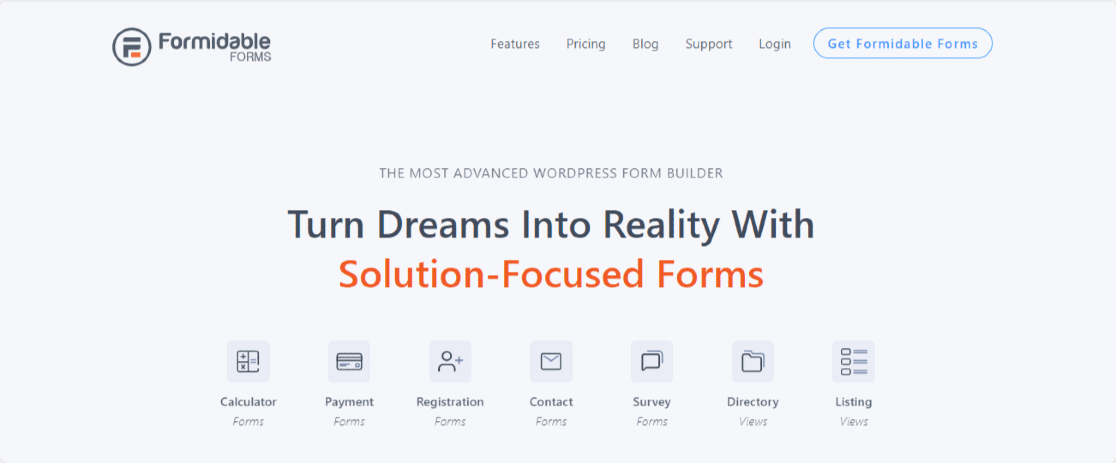
Formidable Forms is an advanced WordPress form-building tool that will let you add donations to your website (if you are very technical). Unlike WPForms, Formidable isn’t quite as beginner-friendly but is still powerful if you can master it.
Features:
- A straightforward WordPress plugin.
- Export form data outside of WordPress for helpful reporting.
- Import donation entries from other places.
- Offers calculations.
- Many pre-built form templates.
- Ability to view donation stats inside charts on the WordPress dashboard.
- Stripe payments are available to all users.
Pricing: A free version is available. Paid plans start at $39.50 per year (normally $79).
9. Easy PayPal Donation

If you want to keep it simple and no-fuss (and only need PayPal) look no further than the free Easy PayPal Donation WordPress plugin. Keep in mind, not accepting credit cards might stop a lot of donors from coming in.
Features:
- A straightforward button people can click on to donate on your WordPress site.
- People can send money from their PayPal account into yours.
- Choose from 7 different button styles (or you can upload a custom button if you’d like).
- Very simple, not a ton of features.
- Only accepts one-time donations in the free version.
Pricing: The plugin is free, with an optional paid Pro upgrade that adds recurring donations.
10. Seamless Donations

Last on the list is Seamless Donations, a simple tool that has offered both a free and paid option for years.
One important heads-up before you consider it. The developer has announced that Seamless Donations is sunsetting and will no longer be updated or supported, and even recommends that users migrate to GiveWP. It still runs on 2,000+ sites today, but it hasn’t been tested with recent WordPress releases.
Features:
- In honor of or in memory of buttons.
- Offers a free version.
- Recurring donations so you can get repeat donors.
- Lets you take credit cards or PayPal for your donations.
- The paid plan comes with addons.
Pricing: The base plugin is free with paid addons, but given the sunset announcement, don’t build anything new on it.
How Do I Accept Donations on WordPress?
You may be worried that it’s too difficult to collect donations online.
You’re a busy nonprofit, and coding isn’t on your to-do list. Good news, it doesn’t need to be.
The easiest way to accept donations on WordPress is by using the WPForms Pro plugin. Simply install the plugin and create a donation form using a pre-built donation form template.
You’ll unlock access to tons of helpful features including Conditional Logic, where you can hide or show boxes based on answers:
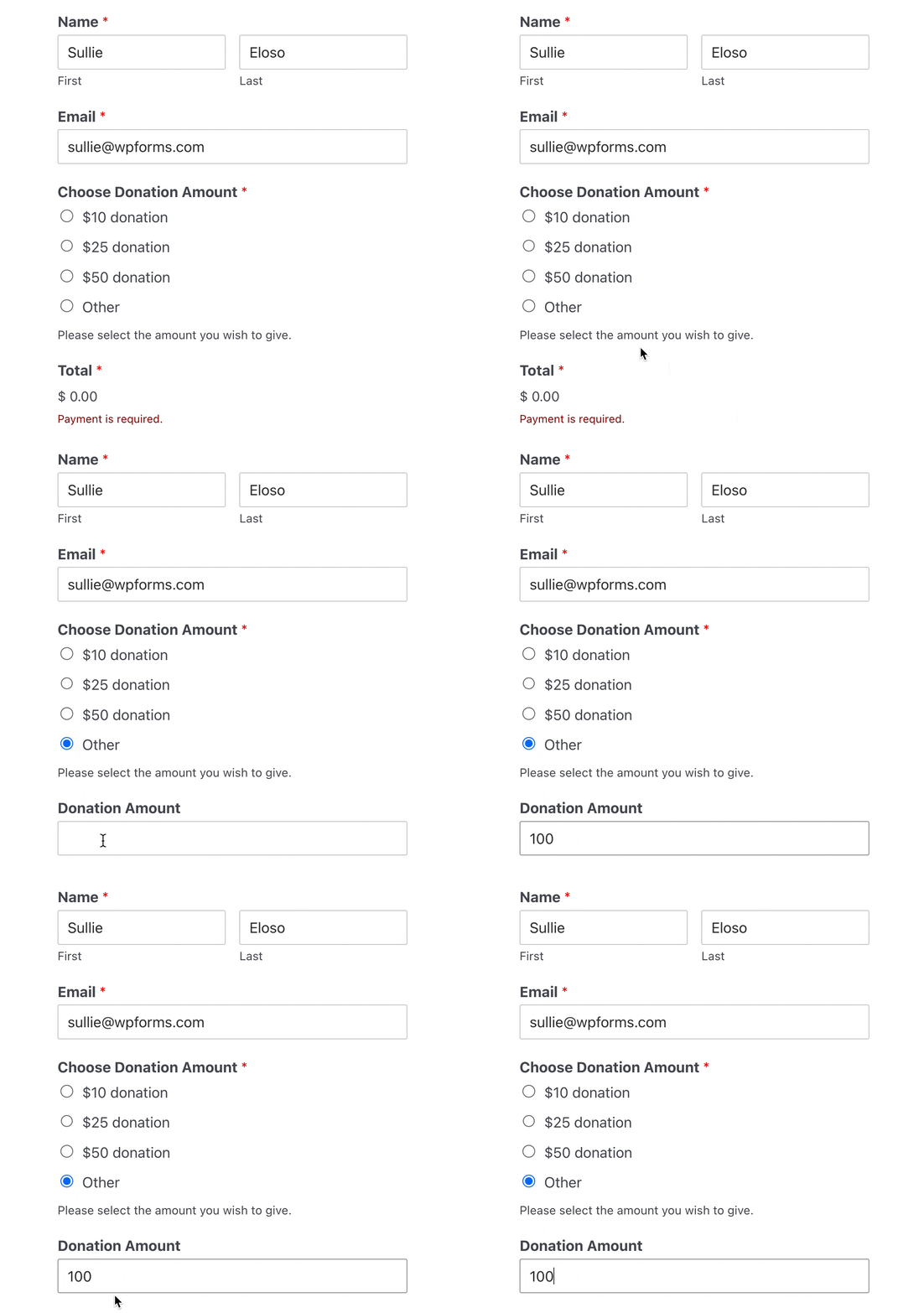
If you’re not familiar with the best form builder plugin, here’s a tutorial on creating a nonprofit donation form in WordPress.
For inspiration, browse these donation page examples to see what works, then put features like these to use:
- Use the Access Control feature to give volunteers limited access to your site, so they can sign in (from anywhere!) and help out.
- Accepting recurring donations with Stripe through online donation forms.
- Sell event tickets on your website and accept printed or digital copies for entry.
- Poll donors about what they’d like to see more of with the Survey and Polls addon.
FAQs About WordPress Donation Plugins
Choosing a WordPress donation plugin raises the same handful of questions for most nonprofits, so here are direct answers to the ones we hear most.
What is the best free donation plugin for WordPress?
WPForms Lite lets you collect one-time Stripe and PayPal donations free, and it grows with you into events and volunteer forms. WP Charitable and GiveWP also have capable free cores if you want a dedicated fundraising suite. The best pick depends on whether donations are one of several things your site does or the whole job.
How do WPForms and GiveWP compare?
WPForms is a general form builder with strong payment features, so donations, event registrations, surveys, and volunteer signups all come from one plugin, and nonprofits get 75% off Pro. GiveWP is a dedicated donation platform with deeper donor management built in. Pick WPForms if fundraising is part of a bigger site, and GiveWP if donor records are your top priority.
Can I accept recurring donations in WordPress?
Yes. WPForms supports recurring Stripe donations on any paid plan, and Charitable, GiveWP, WP Simple Pay, and Donorbox all offer recurring gift options too. Monthly donors are worth the setup effort because they give your nonprofit predictable income.
Do WordPress donation plugins charge fees on donations?
Self-hosted plugins like WPForms Pro, Charitable, and GiveWP charge no platform fee on paid plans, so you only pay your payment processor’s standard rates. Free tiers sometimes add a fee (WPForms Lite adds 3% on payments), and hosted services like Donorbox charge around 2.95% per donation.
Next, Find the Best WordPress Hosting for Your Nonprofit
And there you have it. We hope this list of the greatest WordPress donation plugins helped you find the right online tool for your fundraising campaigns.
And don’t forget, your donors are way less likely to give if your site isn’t running quickly and efficiently. Make sure to check out the best WordPress hosting services to see if you’re using the right one for your nonprofit or charity.
So what are you waiting for? Get started with the best WordPress donation form builder today, and take advantage of the 75% discount off WPForms Pro for any qualified nonprofit.
Create Your WordPress Donation Form Now
Ready to build your form? Get started today with the easiest WordPress form builder plugin. WPForms Pro includes lots of free templates and offers a 14-day money-back guarantee.
If this article helped you out, please follow us on Facebook and Twitter for more free WordPress tutorials and guides.





