













WordPress Calculator Plugin
Build the Perfect Calculator for Your Business
While most websites send visitors away to do the math, you’ll have a custom calculator that turns curious traffic into qualified leads. No spreadsheet formulas or coding needed.
See Calculators in Action
One calculator builder covers every industry. Pick your use case and start from a proven layout.
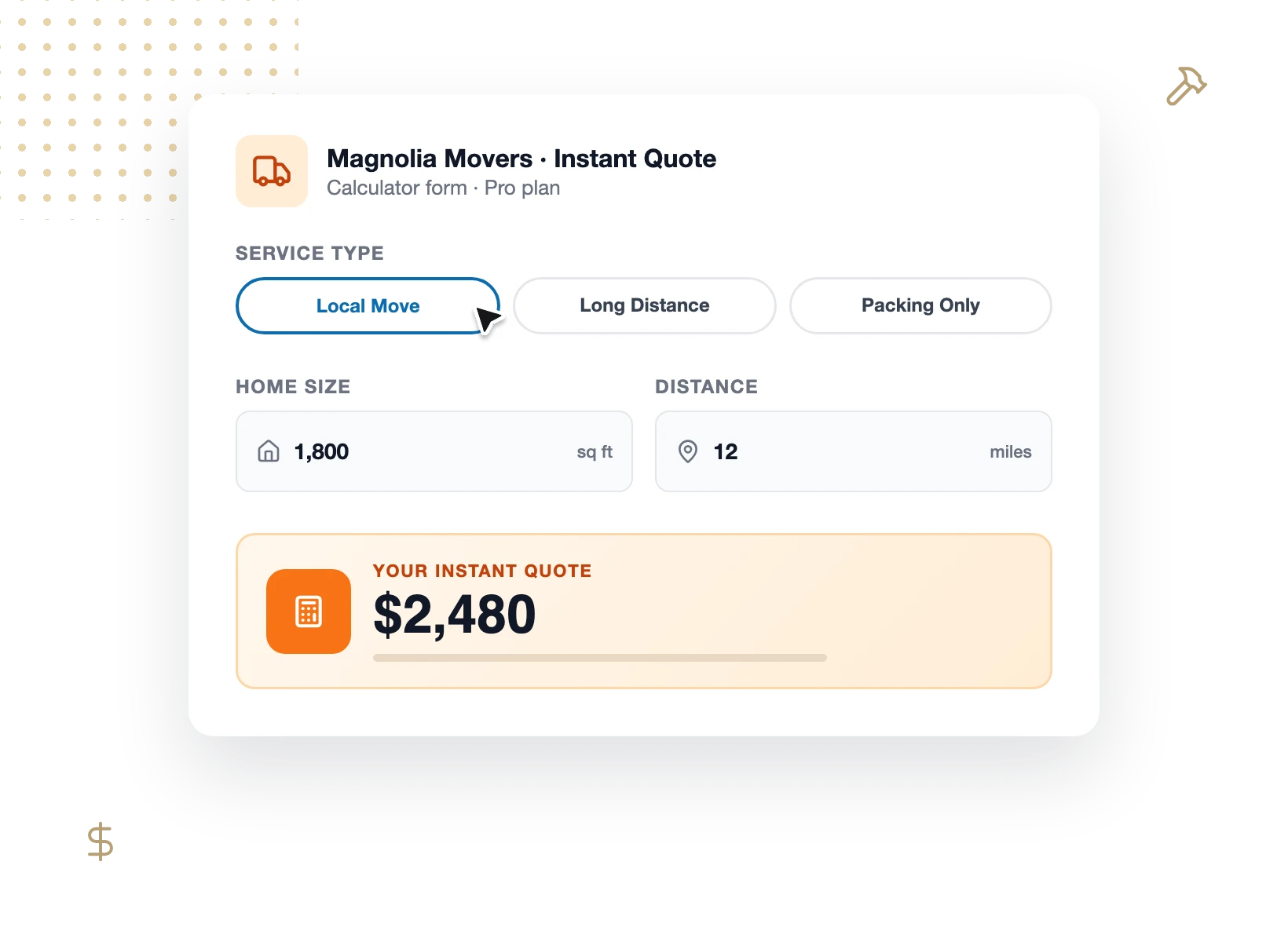
Service Quotes
Give contractors, movers, and agencies an instant quote calculator that prices the job from real inputs, then sends the lead straight to your inbox.

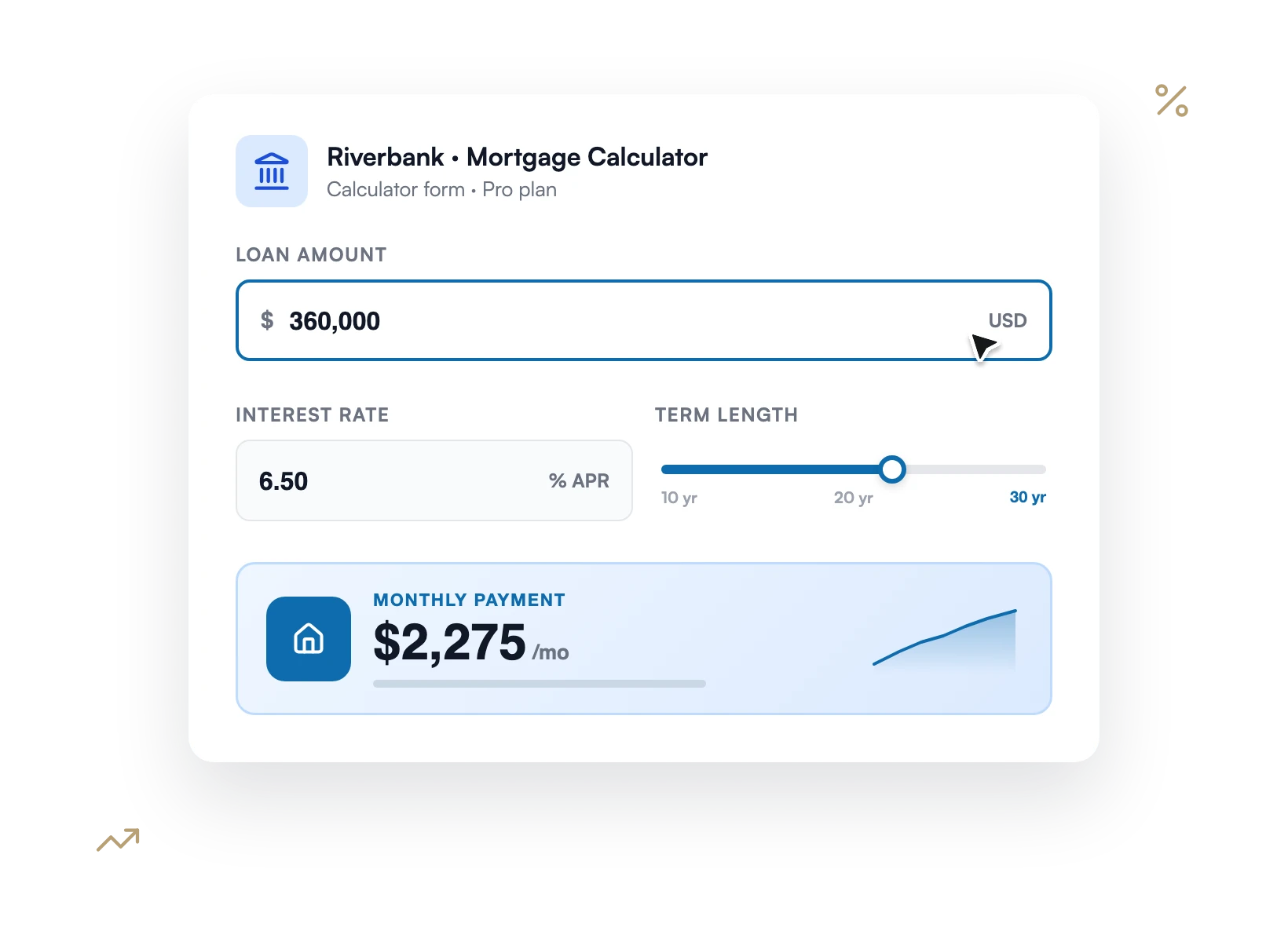
Finance & Loans
Help visitors estimate mortgage payments, compound interest, and loan amortization with calculators that update live as they adjust the numbers.

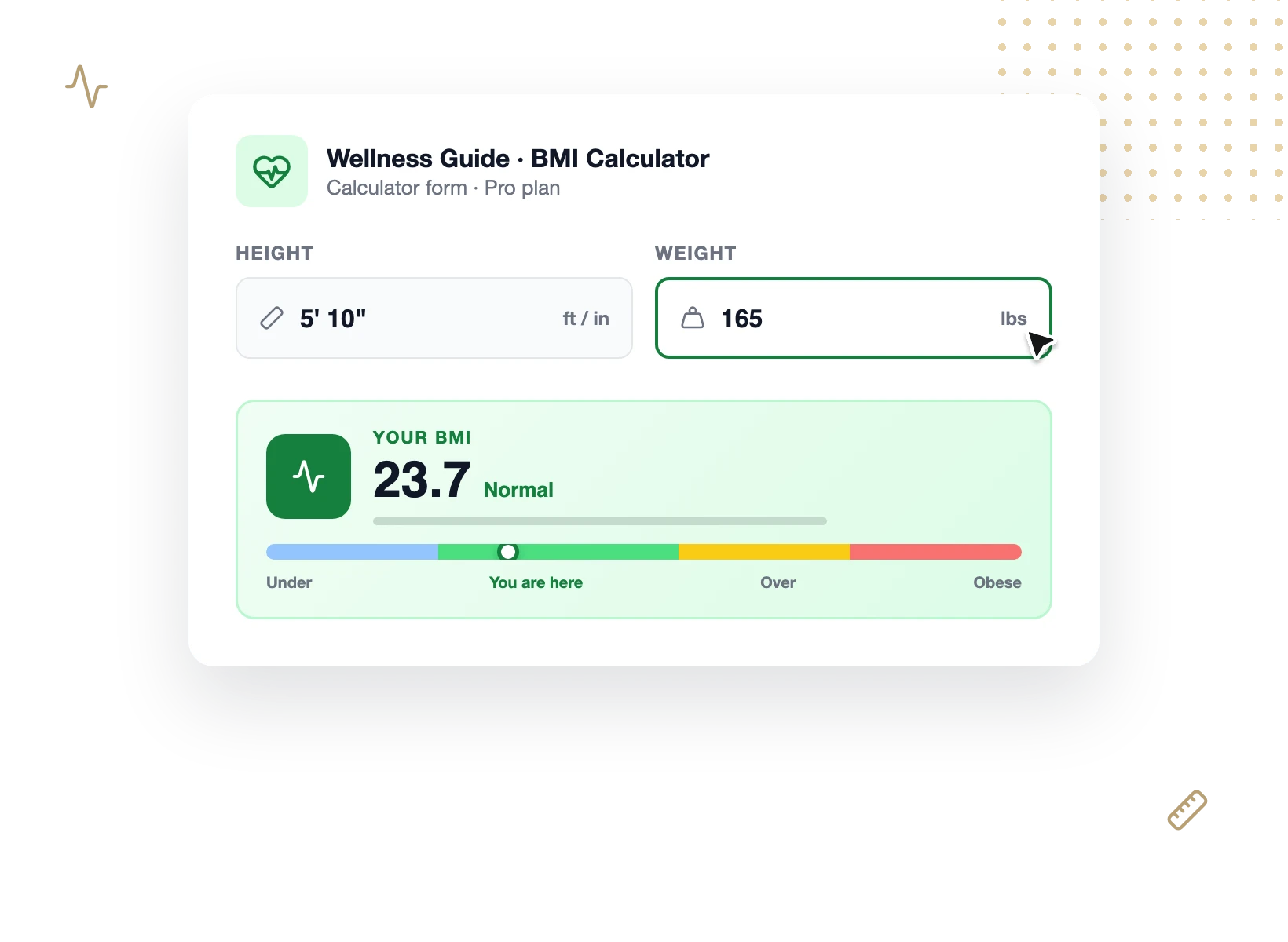
Health & Fitness
Offer BMI, calorie intake, and ideal weight calculators that give visitors a personalized result and give you a reason to follow up.

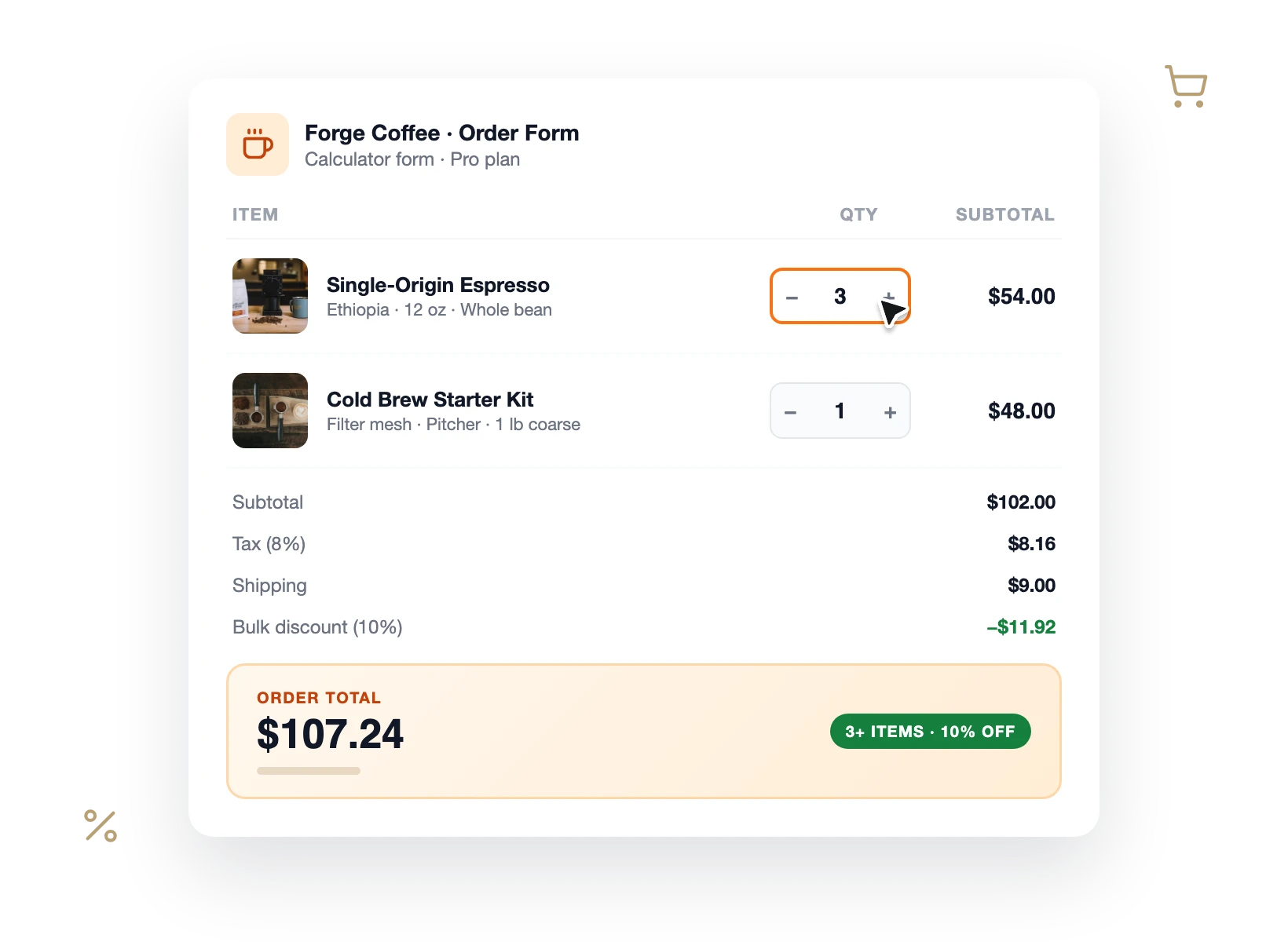
eCommerce Orders
Calculate product totals, bulk discounts, taxes, and shipping inside your order forms, in any currency, before the customer ever hits checkout.

Bookings & Travel
Price trips, rentals, and appointments on the spot with booking calculators that factor in dates, party size, and add-ons automatically.

Why 6 Million+ Websites Trust WPForms
From AI-written formulas to lead-capturing quotes, this WordPress calculator plugin turns your forms into business tools.

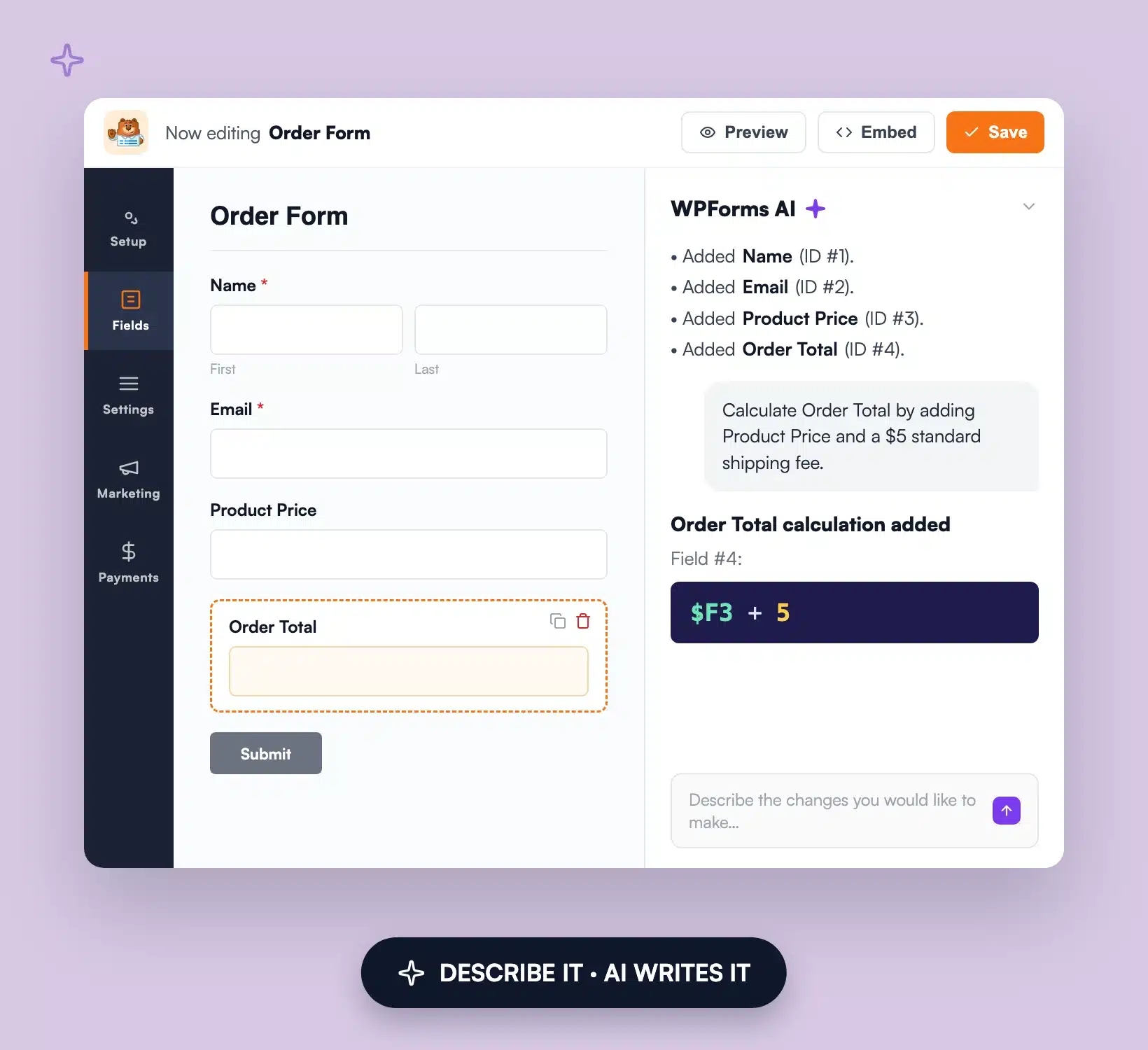
Describe It, and AI Writes the Formula
Tell WPForms AI what you want to calculate, in plain English, and it generates the formula for you. Sales tax, mortgage payments, tiered shipping rates, and BMI scores all take one prompt instead of an afternoon of math. You can review and edit every formula before publishing, so the AI hands you a starting point, not a black box.
Show Instant Results That Keep Visitors on Your Site
Static pages make visitors leave to do the math somewhere else. Your calculator shows results that recalculate the moment users change an input, so they stay, experiment with the numbers, and build trust in your expertise while they do it.


Turn Every Calculation Into a Captured Lead
A niche calculator is one of the best lead magnets you can publish. It attracts targeted search traffic, answers a question visitors actually care about, and gives them a real reason to share their email to receive personalized results. Add a single email field to any calculator and your WordPress calculator plugin becomes a lead generation machine.
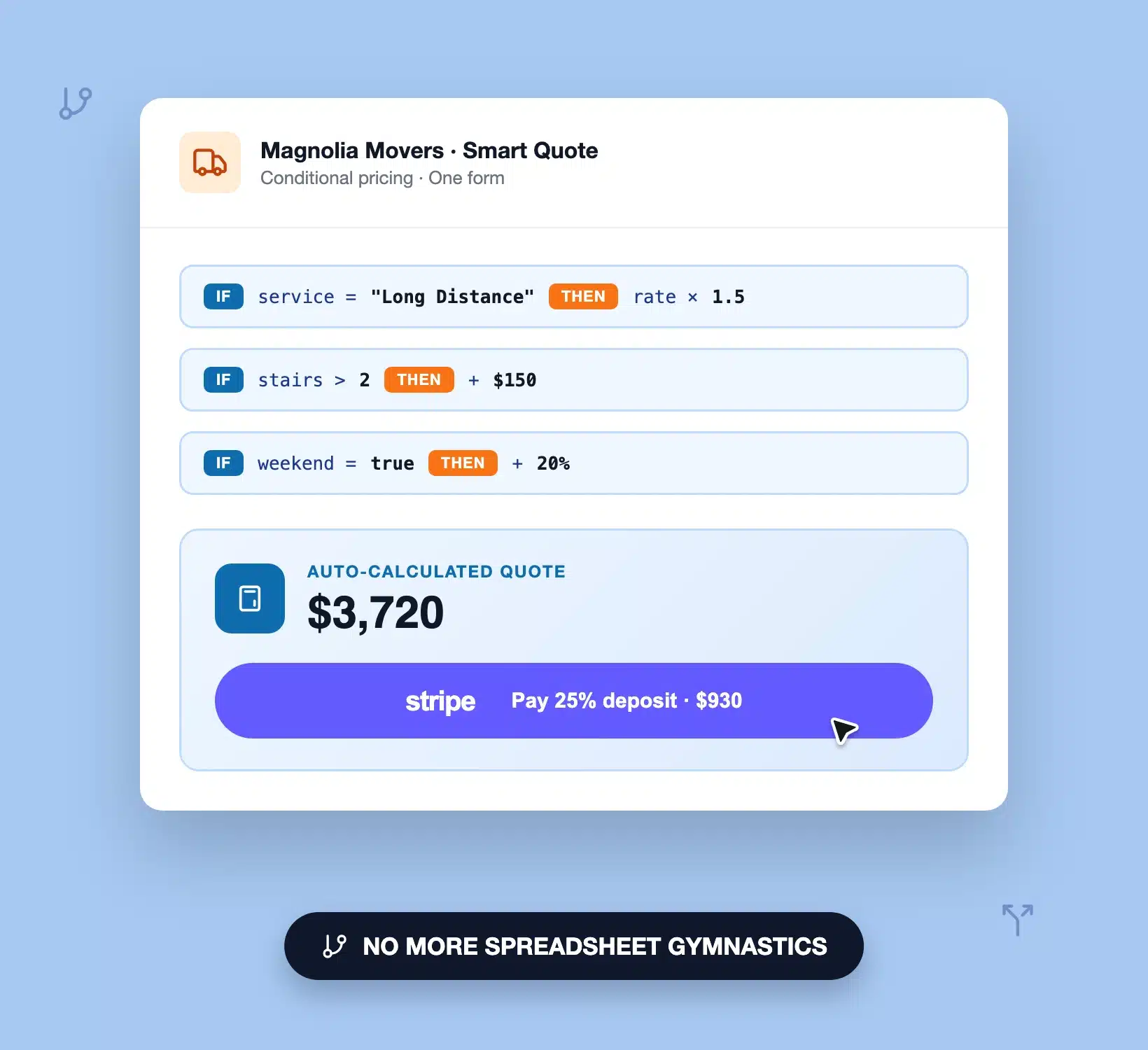
Quote Jobs and Orders Without Spreadsheet Gymnastics
Stop re-keying customer requests into a spreadsheet to price them. Conditional formulas apply your if-then pricing rules automatically, calculate totals with taxes, discounts, and shipping in any currency, and hand the customer a finished quote. Pair it with [Stripe payments](https://wpforms.com/features/stripe-addon/) to collect a deposit in the same form.


Start From 100+ Calculator Templates
Don’t want to build from scratch? Pick one of the [ready-to-use calculator forms](https://wpforms.com/templates/category/calculator-forms/) with the formulas already wired in, customize the fields to match your business, and publish in under 5 minutes. A formula cheatsheet and worked examples guide you when you’re ready to build your own.
Elevate Your Calculator Forms With 2,100+ Ready-Made Templates
- Construction Quote Calculator
- Instant Estimate Calculator
- Fence Quote Calculator
- Freight Quote Calculator
- Car Insurance Quote Calculator
- Compound Interest Calculator
- Amortization Calculator
- 401k Calculator
- Credit Card Repayment Calculator
- BMI Calculator
- Daily Calorie Intake Calculator
- BMR Calculator
- Dynamic Pricing Calculator
- Bulk Discount Calculator
- Price Calculator
- Age Calculator
Frequently Asked Questions and Resources
Have questions about building calculators with WPForms? We’ve got answers.
How do I create a calculator in WordPress?
To create a calculator in WordPress, install a WordPress calculator plugin like WPForms and add the Calculations addon, then pick one of the 100+ calculator form templates or start from a blank form. Add your input fields, enable calculations on the field that shows the result, and write the formula yourself or let WPForms AI generate it. Publish the form to any page and your calculator is live.
Which WPForms plan includes the Calculations addon?
The Calculations addon is included with the WPForms Pro and Elite plans. Once you upgrade, install the addon from your WPForms dashboard and enable calculations on any field. Compare WPForms plans on our pricing page.
Can WPForms AI write calculation formulas for me?
Yes. Describe what you want to calculate in plain English, like “monthly mortgage payment from loan amount, interest rate, and term,” and WPForms AI generates the formula for you. You can review and edit it before publishing. See how AI formula generation works.
What types of calculators can I create with WPForms?
You can create virtually any calculator with WPForms: quote and estimate calculators, mortgage and loan calculators, BMI and calorie calculators, pricing and discount calculators, booking cost estimators, and self-scoring assessments. You can also add calculations to order forms, payment forms, and any other form you already run.
Do I need coding experience to build a calculator?
No coding experience is required. The WPForms drag-and-drop builder handles the layout, and formulas use a friendly spreadsheet-style syntax with a built-in cheatsheet. If you’d rather not write formulas at all, the AI formula generator writes them from a plain-English description.
Is WPForms a good WordPress calculator plugin for beginners?
Yes. WPForms is the most beginner-friendly WordPress calculator plugin, with a drag and drop builder, 100+ ready-made calculator templates, and an AI assistant that writes the formulas for you. Most users publish their first calculator in under 5 minutes. Get started with WPForms Pro.
Can I capture leads with a calculator?
Where is my calculator data stored?
All calculator entries are stored in your own WordPress database, not on a third-party server. You own every email address, input, and result your calculator collects, and you can export entries as CSV or XLSX files anytime for further analysis.
Do WPForms calculators work on mobile?
Yes, every calculator built with WPForms is fully responsive. Inputs, sliders, and live results all scale to phones and tablets automatically, with no extra setup required.
Can I use calculations in order and payment forms?
Yes. The Calculations addon works with the WPForms payment fields, so you can calculate product totals, taxes, discounts, and shipping in any currency, then collect payment in the same form through Stripe, PayPal, or Square. Learn how payment calculations work.


