



AI Summary
Do you want to add live chat to your website? The best live chat software for websites can help your service teams improve the customer experience, shorten wait times, and even help with lead generation.
To help you decide which solution is best for you, we tested some of the top live chat software for WordPress sites. In this guide, we’ll share our findings as well as which of the platforms we tested are our favorites for customer interaction.
Best Live Chat Plugins for WordPress Compared
Here’s a side-by-side comparison of the live chat software we’ve covered in this post. Learn more about each service with the table below:
| Plugin | Best for | WordPress.org installs | Free plan | Starting price |
|---|---|---|---|---|
| Tawk.to | Free live chat with no agent cap | 100,000 | Yes, unlimited agents | Free, add-ons from $29/mo |
| Tidio | AI chat and automation | 70,000 | Yes, 50 conversations/mo | $24.17/mo |
| LiveChat | Established support teams | 10,000 | No, 14-day trial | $19/seat/mo |
| HubSpot | Chat tied to a free CRM | 200,000 | Yes, 2 users | $7/seat/mo |
| Crisp | Small teams on a flat fee | 20,000 | Yes, 2 seats | $45/mo for 4 seats |
| 3CX | Chat plus phone calls | 100,000 | Yes, plugin is free | Quoted per system, per year |
| Brevo | Chat plus email marketing | 100,000 | Yes, 1 seat | $27.92/mo |
| Smartsupp | Budget chat with AI replies | 20,000 | Yes, 25 conversations/mo | $17/mo |
| Zoho SalesIQ | Teams already using Zoho | 10,000 | Yes, 3 operators | $7/operator/mo |
| Chaport | Flat price for a few agents | 2,000 | Yes, 2 operators | $29/mo for 4 operators |
| Intercom | Funded SaaS and product teams | 6,000 | No | $29/seat/mo |
Which Live Chat Plugin Is Best?
Tawk.to, Tidio and LiveChat are the three I recommend, and which one fits comes down to whether you need free, AI automation, or a polished team inbox.
Tawk.to wins on price for the obvious reason, Tidio wins if you want a bot handling the first reply, and LiveChat wins when you have agents on shift.
Active installs and ratings from the WordPress.org directory did most of the ranking work here, because a plugin running on 100,000 sites gets fixed quickly when WordPress ships a breaking change.
1. Tawk.to

Tawk.to is the live chat plugin I would install first on most WordPress sites, and it’s the right choice when your budget for chat software is zero. The core product carries no agent limit and no chat limit.
Tawk.to monetises add-ons rather than crippling the free tier, so branding removal runs $29 a month and its AI Assist chatbot starts at the same price. You can also hire trained human agents at $1 an hour, which is unusual and genuinely useful for a one-person business.
Setup is a widget snippet plus a dashboard, and that dashboard is where Tawk.to shows its age. It is dense, and working through the settings takes longer than Tidio’s equivalent. For a form on the same site, our roundup of free contact form plugins covers what pairs well.
What I Liked
- No agent cap on the free plan: add your whole team without hitting a paywall.
- Unlimited chat history: older conversations stay searchable rather than expiring.
- Visitor monitoring: see who is on the site and which page they are reading.
- Canned responses and shortcuts: answer repeat questions without retyping.
- Mobile and desktop apps: cover chats when you are away from the dashboard.
How Much Does Tawk.to Cost?
Tawk.to’s live chat itself is free for unlimited agents, and the optional add-ons are the only thing it ever charges you for. Branding removal costs $29 per month, AI Assist starts at $29 per month, hired chat agents cost $1 per hour, and virtual assistants start at $7 per hour.
2. Tidio

Tidio is the best live chat plugin for WordPress when you want AI handling the first response, and its 4.7/5 rating is the joint highest in this guide. Its Lyro AI agent answers from your own help content rather than a generic model.
That September 2026 update date puts Tidio among the two most recently maintained plugins in this guide. Its widget also handles WhatsApp, Instagram and Facebook Messenger from one inbox, so a small team works a single queue.
Billing runs on conversations rather than seats, which is generous with ten people and quiet traffic, and expensive when two people field hundreds of chats. Read the conversation allowance before you look at the seat count. Tidio suits you well if you’re moving toward conversational marketing rather than plain support.
What I Liked
- Lyro AI agent: resolves common questions from your existing help content.
- Ten seats on every plan: including the free one, which is rare.
- Multi-channel inbox: WhatsApp, Instagram and Messenger alongside site chat.
- Visual flow builder: build automation without writing conditions by hand.
- Frequent updates: the plugin tracks current WordPress releases closely.
How Much Does Tidio Cost?
Tidio’s free plan covers 50 billable conversations a month across 10 seats. Starter is $24.17 a month for 100 conversations, and Growth starts at $49.17 a month from 250 conversations. Plus starts at $300 a month plus usage, Premium is quoted on request, and every paid plan has a 7-day trial.
3. LiveChat
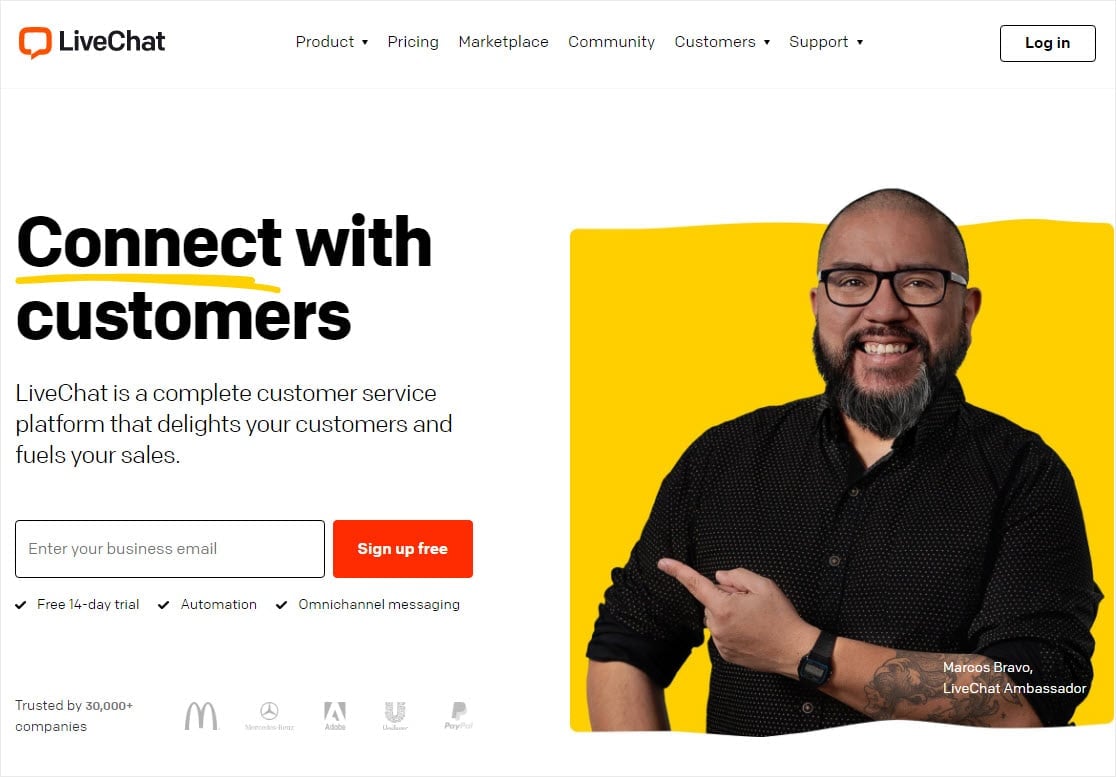
LiveChat is the best live chat plugin for WordPress when you run a staffed support desk, and its agent tools are the most polished of anything I looked at. Companies including PayPal, Adobe and LG run on it.
The selling built into the chat window is what stands out, because agents can drop product cards mid-conversation and turn a support question into a checkout. The window is close to fully customisable, from position through to visibility rules, and it connects to most marketing automation software.
At 10,000 active installs, LiveChat’s WordPress plugin is a tenth the size of Tawk.to’s, which reflects where its customers sit rather than a quality problem. There is also no free plan, so you commit after 14 days.
What I Liked
- Product cards in chat: agents can sell during a support conversation.
- Deep widget customisation: position, appearance and visibility rules.
- Messaging app coverage: Apple Messages for Business, Messenger and WhatsApp.
- Pre and post-chat surveys: collect a rating without a separate tool.
- Canned responses: cut repeat typing on common questions.
How Much Does LiveChat Cost?
LiveChat’s Starter plan costs $19 per person per month billed annually, or $25 billed monthly. Team is $49, Business is $79, and Enterprise is quoted on request. Every plan comes with a 14-day free trial and no credit card.
4. HubSpot

HubSpot is the best live chat plugin for WordPress when you want every conversation landing in a CRM record, and its plugin is the most installed here at 200,000 sites. Chat, forms and contact management all arrive in the free tier.
The free plan is a real product rather than a trial, giving you live chat, a shared inbox and a contact database. Every conversation attaches to the contact’s timeline, so the next agent sees the history. HubSpot branding stays on the widget until you upgrade, which is the honest cost.
Chatbot features are thinner than the marketing suggests, since the bot on Free and Starter handles routing and canned replies but little else. The branching logic people actually want sits on Professional. If you run WPForms, the HubSpot addon pushes form entries into the same contact records.
What I Liked
- Free tier includes the CRM: chat history and contact records in one view.
- Conversation timelines: every chat attaches to the contact it came from.
- Chat routing: send conversations to the right team automatically.
- Personalised greetings: pull known contact details into the opener.
- Very actively maintained: updated September 2026.
How Much Does HubSpot Cost?
HubSpot’s Service Hub is free for up to 2 users, with HubSpot branding on the chat widget. Starter begins at $7 per seat per month, Professional at $90 per seat per month, and Enterprise at $150 per seat per month.
5. Crisp

Crisp is the best live chat plugin for WordPress for a small team that wants predictable billing, because it sells seats in bundles rather than per agent. Four people cost the same as one on the Mini plan.
That pricing model is the whole reason to look at Crisp, since most tools here multiply by headcount. A four-person team on LiveChat Starter runs $76 a month, and Crisp Mini covers the same four for $45. The widget is light too, which matters because a heavy chat script slows a WordPress site down.
Its last plugin update was April 2025, and that is the thing to weigh against the price. Crisp’s hosted product ships continuously, so the WordPress connector is a thin widget loader that rarely needs changes. It still shares the oldest update date on this list with Intercom.
What I Liked
- Seats bundled into the plan: 2 free, 4 on Mini, 10 on Essentials.
- Lightweight widget: less impact on page load than most alternatives.
- Shared inbox: email, chat and social in a single queue.
- Live typing preview: see what a visitor is writing before they send.
- Included AI credits: each paid plan comes with a set allowance.
How Much Does Crisp Cost?
Crisp’s free plan includes 2 seats. Mini is $45 a month for 4 seats, Essentials is $95 a month for 10 seats, and Plus is $295 a month for 20 or more. Extra agents cost $10 each, and every paid plan has a 14-day trial.
6. 3CX

3CX is the live chat plugin to pick when you also want to take phone calls, and it holds 821 ratings, more than any other plugin here. A visitor can start in chat and move to a voice call in the same widget.
That rating count is what caught my attention, because 821 reviews at 4.6/5 is a far larger sample than the 73 to 396 behind the other well-regarded plugins here. The WordPress plugin itself is free, covering live chat, calls and messaging.
You should know what you are adopting, though, because 3CX is a business phone system first and a chat tool second. Its paid product is priced per system per year on simultaneous calls rather than per agent. That is excellent value if you wanted a phone system anyway, and more machinery than you need otherwise.
What I Liked
- Free WordPress plugin: live chat, calls and messaging with no licence.
- Largest review sample here: 821 ratings at 4.6/5.
- Chat to call escalation: move a conversation to voice without a handoff.
- Per-system licensing: adding agents does not raise the bill.
- Recently maintained: updated June 2026.
How Much Does 3CX Cost?
3CX’s WordPress live chat plugin is free to install and run. Its paid PBX editions are quoted as a flat annual cost per system, based on simultaneous calls rather than user count, across Basic, Pro and AI editions. You configure your call volume on 3CX’s pricing page to get a figure, so no single entry price exists.
7. Brevo
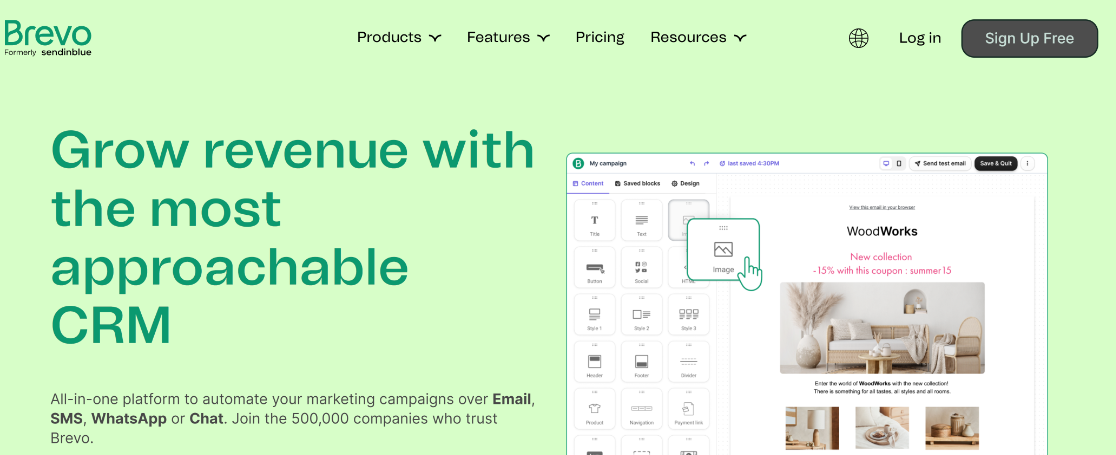
Brevo is the live chat plugin to choose when you want chat and email marketing on one bill, and its plugin runs on 100,000 sites. Chat now sits inside Brevo’s sales tools rather than the separate Conversations add-on it used to sell.
That restructure works in your favour, because live chat is included on Brevo’s Sales Free plan with one seat. You can run chat and email campaigns from one account without paying for chat at all, and paid tiers add chatbot scenarios and then an AI chatbot.
Where Brevo frustrates is assignment, since you cannot hand a conversation to an agent who is offline, and they get no notification if you try. That is irrelevant for a solo operator and a real limitation for a rota. The Brevo addon connects WPForms entries to the same contact lists, and you can set up Brevo with WP Mail SMTP so transactional email arrives.
What I Liked
- Live chat on the free sales plan: no charge for the chat channel itself.
- Email marketing in the same account: one contact list across both.
- Visitor grouping: assign visitors manually or with if-then triggers.
- SMS and push alongside chat: more channels without another vendor.
- Strong review sample: 284 ratings on the WordPress plugin.
How Much Does Brevo Cost?
Brevo’s Sales Free plan costs nothing, includes 1 seat, and covers live chat. Sales Essentials is $27.92 a month with 1 seat included and adds chatbot scenarios. Sales Advanced adds an AI chatbot and is quoted by their sales team.
8. Smartsupp
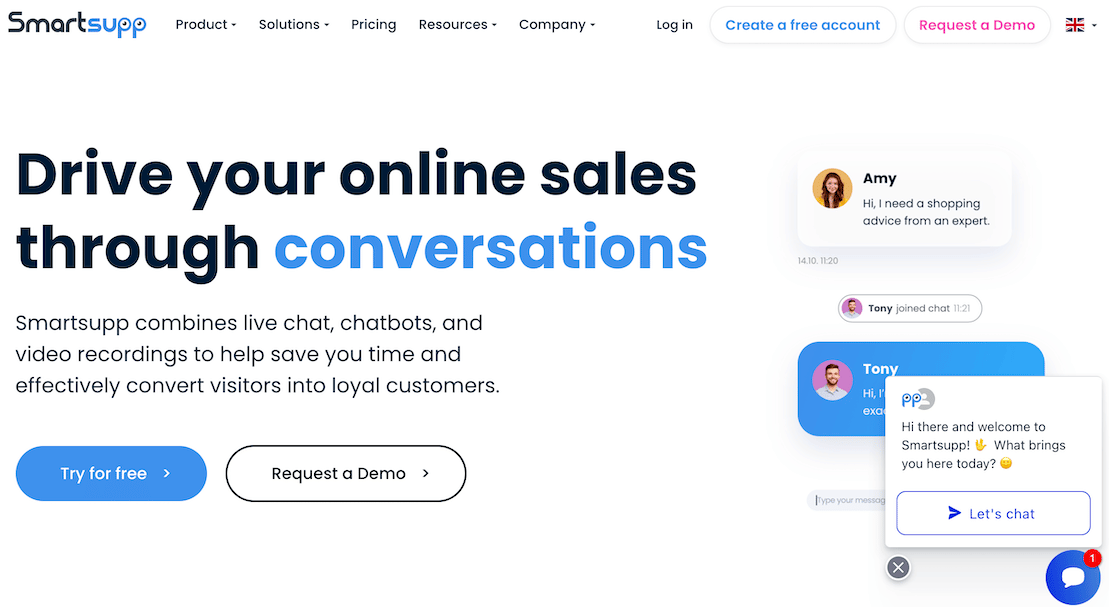
Smartsupp is the live chat plugin to pick on a tight budget, and it holds a 4.7/5 rating that matches the highest here. Paid plans start at $17 a month.
Video recordings of visitor sessions are the feature I keep coming back to, because you can watch how someone moved through the site before they opened the chat. That shows you where people get stuck far more directly than a funnel report does. The multi-lingual chatbot is a genuine extra at this price.
Read the conversation limits before you pick a plan, since Smartsupp meters conversations rather than agents. The free plan gives you 25 a month, and the $17 tier is built around a modest allowance rather than unlimited chat. Its Mira AI agent is sold separately at $16 a month.
What I Liked
- Session video recordings: watch the path a visitor took before chatting.
- Multi-lingual chatbot: included rather than an enterprise upsell.
- One-click WordPress setup: no snippet editing required.
- Agent photos in the widget: puts a face on the conversation.
- 4.7/5 rating: the joint highest on this list.
How Much Does Smartsupp Cost?
Smartsupp’s free plan covers 25 conversations a month. Paid plans billed annually run $17, $25 and $83 a month, and the Mira AI agent costs $16 a month. A 14-day free trial needs no credit card.
9. Zoho SalesIQ

Zoho SalesIQ is the live chat plugin to choose if your business already runs on Zoho, and its free plan includes three operator licences. It also ranks on the first page for this search, which says something about how Zoho treats the WordPress side.
Three free operators is more than Crisp, Chaport or HubSpot give you, since each of those stops at two. Paid plans then start at $7 per operator per month, among the cheapest per-seat rates here.
The plugin’s 7 ratings are the number to be honest about, because that’s too small a sample to tell you much. It puts Zoho SalesIQ in a different confidence bracket from 3CX’s 821 or Tidio’s 396. The product behind it is mature and well supported, and the WordPress connector simply has not been reviewed much.
What I Liked
- Three operators on the free plan: more free seats than most rivals.
- $7 per operator on Basic: among the lowest paid rates here.
- Zia AI agents: pull from records, webhooks and third-party apps.
- Native Zoho CRM link: chats land against existing records.
- Chat routing and transfer: available from the entry paid tier.
How Much Does Zoho SalesIQ Cost?
Zoho SalesIQ’s free plan costs nothing and includes 3 operator licences. Basic is $7 per operator per month billed annually, and Enterprise is $20 per operator per month. A 15-day free trial needs no credit card.
10. Chaport
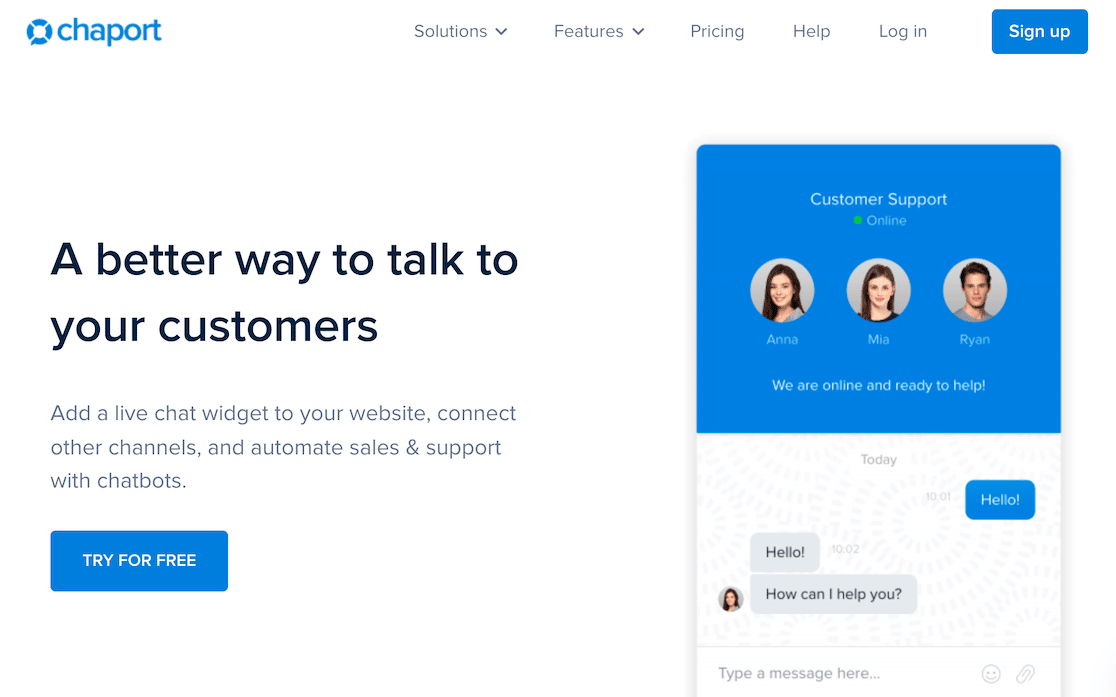
Chaport is worth a look if you want a flat price for a handful of agents, because Pro covers four operators for $29 a month with no per-seat maths. SSL encryption and GDPR compliance are standard even on the free plan.
The free account is more usable than most, offering two operators, unlimited chats and unlimited websites, plus basic customisation. That is enough for a small site to run chat properly without paying. Pro then adds chatbots, on-demand reports and detailed visitor information.
Its knowledge base and FAQ bot are the features I would actually use, since they let people answer their own questions. The install base is the real limitation. At 2,000 installs and 4 ratings, Chaport is the smallest presence on this list by a wide margin.
What I Liked
- Four operators for $29 a month: one flat price, no per-seat multiplier.
- GDPR and SSL on the free plan: not held back for paid tiers.
- Unlimited chats and websites: even on the free account.
- Knowledge base and FAQ bot: self-service without another tool.
- Multi-language widgets: useful for a cross-border audience.
How Much Does Chaport Cost?
Chaport’s free plan costs nothing and includes 2 operators. Pro is $29 a month billed annually or $39 monthly, and it includes 4 operators. Unlimited is $99 a month billed annually or $129 monthly with unlimited operators, and a 14-day trial covers the paid features.
11. Intercom
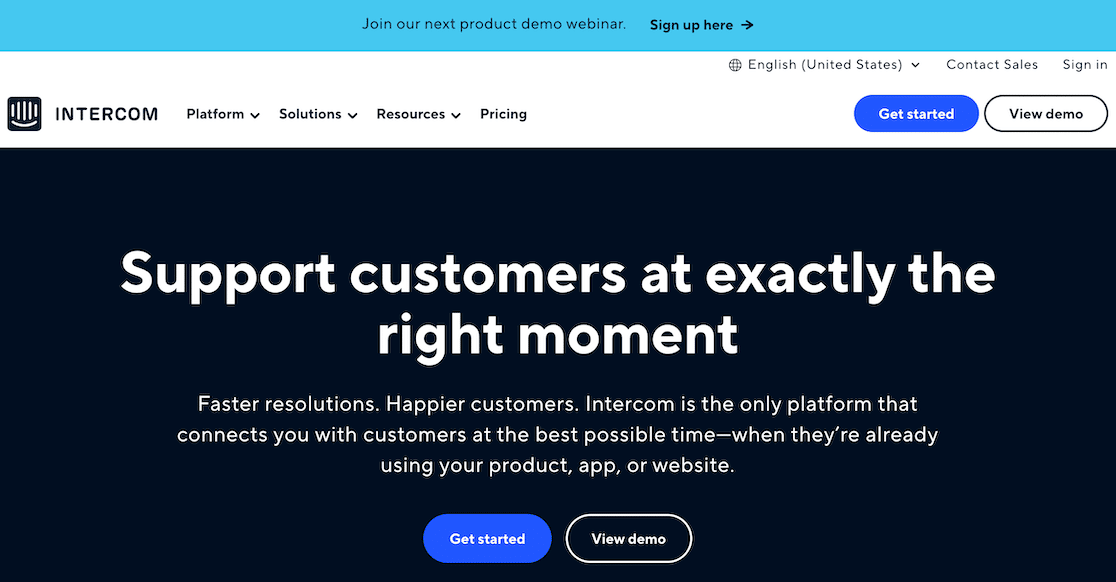
Intercom is built for funded SaaS and product teams, and at $29 per seat it carries the highest entry rate per seat in this guide. A four-person team costs $116 a month before any AI usage. Its messenger combines chat with a tabbed knowledge base, so people read help articles without leaving the widget.
The product is genuinely good at what it targets, because conversation history persists for the visitor across months. They can go back and find a link an agent sent them, and the Fin AI agent resolves a real share of tickets first. Intercom also publishes its prices now, which it did not used to.
The WordPress plugin is the weak link, and its 3.4/5 rating is the lowest here. It hasn’t been updated since April 2025, and only 11 people have rated it. Chat data also lives in Intercom rather than a CRM you own, so plan the export path early or look at dedicated CRM plugins for WordPress.
What I Liked
- Tabbed messenger: chat and help articles in one window.
- Persistent conversation history: visitors can retrieve old answers.
- Fin AI agent: priced per resolution rather than per seat.
- Mature integrations: Slack, analytics and most product tooling.
- Published pricing: you can budget without talking to sales.
How Much Does Intercom Cost?
Intercom’s Essential plan is $29 per seat per month billed annually, Advanced is $85, and Expert is $132. The Fin AI agent costs $0.99 per resolution on every plan, and it can be bought alongside an existing help desk.
Where Forms Beat Live Chat
A live chat widget only works when somebody is there to answer it, and a form works at 3am. That is the split I would plan around, rather than treating chat as a replacement for everything.
Chat is the right tool for quick pre-sales questions and for catching someone about to leave. Forms win any time you need structured information.
This is because a transcript gives you a wall of text while a form gives you named fields you can route and export. WPForms builds any form with a drag-and-drop builder and no code, so both can sit on one page.
Conversational forms present one question at a time in a chat-style flow, which gets you the feel of a widget with nobody on shift.
Offline forms hold a submission when a connection drops and send it on reconnect, so bad wifi stops costing you enquiries.
FAQs on the Best Live Chat Plugins for WordPress
Live chat plugins for WordPress are a popular topic among our readers, especially the question of which ones are genuinely free. Here are answers to the ones that come up most often.
Is there a free live chat plugin for WordPress?
Yes, and Tawk.to is the one to start with, as its free plan has no agent cap, no chat limit and no expiry, and it runs on 100,000 WordPress sites.
Zoho SalesIQ gives you three free operators, Tidio and Chaport offer capped free plans, and HubSpot’s free tier includes chat with its branding on the widget.
Does WordPress come with live chat built in?
No, WordPress has no built-in live chat, so you add it with a plugin, and every option in this guide installs from Plugins » Add New in your dashboard.
The plugin loads a widget from the vendor’s service, so chats are handled on their servers rather than your hosting.
Are chatbots better than human support reps?
No, chatbots and human reps do different jobs. A bot answers repeat questions instantly and collects details before a person picks up, which shortens response times across the board.
Complicated problems still need a human, and a bot that tries to handle those frustrates people. I have compared chatbots against forms for lead capture specifically.
Should small businesses use live chat tools?
Yes, and often the free tier is enough. Answering someone in real time while they are still reading the page is the cheapest conversion work available to a small site.
The honest caveat is that an unanswered widget is worse than no widget, so turn on offline messages or a bot first.
Why should you use live chat software?
Live chat gets people answers faster than email or a phone call, which is the main reason they prefer it. Here are the reasons people most often give for choosing it:
- Immediate answers to questions
- The ability to ask and carry on doing something else
- No need to talk on the phone
- Better detail than a phone call gives them
- Usable at work without disturbing anyone
- Control over the pace of the conversation
Next, Turn Chat Conversations Into Form Submissions
A chat widget catches people while they are on your site, and a form turns them into a record you can act on.
Once your chat plugin is live, pairing it with a form that routes enquiries to the right person is the natural next step, and our guide to the best email marketing services covers where to send those leads afterwards.
Ready to build your form? Get started today with the easiest WordPress form builder plugin. WPForms Pro includes lots of free templates and offers a 14-day money-back guarantee.
If this article helped you out, please follow us on Facebook and Twitter for more free WordPress tutorials and guides.





