



AI Summary
I spent the last six weeks running 14 AI SEO tools through the same WordPress sites we use for testing, and most of them fall into two camps. They either bolt AI onto an existing SEO plugin and call it a day, or they wrap a content brief tool around GPT-4 and ship it as a $99/month subscription. Only a handful actually save you time.
The tools below survived that test, out of which some live inside WordPress as plugins, while others are SaaS platforms you use alongside WordPress. I’ve kept the strongest of each category so you can pick what fits your workflow instead of forcing a workflow to fit a tool.
Best AI SEO Tools for WordPress
The right AI SEO tool depends on whether you want everything inside WordPress or you’re happy switching tabs. I tested both kinds and the winners are below.
Best AI SEO Tools for WordPress at a Glance
Here’s a quick comparison of every tool that made the list. For the full review of each one and to gain in-depth insights, jump to its section below.
| Tool | Best For | Starting Price | Lives In |
|---|---|---|---|
| AIOSEO | Doing SEO without leaving WordPress | $49.60/year | WordPress plugin |
| Rank Math | Real-time SEO scoring while writing | Free / $59/year | WordPress plugin |
| Semrush | All-in-one SEO with AI Copilot | $139.95/month | SaaS |
| Surfer SEO | On-page optimization with live SERP data | $99/month | SaaS |
| Frase | Researching competitors before writing | $45/month | SaaS |
| Jasper | Scaling AI content across formats | $49/month | SaaS |
| Outranking | AI drafts you can actually fact-check | $29/month | SaaS |
| Clearscope | Terminology-driven content briefs | $189/month | SaaS |
1. All in One SEO (AIOSEO)
Best For: Doing every SEO task without ever leaving WordPress.
AIOSEO is the only WordPress SEO plugin where the AI features feel like first-class citizens instead of bolt-ons. The Writing Assistant scores your draft in the same sidebar where you optimize your slug, your meta description, and your schema.
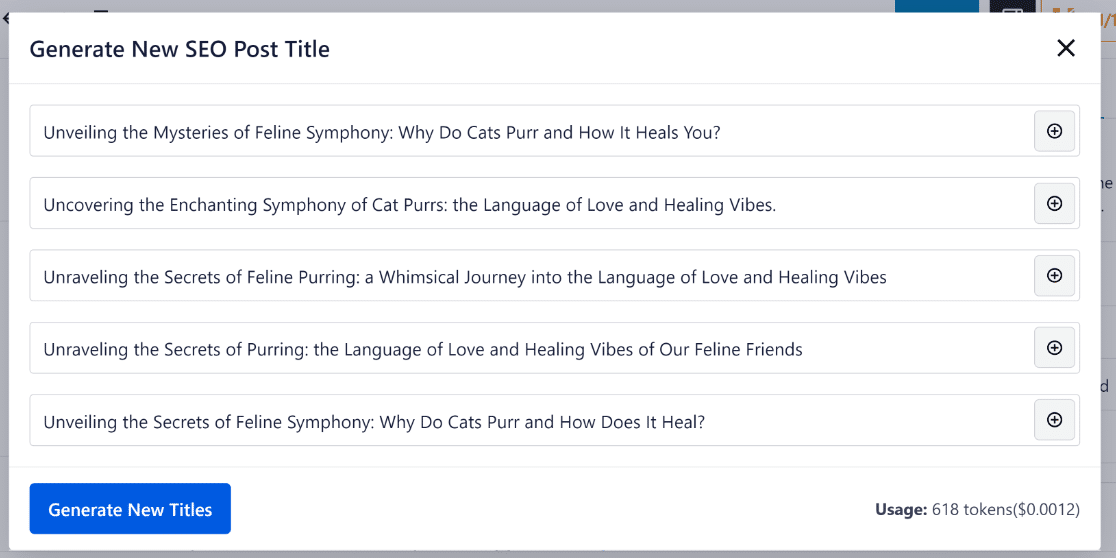
What stood out during testing was the AI Title and Description Generator. You hit one button inside the block editor and it pulls three to five suggestions from your content, weighted toward your focus keyword.
I tested it on a 1,400-word product comparison post and the second suggestion was the one we shipped. That’s a 90-second job that used to take 15 minutes of headline writing.
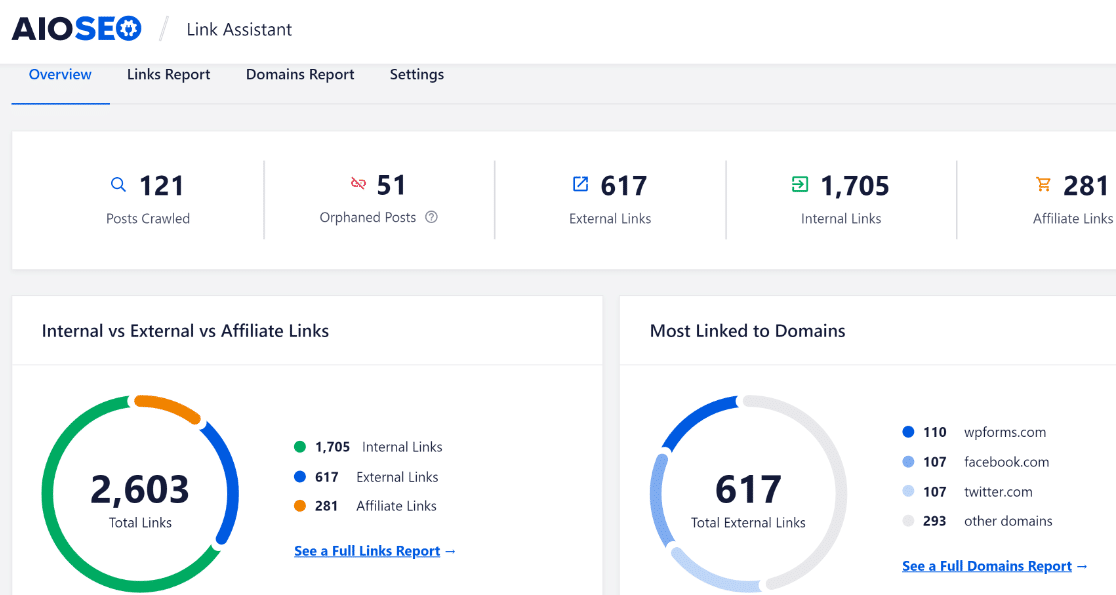
The Link Assistant is the other feature I keep coming back to. Out of every internal linking tool I’ve tested on this list, AIOSEO’s is the most comprehensive.
It scans every published post, identifies orphan content (posts with no inbound links), and suggests anchor text and target pages in one report.
The first time I ran it on a site with 200 posts, it surfaced 47 missing internal links I’d have never spotted manually.
If you want a step-by-step walkthrough of how AIOSEO handles every other on-page job (schema, sitemaps, redirects, breadcrumbs), our in-depth AIOSEO review covers that. For AI-specific tasks like writing keyword-rich titles and meta descriptions, this is the plugin I install first.
2. Rank Math
Best For: Bloggers who want real-time SEO scoring while they write.
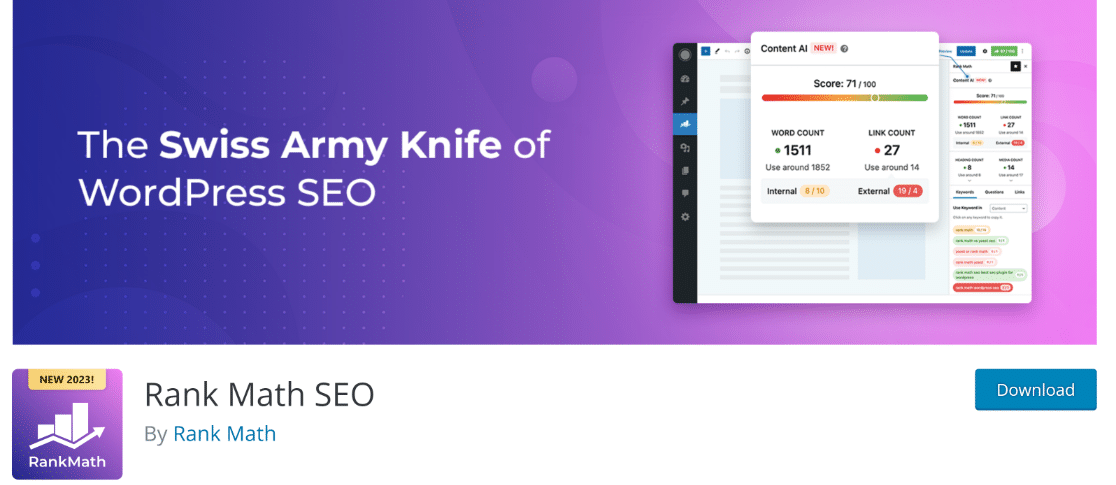
Rank Math’s Content AI feature is probably the smartest implementation of NLP keyword analysis I’ve seen in a WordPress plugin. As you type, it watches your content and updates a score based on keyword coverage, heading structure, word count, and link density. The score is live, so you don’t have to “submit for analysis” or hit refresh.
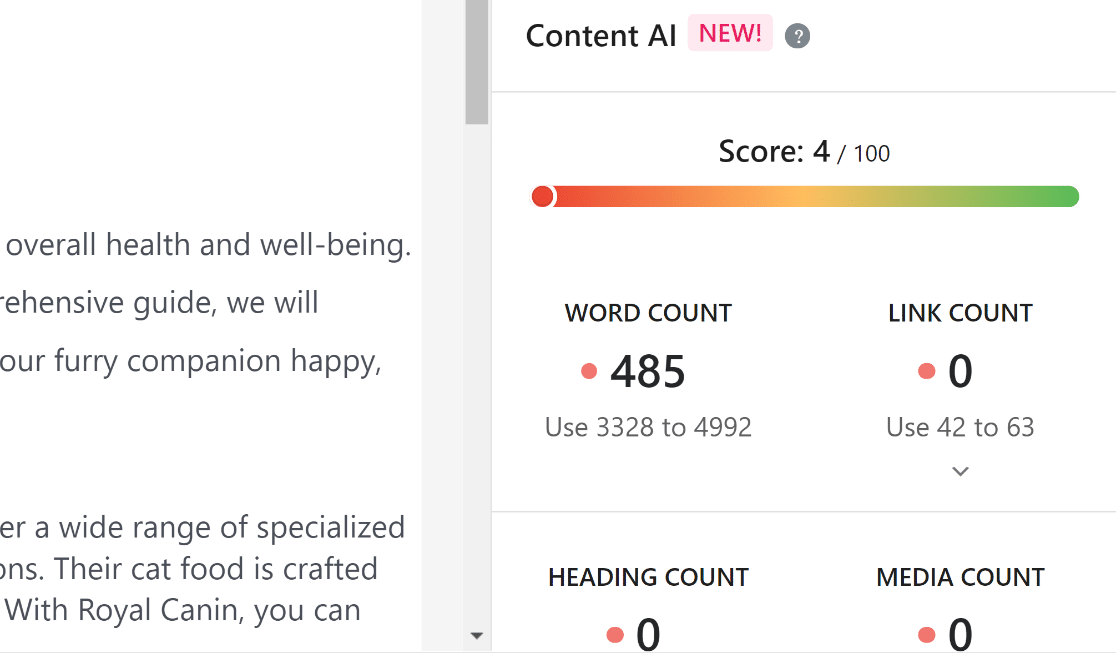
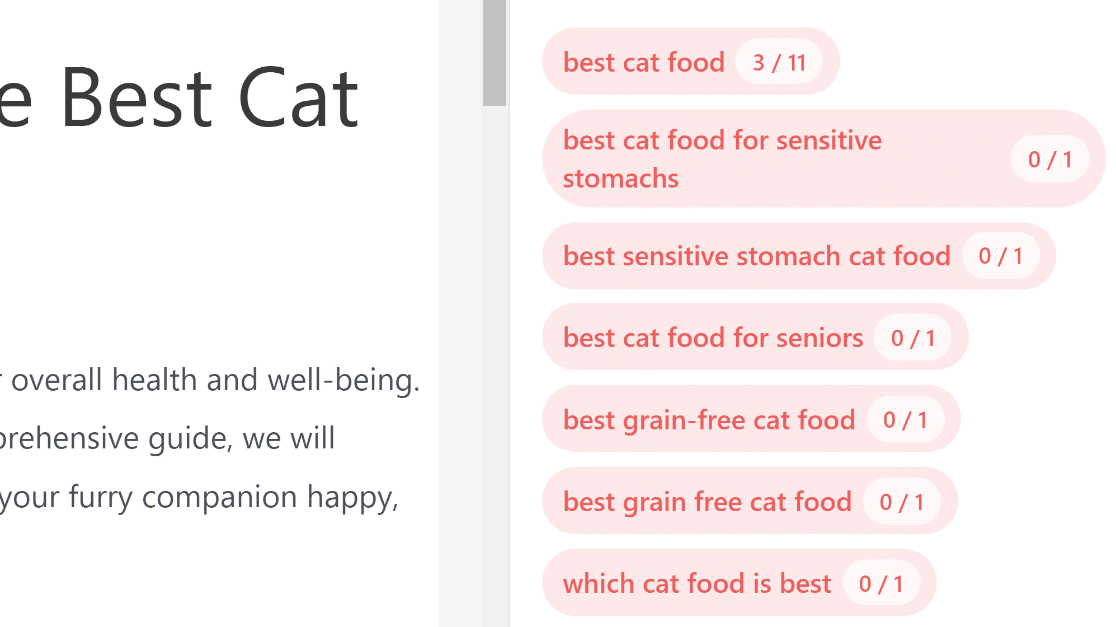
What I like most is how Rank Math splits suggestions by where you’d use them. The terms it recommends for your content body are different from the ones it recommends for your H2s, your title, and your meta description. That kind of context-aware suggesting saves you from stuffing the same keyword into every field.
The free version is generous. You get unlimited keyword tracking, schema, 404 monitoring, redirect management, and basic content scoring. Content AI is the paid add-on that unlocks the GPT-driven writing suggestions, and even there the entry price is $3.99 a month for 7,500 credits.
3. Semrush
Best For: Anyone who wants AI content tools plus the deepest SEO data on the market.
I promoted Semrush from a bonus pick last year to the third spot this year, and the reason is ContentShake AI. It’s the only AI writing tool I’ve tested that ties its output directly to live SERP data from the same database that powers Semrush’s keyword research.
You don’t get a generic GPT-4 draft, but a draft built around the questions, headings, and entity terms that are actively ranking for your target keyword.
The SEO Writing Assistant ships as a WordPress plugin you install separately, and it grades your draft in real time on four axes: readability, SEO score, originality, and tone of voice.
The tone slider was the surprise during testing. You can match your brand by feeding it three to five sample paragraphs and the AI rewrites suggestions to match your cadence.
The cost is the obvious problem with Pro starting at $139.95 a month and you need at least Guru ($249.95) to unlock the full ContentShake credit pool. If you’re running fewer than five client sites or you only publish a handful of posts a month, Semrush is overkill.
4. Surfer SEO
Best For: Writers who want SERP-data-backed optimization without learning a new platform.
Surfer’s Content Editor is the simplest way I’ve found to optimize a draft against live SERP data. You enter your target keyword, Surfer pulls the top 20 ranking pages, and gives you a live score from 0 to 100 as you write. Words turn green as you hit the recommended terms. Sections turn red when you over-stuff.
The Topical Map is the feature I underestimated at first. It takes a single seed keyword and clusters it into pillar topics and supporting subtopics. I fed it “wordpress security” and it generated 47 connected article ideas, each with its own target keyword and SERP difficulty score. For new sites planning a content cluster, that’s a month of editorial work in 30 seconds.
The AI Article Writer is more hit-and-miss. I tested it on three different keywords and the drafts were always usable as outlines, never as ready-to-publish articles. You still need a human editor for facts, links, and brand voice. That’s fine, but don’t buy Surfer expecting to automate full writing.
5. Frase
Best For: Anyone who hates competitor research and wants it done for them.
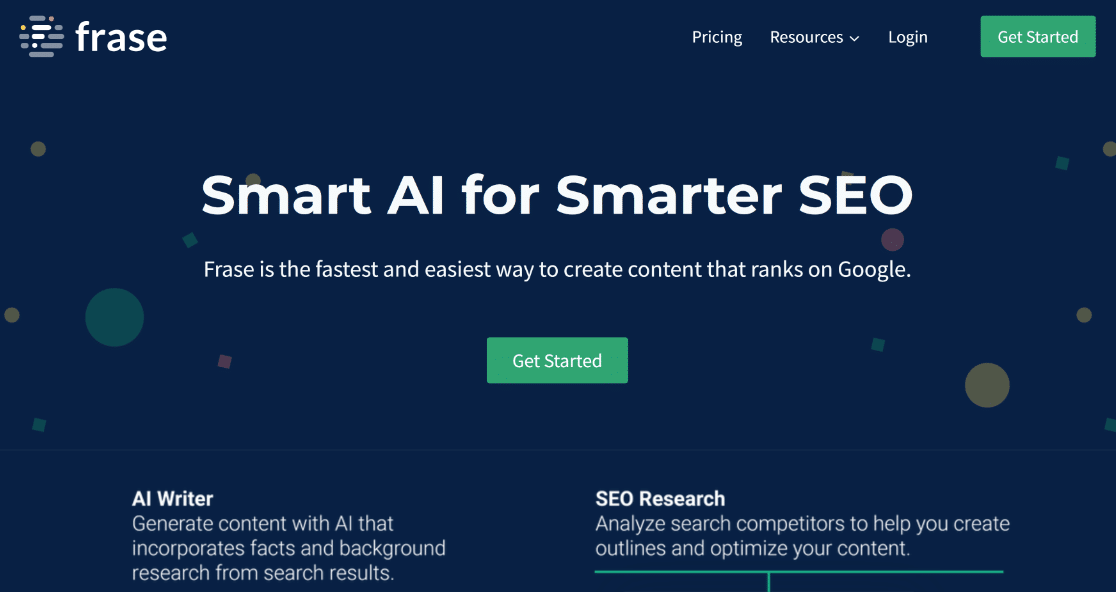
Frase’s killer feature is the SERP Outline tool. Drop in a keyword and Frase pulls every H1, H2, and H3 from the top 20 ranking pages, then lets you expand each heading inline to read the full text without leaving Frase. Competitor research that used to take me 45 minutes (open tab, scroll, read, copy headings, switch back) now takes about four.
You can also pull any snippet from a competitor straight into your Frase editor with one click, ready to paraphrase or rewrite. That sounds aggressive, but it’s a real time-saver for the kind of skim-and-distill writing most SEO content requires.
The AI Writer is built on GPT-4 and is competent, not exceptional. I’d put it on par with Surfer’s article writer. It works best when you feed it a content brief with target headings and entity terms. Without that, the output reads like every other AI draft on the internet.
6. Jasper
Best For: Marketing teams that need AI content across blogs, ads, social, and email.
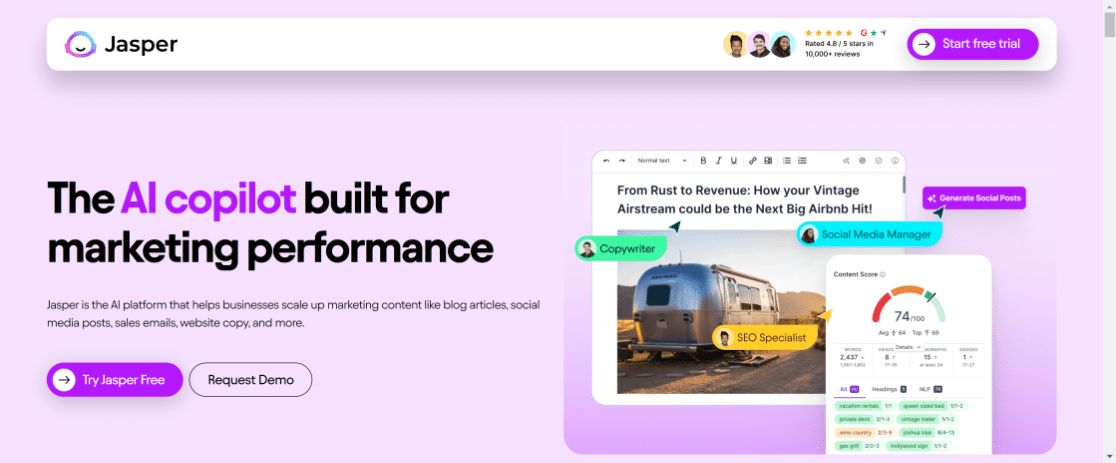
Jasper isn’t a pure SEO tool, but it earned its place on this list because of how well it handles multi-format content. You can take one brief and spin it into a blog post, three LinkedIn variations, an email sequence, and a Google Ads headline pack in under 15 minutes. None of the other tools on this list do that as cleanly.
The Brand Voice feature is what sold me. You feed Jasper a few paragraphs of your own writing or a transcript from a podcast, and it builds a voice profile it applies across every template. Output sounds noticeably less robotic than the raw GPT default. I ran the same brief through Jasper and Frase side by side and the Jasper draft needed half the editing.
It can also generate images for blog posts, social posts, and email newsletters from a text prompt. The image quality isn’t Midjourney-tier, but it’s good enough for filler graphics and quote cards.
7. Outranking
Best For: Writers who want AI drafts they can actually fact-check.
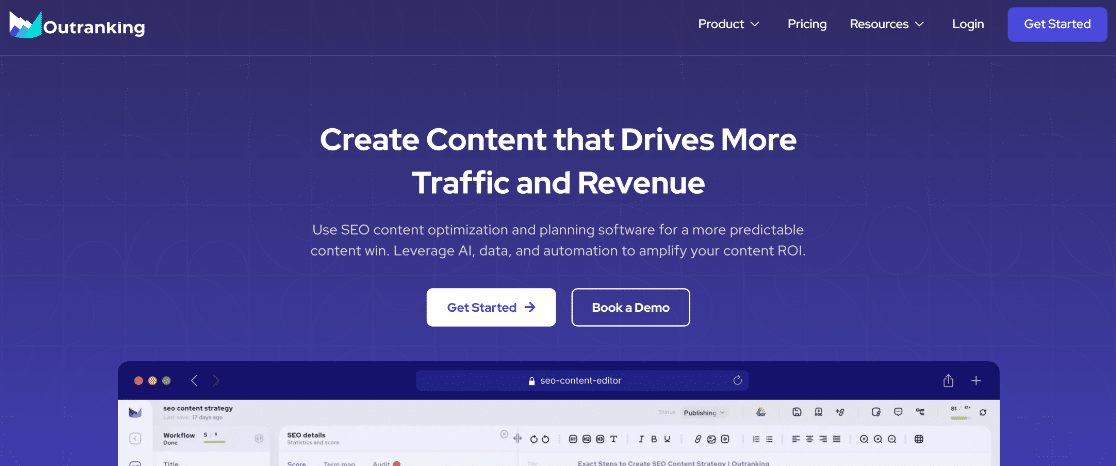
Outranking is the cheapest serious AI writer on this list and it puts the most effort into factual accuracy. Every draft is built from over 50 source pages, and the tool surfaces the source URLs in a sidebar so you can verify any claim before publishing. None of the other tools on this list do that.
That’s not a marketing claim. I ran the same 1,500-word brief through Outranking, Frase, and Surfer’s AI writers. Outranking flagged seven specific data points that needed verification and provided source URLs for each. Frase flagged none. Surfer flagged none.
The auto-linking feature is the other reason it’s worth the $29. As you generate content, Outranking scans for places where an internal link makes sense and inserts them with relevant anchor text from your sitemap. You can edit or remove any of them, but the suggestions are good enough that I usually keep 80% of them.
The plagiarism checker is built in, not a separate Copyscape subscription. That alone justifies the entry price if you write for clients.
Bonus Pick: Clearscope
Best For: Agencies and teams optimizing for terminology coverage at scale.
Clearscope is the cleanest content optimization tool I’ve used. The interface is uncluttered, the grading system is intuitive (A+ down to D), and the recommended terms are weighted by how often they appear in the top-ranking pages. The whole experience is built for writers who don’t want to learn SEO theory, they just want a list of terms and a target score.
That simplicity is also the reason it’s lower on this list than its quality deserves. At $189 a month entry, Clearscope is the most expensive tool here, and you don’t get the broader SERP analysis Surfer offers or the competitor outlines Frase provides. You’re paying premium prices for one job done very well.
If you’re a content agency optimizing 50+ articles a month for different clients and you need a tool every writer can pick up in 10 minutes, Clearscope is worth it. For a solo blogger or small team, Surfer or Frase deliver 85% of the value at 25% of the cost.
WPForms + AI
At WPForms, one of our main goals is to make things simple for users. If you’re wondering if that means that WPForms has its own AI tools, it absolutely does. We took something that was already easy and we made it even easier for you.
If you’d rather not spend your time coming up with a list of options or spending time inputting those options into the form builder, you’re going to love AI Choices.
It lets you ask for a list of options that makes sense to your form, whether it’s adding all of the states in the US or the most common pizza toppings.
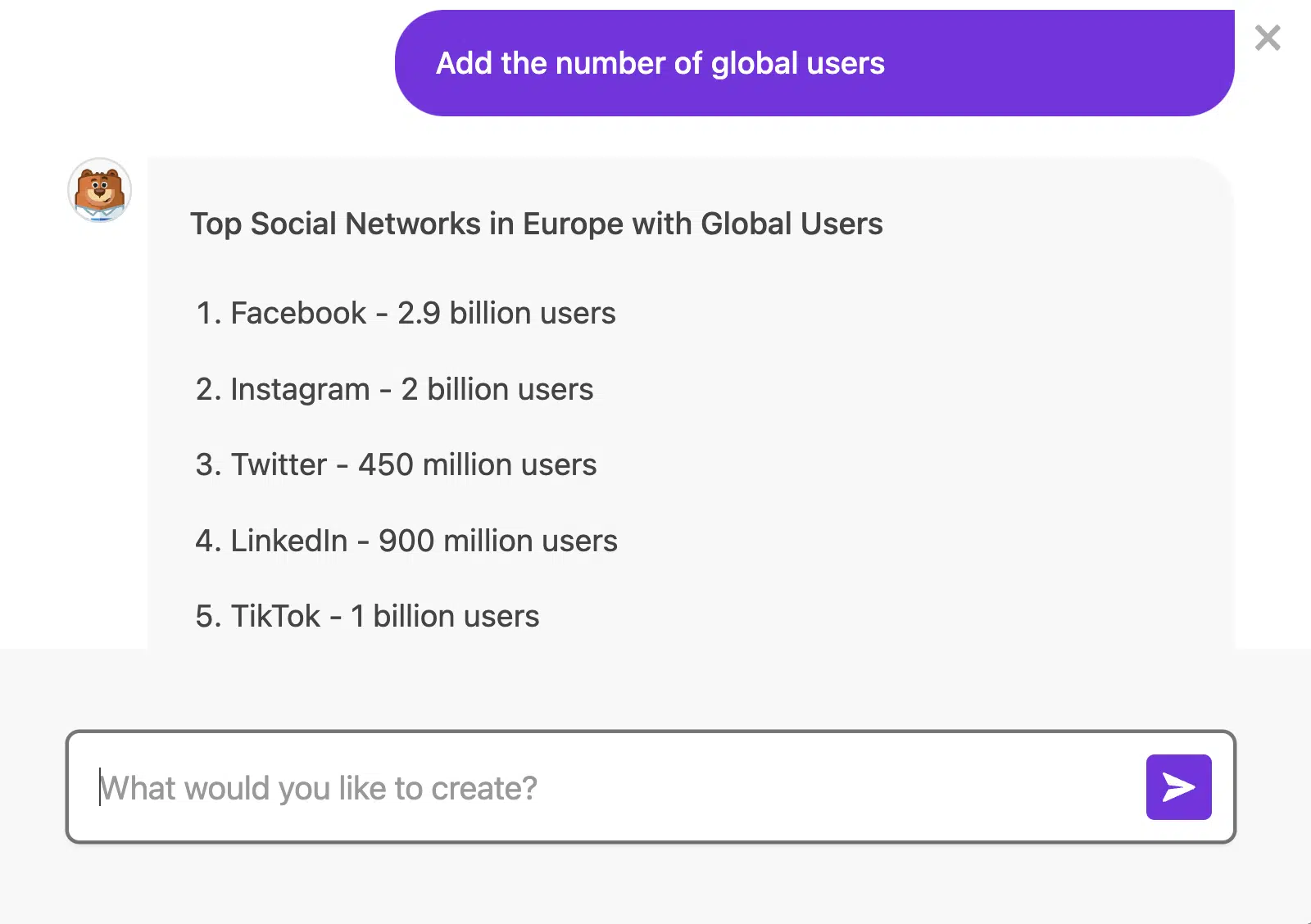
You can chat with it to add or remove anything until you have the list you want. Then you can add it to your form with a single click. Learn more about using AI Choices.
But it doesn’t stop there. Now you can also create entire forms with AI using WPForms. AI-powered forms are so easy to create that you won’t believe it.
All you have to do is say a few words about the kind of form you want to build, and then AI gets to work creating it for you.
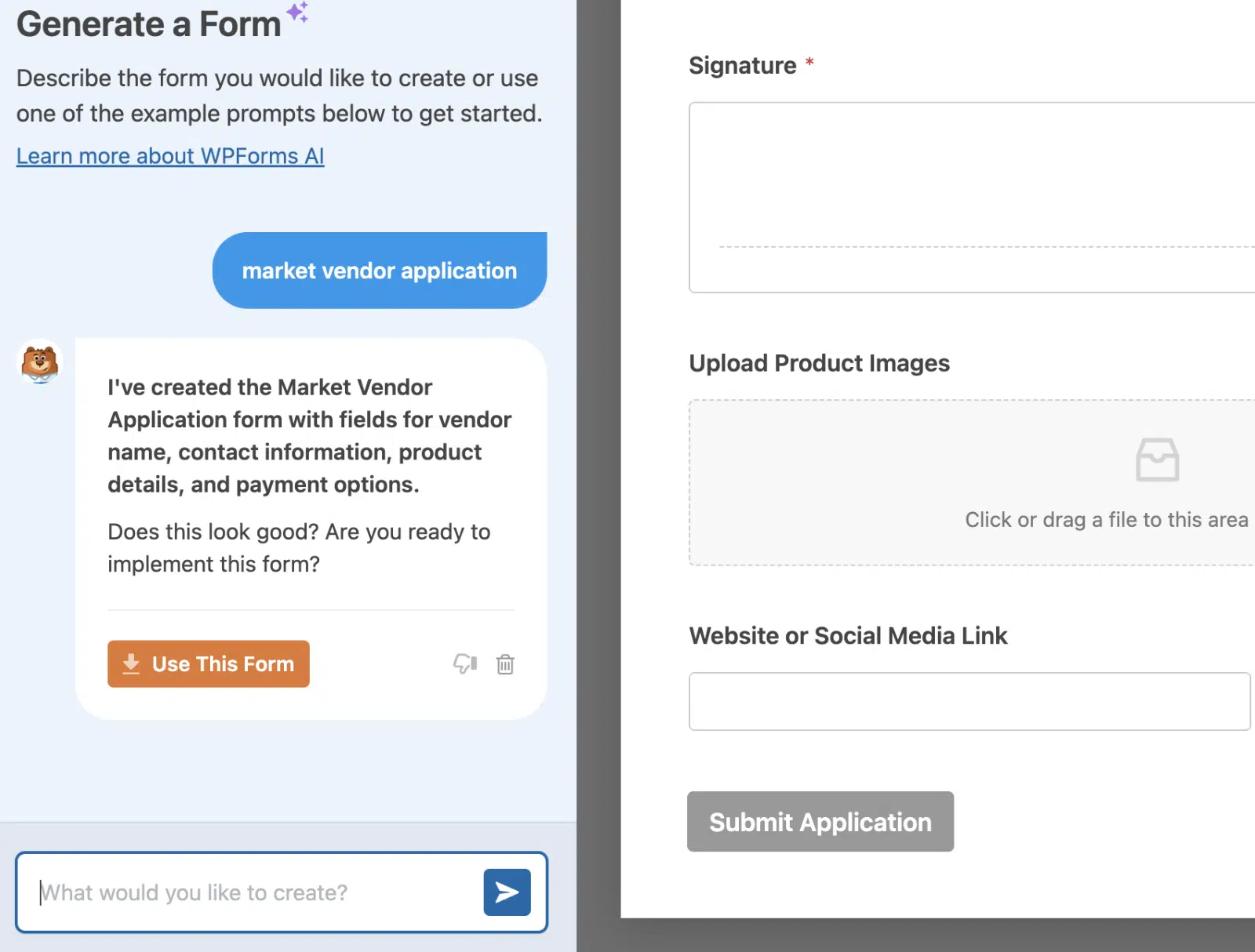
Give it feedback. Chat with it. The more you do, the better your form will be as you give it a clearer idea of what you want.
If you’re in a hurry or you just aren’t sure what a certain kind of form should include, let WPForms AI help. Learn more about WPForms AI.
If you’re running an SEO content site, the connection to SEO is real. Better forms mean better lead capture, which means more email signups from the same organic traffic you’re working so hard to grow. Read the WPForms AI documentation for the full setup.
FAQs on the Best AI SEO Tools for WordPress
If you’re still weighing options, here are the questions I get asked most about AI SEO plugins for WordPress and the broader AI SEO software market.
Can AI SEO tools help boost organic traffic?
Yes, but not the way the marketing pages promise. AI tools save you time on the manual parts of SEO (keyword research, internal linking, content briefs, meta tag generation), and that time saved lets you publish more and edit better. The traffic gains come from doing more high-quality work, not from the AI itself ranking your pages.
What’s the actual benefit of using AI for SEO?
Speed on the parts of SEO that used to slow everyone down. Internal linking that used to take three hours now takes 15 minutes with AIOSEO’s Link Assistant.
Title-and-meta writing that used to mean 10 minutes per post now takes 30 seconds. Competitor outline research that used to chew up an afternoon takes Frase about four minutes.
Multiply those savings across a year of content and you have time for the work that actually moves the needle, like building backlinks and improving conversion.
Are AI SEO tools good for beginners?
The WordPress plugins (AIOSEO and Rank Math) are. Both walk you through setup with a wizard, both highlight what to fix in plain English, and both work fine without you ever opening a settings menu.
The SaaS tools (Surfer, Frase, Jasper) have steeper learning curves but better documentation than they used to. If you’re brand new to SEO, start with AIOSEO and add a SaaS tool only when you hit a wall it can’t solve.
How do AI SEO tools actually perform SEO?
Most of them use machine learning to spot patterns in top-ranking pages on the SERP, then translate those patterns into a checklist for your draft.
So if every top-ranking page for “wordpress hosting” mentions specific entities (uptime, page speed, SSL, support response time), the tool flags those as terms you should cover.
The more sophisticated tools (Semrush, Clearscope, Surfer) layer their own keyword databases on top so the recommendations aren’t just “match the SERP” but also “rank for related searches the SERP doesn’t show.”
Can AI completely replace traditional SEO work?
No, and anyone selling you that is lying. AI is good at the repetitive parts of SEO (keyword expansion, internal link discovery, meta generation, content scoring).
It’s not good at the judgment parts (deciding what to write, building backlinks, fixing technical issues, building trust signals, branding).
The teams winning with AI SEO right now use it for the boring 60% so they can spend more time on the 40% that actually requires a brain.
How much do the best AI SEO tools cost?
The WordPress plugins are the budget-friendly option. AIOSEO starts at $49.60 a year. Rank Math has a free tier and Content AI is $3.99 a month.
Outranking is the cheapest at $29, Clearscope is the most expensive at $189, and Semrush sits at $139.95 if you only need their Pro tier.
Most tools offer free trials, so test before you commit. You’ll learn more about what fits your workflow in a 7-day trial than from any review.
Next, Strengthen Your On-Site Engagement
SEO is one piece of growing a site, but it only matters if the traffic you earn turns into something. Once readers land on your pages, capturing emails, lead info, or feedback is what turns SEO work into real business outcomes.
That’s where forms come in, and if you’re running an AI-heavy stack, you’ll also want to look at the best AI form builder for WordPress and our roundup of the best AI plugins for WordPress for tools that complement everything above.
Solo operators should check out our list of AI tools for small businesses for marketing, ops, and customer support picks beyond SEO. For other plugin categories that round out a high-traffic site, here are the roundups I refer back to:
- Best Cookie Consent Plugins
- Best eCommerce Plugins
- Best Affiliate Marketing Plugins
- Best Banner Plugins
- Best Coupon Code Plugins
- Best Web Analytics Tools
Ready to build your form? Get started today with the easiest WordPress form builder plugin. WPForms Pro includes lots of free templates and offers a 14-day money-back guarantee.
If this article helped you out, please follow us on Facebook and X (Twitter) for more free WordPress tutorials and guides.





