


AI Summary
You just hired someone great, and now comes the part nobody gets excited about. There’s a stack of paperwork your new hire has to get through before they can really start.
That doesn’t mean it has to be a hassle! With the right forms in place, you can improve your employee onboarding, guide compliance, and make a great first impression.
In this blog post, I’ll walk you through the most important forms your new employee needs to fill out, and how you can create them quickly and easily using WPForms.
What Forms Do New Employees Need to Fill Out?
The first group is the required paperwork that every employee completes no matter where they work, like federal tax and work-authorization forms.
The second group is the company forms you create yourself, from the offer letter to the equipment handoff. Here’s a quick look at how the two groups break down, and which ones you can build yourself in WordPress.
| Form group | Examples | Build it in WPForms? |
|---|---|---|
| Legally required | Form W-4, Form I-9, state tax withholding | No, these are official government forms |
| Standard payroll | Direct deposit, benefits enrollment | Partly, you collect the details |
| Company-specific | Offer letter, onboarding, NDA, equipment, surveys | Yes |
Legally Required Forms to Fill Out
The forms in this first group are the required and standard payroll ones. You can’t redesign these in a form builder, but you do need to know what they are and make sure they get collected on time.
1. Form W-4 (Federal Tax Withholding)
The W-4 tells you how much federal income tax to withhold from each paycheck. Every new employee in the United States fills one out, and the IRS updates the form regularly, so always download the current version straight from the IRS website.
This is an official form, so you won’t rebuild it in WPForms. What you can do is point to it from a digital onboarding form, or collect the basic details a new hire needs to complete it correctly.
2. Form I-9 (Employment Eligibility Verification)
Form I-9 confirms that your new hire is legally allowed to work in the United States. It comes from U.S. Citizenship and Immigration Services, and there’s a hard deadline attached. The employee fills out their section by their first day, and you complete your part within three business days of their start date.
You can grab the current form and the acceptable-document list from the USCIS I-9 page. Like the W-4, this is a government form rather than something you build yourself.
3. State Tax Withholding Forms
Most states with an income tax have their own version of the W-4. Your new hire fills this out so you withhold the right amount of state tax on top of the federal amount.
A handful of states have no income tax, so there’s nothing to collect there. For everyone else, your state’s department of revenue publishes the current form, and the U.S. Department of Labor keeps a useful list of forms for new employees if you’re not sure where to start.
4. Direct Deposit Authorization
If you pay by direct deposit, your new hire needs to hand over their bank details so payroll can set it up. That usually means the bank name, account number, routing number, and account type.
This is one of the required forms you actually can build in WordPress. A simple WPForms form collects the banking details and keeps the entries in your dashboard. Just remember you’re handling sensitive financial data, so it’s worth restricting who can view those entries.
Company-Specific Forms to Fill Out
When you offer health insurance, retirement plans, or other benefits, new hires usually have a window to enroll when they start. Enrollment often runs through a provider’s portal, but plenty of smaller teams still gather choices with a simple form first.
That initial collection is a good fit for WPForms. You can lay out the available plans, use conditional logic to show options based on what someone selects, and keep everything in one place before it goes to your provider.
That covers the forms you mostly need to collect. Now for the part you get to design yourself, which is the company forms. This is where WPForms comes in, and where a little thought up front saves you a lot of back-and-forth later.
1. Offer Letter
This form is your official job offer — it outlines everything from the job title to the salary and sets the tone for a professional and smooth onboarding process.
It also protects both you and the employee by getting the important details in writing and securely documented.
What to include on your Offer Letter form:
- Employee name and position
- Start date and work location
- Salary or hourly pay details
- Work schedule (e.g., full-time, part-time)
- Employment status (e.g., exempt/non-exempt)
- Signature field for acceptance

Create Your New Hire Forms in WPForms
2. Employee Onboarding
This all-in-one form collects essential personal and job-related info so you can get your new hire set up fast. It keeps HR organized and makes sure nothing falls through the cracks.
What to consider on your Employee Onboarding forms:
- Full legal name and contact info
- Emergency contact info
- Preferred name and pronouns
- Department, role, and manager info
- Acknowledgement of policies
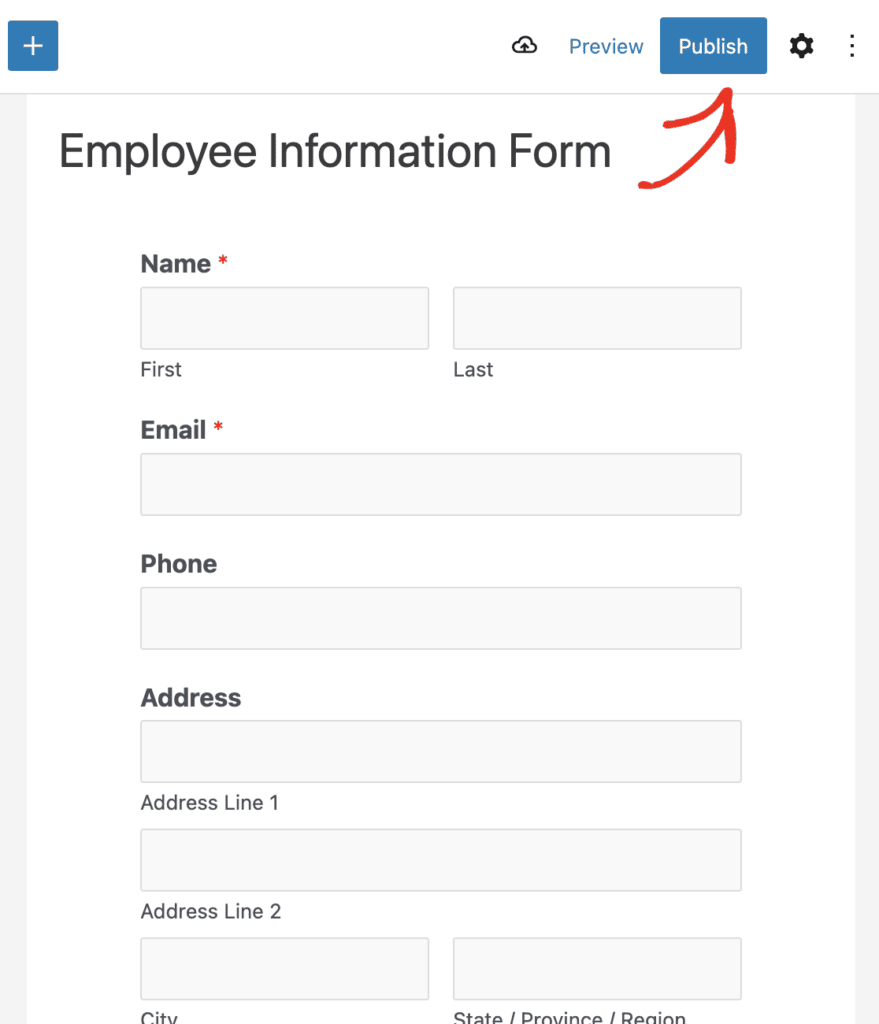
The next handful of forms listed here may very well be part of your employee “onboarding” process, or the information may be included somewhere on your onboarding form. But for further specifics and ideas, let’s break it down some more.
3. Emergency Contact
Safety first!
The emergency contact form collects the names and numbers of the people you should call if something unexpected happens. It’s a quick but important part of employee onboarding that shows you care.
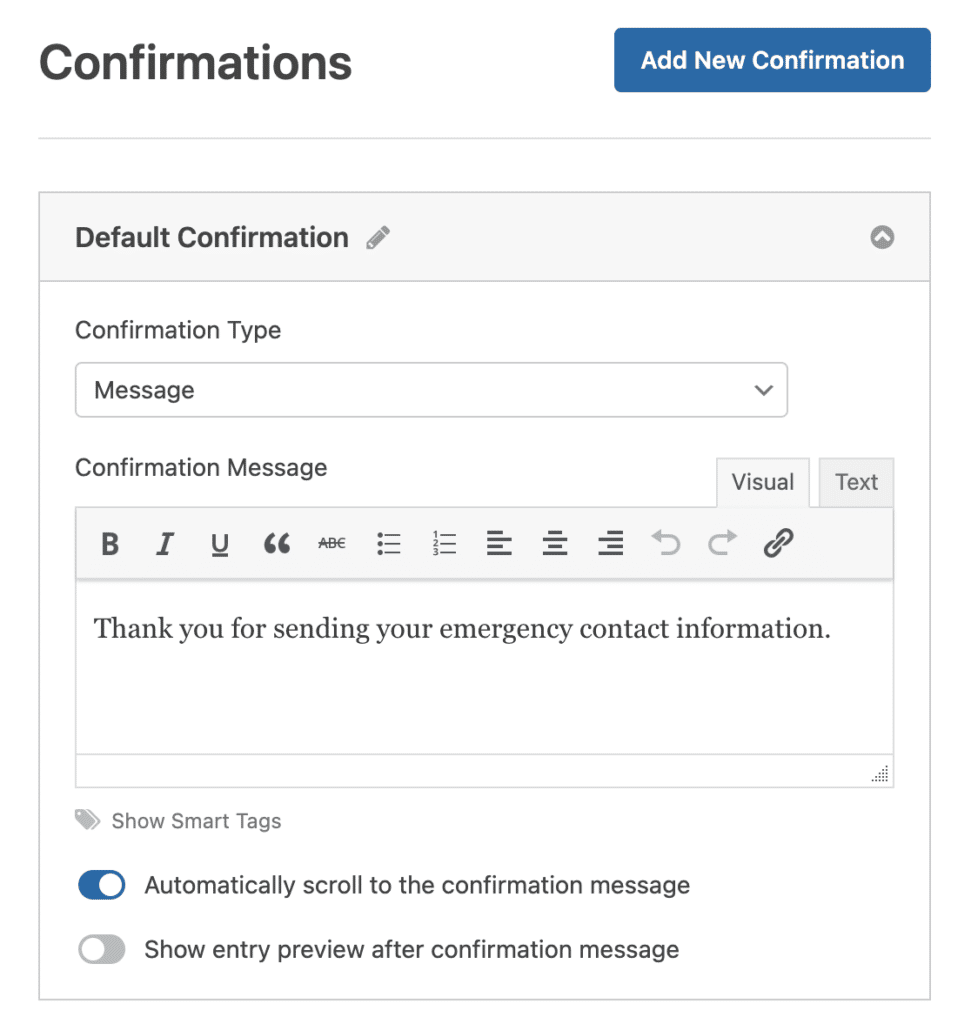
What to ask for on your Emergency Contact form:
- Contact name and relationship
- Phone numbers (home, mobile, work)
- Email (optional)
- Alternate contact (if applicable)
4. Handbook Acknowledgement
Use this form to confirm that your employee has received and read your company handbook. It’s your paper trail that says “We told you the rules” — and it’s important for peace of mind.

What to put on your Handbook Acknowledgment form:
- Confirmation checkbox
- Date of receipt
- Signature field
5. Code of Conduct or Policy Acknowledgements
Sometimes, certain company policies need their own moment of acknowledgement.
These types of forms let you highlight specific rules — like internet usage, safety policies, or social media guidelines — and get written acknowledgment. It’s especially useful for policies that change more frequently than the full handbook.
What to include on your Code of Conduct form:
- Brief description of the policy
- Link for full policy
- Agreement checkbox
- Signature field
6. Equipment and Asset Acknowledgement
If you’re handing out laptops, uniforms, or software licenses, this form keeps a clear record of what was issued. Employees sign off to say they’ve received their gear and agree to take care of it.

Super handy for offboarding, too.
What to gather on your Equipment Acknowledgment form:
- Description of item(s) issued (e.g., laptop, phone, keycard)
- Serial numbers
- Condition at time of issue
- Signature to confirm receipt and agreement
7. Non-Disclosure Agreement (NDA)
An NDA helps protect your business’s private info by making sure your new hire agrees not to share sensitive data. It’s standard for many roles and industries, especially if your team works with trade secrets or client information.
So, a digital form makes it simple to collect this agreement and store it securely.

What to include on your NDA form:
- Summary of what’s considered confidential
- Duration of agreement
- Consequences of breach
- Employee signature and date
Need an Example? Check out the NDA Form Template
8. Non-Compete or Non-Solicitation Agreements
These agreements outline restrictions on working for competitors or poaching clients after leaving your company (where legal). While not every business needs one, they’re important for protecting relationships and intellectual property.
What to consider on your Non-Compete form:
- Duration and scope of restrictions
- Geographic area (if applicable)
- Signature and acknowledgment
Note: This might be a rare type of form compared to most of these that you’ll use for your business. But in the case that you do need it — I just want you to know how to get it on your site!
9. Training Completion Forms
Once your employee finishes any required training, a training completion form helps document it. Whether it’s safety, compliance, or internal tools, you’ll want proof it was completed.
What to put on your Training Completion forms:
- Training title and date
- Trainer name or method (in-person, video, etc.)
- Quiz results or feedback (optional)
- Confirmation checkbox or signature
10. Feedback Surveys
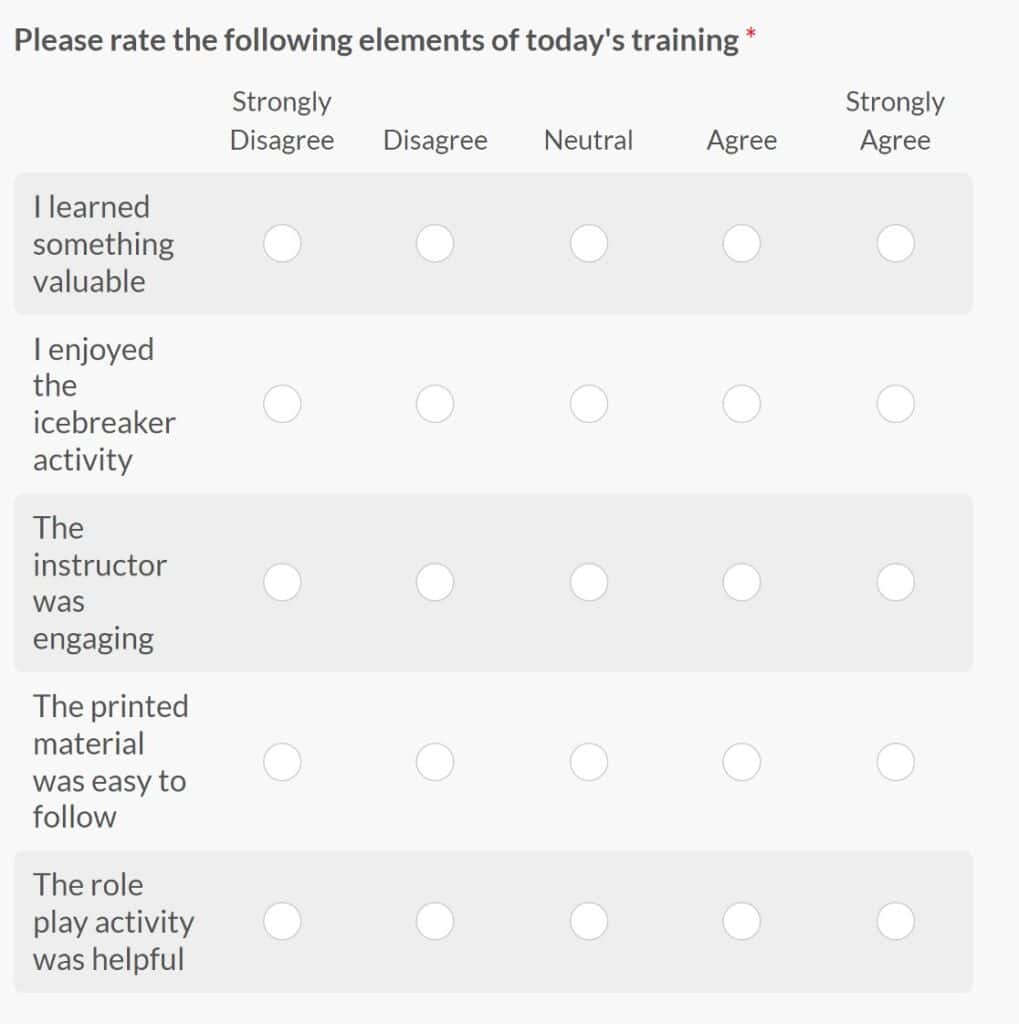
Feedback from new hires helps you improve your onboarding process. A feedback form lets you gather thoughts while the experience is still fresh, so you know what’s working and what needs tweaking.
But consider keeping it short and sweet with checkboxes and rating fields.
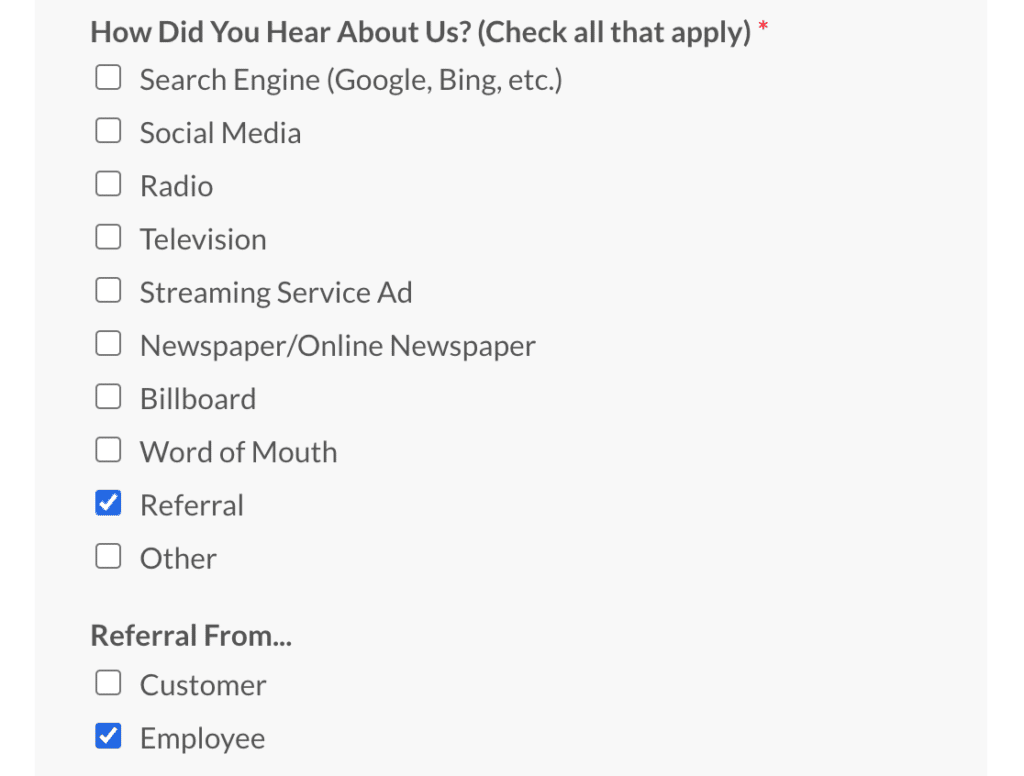
What else to put on your Feedback Surveys:
- Overall onboarding rating
- Most helpful/least helpful parts
- Open-ended suggestions
- Net Promoter Score (NPS) field
You don’t need to juggle PDFs or chase down signatures by hand. With WPForms, you can build a fully digital onboarding flow in minutes. And make a great impression on your new hires from day one!
FAQs About New Employee Forms
A few questions come up again and again when people set up their new employee forms. Here are quick answers to the most common ones, covering both the required paperwork and the forms you build yourself.
What forms are legally required for new employees?
In the United States, the two federal forms are Form W-4 for tax withholding and Form I-9 for work eligibility. Most states with an income tax also require their own withholding form. Everything else, like offer letters and handbook sign-offs, is set by your company.
What is the difference between Form I-9 and Form W-4?
Form I-9 verifies that your employee is allowed to work in the United States, and it’s handled by USCIS. Form W-4 tells you how much federal income tax to withhold from their pay, and it goes to the IRS. New hires complete both, but they serve completely different purposes.
Do new employees need to fill out a state tax form?
In most states with an income tax, yes. The form works like the federal W-4 but applies to state withholding. A handful of states have no income tax, so there’s no state form to collect there.
Can I collect digital signatures on my employee forms?
Yes. WPForms includes a Signature field, so employees can sign right on the form from a mouse or a touchscreen.
What if my form is long or complicated?
Break it into sections with a multi-page form, and turn on Save and Resume so employees can finish later without losing their progress.
Can I use WPForms for internal HR forms only?
Absolutely. You can password-protect forms or restrict them to logged-in users, which keeps internal HR forms private.
Next, Build Out Your Hiring Process
Once your new hire forms are ready, it’s worth looking at the step that comes before them. The job application is where the whole process starts, and you can run it from your own site instead of a clunky third-party platform.
My guide on how to create a job application form in WordPress walks through the whole thing. If you want to connect the dots between hiring and onboarding, take a look at using WPForms for recruitment and onboarding for a wider view of how the pieces fit together.
Start Building Your Onboarding Forms
Ready to build your form? Get started today with the easiest WordPress form builder plugin. WPForms Pro includes lots of free templates and offers a 14-day money-back guarantee.
If this article helped you out, please follow us on Facebook and X (Twitter) for more free WordPress tutorials and guides.





