


AI Summary
Did you know that 83 million people use Mercado Pago every month?
Last year alone, the platform processed $278 billion in payments.
That scale reflects something much bigger than the popularity of a payment platform.
Mercado Pago has become a familiar part of how millions of people across Latin America buy, book, and pay online.
So when one of them reaches your payment form, can they pay the way they always do?
Starting today, yes they can!
Meet the WPForms Mercado Pago Addon
Today, I’m thrilled to announce the brand new WPForms Mercado Pago Addon!
Connect your Mercado Pago account once, then add it to any payment form on your site to accept credit and debit cards, with installments, right on the page.
No developer needed, bridge plugin to maintain, or redirect sending your buyers somewhere that looks nothing like your site right at the moment of highest intent.
And the best part of all? WPForms takes no transaction fee on any of it. You pay only Mercado Pago’s own processing fees.
Everything the Mercado Pago Addon Can Do For You
The WPForms Mercado Pago Addon brings on-page card payments built for Latin America directly into the drag-and-drop form builder you already know.
- On-page card payments with installments: Buyers enter their card details into secure, Mercado Pago-hosted fields right inside your form and choose their installment plan without ever leaving your page.

- Seven local currencies are supported: Charge in ARS, BRL, CLP, COP, MXN, PEN, or UYU, so buyers in Argentina, Brazil, Chile, Colombia, Mexico, Peru, and Uruguay can pay in their own currency.

- Payments complete inside the form submission: An approved charge fires your confirmation email, your notifications, and your integrations at exactly the right moment, when money actually moved, not before.

- Refunds from your WPForms dashboard: Issue full or partial refunds directly from WPForms » Payments. Refunds processed on the Mercado Pago side sync back automatically.

- Works with the forms you already build: Quantities, Coupons, multi-page forms, Conversational Forms, Lead Forms, Form Pages, and page builders like Elementor and Divi all support the new field from day one.

- Card details never touch your site: The card fields are Mercado Pago-hosted, meaning sensitive card data is never stored on your server, and the buyer’s bank verification happens right on the page.
What This Looks Like for Your Business
Imagine a client in Mexico City landing on your booking form, picking their package, typing their card into secure fields on your own page, choosing 6 monthly installments, clearing the bank verification without a redirect, and hitting submit.
Payment confirmed. Confirmation email sent. You see the card brand and installment plan right in your WPForms dashboard. That is a customer moving from “yes” to a confirmed booking before they ever leave the page.
Who Is the WPForms Mercado Pago Addon Perfect For?
The WPForms Mercado Pago Addon is built for merchants based in the supported countries (Argentina, Brazil, Chile, Colombia, Mexico, Peru, and Uruguay) who want to accept card payments the way their local customers already pay.
- Small business owners who take bookings, deposits, and service payments through forms and want the card charged the moment a client says yes.
- eCommerce store owners who want order and pre-order forms to offer the installments and local currencies their shoppers already expect at checkout.
- Developers and agencies in the region who want a first-party gateway that follows the same patterns as the Stripe and Square addons they already deploy.
- Marketers who run local campaigns and want the landing form to take the payment on the page, in the buyer’s own currency.
Setting Up the WPForms Mercado Pago Addon Is Stupidly Simple
Make sure you are running the latest version of WPForms and have a Mercado Pago account available in one of the supported countries, then follow along.
Step 1: Connect your Mercado Pago account
Inside your WordPress dashboard, go to WPForms » Addons, find the Mercado Pago Addon, and click Install.
Then, navigate to WPForms » Settings » Payments » Mercado Pago. Paste your Public Key and Access Token from your Mercado Pago developer dashboard.

They validate automatically on save. Toggle between test and production mode when you are ready to go live.
Step 2: Add the Mercado Pago field to your form
Open an existing form or build a new one in the drag-and-drop builder.
Add the Mercado Pago field, enable Mercado Pago under the form’s Payments settings, and map the Customer Email and Customer Name fields.

Available installment options appear automatically inside the payment field.
Step 3: Publish and start accepting payments
Embed the form anywhere on your site. Your buyers see secure card fields and installment options right on the page.
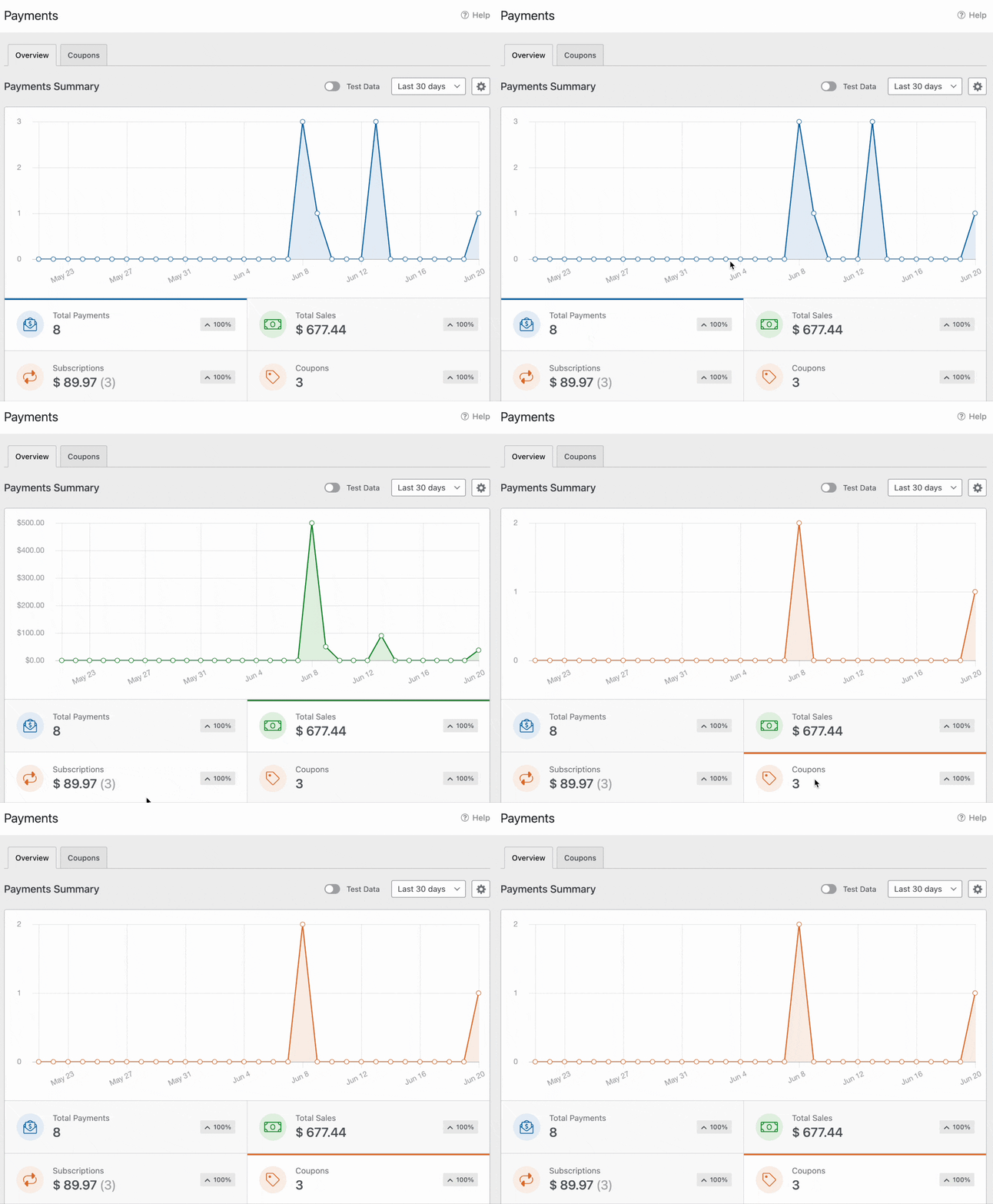
Payments complete inside the submission flow, and you manage everything from WPForms » Payments.
Here Is What Makes This Truly Special
The WPForms payments family already includes Stripe, Square, PayPal Commerce, and Authorize.Net.
The Mercado Pago Addon extends it to your market, with the one thing every checkout your customers already use offers: installments, on the page, in their own currency.
Other workaround plugins hand your buyers to a hosted checkout page on a domain they have never seen, at the exact moment you need them to trust you most.
The WPForms Mercado Pago Addon keeps the entire experience on your site, in your form, with your branding, from the first field to the payment confirmation.
And because life happens after checkout too, the addon keeps watching. A payment that clears its bank verification a moment later updates on its own, and a refund issued in either dashboard shows up in both.
The entire journey stays connected, from the moment your buyer chooses to pay to the moment the payment appears in your WPForms dashboard.
Ready to Take Payments the Way Latin America Pays?
If you are on a WPForms Pro or Elite plan, the Mercado Pago Addon is ready for you.
Install it from your WordPress dashboard, connect your account in just a few clicks, and your forms can start taking card payments today.
Not on a Pro plan yet? Get WPForms Pro and join more than 6 million website owners who trust WPForms to power their forms and payments.
As always, thank you for your continued support of WPForms. We are always working to make WPForms the easiest way to get paid on WordPress, wherever you and your customers call home.
We can’t wait to see what this opens up for your business.
Syed and the WPForms Team
P.S. A buyer who cannot pay the way they are used to paying is a buyer you may not get a second chance with. Put the Mercado Pago Addon on your forms and meet your customers exactly where they are. Get WPForms Pro today.





