WPForms Blog

WordPress Tutorials, Tips, and Resources to Help Grow Your Business

Recent Posts

Contact Form 7 Alternatives

8 Best Contact Form 7 Alternatives for WordPress (2026)

At WordCamp Asia 2026, Contact Form 7’s creator Takayuki Miyoshi announced that version 6.2 will be the final feature release. The plugin enters maintenance mode going forward, which means security patches and bug fixes only and no new features.

A successor project called Contactable.io is in the works, but it’s not expected until at least 2028. If you’ve been running Contact Form 7 on your site, that news probably changes the calculation. The good news is the WordPress form plugin market is crowded with strong alternatives.

This article walks through the best Contact Form 7 alternatives, ranked by overall fit for the kind of site that runs (or used to run) CF7. For each, I cover what the plugin actually does, what I liked, what it costs, and where it fits best.

Continue Reading

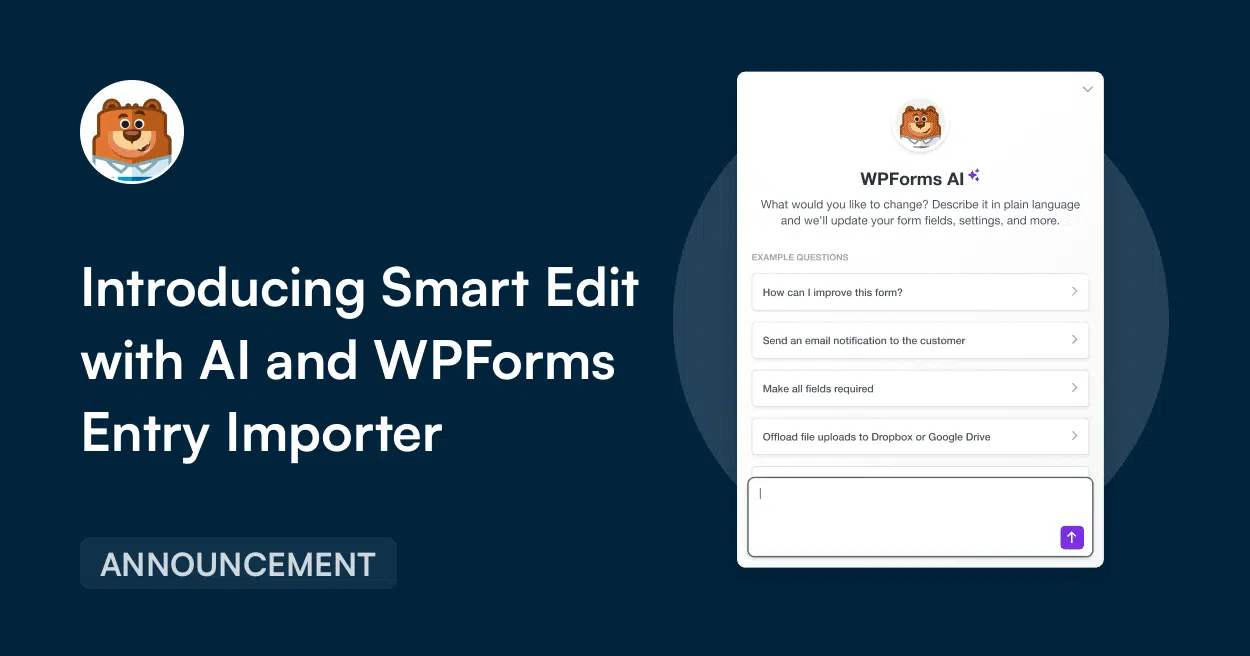
Smart Edit with AI and WPForms Entry Importer

Introducing WPForms v1.10.1: Edit Forms With AI and Import Entries From Anywhere!

When we first built WPForms, the goal was simple.

Give every small business and website owner the easiest way to build powerful forms on WordPress.

Today over 6 million websites trust WPForms to power their forms every single day, and our core value towards laboring for simplicity is still the driving force behind all our decisions.

That’s why I’m thrilled to introduce WPForms v1.10.1, which ships two brand new features that extend what WPForms can already do while making your workflow even easier.

Continue Reading

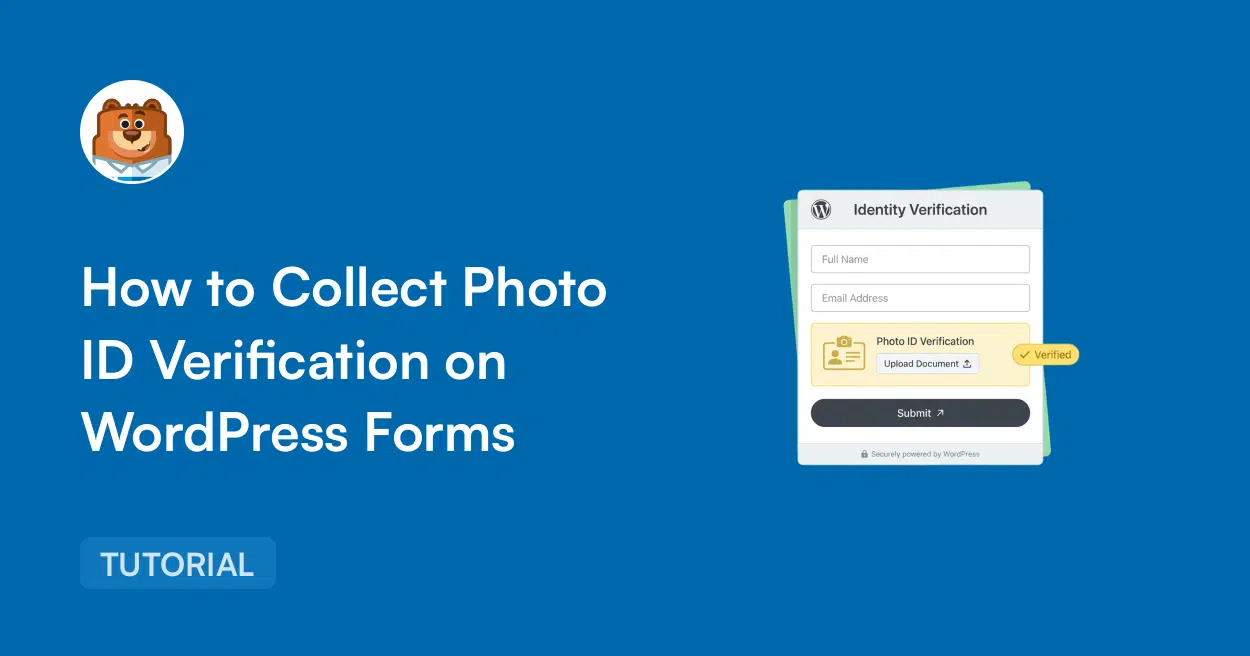
how to collect photo id verification

How to Collect Photo ID Verification on WordPress Forms

If you run a WordPress site that needs to verify who someone is before letting them in, you’ve got a real problem to solve.

Contests, age-restricted shops, member sign-ups, and freelancer onboarding, they all need ID collection, but none of them need a $300/month KYC platform to pull it off.

The good news is that WPForms has a clean way to do this through a regular form. This guide walks through exactly how to build that form.

Continue Reading

The Best WordPress Drag and Drop Form Builder Plugin

Easy, Fast, and Secure. Join over 6 million website owners who trust WPForms.

Lead Forms vs Conversational Forms

Lead Forms vs Conversational Forms: Which Is The Right Pick For You?

If you’re trying to lift form completion rates on your WordPress site, you’ve probably come across two different ideas.

One approach breaks your form into a step-by-step lead capture flow where related fields share a page. Another turns your form into a chat-style experience that shows visitors only one question at a time.

Both formats genuinely work, and both can outperform a single long form by a wide margin. The catch is that the right pick depends on your specific form, your traffic source, and what the rest of your page is doing.

This article walks through what each format actually does on a WordPress site and where each one shines. By the time you’re done reading, you’ll know exactly which to pick for any form on your site.

Continue Reading

🔔 Subscribe to get our latest updates
📧 Subscribe to Emails

Email Subscription

Join our Newsletter

We won’t spam you. We only send an email when we think it will genuinely help you. Unsubscribe at any time!
Improvement New Feature

Meet the New Frond-End Form Themes Editor

Hero banner announcing the new Front-End Form Themes Editor; bear mascot on the left and stacked form illustrations on the right.

The Front-End Form Themes Editor lets you restyle your WPForms forms on the pages where they’re embedded, with each adjustment showing up as you make it.

Saving from the form’s preview page sets its default look, while saving anywhere else changes that one placement only.

Open it from the admin bar’s Edit Form Theme item, or from an Edit Theme button inside the builder, the block editor, Elementor, or Divi.

Every form ends up looking at home wherever it appears.

Integration New Feature

Grow Your Drip List Right From Any WPForms Form

Announcement banner: 'Announcing Drip for All WPForms Users' with a mascot on the left and a circular logo on the right.

Drip now works inside WPForms itself, so any form can create or update subscribers in your Drip account without a separate addon to manage.

Tags set on a connection travel with each new subscriber, which lets the Drip workflow tied to that tag pick them up straight away.

Link a Drip account in WPForms » Settings » Integrations, then set up a connection from the Marketing panel of the form builder.

Sites that ran the earlier Drip addon keep their accounts, connections, and field mappings exactly as they were.

New Feature Payments

Start Your Stripe Subscriptions With a Trial Period

Left-aligned hero text: “Add a Trial Period to Stripe Subscriptions in WPForms,” with a bear avatar and an ANNOUNCEMENT badge on dark blue background.

A Stripe subscription sold through WPForms can now begin with a trial period: the subscriber signs up today, and their first payment waits until the trial is over.

The card is collected and checked at signup, held by Stripe, and charged automatically on the day the trial ends.

The length is a number of days, weeks, months, or years, chosen in the form builder’s Payments tab for each Stripe subscription you sell.

Each trial shows up in WPForms » Payments with a Trialing status until that first payment lands.

Improvement

Weekly Email Summary

Hero banner announcing the WPForms Weekly Email Summary with a mascot circle on the left and a white analytics card on the right, on a dark blue background.

The weekly summary WPForms emails you now opens with stat tiles for entries, views, and spam, each marked with how it moved against the previous week.

Beneath them, a table gives every form its own line, and when the data earns it the headline changes to call out a best week, a milestone, or a form that has gone quiet.

A single button takes you from the email back into WPForms, so the thing worth checking is one click away.

Integration New Feature Payments

Paystack Addon

Introducing the WPForms Paystack Addon: Accept Payments in Nigeria, Ghana, South Africa, and Kenya

The Paystack addon brings card, bank transfer, and mobile money payments to your forms for buyers in Nigeria, Ghana, South Africa, and Kenya.

Buyers click submit and pay in the Paystack popup in naira, cedis, rand, or Kenyan shillings, with no new field to add to your form.

Bank transfer and mobile money payments are saved as Pending, and WPForms can hold your notification emails until Paystack confirms the payment, then completes the order on its own.

Every Paystack payment shows up in WPForms » Payments, and full refunds can be issued without leaving WordPress.