


AI Summary
You’ve got a growing brand presence and social following, and you’re excited to share your content across the web using Linktree.
You’ve lined up all your social media links, blog posts, and maybe even a few product listings. But that’s when you realize that Linktree just can’t keep up.
It’s clear that your digital presence doesn’t look as cohesive as it could be. The limitations of Linktree are too big to ignore now.
This is the story of a close friend of mine who came to me for help. Being the great friend that I am, I ended up looking for Linktree alternatives for them that offered greater flexibility at a reasonable price point.
Suffie to say, I know a thing or two about link in bio tools now, thanks to this experience. So I decided to write this post about link in bio tools that I used, tested and found pretty good.
If you’re on the hunt for the right Linktree alternatives for yourself, I hope my findings can guide you to the tool that’s just right for your journey.
Is There a Free Alternative to Linktree?
Yes, and you have more options than you might think. Several tools on this list offer genuinely useful free plans, not just 7-day trials.
Lnk.Bio, for example, lets you add unlimited links on the free tier. Pallyy’s free plan covers the core bio-link builder. Bio Sites (by Squarespace) and Carrd both have solid free tiers aimed at creators who don’t need paid features. And if you run a WordPress site, SeedProd’s free version can do most of what you need.
Each of them handles “free” a little differently, so the right pick depends on what you actually need the page to do. The reviews below call out which free plan lines up with which use case.
Linktree Alternatives: Quick Overview
Linktree is a social media management and marketing tool. You can use it to create a mini landing page to include in your profile on your social media accounts.
This makes it easy to share multiple links, even on platforms that limit the number of links you can add to your bio. Here’s a brief side-by-side comparison of the bio link tools I’ll explore in this post:
| # | Tool | Best For | Free Plan | Starting Paid Price |
|---|---|---|---|---|
| 1 | SeedProd | WordPress users who want a custom domain | Yes | $39.50/year |
| 2 | Taplink | Creators adding payments & eCommerce | Yes | $3/month |
| 3 | Pallyy | All-in-one social media + bio link | Yes | $20/month |
| 4 | Shorby | Messenger integrations & feed-based pages | No | $12/month |
| 5 | Lnk.Bio | Unlimited links on a tiny budget | Yes (unlimited) | $0.99/month |
| 6 | Linkin.bio by Later | Shoppable Instagram posts | Yes | $16.67/month |
| 7 | Beacons.ai | Creators who monetize content | Yes | $10/month |
| 8 | Carrd | Single-page site + bio hub | Yes | $9/year |
| 9 | Campsite.bio | Brand-matched customization | Yes | $7/month |
| 10 | Bio.fm | Polls, GIFs, and interactive embeds | Yes | $5/month |
| 11 | Smash Balloon | Pulls social feeds into your WordPress site | Yes | $49/year |
Linktree Alternatives: My Full Rundown
Let’s look at each one of these platforms, starting with my top choice.
1. SeedProd
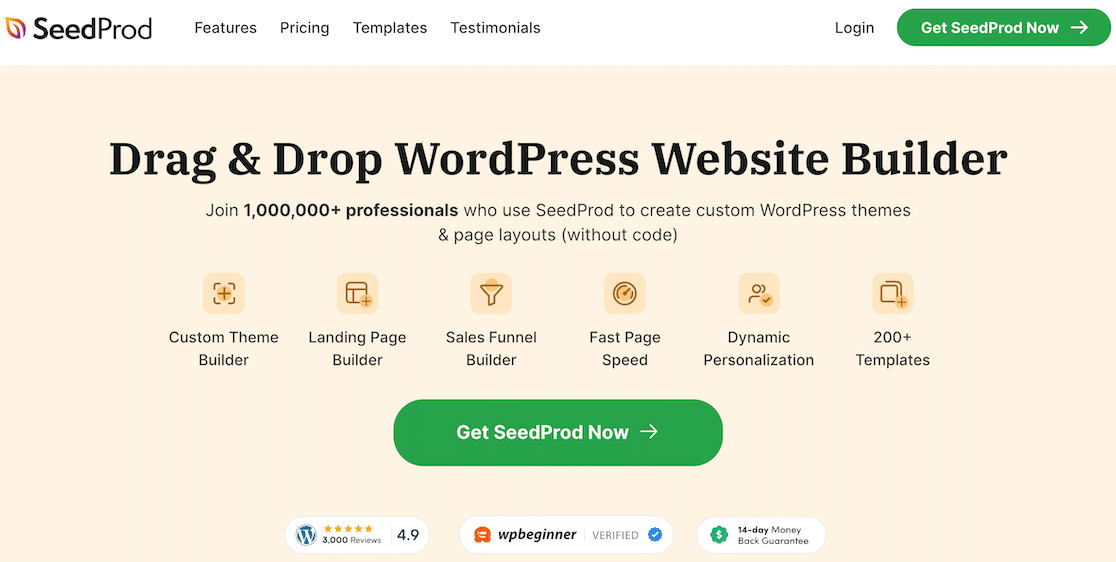
SeedProd is the one I keep recommending first, especially if you already run a WordPress site. It’s a drag-and-drop landing page plugin that lets you build a link-in-bio page on your own domain instead of sending visitors to a third-party URL. That’s a real advantage since traffic stays on your site where analytics, retargeting, and any other plugins you use can pick it up.
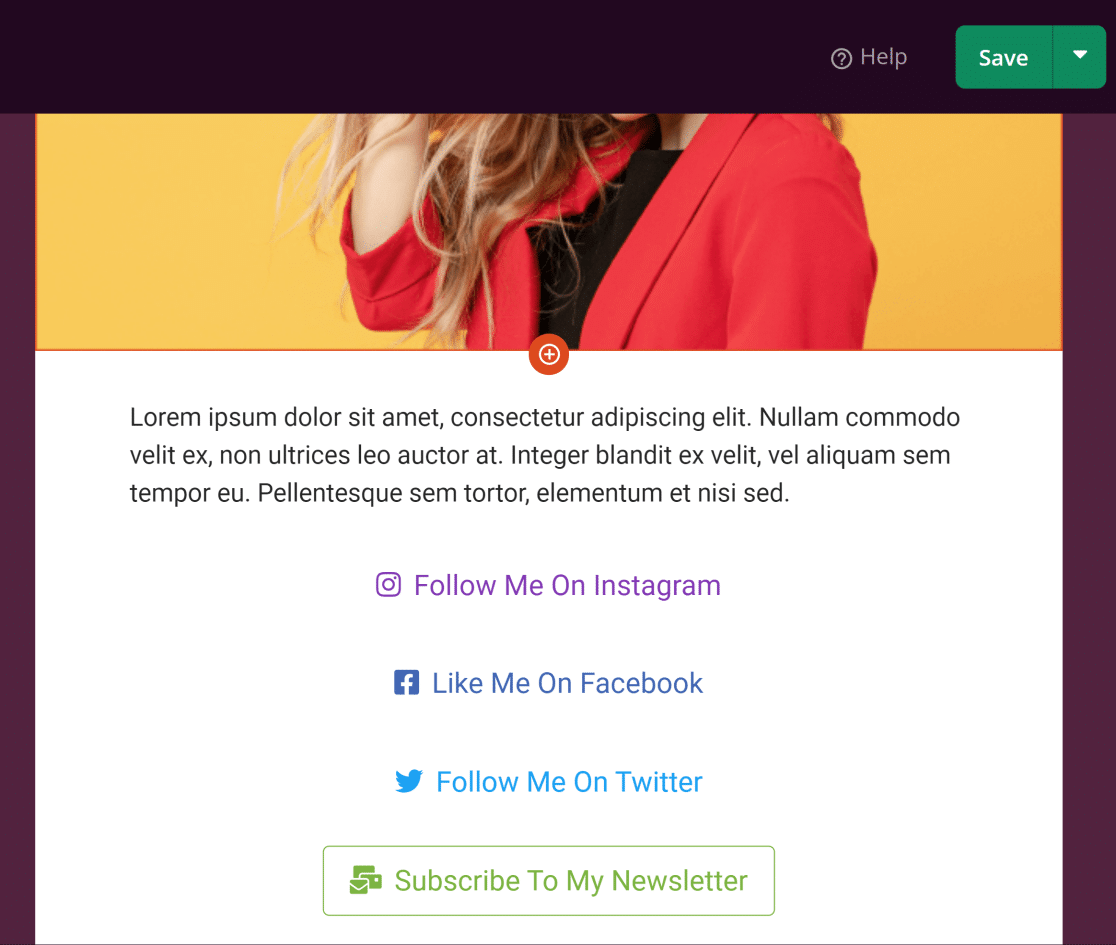
I used SeedProd to build a link-in-bio page for a photographer friend, and it took about 20 minutes end to end. The Personal Links template gave me a Linktree-style layout out of the box, and I customized buttons, colors, and background in the visual editor without touching any code.
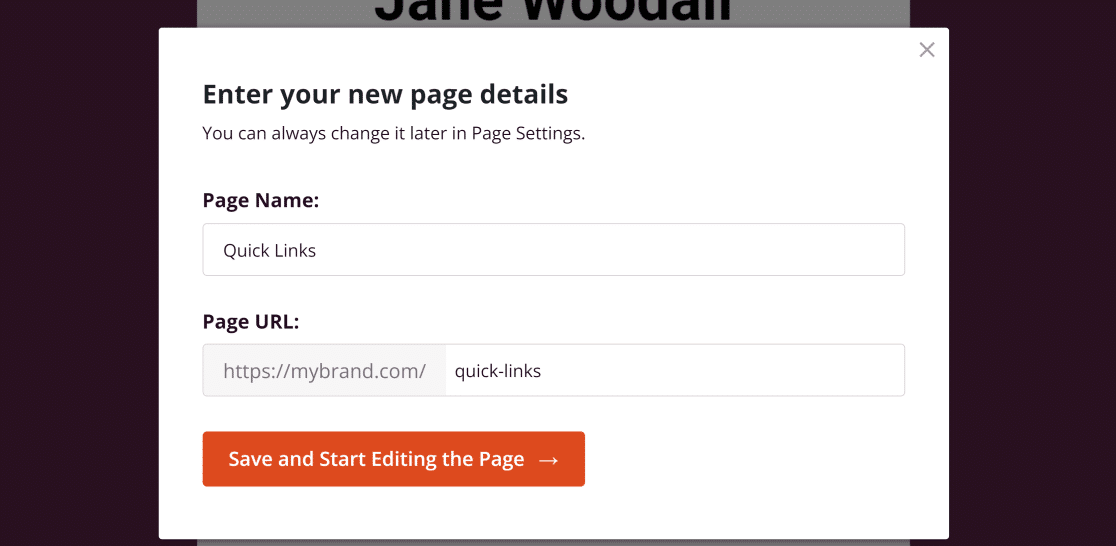
One feature I really liked is being able to embed a contact form directly on the page. Linktree doesn’t do that, and it’s handy when you want followers to reach out without first clicking through to a separate page. Since SeedProd builds on WordPress, you can pair it with a form plugin, an email opt-in form, or even a lead form or landing page setup.
If you’re exploring WordPress more broadly, SeedProd also doubles as a full landing page plugin, so the same investment carries over to coming soon pages, sales pages, or giveaway pages. And if you want to run social media contests through your link-in-bio setup, pairing SeedProd with RafflePress works well.
Favorite SeedProd Features:
- Personal Links template for a ready-made link-in-bio page
- Custom domain URL (no
linktr.eeslug) - Drag-and-drop builder with full design control
- Embed contact forms, email opt-ins, and CTAs directly on the page
- Doubles as a landing page builder for the rest of your site
How Much Does SeedProd Cost? Pricing for paid plans starts at $39.50 per year. A limited free version is available through the WordPress repository.
2. Taplink
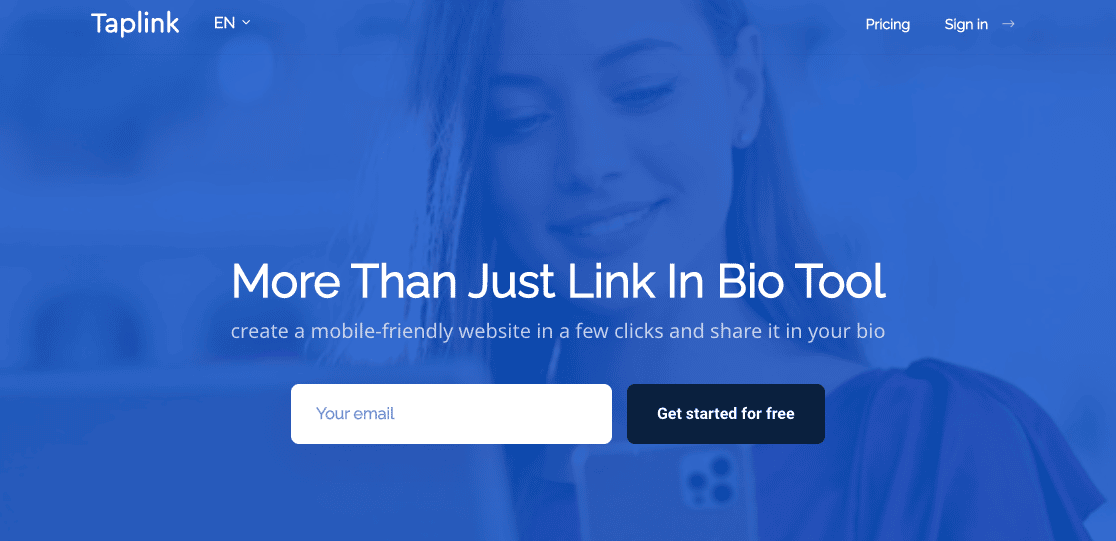
Taplink is one of the stronger Linktree alternatives if you want to do more than just list links. It’s built around a block-based editor with 300+ interactive widgets, and the standout for me is how naturally it handles payments and small-scale eCommerce.
On one project, I added Stripe and PayPal payment blocks directly to a landing page so a musician friend could sell merch without sending people to a separate Shopify or store page. The customer journey stayed in one place, which matters when you’re asking someone to pull out a credit card from a phone.
You can embed product listings, videos, image carousels, and contact forms too. It also connects with Google Analytics and Facebook Pixel so you’re not flying blind on performance.
Favorite Taplink Features:
- 300+ widgets including payment blocks, forms, timers, and galleries
- Stripe and PayPal integrations for on-page checkout
- Messenger-style contact links (WhatsApp, Telegram, Skype)
- Analytics through Google Analytics and Facebook Pixel
- Far more design control than Linktree’s free tier
How Much Does Taplink Cost? Taplink has a free plan. Paid plans start at $3/month and unlock the advanced widgets.
3. Pallyy
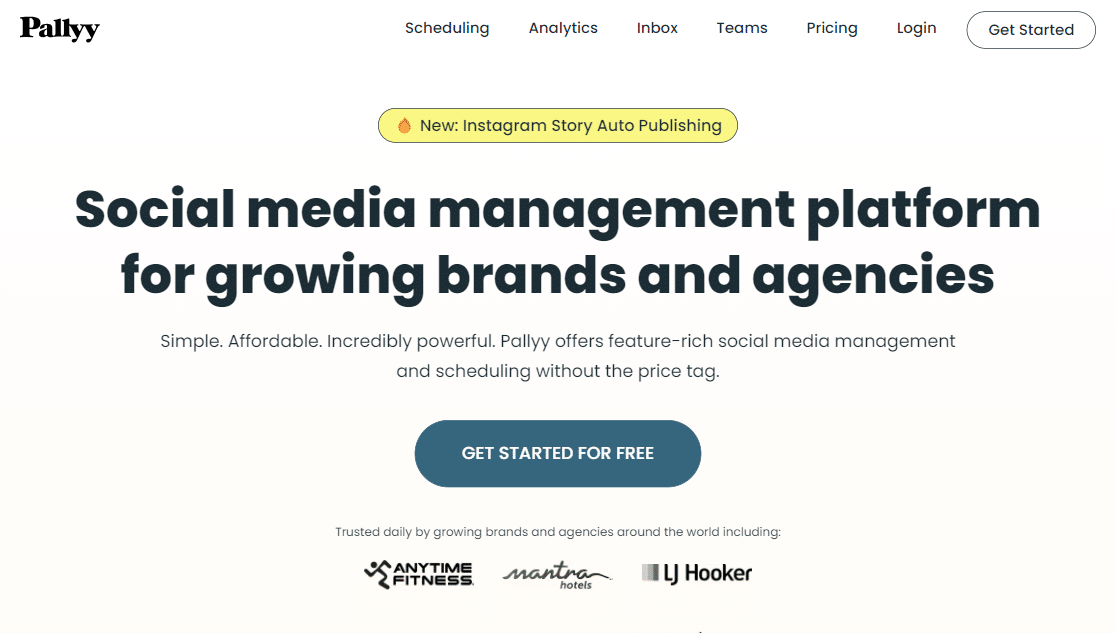
Pallyy is what I now reach for when someone wants a bio-link tool that also handles social media publishing. It combines scheduling, analytics, a social inbox, and a link-in-bio builder in one workspace, which removes the need to glue together three separate tools.
I tried Pallyy for a small brand account where scheduling posts across Instagram, TikTok, and LinkedIn was getting tedious. The scheduling side paid for itself within a week, and the bio-link page was a nice bonus rather than the main draw. That setup works well if you’re already paying for a social media tool and wondering why you also pay Linktree.
The bio-link features themselves are solid but not flashy. You get clean templates, custom colors, and click analytics. What sets it apart is the integration with everything else Pallyy does, so a click on your bio page feeds the same analytics dashboard as your post performance.
Favorite Pallyy Features:
- All-in-one workspace for publishing, analytics, inbox, and bio link
- Clean customizable templates for your bio page
- Click and visitor demographic reporting
- Link scheduling so certain links show on specific days
- Generous free plan for the bio-link builder alone
How Much Does Pallyy Cost? Free plan available. Paid plans start at $20/month and unlock the full social management suite.
4. Shorby
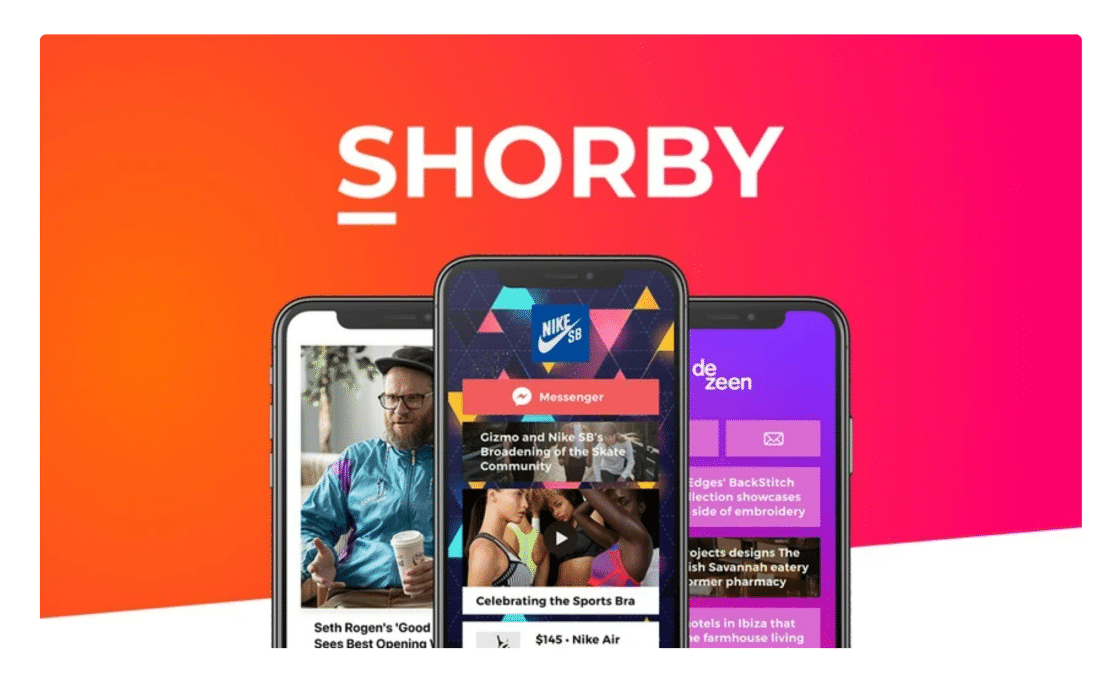
Shorby is another Linktree alternative I’ve come back to a few times, mostly because of how well it handles messenger integrations. If a big part of your audience wants to DM you directly through WhatsApp, Telegram, Viber, or Facebook Messenger, Shorby makes that a one-tap button on your page.
What I also appreciate is the feed-based approach. Instead of just listing static links, you can pull in a YouTube channel, Shopify categories, Apple Podcasts episodes, or WordPress posts, and Shorby updates the bio page automatically. It’s useful for creators publishing new content regularly and who don’t want to manually refresh their links every time.
Customization runs deep too. You can tweak buttons, thumbnails, backgrounds, and themes in the drag-and-drop editor, and it plays well with Google Analytics and Facebook Pixel for tracking.
Favorite Shorby Features:
- Deep messenger integration (WhatsApp, Telegram, Viber, FB Messenger)
- Auto-updating feeds from YouTube, Shopify, podcasts, and RSS
- Full drag-and-drop editor with thumbnail and button control
- Google Analytics and Facebook Pixel support
- Custom domain option
How Much Does Shorby Cost? No free plan. Paid pricing starts at $12/month.
5. Lnk.Bio
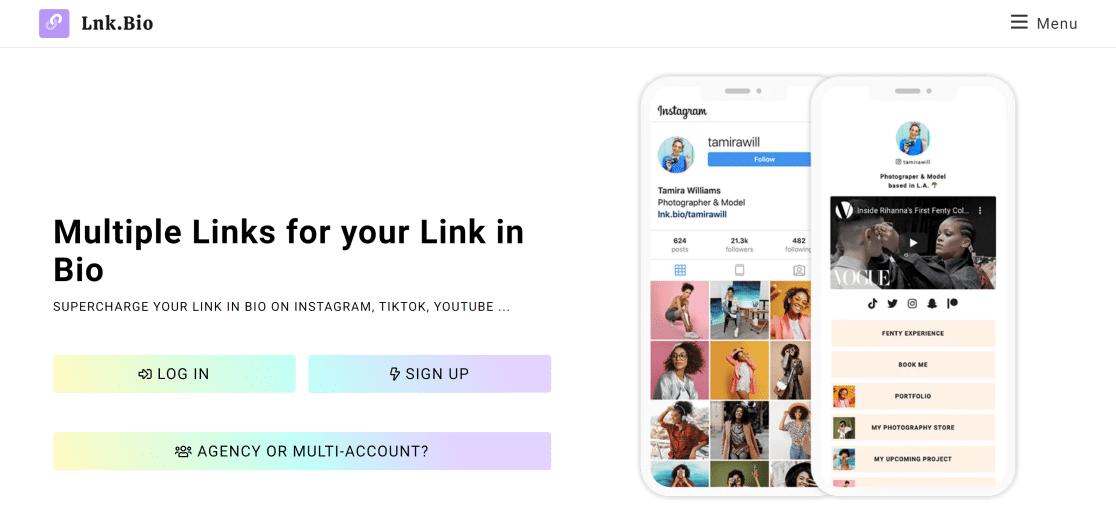
Lnk.Bio is the pick I give friends who want something simple, cheap, and actually functional on the free tier. You can add unlimited links for free. That alone puts it ahead of most tools on this list if you’re just starting out.
Setup is painless. You can log in through Instagram so there’s no separate account to manage, and the page goes live in a couple of minutes. I’ve used it for a couple of personal projects where I didn’t want to pay anything but still wanted a decent-looking page.
The paid plan unlocks more layouts, fonts, color schemes, and link scheduling, and it caps out at around $24.99 for a lifetime deal if you’d rather not pay monthly. For a freelancer or hobby creator who just wants to stop worrying about monthly fees, that’s hard to beat.
Favorite Lnk.Bio Features:
- Unlimited links even on the free plan
- Instagram-based signup (no separate account required)
- Embedded music and video support
- Engagement reports and external pixel tracking
- One-time lifetime payment option on paid plans
How Much Does Lnk.Bio Cost? Free plan with unlimited links. Paid features start at $0.99/month, with a $24.99 one-time lifetime plan also available.
6. Linkin.bio by Later
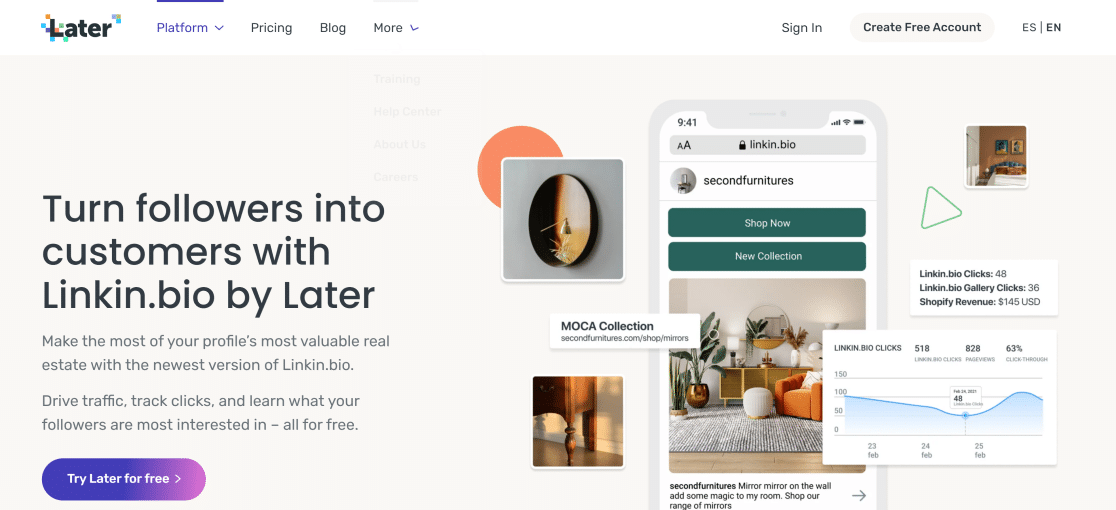
Linkin.bio is Later’s take on link-in-bio, and it shines for one very specific use case: turning your Instagram grid into a shoppable landing page. Your bio page mirrors your Instagram feed, and each post can carry up to five custom links.
I used this for a small online store that wanted every Instagram post to link back to a specific product page. Followers would tap a post they liked in the feed-style grid, and it took them straight to the product. That shortens the path from “saw it on Instagram” to “bought it” in a way static bio links can’t.
It also covers the basics: analytics, UTM tracking, and integrations with Google Analytics. If you’re already a Later customer for scheduling, this is part of the same plan so there’s no additional cost.
Favorite Linkin.bio Features:
- Shoppable Instagram feed mirrored on your bio page
- Up to 5 custom URLs per Instagram post
- UTM and Google Analytics tracking
- Included with Later’s scheduling plans
- Clean, Instagram-native visual style
How Much Does Linkin.bio Cost? Free plan available. Later’s Starter plan (which includes Linkin.bio) starts at $16.67/month billed annually.
7. Beacons.ai

Beacons.ai is the one I’d recommend if you’re a creator who actually monetizes your audience. It’s more of a mobile-first website builder than a link list, and it bakes in tools for selling digital products, booking calls, collecting emails, and even generating media kits for brand deals.
I set up a Beacons page for a coach who was tired of stitching together Linktree, Stripe, and a separate email tool. The AI-assisted page builder suggested a layout, wrote a first draft of the bio copy, and pulled in a Stripe-connected storefront. From “blank slate” to “ready to sell” took maybe 40 minutes. You still end up rewriting the AI copy (it tends to go generic), but as a starting point it saves real time.
Analytics are solid and specific to creator economics. You can track clicks, email signups, product sales, and brand-pitch requests in one dashboard. The free plan is genuinely usable, and paid tiers unlock custom domains and higher transaction caps.
Favorite Beacons.ai Features:
- AI-assisted page builder for fast setup
- Built-in storefront for digital products and services
- Email list capture and media kit generator
- Analytics for clicks, sales, and signup conversions
- Usable free plan with no visible paywall nagging
How Much Does Beacons.ai Cost? Free plan available. Paid plans start at $10/month.
8. Carrd

Carrd is the tool I recommend when someone wants design control without paying like it. It’s technically a one-page website builder, but it works beautifully as a link-in-bio hub and costs $9/year on the cheapest paid plan.
The free plan lets you build up to three sites, which is enough for most creators. Carrd’s real advantage is the freedom. You can position elements anywhere on the page, embed forms and widgets, use any Google Font, and connect a custom domain. If you’ve ever felt that Linktree pages all look the same, Carrd is the escape from that.
I built a one-pager for a friend’s portfolio in about half an hour. It doubled as a link-in-bio page but also had a short about section, a contact form, and a gallery. For designers, photographers, or anyone with an eye for layout, Carrd gives you room to show it off.
Favorite Carrd Features:
- Single-page site builder with full layout control
- Connects to a custom domain
- Pro plans include form blocks, Stripe payments, and widgets
- Massive font library and clean design templates
- Probably the best price-to-feature ratio on this list
How Much Does Carrd Cost? Free plan available. Pro Lite is $9/year, Pro Standard is $19/year, and Pro Plus is $49/year.
9. Campsite.bio
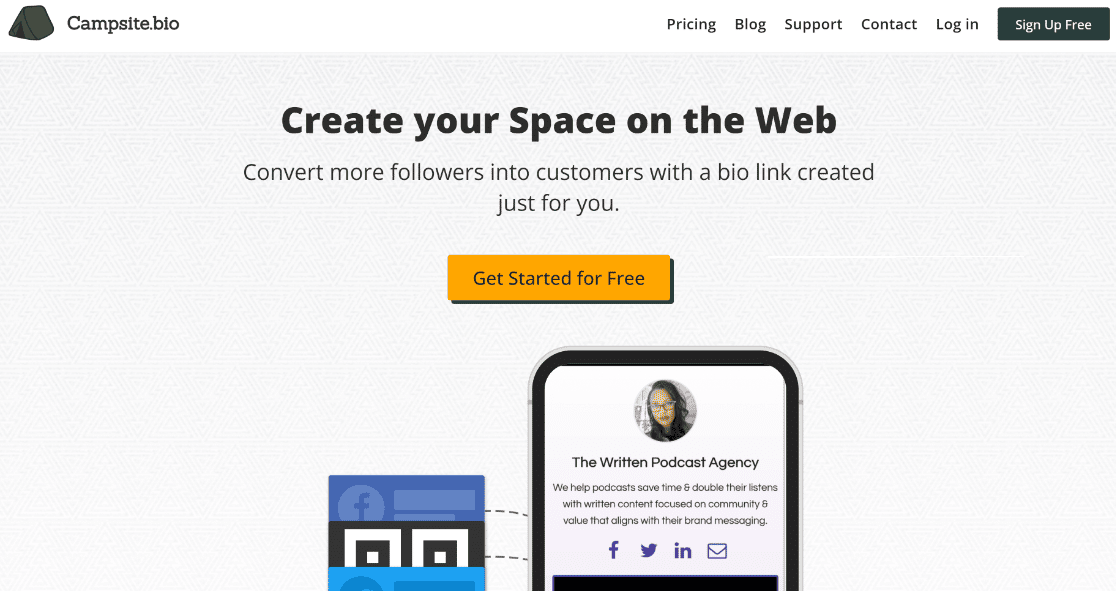
Campsite.bio is the closest cousin to Linktree on this list in terms of how it works, but it pushes much harder on customization. You get 1,000+ fonts, 4,000+ icons, 18 pre-made themes, and the ability to add images to individual link buttons. If Linktree feels too uniform, Campsite.bio is the easy upgrade.
I’ve used it for brands that wanted a recognizable visual identity on their bio page without jumping to a full website builder. Swapping in brand colors, icons, and a header image takes a few minutes, and the result looks like it belongs to the brand rather than to the link-in-bio tool.
It also connects with Mailchimp and other CRMs, so you can pull email signups straight into your marketing list. Reporting is detailed for an inexpensive tool.
Favorite Campsite.bio Features:
- Heavy customization (fonts, icons, themes, per-link images)
- CRM integrations including Mailchimp
- Detailed click reporting and link stats
- Unlimited links on all plans including free
- Custom domain support on paid plans
How Much Does Campsite.bio Cost? Free plan with core features. Paid plans start at $7/month.
10. Bio.fm
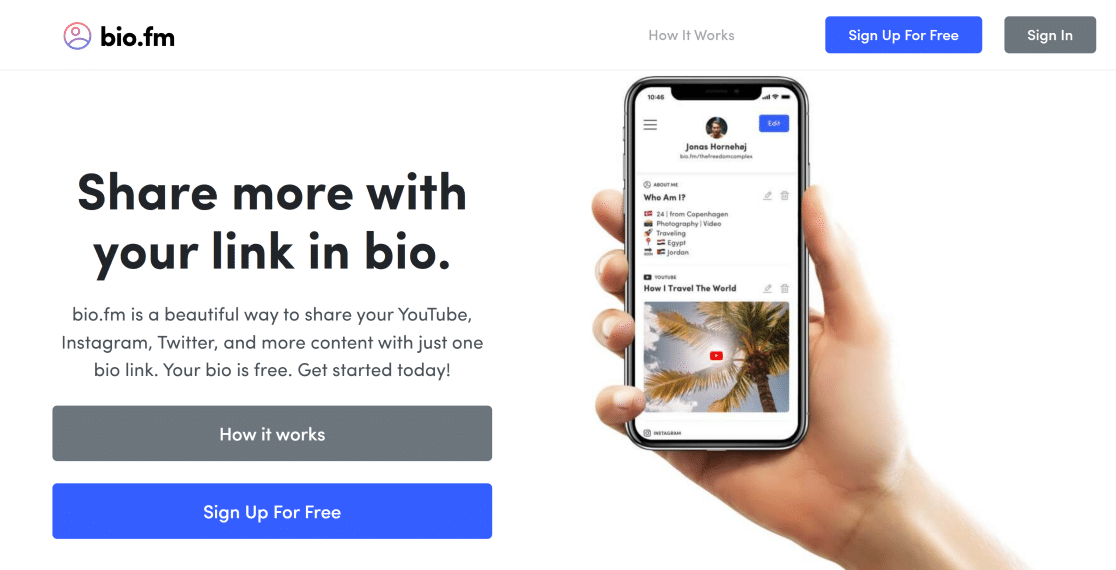
Bio.fm takes the bio page in a more dynamic direction than most tools on this list. Alongside the usual link blocks, you can add polls, surveys, email opt-in forms, and GIFs, which turns a static page into something closer to a mini-engagement hub.
I set up Bio.fm for a content creator who wanted to ask quick polls on new ideas. Followers would answer directly on the bio page, and the creator got real data instead of guessing from Instagram Story taps. It’s not something you’d build an entire content strategy on, but as a bonus feature it’s unique on this list.
Bio.fm does come with a bit of a learning curve if you want to use all the advanced features. For a basic bio page, it’s straightforward. For poll-heavy, survey-heavy pages, expect to spend some time in the editor.
Favorite Bio.fm Features:
- Interactive blocks (polls, surveys, GIFs)
- Email opt-in forms directly on the page
- Customizable themes and layouts
- Content aggregation from Instagram, Twitter, YouTube, Facebook, Spotify
- Generous free plan
How Much Does Bio.fm Cost? Free plan available. Paid features start at $5/month.
11. Smash Balloon
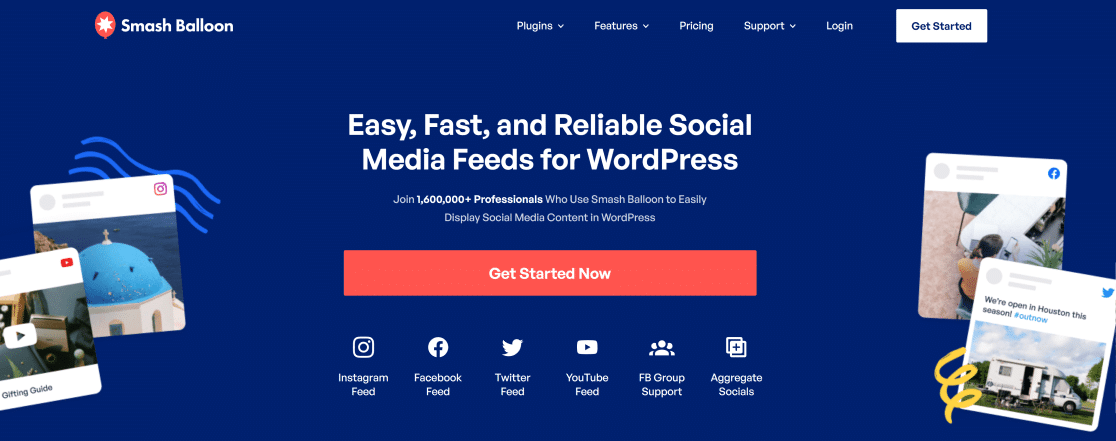
Smash Balloon is on this list because it solves the Linktree problem from the opposite direction. Instead of sending Instagram visitors to a separate page, Smash Balloon pulls your Instagram, Twitter, TikTok, YouTube, and Facebook feeds into your WordPress site. Visitors who land on your site stay there, and they can see your social content without leaving.
I set this up for a blogger who wanted Instagram followers to bookmark her site instead of the other way around. Her homepage now shows a live Instagram feed alongside her latest blog posts, and she’s tracking significantly more returning visitors.
This won’t replace a Linktree-style bio page on its own. Think of it as the other half of the strategy. Your bio page points to your WordPress site (built with SeedProd, for example), and Smash Balloon makes that site the central hub where all your social content lives.
Favorite Smash Balloon Features:
- Live social feeds embedded in WordPress
- Supports Instagram, Facebook, Twitter, YouTube, TikTok
- Auto-updates when you post new content
- Boosts time-on-site and returning visitors
- Pairs well with a link-in-bio tool for a full funnel
How Much Does Smash Balloon Cost? Free plugins available in the WordPress repository. Paid plans start at $49/year.
Tap.Bio and Other Linktree Alternatives That Shut Down
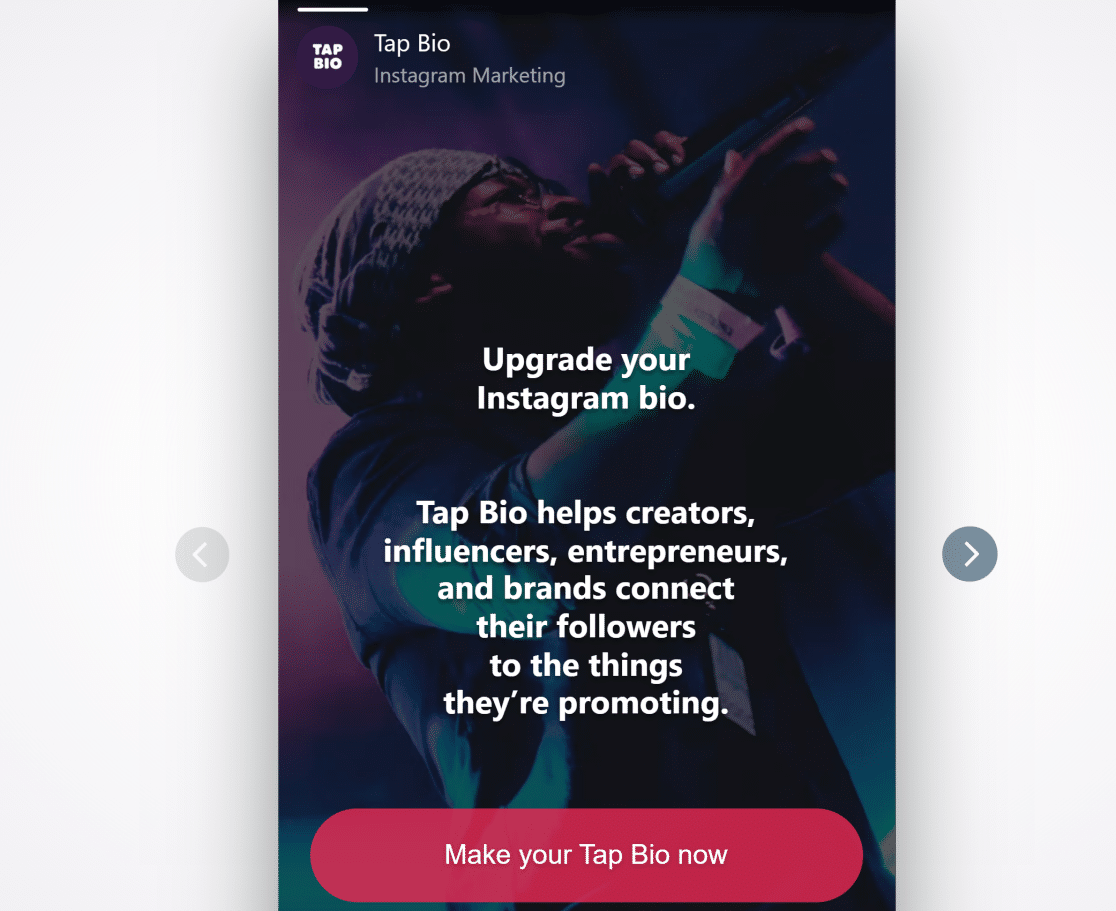
Tap.Bio held a bonus spot on this list for years thanks to its horizontal swipeable cards, which felt closer to Instagram Stories than a standard vertical link page. That spot is gone now because the service is closing.
The team announced it in April 2026 and set October 31, 2026 as the last day. New signups are already blocked, and every page built on the platform gets deleted once the service goes dark.

If you still run a live Tap.Bio page, save your links somewhere safe and rebuild before that deadline.
Campsite.bio is the nearest swap if what you liked was the simplicity, and Carrd is the better answer if the card-style design was the whole appeal.
Link in bio tools shut down far more often than most roundups admit, and Tap.Bio is only the most recent example of what has gone dark.
- Linkpop: Shopify discontinued it on July 7, 2025 and pulled it from the Shopify App Store.
- Bento.me: Announced in late January 2026 and closed on February 13, 2026, giving people roughly two weeks of notice.
- kit.co: The Patreon-owned link tool wound down in May 2026 after more than a year of quiet neglect.
- Koji: Vanished in January 2024 with almost no warning.
That churn is the reason I go back through this whole list before every update rather than letting it sit.
If a 2026 roundup still recommends any of those four, that page hasn’t been touched in a long time. Every one of the 11 picks above was confirmed live and accepting new signups in August 2026.
Which Linktree Alternative Is the Best?
The honest answer depends on what you already have. If you run a WordPress site, SeedProd is the clear winner for me. You get a link-in-bio page on your own domain, full design control, and the ability to embed forms and CTAs right on the page, which is something most Linktree alternatives can’t do.
If you don’t have a WordPress site and want a free option, Lnk.Bio is my budget pick because the free plan includes unlimited links. If you want a free-with-no-catch plan from a more polished builder, Pallyy’s free tier is excellent.
For creators actively selling digital products, coaching, or courses, Beacons.ai is the stronger choice because it bakes in a storefront, email capture, and brand-deal tools right in the bio page.
And if price is the only thing that matters, Carrd at $9/year gives you more design flexibility than anything else on this list.
FAQs on the Best Linktree Alternatives
Linktree alternatives come up a lot in creator communities and among WordPress users trying to stop relying on a third-party link list. Here are the questions I get most often.
What is the best free alternative to Linktree?
Lnk.Bio has the most generous free plan because it gives you unlimited links with no paywall. Pallyy’s free bio-link tier is also strong, especially because it connects to social scheduling features.
If you run a WordPress site, the free version of SeedProd (available in the WordPress repository) lets you build a link-in-bio page on your own domain at no cost.
Is there a better option than Linktree for Instagram?
Yes. Linkin.bio by Later is built specifically for Instagram because it mirrors your grid as a shoppable bio page. If your goal is selling products from your Instagram feed, it’s the most purpose-built option on this list.
For creators who post frequently and want followers to find older content, Shorby’s auto-updating feeds handle that better than Linktree’s manual link list.
And if you’d rather keep that traffic on your own site, our roundup of Instagram plugins for WordPress covers the feed and embed options.
Can I customize my bio link URL?
Most Linktree alternatives let you connect a custom domain so your URL matches your brand instead of sitting behind a third-party subdomain. SeedProd, Carrd, Campsite.bio, Beacons.ai, and Shorby all support custom domains on paid plans. SeedProd is unique because it builds the page on your existing WordPress domain, so the link looks like yoursite.com/links rather than links.yoursite.com.
What happened to Linkpop?
Shopify discontinued Linkpop on July 7, 2025. Existing pages no longer accept new links or logins, and the product has been removed from the Shopify App Store.
If you were using Linkpop to power shoppable bio links for a Shopify store, Linkin.bio by Later and Taplink are both solid replacements. Taplink even supports on-page checkout for creators who want the full shopping flow on one page.
Do Linktree alternatives include analytics?
Most of them do, though depth varies. Linkin.bio, Beacons.ai, and Pallyy have the most detailed analytics out of the box, including click heatmaps, conversion tracking, and visitor demographics.
Taplink, Shorby, and Tap.Bio connect with Google Analytics and Facebook Pixel so you can fold bio-page data into whatever tracking setup you already run.
If your bio page sends people to your own site, add link tracking there as well so you can track which links actually get clicked once they arrive.
Can I use a Linktree alternative for affiliate links?
Yes, every tool on this list supports affiliate links as long as the destination URLs comply with the affiliate program’s rules.
Shorby and Beacons.ai are particularly well-suited because both support link scheduling (useful for time-bound offers) and deep analytics so you can see which links actually drive conversions.
Next, Build a Landing Page That Converts
A link-in-bio page is just the first step. Once visitors click through, the page they land on determines whether they bookmark, buy, or leave. If you want them to stay, check out our guide on landing page best practices that convert for tactics you can apply right away.
You’ll also find our guide on running an Instagram giveaway useful if you’re planning a campaign around your new bio page. And if TikTok is part of your strategy, we’ve rounded up the best TikTok plugins for WordPress so you can tie your TikTok content back into your site.
Start Your WordPress Landing Page Now
Ready to build your form? Get started today with the easiest WordPress form builder plugin. WPForms Pro includes lots of free templates and offers a 14-day money-back guarantee.
If this article helped you out, please follow us on Facebook and X (Twitter) for more free WordPress tutorials and guides.





