


AI Summary
Have you ever failed one of those reCAPTCHA puzzles so many times that you start wondering if maybe, just maybe, you are the robot?
One minute you’re confidently clicking traffic lights. The next, you’re locked out or rage-quitting because one pixel of a crosswalk ruined everything.
And well, maybe we shouldn’t put our website visitors through that either… And pay Google to do it, too.
That’s what’s on the table with Google’s upcoming reCAPTCHA changes. By the end of 2025, every site owner using it will need to migrate to Google Cloud and deal with new pricing limits, including a smaller free tier.
If you use WPForms, the good news is that you already have friendlier ways to block spam built right in. So I’ll walk you through what actually changed, what it means for your forms, and the options you have today.
Google reCAPTCHA Changes in 2025: What WordPress Users Should Know
The short version is that reCAPTCHA moved to Google Cloud, the free tier now has a hard cap, and going beyond it means setting up a billing account. I’ll break down each change below and show you the easier path WPForms gives you.
What Changed with Google reCAPTCHA (and What It Means Now)
Google spent 2024 and 2025 moving reCAPTCHA into Google Cloud, and that rollout is now finished. If you never moved your keys by hand, Google migrated them for you automatically between late 2025 and early 2026.
In other words, this is no longer a change to prepare for. You’re already running on the new system, whether you noticed it or not. Here’s what’s different from the reCAPTCHA you originally signed up for:
- Your keys live in Google Cloud now: The old standalone reCAPTCHA admin console has been replaced by the Google Cloud console, where your keys are tied to a Cloud project.
- The free tier has a hard cap: You get 10,000 assessments per month for free. That quota counts per Google Cloud organization rather than per site, so every form on every site you run draws from the same pool.
- Billing has to be set up to go further: Once you pass 10,000 assessments, reCAPTCHA stops checking new submissions unless you’ve added a billing account.
- Advanced protection is a paid product: Fraud detection and account-defense tools sit in the paid Cloud tiers, not the free one.
Why Many Site Owners Are Ready to Move On
reCAPTCHA has been around forever, but it’s never been like, super loved… I mean, come on! What if a traffic light is covered by a line in the photo grid?!
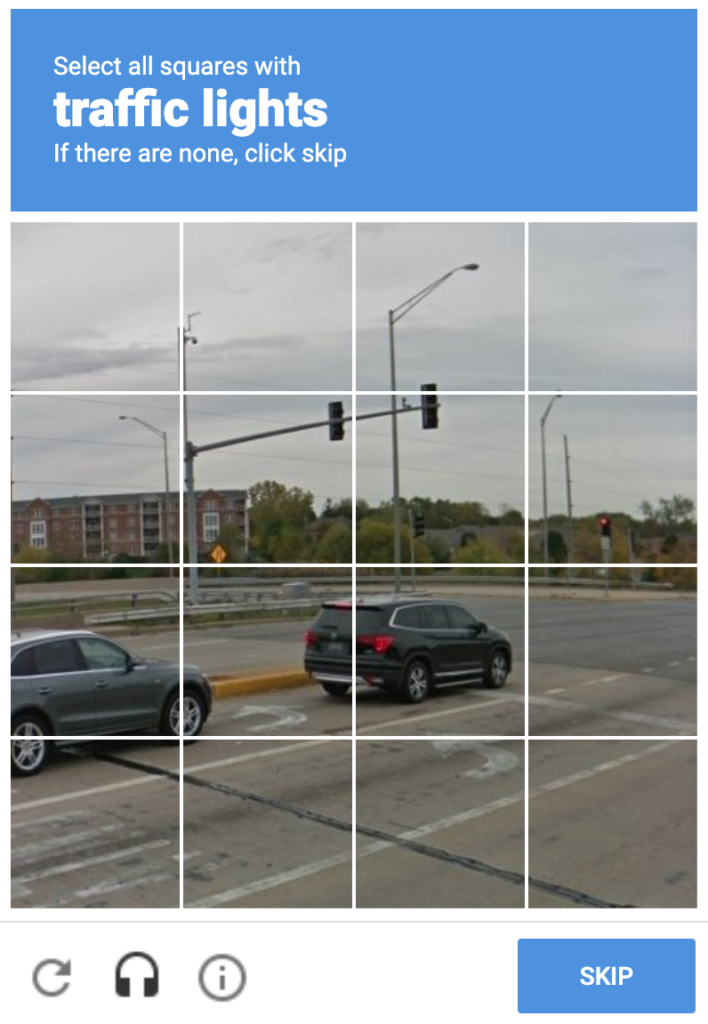
Every click on those tiny squares adds friction for visitors and potentially lost conversions for you. So even before the pricing change, plenty of folks were already looking for something faster and lighter.
The new Google Cloud requirement is really just speeding that decision up. Why wrestle with API keys, billing structures, and privacy trade-offs when there’s a simpler option, one that doesn’t charge you for spam protection?
How Much Does Google reCAPTCHA Cost Now?
For a long time, reCAPTCHA was the free option nobody thought twice about, and that’s the part that has really changed. Here’s how Google prices it today.
| Plan | Cost | What it covers |
|---|---|---|
| Free | $0 | Up to 10,000 assessments per month, shared across your entire Google Cloud organization. Billing must be enabled to go past the cap. |
| Pay as you go | $8 per month | Covers 10,000 to 100,000 assessments, then $1 for every 1,000 beyond that. |
| Enterprise | Custom | A 12-month contract with volume and advanced protection negotiated up front. |
Most small WordPress sites will sit comfortably inside the free 10,000 assessments. The catch is that an assessment runs every time reCAPTCHA checks a visitor.
So a few busy forms, a login page, and a contact page spread across a couple of sites can quietly eat through that pool faster than you’d expect, and once you cross the line you’re into paid territory.
Your Spam Protection Options in WPForms
As a WPForms user, this is the part I like, because you aren’t tied to Google at all. WPForms ships with several ways to stop spam, and you can switch them on without ever creating a Google Cloud project.
- Cloudflare Turnstile: A no-puzzle CAPTCHA that checks visitors in the background, and Cloudflare doesn’t charge for it.
- hCaptcha: A privacy-focused CAPTCHA with its own free tier. You can set it up with our guide to hCaptcha for WordPress forms.
- Custom CAPTCHA: A simple math question or custom question you control, handled by the Custom CAPTCHA addon.
- Built-in anti-spam token: WPForms adds a hidden token to every form that blocks most automated spam silently, with nothing for real visitors to solve.
- Honeypot: An invisible field that traps bots filling out everything on the page.
You can mix them too, and a lot of forms run the built-in anti-spam token alongside Turnstile and never show a puzzle at all. If you want the full rundown, we keep a list of the best reCAPTCHA alternatives and a closer look at every built-in
Cloudflare Turnstile: The Free, Non-Puzzle Alternative
Of all those options, Turnstile is the one I’d reach for first if you’re coming from reCAPTCHA. It checks that your visitors are human in the background, without puzzles or extra clicks, and it’s already built into WPForms.
(Though, if you want to keep that CAPTCHA experience, you can still have users check a box or complete a challenge with Cloudflare Turnstile.)
Here’s why it’s worth switching:
- No user friction – visitors don’t have to click anything if you don’t want them to.
- Starts free – and stays free for most sites.
- Privacy-friendly – doesn’t rely on user profiling or data collection.
- Fast and lightweight – loads quickly, keeps forms running smoothly.
Turnstile works invisibly in the background, and most visitors never realize it’s running, which is exactly how good spam protection should feel.
Stop Spam on Your WordPress Forms
How to Enable Cloudflare Turnstile in WPForms
Switching from reCAPTCHA to Turnstile only takes a few minutes in your WPForms settings. The full Turnstile setup tutorial covers every detail, but here’s the short version to get you going.

1. In WordPress, go to WPForms » Settings » CAPTCHA.
2. Select Turnstile.
3. In your Cloudflare dashboard, create a Turnstile widget to generate your Site Key and Secret Key.
4. Paste both keys into WPForms and click Save Settings.
5. In your form builder, go to Settings » Spam Protection and Security, and toggle Enable Cloudflare Turnstile to on.
Once enabled, you’ll see the Turnstile badge in the form builder, which means your forms are protected.
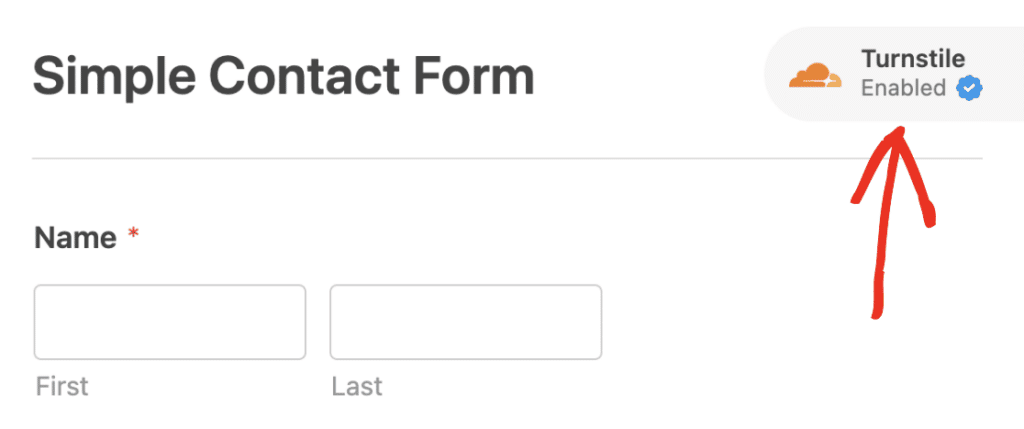
And all without any Google accounts, migration headaches, or puzzles to enforce!
Where You Stand Now
The old deadline has come and gone. Your reCAPTCHA keys are already on Google Cloud, so there’s nothing left for you to migrate.
What’s left to decide is whether you want to keep managing a Google Cloud project and a billing account just to keep spam off a contact form.

If you’re happy inside the free 10,000 assessments and don’t mind the Cloud setup, reCAPTCHA still works fine.
If that sounds like more overhead than a contact form deserves, Turnstile takes a few minutes to set up and gives you a cleaner experience for you and your visitors right away.
I’ve hesitated over plenty of those traffic-light puzzles myself, second-guessing whether a blurry pole counts as a signpost. Your visitors feel the same way, and a form they breeze through is a form they actually finish.
Key Takeaways
If you only hold onto a handful of things from all this, make it these.
- reCAPTCHA now lives in Google Cloud: The migration is finished, and Google moved any remaining keys over automatically.
- The free tier caps at 10,000 assessments a month: That limit is shared across your whole Google Cloud organization, and you need billing enabled to go past it.
- WPForms gives you free, built-in options: Cloudflare Turnstile, hCaptcha, Custom CAPTCHA, a built-in anti-spam token, and a honeypot are all ready to use.
- Turnstile is the easiest swap: It’s invisible, free, and takes a few minutes to turn on.
Google’s changes turned spam protection into one more account to manage and possibly pay for. WPForms users have a calmer option sitting right in their settings, with no puzzles or Cloud projects required.
FAQs About Google reCAPTCHA Changes
Still have questions about the Google reCAPTCHA changes and what they mean for your WordPress forms? Here are the answers that come up most often.
Is Google reCAPTCHA still free?
Yes, up to a point. The free tier gives you 10,000 assessments per month at no cost, but that quota is shared across your entire Google Cloud organization. Once you pass it, you need a billing account and you pay for the extra usage.
Do I have to migrate my reCAPTCHA keys?
Not by hand. Google already moved existing reCAPTCHA keys to Google Cloud projects automatically during the rollout. You will, though, need a Google Cloud account to manage those keys and to enable billing if you expect to go past the free tier.
What happens if I go over 10,000 assessments?
reCAPTCHA stops checking new submissions once you hit the cap, unless you’ve set up billing. After that, Google charges $8 a month for up to 100,000 assessments, then $1 for every 1,000 beyond that.
What are the best reCAPTCHA alternatives for WordPress?
Cloudflare Turnstile and hCaptcha are the two most popular, and both are built into WPForms. You can also use the Custom CAPTCHA addon or rely on the WPForms anti-spam token, which blocks most spam without showing visitors anything at all.
Does WPForms support Cloudflare Turnstile?
Yes. WPForms has built-in support for Cloudflare Turnstile with no addon required. Turn it on under WPForms » Settings » CAPTCHA, add your Cloudflare keys, and enable it on your forms.
Next, Check Your Form’s Accessibility
While we’re on the subject of big internet changes, it’s worth keeping the European Accessibility Act of 2025 on your radar too.
It pushes websites and online forms to be usable for everyone, which means clear labels and colors that are easy on the eyes. You can get the full picture in our guide to the European Accessibility Act.
Moving to a no-puzzle option like Turnstile actually helps here, since those image grids were never friendly for people using screen readers or dealing with low vision.
Build a Spam-Free WordPress Form Now
Ready to build your form? Get started today with the easiest WordPress form builder plugin. WPForms Pro includes lots of free templates and offers a 14-day money-back guarantee.
If this article helped you out, please follow us on Facebook and X (Twitter) for more free WordPress tutorials and guides.





