About Our Team

Introducing our proficient content writer with extensive expertise.

Syed Balkhi

Co-Founder

Expertise

  • WordPress
  • Web development
  • Web hosting
  • Ecommerce
  • Digital marketing
  • SEO
  • Blogging
  • Content marketing
  • SaaS

Highlights

One of Syed’s most notable achievements is co-founding WPBeginner during his time as a student at the University of Florida. WPBeginner is the biggest online resource for WordPress tutorials, tips, and guidance for beginners and experienced users alike. The site has grown into a trusted platform for millions of WordPress users seeking to enhance their website-building skills.

In addition to WPBeginner and WPForms, Syed’s portfolio includes OptinMoster, MonsterInsights, All In One SEO, SeedProd, and several other plugins and tools in use by over 25 million websites worldwide.

Syed’s dedication to delivering high-quality products and services has earned him recognition in the WordPress industry, and he was named one of the top 100 entrepreneurs under the age of 30 by the United Nations. His work is featured in leading publications, including Entrepreneur, Forbes, Inc., Business Insider, The Guardian, Wired Magazine, and more.

Beyond his professional achievements, Syed is known for his commitment to education and knowledge sharing. He frequently speaks at industry conferences and WordCamps, contributes to open source projects, including WordPress Core, and offers guidance to aspiring entrepreneurs and marketers.

Announcement banner: dark blue background with headline 'Say Hello to WPForms QR Code: One Scan Opens Your Form' and a large QR code on the right.

Introducing WPForms QR Code: Send Every Scan Straight to Your Form

More than half of the world's internet users scan a QR code every month.

On restaurant tables, checkout counters, product packaging, conference badges, the back of a business card.

And almost every one of those codes works in one direction.

It hands people something to read, like a menu or a homepage, and takes nothing back.

So they look, then put the phone away. No name or email ever reaches you.

WPForms points the scan the other way. Now it opens your form instead.

Continue Reading

Announcement hero: dark blue background, bear avatar left, large 'Introducing the New WPForms Ranking Field' text, and three stacked white option cards with 'Movies' highlighted.

Meet the New WPForms Ranking Field – Find Out What Your Audience Wants Most!

Here's an uncomfortable truth about survey forms.

You ask your audience to rate five ideas from 1 to 5. You collect hundreds of responses. You sit down to analyze the data and… everything scores between 3.8 and 4.2.

Now what?

You still don't know which idea to work on next. You still can’t figure out what your customers actually care about most.

Rating questions let people sit on the fence, and when everything can score a 4, you're leaving real insights on the table.

What you need is a question where something has to win.

That’s why today, I'm excited to announce something that will completely change how you collect preference data.

Continue Reading

Introducing the WPForms Mercado Pago Addon: Card Payments Built for Latin America

Introducing the WPForms Mercado Pago Addon: Card Payments Built for Latin America

Did you know that 83 million people use Mercado Pago every month? 

Last year alone, the platform processed $278 billion in payments.

That scale reflects something much bigger than the popularity of a payment platform. 

Mercado Pago has become a familiar part of how millions of people across Latin America buy, book, and pay online.

So when one of them reaches your payment form, can they pay the way they always do?

Starting today, yes they can!

Continue Reading

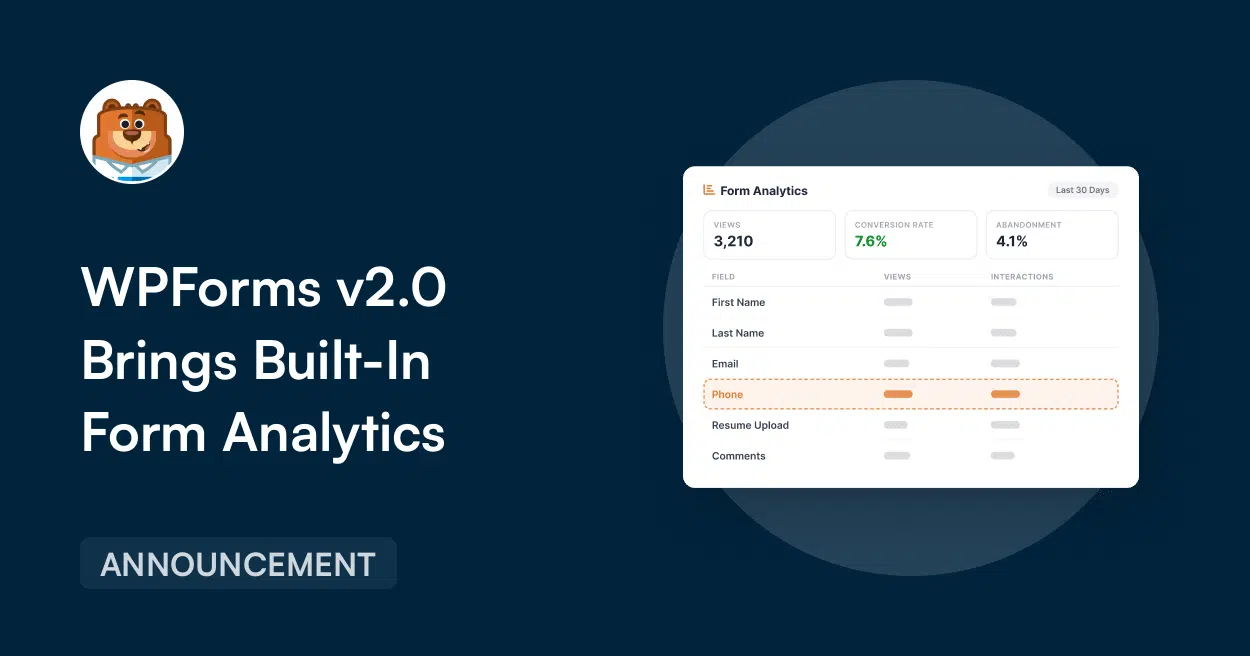
Promotional hero banner for WPForms v2.0 announcing built-in form analytics, featuring a mascot and a right-side analytics dashboard mockup with views and conversion metrics.

Introducing WPForms Analytics: Built-In Form Performance Tracking

Right now, someone is filling out a form on your website.

Maybe they finish it. Maybe they are starting it but giving up halfway through. Or maybe one field is creating more friction than you realize.

You have no way of knowing which.

Because until now, figuring that out usually meant setting up a separate analytics tool, digging through event tracking, or making your best guess from the entries you received.

And the entries you never received? Those were the ones holding the answers.

So the reasons stayed buried, and every visitor who gave up walked away without ever telling you why.

That changes today.

Continue Reading

Announcement banner: Introducing SendGrid Marketing Integration for WPForms, with mascot on left and blue mosaic logo on right.

Introducing SendGrid Marketing Integration for WPForms

You already trust SendGrid with one of the most valuable jobs in your marketing.

Turning contacts into customers.

Your lists, your segments, the campaigns you send. They all run on the audience you have built inside SendGrid.

So here is a question worth asking: when someone fills out a form on your site, do they actually make it into that audience?

For most WordPress sites, the answer is no.

The leads land in your form entries, and getting them into your SendGrid lists has meant reaching for a third-party tool, a bridge plugin, or a CSV export you run when you remember.

There had to be a better way. And now there is.

Continue Reading

WPForms now lets AI assistants build and edit your forms

WPForms Now Lets AI Assistants Build and Edit Your Forms

Something big is happening in WordPress right now.

The tools you rely on are starting to work alongside AI, as a real way to get things done.

WordPress 6.9 opened that door with its Abilities API, and the assistants you already use, like Claude, ChatGPT, or Cursor can act directly on your site.

WPForms was one of the first to build on it.

Since earlier this year, your AI assistant has been able to connect to WPForms and understand your forms, your fields, and your entries.

Today, we're taking that a step further!

Continue Reading

🔔 Subscribe to get our latest updates
📧 Subscribe to Emails

Email Subscription

Join our Newsletter

We won’t spam you. We only send an email when we think it will genuinely help you. Unsubscribe at any time!
Improvement New Feature

Meet the New Front-End Form Themes Editor

Hero banner announcing the new Front-End Form Themes Editor; bear mascot on the left and stacked form illustrations on the right.

The Front-End Form Themes Editor lets you restyle your WPForms forms on the pages where they’re embedded, with each adjustment showing up as you make it.

Saving from the form’s preview page sets its default look, while saving anywhere else changes that one placement only.

Open it from the admin bar’s Edit Form Theme item, or from an Edit Theme button inside the builder, the block editor, Elementor, or Divi.

Every form ends up looking at home wherever it appears.

Integration New Feature

Grow Your Drip List Right From Any WPForms Form

Announcement banner: 'Announcing Drip for All WPForms Users' with a mascot on the left and a circular logo on the right.

Drip now works inside WPForms itself, so any form can create or update subscribers in your Drip account without a separate addon to manage.

Tags set on a connection travel with each new subscriber, which lets the Drip workflow tied to that tag pick them up straight away.

Link a Drip account in WPForms » Settings » Integrations, then set up a connection from the Marketing panel of the form builder.

Sites that ran the earlier Drip addon keep their accounts, connections, and field mappings exactly as they were.

New Feature Payments

Start Your Stripe Subscriptions With a Trial Period

Left-aligned hero text: “Add a Trial Period to Stripe Subscriptions in WPForms,” with a bear avatar and an ANNOUNCEMENT badge on dark blue background.

A Stripe subscription sold through WPForms can now begin with a trial period: the subscriber signs up today, and their first payment waits until the trial is over.

The card is collected and checked at signup, held by Stripe, and charged automatically on the day the trial ends.

The length is a number of days, weeks, months, or years, chosen in the form builder’s Payments tab for each Stripe subscription you sell.

Each trial shows up in WPForms » Payments with a Trialing status until that first payment lands.

Improvement

Weekly Email Summary

Hero banner announcing the WPForms Weekly Email Summary with a mascot circle on the left and a white analytics card on the right, on a dark blue background.

The weekly summary WPForms emails you now opens with stat tiles for entries, views, and spam, each marked with how it moved against the previous week.

Beneath them, a table gives every form its own line, and when the data earns it the headline changes to call out a best week, a milestone, or a form that has gone quiet.

A single button takes you from the email back into WPForms, so the thing worth checking is one click away.

Integration New Feature Payments

Paystack Addon

Introducing the WPForms Paystack Addon: Accept Payments in Nigeria, Ghana, South Africa, and Kenya

The Paystack addon brings card, bank transfer, and mobile money payments to your forms for buyers in Nigeria, Ghana, South Africa, and Kenya.

Buyers click submit and pay in the Paystack popup in naira, cedis, rand, or Kenyan shillings, with no new field to add to your form.

Bank transfer and mobile money payments are saved as Pending, and WPForms can hold your notification emails until Paystack confirms the payment, then completes the order on its own.

Every Paystack payment shows up in WPForms » Payments, and full refunds can be issued without leaving WordPress.