









WordPress Ranking Field
Find Out What Your Audience Wants First
Let respondents drag a list of options into their preferred order and see the average rank of each in your survey report. No survey subscription or coding needed.
A WordPress Ranking Field for Every Kind of Decision
WPForms’ Ranking field is built for anyone who needs a real answer, and not just a general sentiment. Here’s who will love it:
Small Business Owners
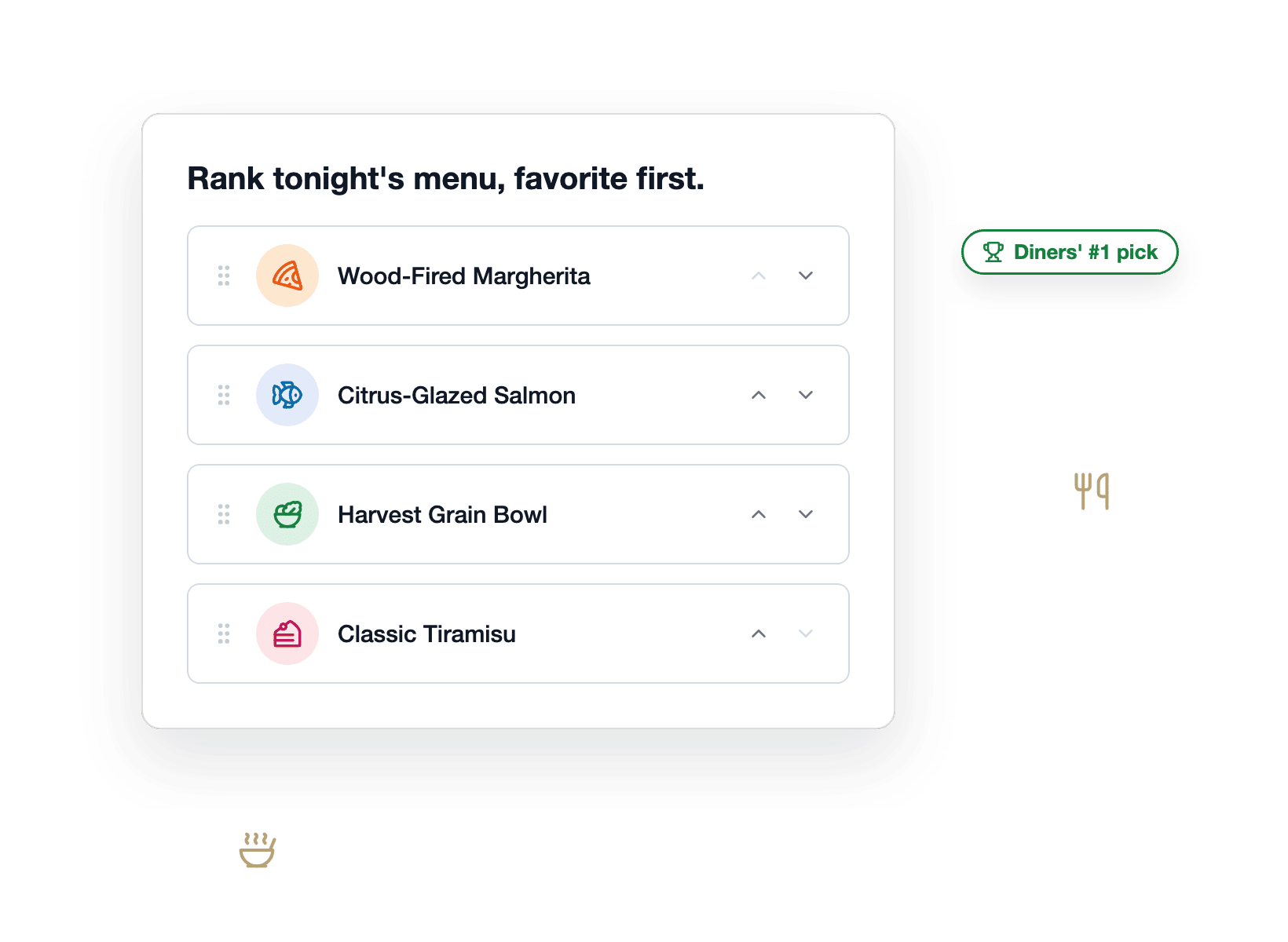
Run a quick preference survey right on your website. For example, diners can rank menu items, a salon can rank new service ideas, and a boutique can rank the products it might stock, so you know exactly what your customers want first.


Product Teams
You have five feature ideas and capacity for one. Add a Ranking field to a survey, and the report shows which idea landed at #1 most often and where the rest fall on average, so you build what customers actually want first.


Marketers
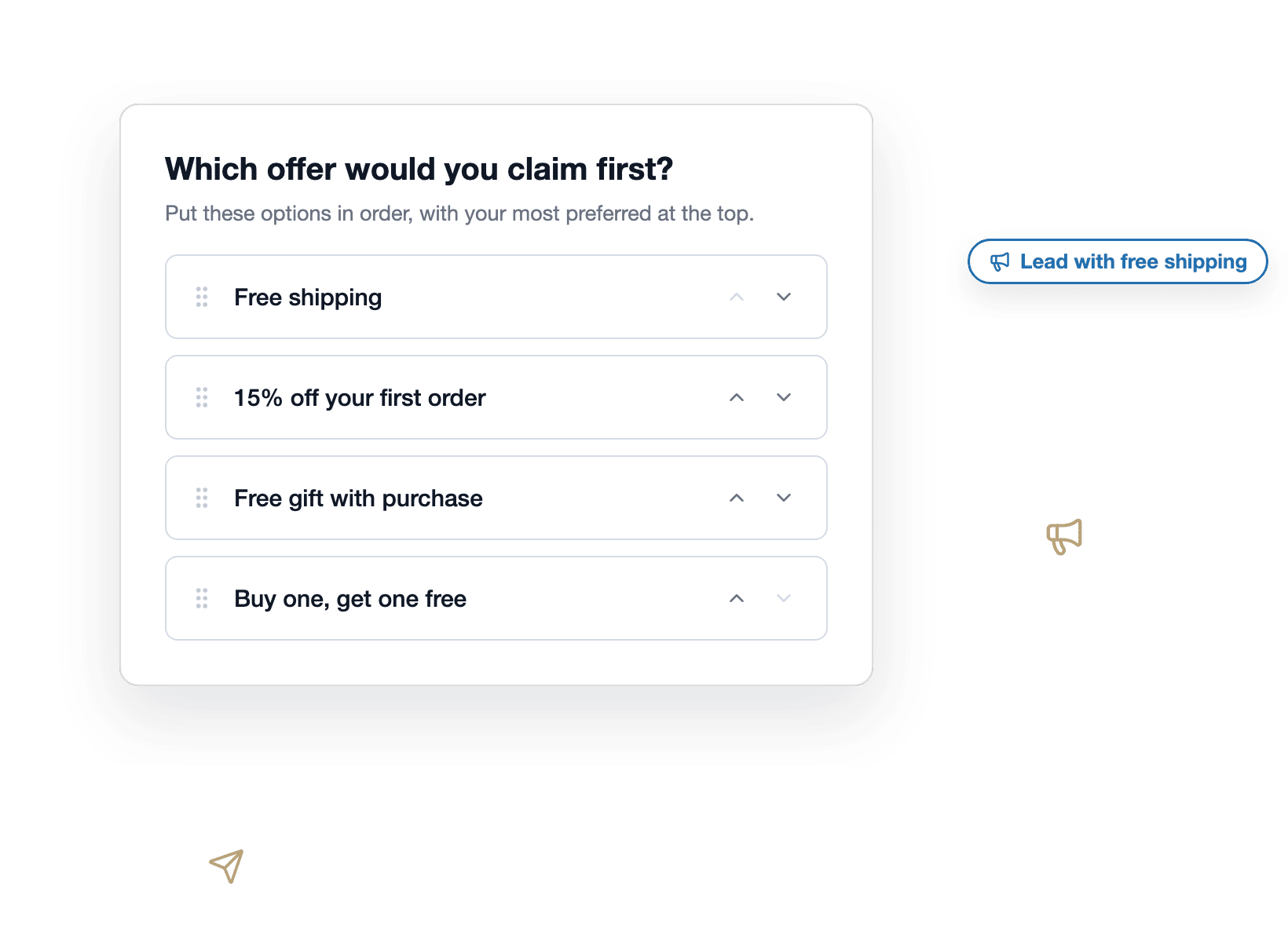
Ask subscribers to rank the offers, subject lines, or lead magnet ideas you’re weighing, and the survey report shows which one your audience would claim first. As a result, the campaign ships with proof instead of a hunch.


Nonprofits
When funding only stretches to one initiative, ask members to rank the candidates. Every response lands as a complete order, and the survey report turns hundreds of opinions into one clear priority list.


Agencies
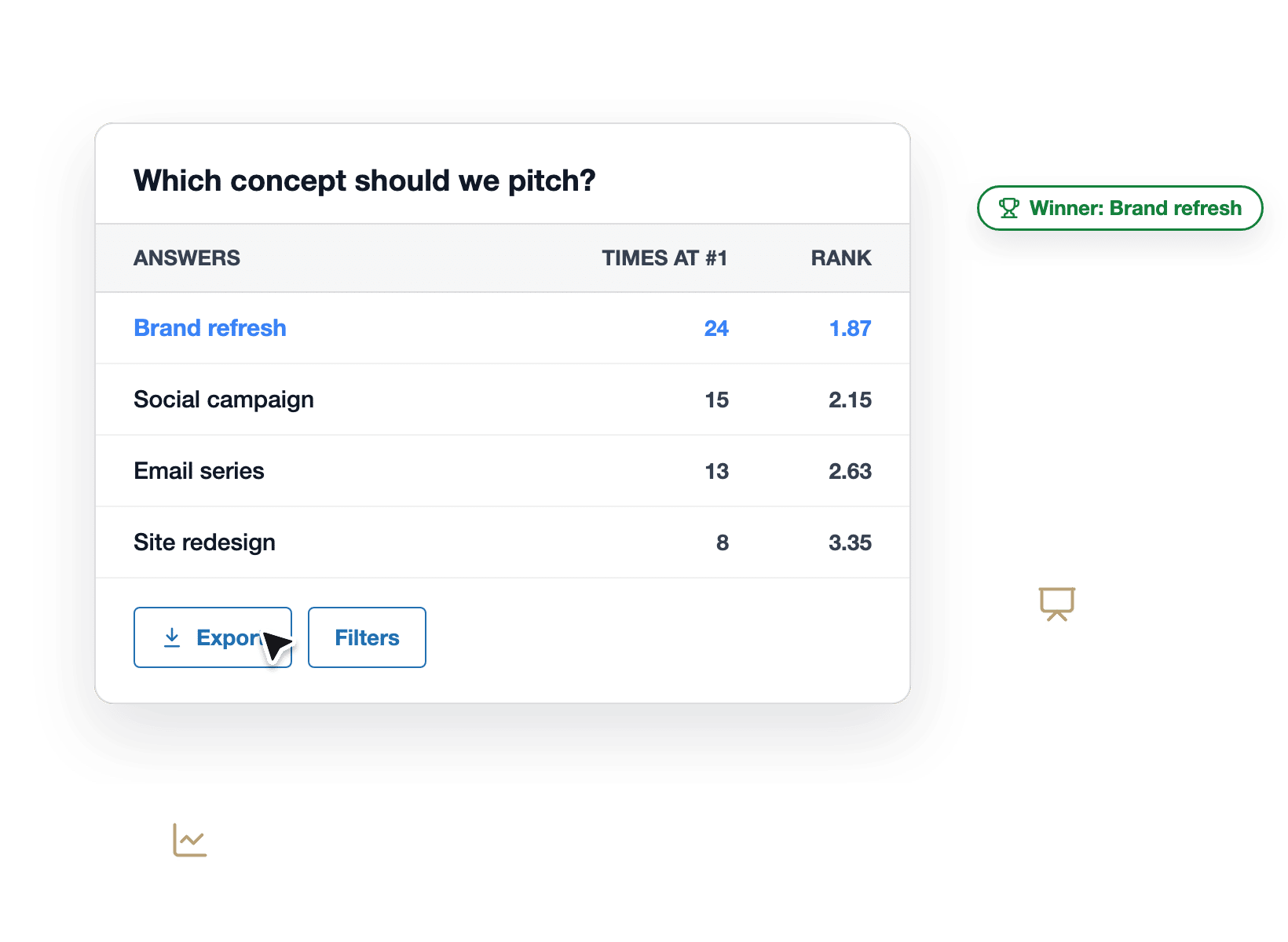
Run preference research from the same WordPress dashboard your client’s forms already live in. Export the rankings, drop the report in your deck, and walk into the review with a defensible winner.


Why 6+ million Websites Trust WPForms
Drop the Ranking Field into any form and your visitors put your options into the order they actually prefer.
Drag It or Tap It Into Place
On a desktop, visitors grab an option by its handle and drop it where they want it. On a phone, arrow buttons move each option up or down instead, because dragging on a small screen is nobody’s idea of fun. Lay options out as a vertical list or a side-by-side grid, and the whole field stays smooth either way.


See What Won, and by How Much
Your survey report gives every option a Times at #1 count and an average Rank, where a lower number means it placed higher. A line chart plots them side by side, so you can tell a landslide from a photo finish at a glance. No spreadsheets, hand tallying, or guesswork required.
Let WPForms AI Write the Options
Click Generate Choices, type something like “four pricing plans” or “qualities that matter most in an employer,” and the option list fills itself. You can even ask WPForms AI to add the whole question while you build, with a prompt like “add a question ranking our four pricing plans by preference.”


Every Answer Is a Complete Answer
Every option always lands in exactly one spot, so there are no ties, no blanks, and no half-finished rankings to clean up. Plus, Randomize Choices varies the starting order from visitor to visitor, which keeps the top spot from getting an unearned advantage. The result is preference data you can defend in any meeting.
Works With the Addons You Already Use
The Ranking field renders beautifully in Conversational Forms, and Save & Resume brings back a visitor’s exact order when they return to finish later. Offline Forms restores rankings after a dropped connection, conditional logic shows or hides the field on cue, and every submission flows into your entries, exports, and Form Analytics automatically.


Built for Every Visitor
Ranking works without a mouse: every option can be moved from the keyboard, and each move is announced to screen readers by name and new position, like “Support moved, position 2 of 5.” Every label is translation-ready, and the field lays out correctly in right-to-left languages too.
Elevate Your Ranking Surveys With 2,100+ Ready-Made Templates
- Survey Form
- Poll Form
- Customer Satisfaction
- NPS Email Survey
- Product Feedback
- User Experience Feedback
- Digital Product Feedback
- Playtesting Feedback
- Employee of the Month
- Team Member of the Quarter
- Team Building Day Straw Poll
- College Major Preference
- Employee Engagement
- Employee Exit Survey
- Course Evaluation
- Webinar Feedback
Frequently Asked Questions and Resources
Have questions about the Ranking field? We’ve got answers.
What is the WPForms Ranking Field?
The WPForms Ranking field is a survey question type that lets visitors put a list of options into the order they prefer, by dragging them or tapping arrow buttons. It ships inside the Surveys & Polls addon, and every response is tallied automatically in your survey report. You’ll find it in the form builder under Fancy Fields, and it arrives with three starter options ready to rename.
What's the difference between a ranking question and a rating question?
A ranking question asks respondents to order options against each other, while a rating question scores one item on its own scale. Ratings can come back uniformly high, which tells you people are polite but not what they’d pick first. However, a ranking forces a choice, so you learn exactly which option your audience wants most. WPForms includes both field types, plus Likert Scale and Net Promoter Score, so every kind of survey question is covered.
Does the Ranking field work on mobile devices?
Yes, the Ranking field works on phones and tablets using arrow buttons that move each option up or down, since dragging is fiddly on a touch screen. The arrows are always visible on touch devices, and the first and last options grey out their unusable directions automatically. As a result, ranking a list on a phone takes just a few taps.
Which WPForms plan includes the Ranking field?
The Ranking field is included with WPForms Pro and Elite plans as part of the Surveys & Polls addon. Like every paid plan, Pro comes with unlimited forms and unlimited submissions, so you can run as many ranking surveys as you like. If you’re on Lite or a lower plan, you’ll see Ranking in the field panel with an upgrade prompt. Upgrade to WPForms Pro to unlock it along with the full survey reporting suite.
How do I add a ranking question to a WordPress survey?
Adding a ranking question takes three steps. First, install and activate the Surveys & Polls addon from your WPForms dashboard. Next, drag the Ranking field into your form from the Fancy Fields group and list the options you want ranked. Finally, embed the form on any page, and the survey report starts tallying responses as they arrive. The whole setup takes under 5 minutes.
Can WPForms AI create my ranking question for me?
Yes, WPForms AI can build the ranking question two ways. Click Generate Choices inside the field settings and describe the list you need, like “popular cuisines around the world,” and the options fill in instantly. Or ask WPForms AI to add the entire field while you build, with a prompt like “add a question ranking our four pricing plans by preference.”
How do I read ranking survey results?
Ranking results appear in your form’s survey report with two numbers per option: Times at #1, which counts how often the option placed first, and Rank, its average position across all responses, where lower is better. A line chart compares every option at a glance. For example, an option averaging 1.4 is clearly beating one averaging 3.8. You can also open any individual entry to see that visitor’s exact order, and rankings are included when you export entries.
Can respondents leave some options unranked?
No, every option in a Ranking field always ends up with a position, so each response is a complete ranking with no ties and no blanks. That means your results never need cleanup before you can trust them. If you’re worried about the starting order nudging people, turn on Randomize Choices and every visitor sees the options shuffled differently, even when JavaScript is off.
Does the Ranking field work with my other WPForms addons?
Yes, the Ranking field works across the WPForms ecosystem. It renders in Conversational Forms, and Save & Resume restores a visitor’s exact order when they come back to finish. Offline Forms syncs rankings after a dropped connection, conditional logic can show or hide the field, Form Analytics tracks it, and Webhooks and Make pass the ranked order along to other tools.
Where is my ranking survey data stored?
All ranking responses are stored in your own WordPress database alongside your other form entries, not on a third-party survey service. You can view each submission with its rank positions, correct an order while editing an entry, and export everything whenever you need it. Your audience’s preferences stay yours.


