


AI Summary
Do you need to share your site’s login credentials to help fix a problem but feel worried about security? Sharing private information over email or chat can raise concerns for some. If you’d like to have more assurance, you can use a temporary link so that your password will only be accessible for a short period of time.
This tutorial will show you how to securely and privately share your site’s login credentials with our support team.
Why Support Might Need Site Logins
Sharing your site’s login information isn’t always a necessary step for getting support for WPForms. However, some support issues can be specific to individual sites and may require more troubleshooting. Sharing your login credentials with our support team allows us to speed up the troubleshooting process and quickly get you back on track.
In the next section, we’ll show you how to share those credentials privately using SupportAlly Secrets.
Sharing Login Credentials Privately
For added security, we recommend creating a temporary administrator account to share instead of your own login. This lets our team access your site without exposing your personal account, and you can delete it once your issue is resolved.
To share those credentials privately, go to the SupportAlly Secrets website. There you can create a temporary link that lets you share your login details without exposing your password directly.
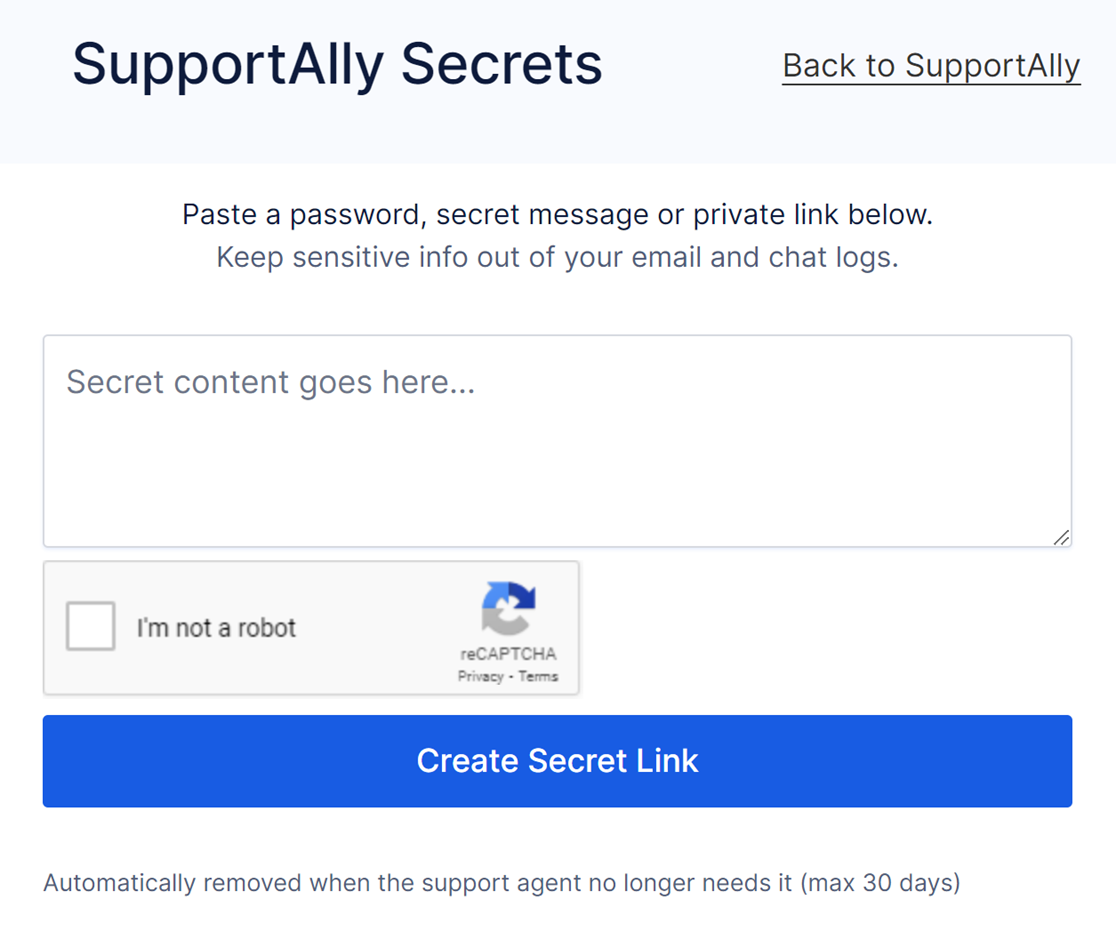
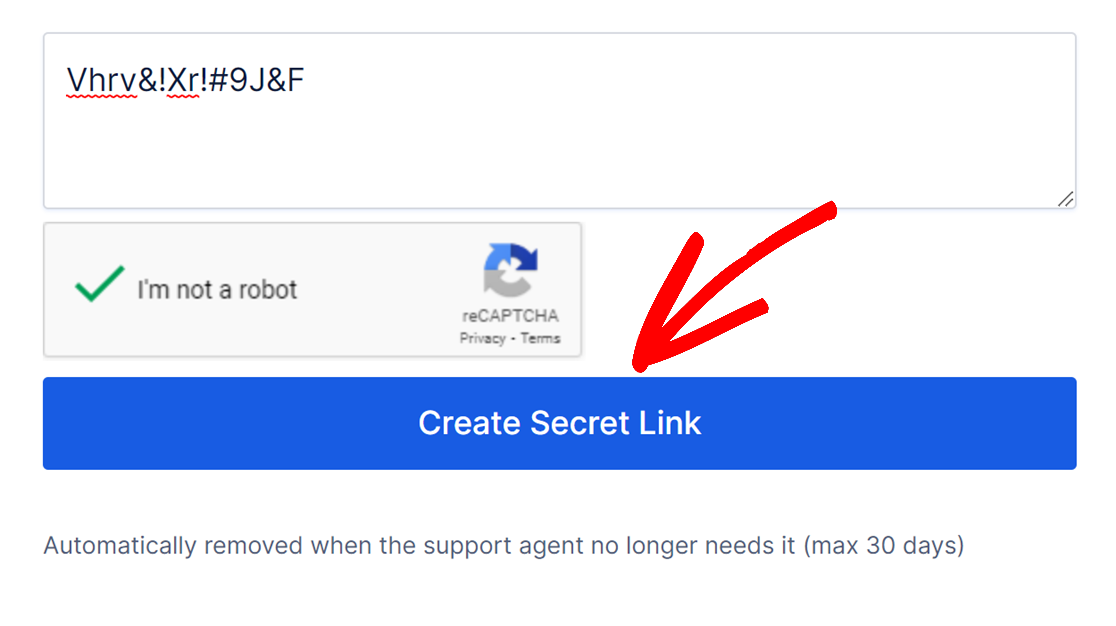
Enter the WordPress password for your temporary administrator account and check the I’m not a robot checkbox. Then click the Create Secret Link button.
Next, copy the link that’s generated.
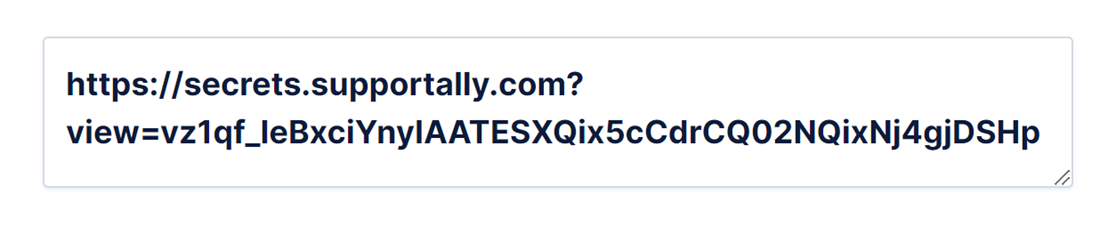
Once you’ve copied your secret link, share it with our support team. They’ll use it to securely access your site’s login details.
That’s it! You can now share your site’s login credentials with our support team safely and privately.
Next, be sure to check out our troubleshooting guide for basic troubleshooting steps you can try before contacting support.


