


e-Signature Plugin for WordPress

Get Contracts Signed. Skip the Paperwork.

While most businesses juggle PDFs and printed contracts, you’ll have a signature field for legally-binding eSignatures to streamline your workflow. No per-signature fees or coding needed.

YouTube video

Everything You Need to Collect Signatures Online

Forget expensive e-signature software. The WPForms Signatures addon makes it easy to collect secure electronic signatures, so you can simplify digital contract management.

Drag & Drop Signature Field

Add a signature field to any form in just a few clicks.

Touch, Mouse, or Stylus

Users can sign with a finger, mouse, or stylus on any device.

Secure Entry Storage

Every signature saves safely with form entries in your WordPress dashboard.

PNG File Export

Download signatures as transparent PNGs to drop into contracts.

Works on Any Form Type

Contracts, waivers, consent forms, petitions, donation forms.

Pair With Payments

Collect a signature and a Stripe / PayPal / Square payment in one submission.

Smart Conditional Logic

Show the signature field only when it’s relevant to the user.

GDPR & Privacy Ready

Built-in consent tools keep you privacy compliant by default.

Instant Email Alerts

Get notified the moment a new signed submission arrives.

See Digital Signatures in Action

One signature field. Endless ways to close the deal.

Service Contracts

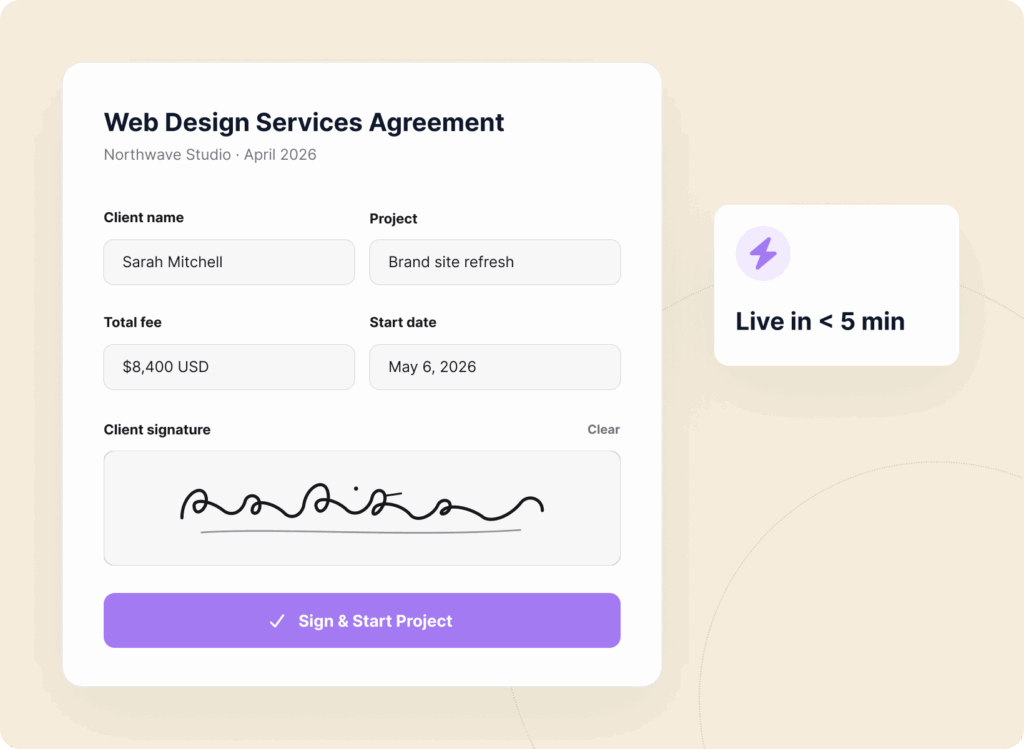
Send a branded contract, collect the client’s signature, and start the project — all from your WordPress site in under 5 minutes.

Service Contract Signature Example

Waivers & Releases

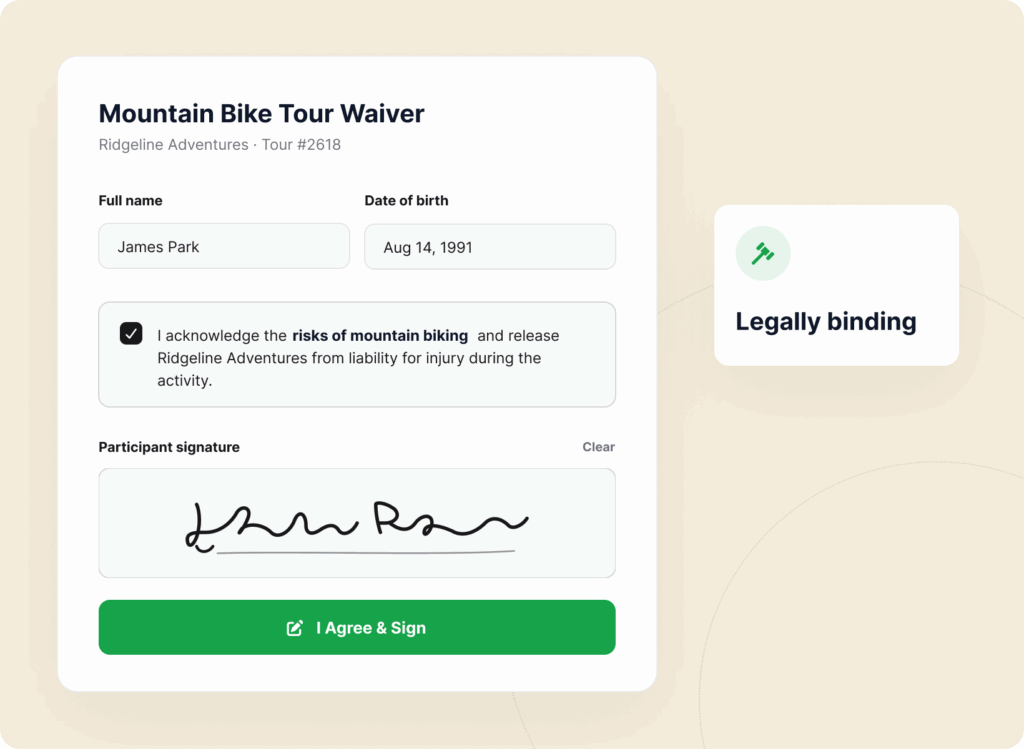
Capture legally-binding waivers for events, fitness classes, tours, and activities before attendees show up.

Waiver Release Form Signature Example

Consent Forms

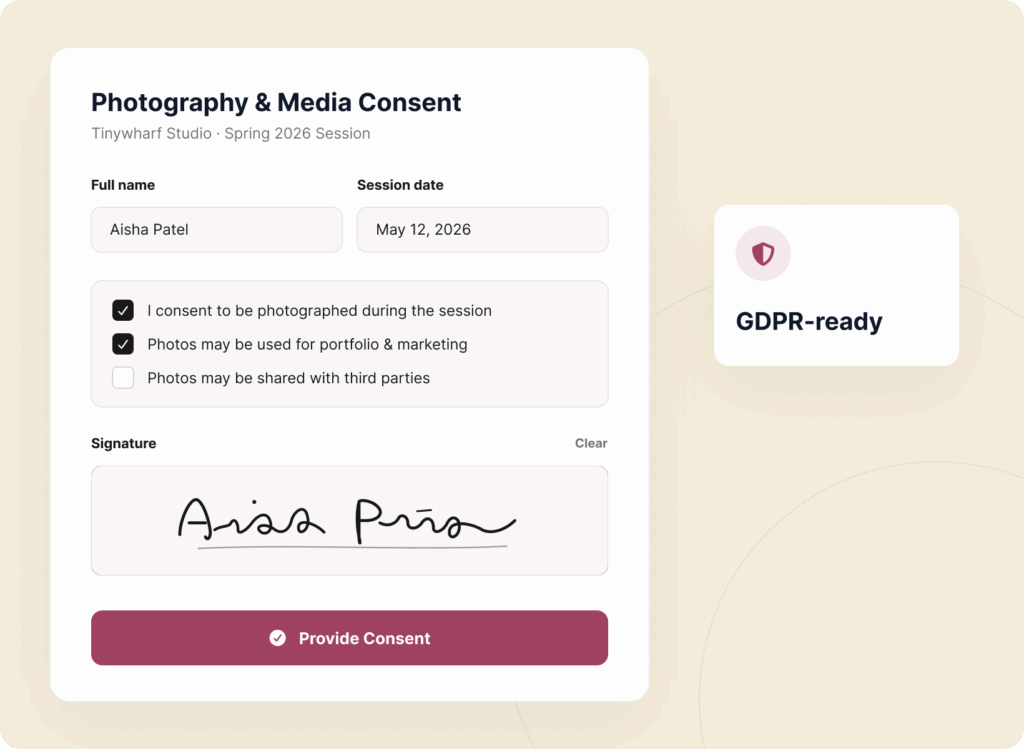
Medical consent, parental consent, photo releases, research consent — signed, saved, and searchable inside WordPress.

Consent Form with Signature Example

Client Agreements

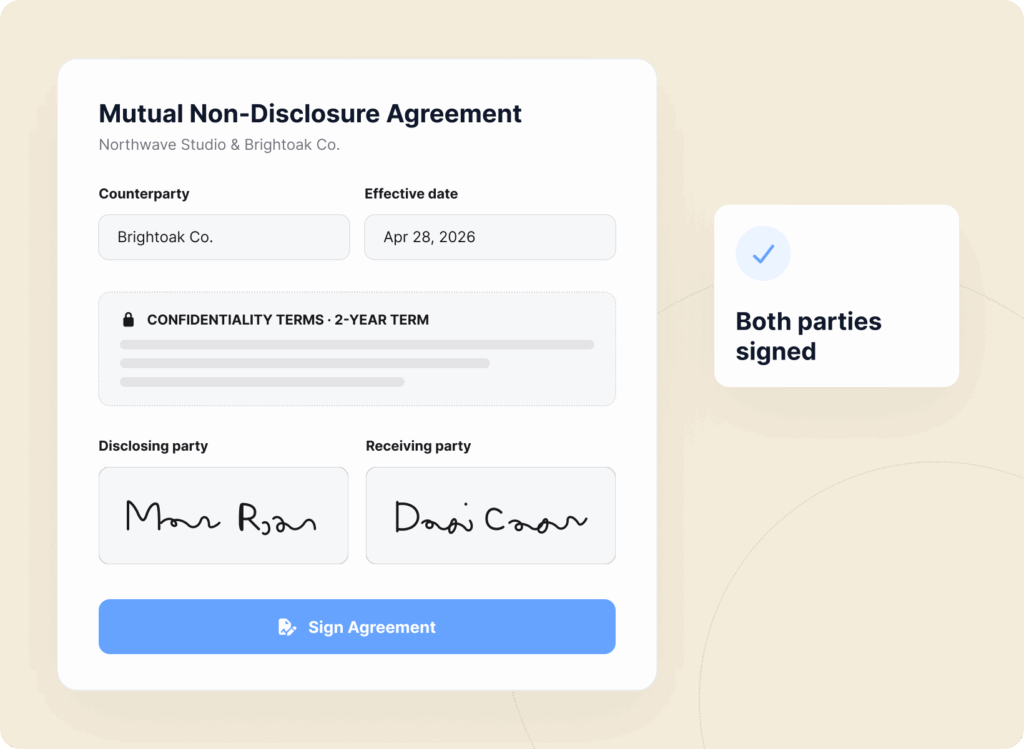
NDAs, proposals, statements of work, terms of service. Turn any form into a signed document in just a few clicks.

Client Agreements Signature Form Example

Onboarding Forms

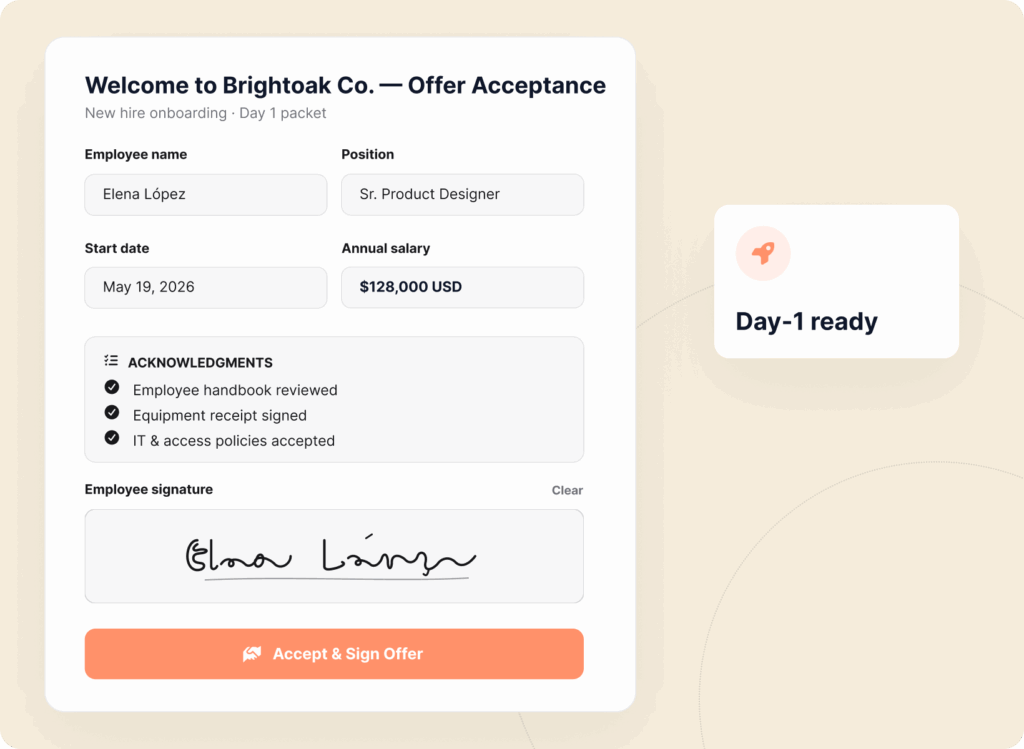
Offer letters, handbook acknowledgments, equipment receipts – collect every signature new hires need on day one.

Onboarding Form with Signature Field Example

Title

Description

Title

Description

Title

Description

Title

Description

Title

Description

Title

Description

Title

Description

Title

Description

Title

Description

Title

Description

Title

Description

Title

Description

Why Over 6 Million Smart Website Owners Trust WPForms

Getting paperwork signed shouldn’t be the slowest part of your business. It should be the fastest.

Flat pricing for Signature Forms (avoid the expensive DocuSign fees)

Stop Paying Per-Signature Fees

Most e-signature tools charge you per form, per user, or per month and the bill grows with your business.

WPForms gives you unlimited signatures on unlimited forms for one flat yearly price. Collect 10 signatures or 10,000. The cost stays the same.

Skip the Print-Sign-Scan Loop

No more “I’ll print it, sign it, scan it, and email it back” delays.

Clients sign the moment they read the terms on their phone, tablet, or computer. What used to take days of back-and-forth now happens in a single click.

Skip the old manual print, sign and scan workflow. Get signatures faster digitally in WordPress
See all signature forms right inside WordPress

Keep Every Signature Inside WordPress

No third-party portals. No separate logins. Every signed form and eSignature lives in your WordPress dashboard alongside the rest of your entries — fully searchable, exportable, and yours forever.

If you ever switch tools, your data stays yours. WPForms signature addon offers full data ownership.

Built for Mobile-First Signing

Over 60% of e-signatures now happen on phones.

The WPForms signature field is built for thumbs. Responsive, high-resolution, and smooth on any screen size. Your clients sign wherever they are, on whatever they’re holding.

Mobile first Signature field in WordPress - Tap to Sign with ease.
Easily add signature to WordPress forms in less than 5 minutes

Set Up eSignatures in Under 5 Minutes

Open the WPForms builder. Drag the Signature field onto your form. Publish. That’s it. No developers. No integrations to configure. No certificate authorities.

If you can build a contact form, you can build a signed contract. The best part is our AI form builder makes it even easier.

Works With Everything You Already Use

Pair signatures with payment fields to collect deposits at signing. Send to Google Drive, Dropbox, HubSpot, Salesforce, or Notion.

Trigger Zapier, Make, or n8n workflows to sync signed agreements to your business tools. One field. Every tool in your stack.

Seamlessly integrate WPForms signature forms with your workflow tools
View all

The Best WordPress Form Builder Plugin

Join the 6 million+ professionals who use WPForms to capture signatures, close contracts, and turn forms into signed agreements.

Elevate Your Forms with 2,100+

Ready-Made Templates

  • Liability Waiver Form
  • Parental Consent Form
  • Lease Agreement Form
  • Photo Release Form
  • Employee Waiver Form
  • Medical Consent Form
  • Volunteer Agreement Form
  • Fitness Class Waiver
  • Lab Safety Agreement
  • Child Travel Consent
  • Model Release Form
  • Photography Contract
  • Consent to Treat Form
  • Credit Card Authorization
  • Social Media Release
  • Rental Agreement

Frequently Asked Questions and Resources

Do you have a question about WPForms Digital Signatures? See the list below for our most frequently asked questions. If your question is not listed here, please contact us.

How do WPForms Digital Signatures work?

WPForms Digital Signatures work by adding a drag-and-drop Signature field to any form in your WordPress dashboard. Visitors sign with a finger, mouse, or stylus, and the eSignature saves as a transparent PNG with the form entry. No third-party portals and no coding required. See the WPForms Signature addon setup guide.

Are digital signatures from WPForms legally binding?

Yes, WPForms Digital Signatures are legally binding in most countries, including the US under the E-SIGN Act and the EU under eIDAS, as long as the signer’s intent is clear and the signed document is stored intact. Always confirm your specific jurisdiction and industry requirements with a legal professional.

Do WPForms Digital Signatures work on phones and tablets?

Yes, WPForms Digital Signatures are built mobile-first — users sign with a finger, a stylus, or a mouse on any device. The field is responsive by default and captures a high-resolution signature even on smaller screens.

Which pricing tier unlocks the Signatures addon?

The Signatures addon is included at the Pro tier and above. Pro covers up to 5 sites with unlimited forms, unlimited submissions, and unlimited eSignatures.

Can I collect a signature and a payment on the same form?

Yes, WPForms lets you combine a Signature field with Stripe, PayPal, Square, or Authorize.Net in a single payment form, so clients agree to the terms and pay the deposit in one submission. Perfect for signed proposals, booking deposits, and retainer agreements.

Can I require a signature before the form can be submitted?

Yes, you can mark the Signature field as required, so the form won’t submit without it. You can also use Conditional Logic to show or hide the signature field based on other answers, so it only appears when a signature is actually needed.

Do I need a developer to set up digital signatures in WordPress?

No, setting up WPForms Digital Signatures requires no code. Install the WPForms plugin, activate the Signatures addon, and drag the Signature field onto a form. Most users ship a signed-contract form in under 5 minutes.

What about GDPR and privacy compliance?

WPForms Digital Signatures pair with the built-in GDPR Agreement field and cookie-consent tools so you can collect a signature and explicit consent at the same time.

Even More Powerful Features

Ready for more? Check out some of our other features to take your forms to the next level!

Save and Resume

Let users save their progress and finish later, ensuring a seamless experience and valuable data collection.

  • Flexible saving options
  • Partial entry management
  • Customizable messages
  • Privacy focused

Drag and Drop Form Builder

Within minutes, easily create contact forms, online surveys, donation forms, and more.

  • AI-powered form builder
  • 2,100+ WordPress form templates
  • Responsive design
  • Advanced reporting

Surveys and Polls

Increase engagement and collect valuable feedback from your site visitors.

  • Real-time insight and reports
  • Smart survey fields
  • Real-time polls
  • Conditional logic