








WordPress Gutenberg Form Integration

Add WPForms to Any Gutenberg Page and Style It Visually

Most form plugins push a shortcode into your pages. WPForms gives you a native block with one-click Themes and full styling controls in the block sidebar, no CSS needed.

Everything the WPForms + Gutenberg Integration Gives You

Nine things the block editor doesn’t do on its own, all inside the WPForms block.

Native WPForms Block for Gutenberg

Find the WPForms block in the inserter, pick a form, and you’re done. No shortcode to paste.

Live Preview in the Block Editor

Your form renders inside the editor exactly as visitors will see it, so every style change shows instantly.

Form Themes for the Block Editor

One click restyles the whole form. Save your own Themes and reuse them across forms.

Works in the Site Editor and FSE Templates

Use the WPForms block in posts, pages, template parts, and full site editor layouts.

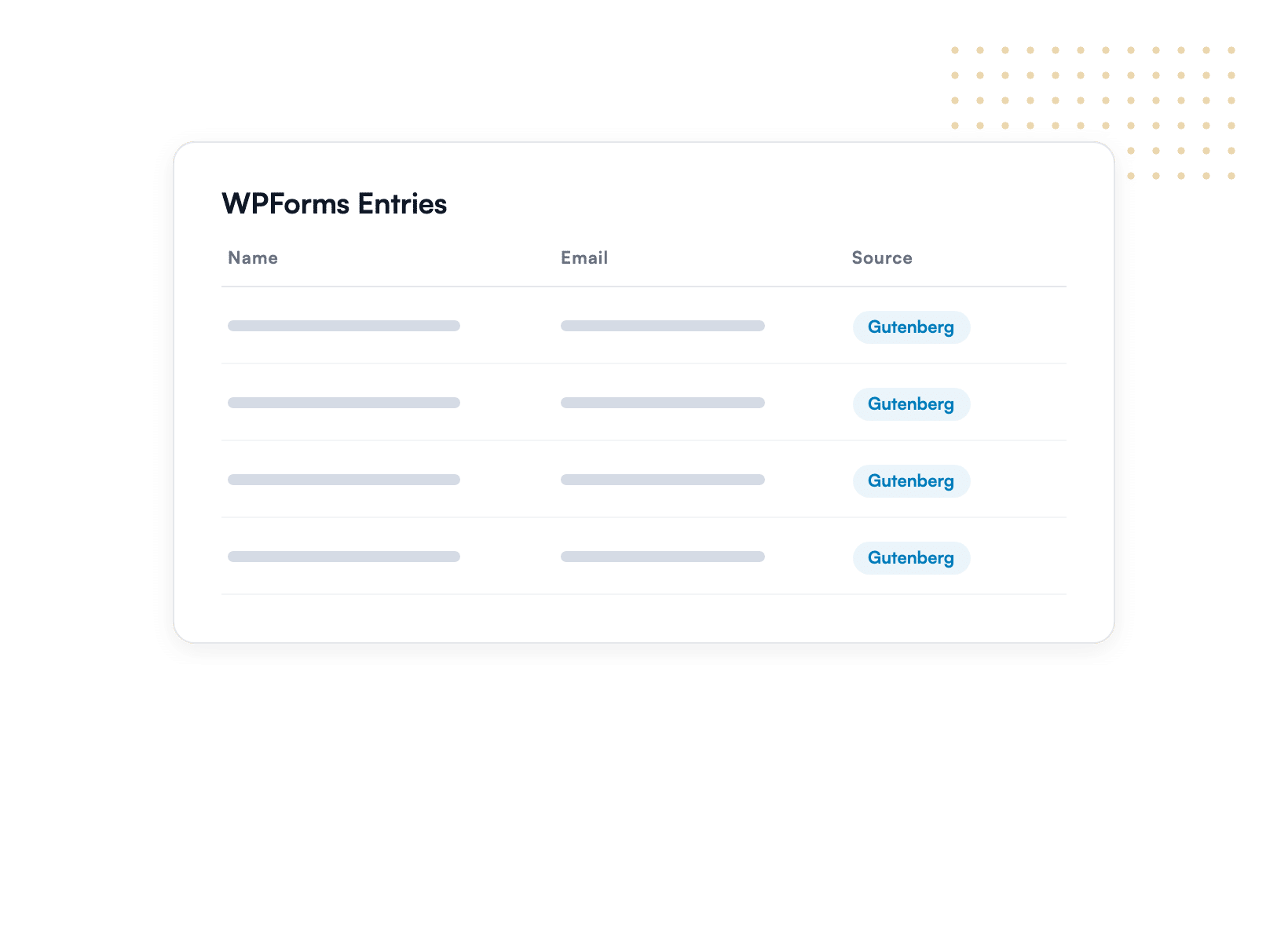
Block Editor Entries Saved to WordPress

Paid plans store every submission in WordPress, ready to search and export.

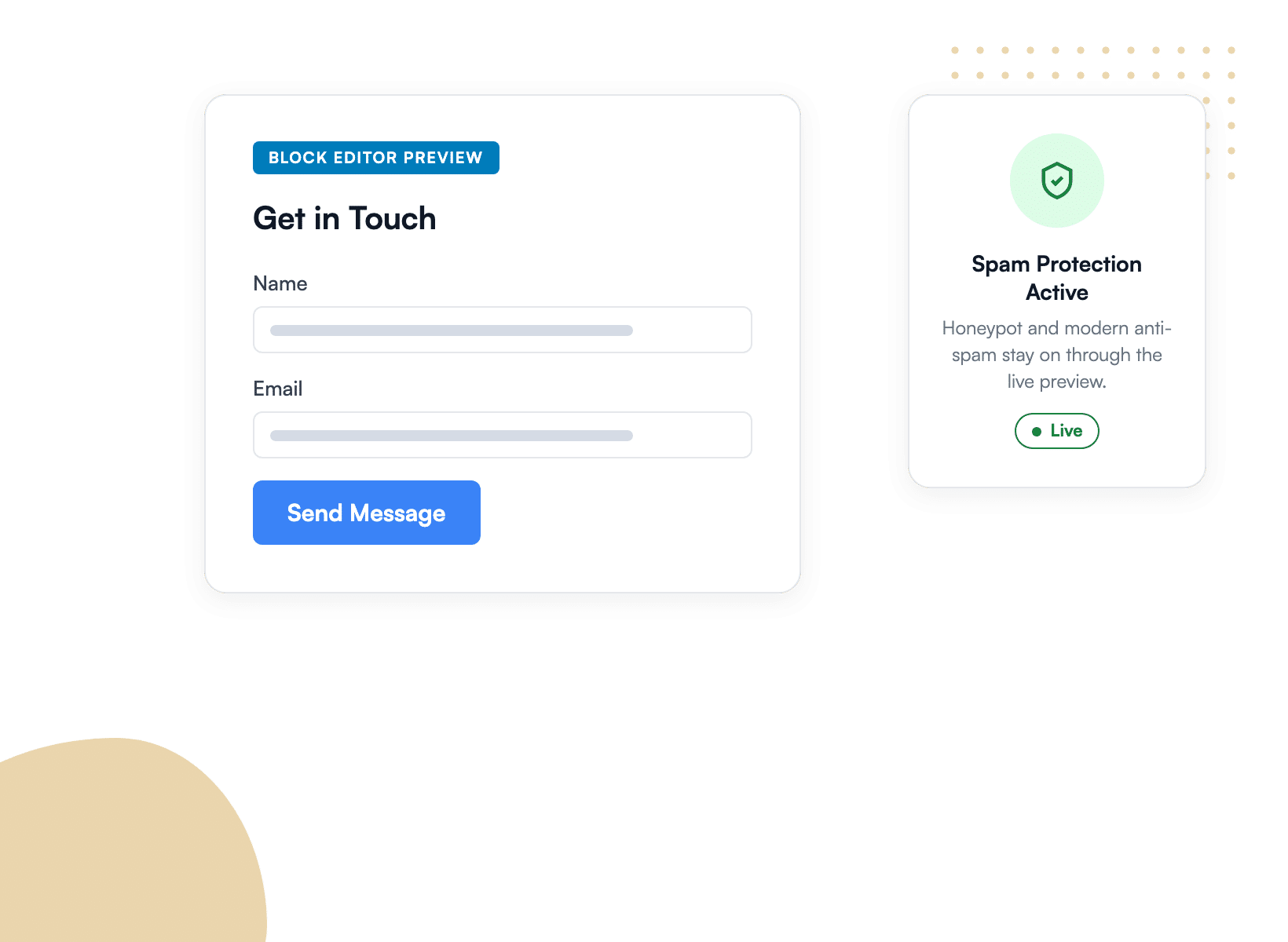
Anti-Spam Stays On Inside the Block Editor

Honeypot and modern spam protection stay active in the editor preview and on the live page.

2,100+ Block Editor Ready Templates

Start from any WPForms template and embed it with the same block.

Payment Forms Inside Gutenberg Pages

Take one-time or recurring payments with Stripe, Square, PayPal, or Authorize.Net.

Native Integrations Keep Working

Mailchimp, HubSpot, Salesforce, Google Sheets, and Zapier sync from every embedded form.

Every WPForms Form Type, Rendered Natively Inside the Block Editor

Contact, signup, payment, and multi-step forms all embed through the same WPForms block.

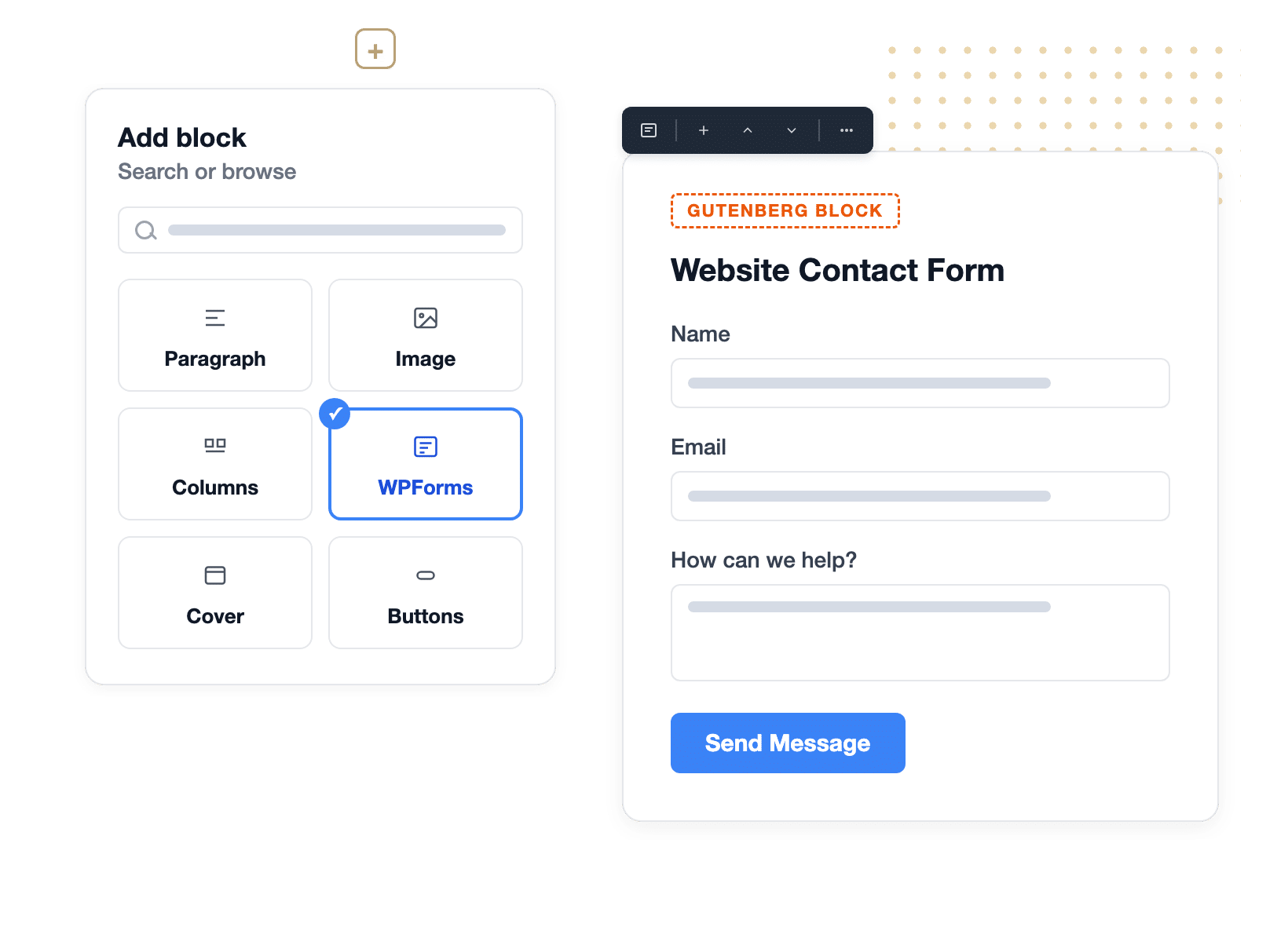
Contact Form Integration

Add the WPForms block to any page or template, choose your contact form, and it renders live in the block editor. Email notifications go out automatically, and paid plans also store every entry in WordPress.

Contact form embedded inside a Gutenberg page

Signup Form Integration

Grow your list from any Gutenberg landing page. WPForms syncs new signups to Mailchimp, ConvertKit (Kit), Constant Contact, ActiveCampaign, MailerLite, Brevo, AWeber, and MailPoet through the WPForms admin.

Newsletter signup form embedded in a block editor layout

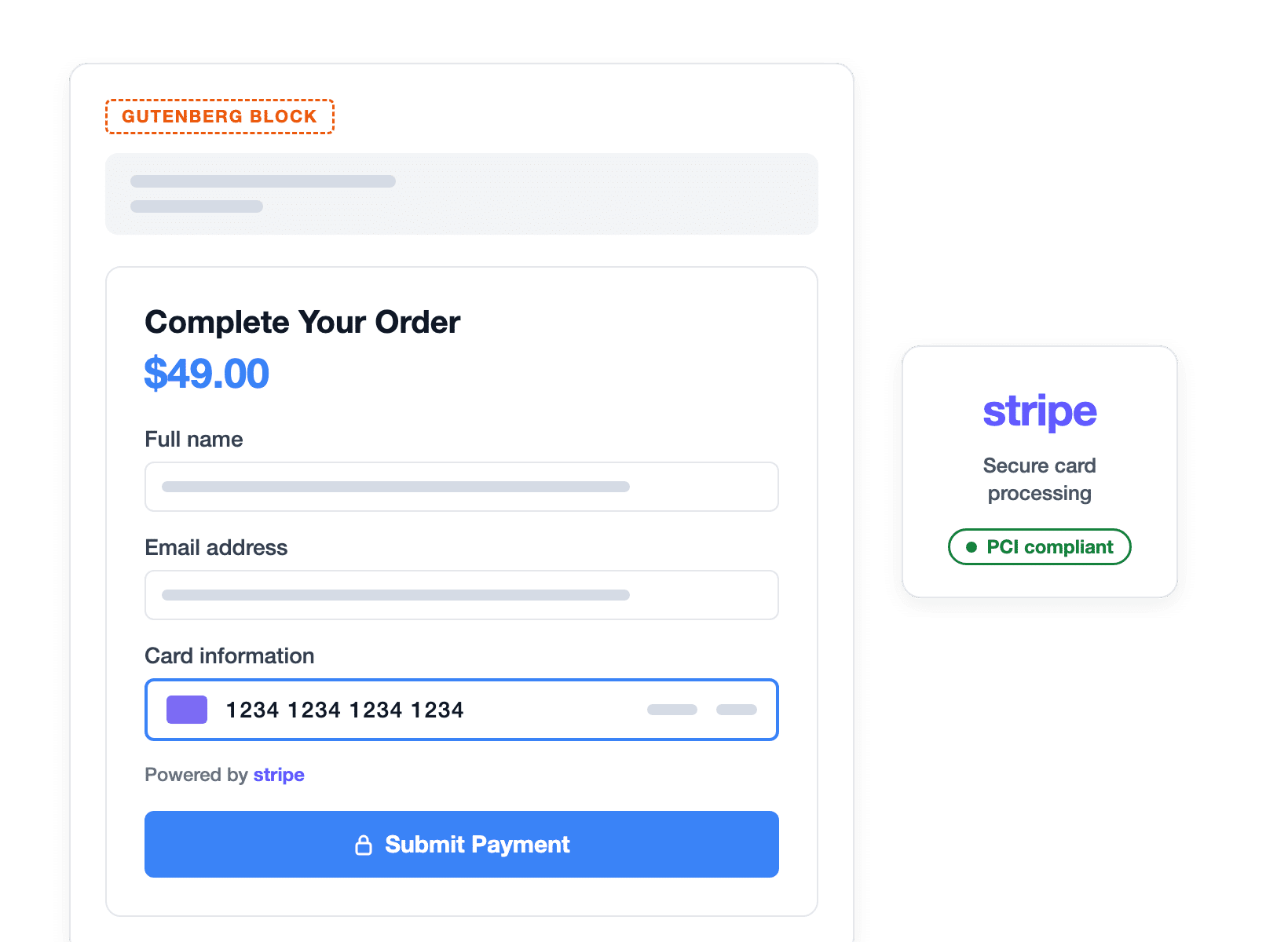
Payment Form Integration

Accept payments inside any block editor page. WPForms supports one-time and recurring payments via Stripe (with subscriptions and coupons), Square, PayPal, and Authorize.Net. No ecommerce store required.

Stripe payment form embedded inside a Gutenberg page

Multi-Step Form Integration

Break long forms into steps with a progress bar. Every page you build in WPForms renders inside your Gutenberg layout with zero re-setup.

Multi-step form with progress bar inside the block editor

Why 5+ Million Websites Trust the WPForms + Gutenberg Integration

Five workflow details that set the WPForms Gutenberg integration apart from other block editor form options.

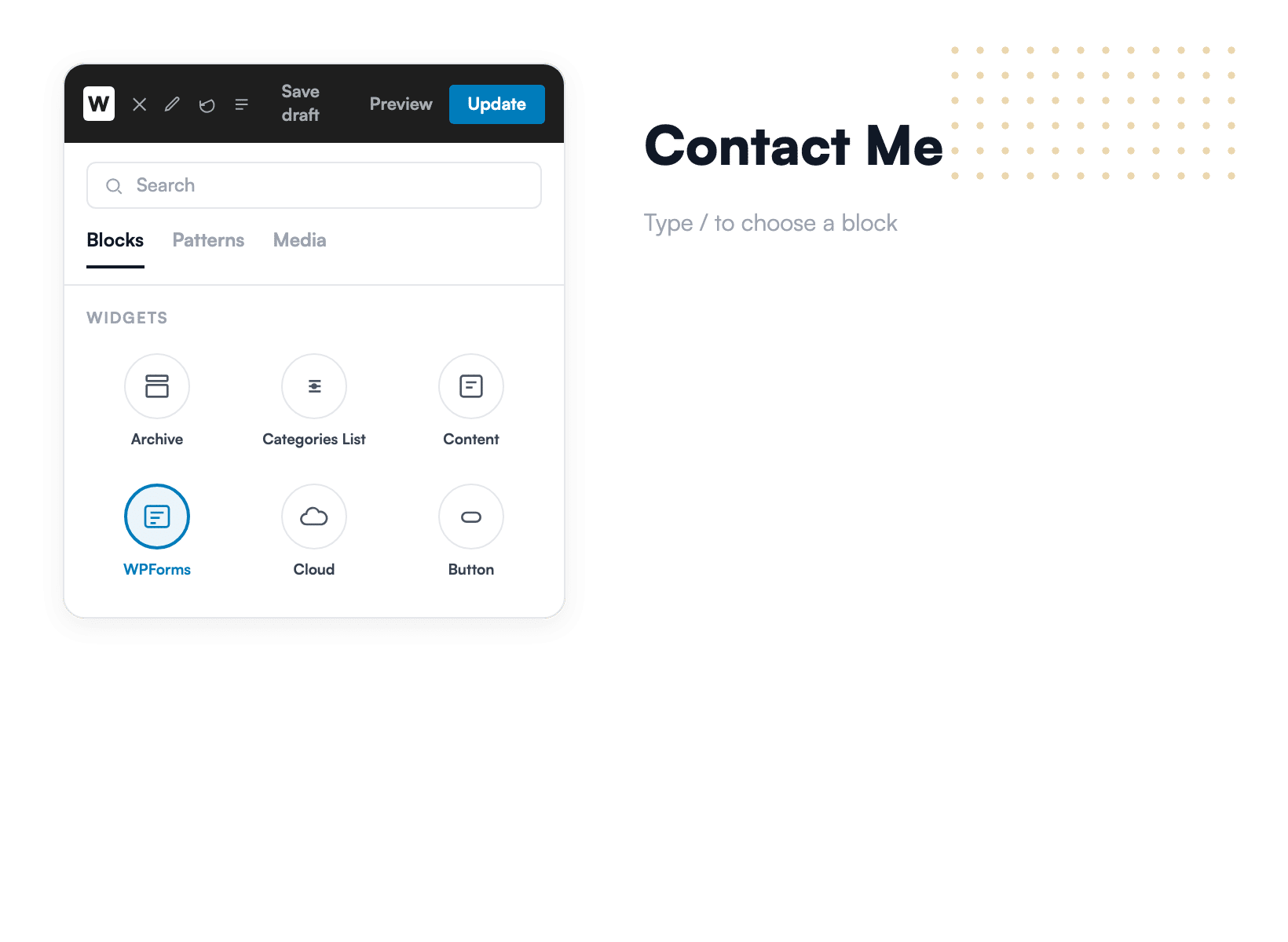
The WPForms block in the Gutenberg block inserter

A Native WPForms Block in the Block Inserter

Open any page or template, search for WPForms in the block inserter, and drop the block into your layout.

Pick a form you built in WPForms and it renders live in the editor preview, with no shortcodes or bridge plugins.

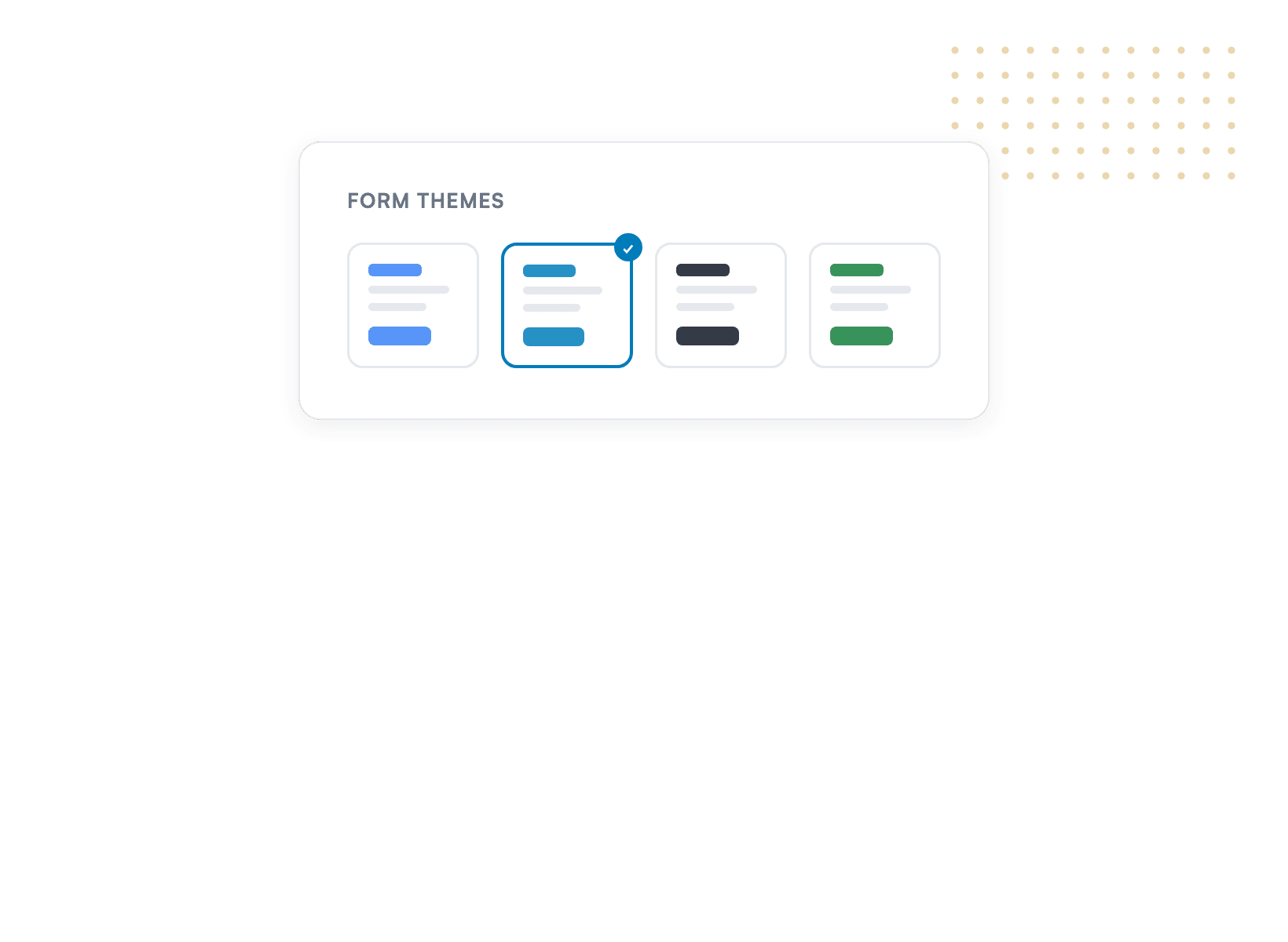
One-Click Form Themes and Full Styling in the Block Sidebar

Apply a preset Form Theme and every field, label, button, container, and background restyles to match your page.

Fine-tune fonts, colors, borders, and spacing from the block sidebar, then save the result as a custom Theme to reuse across forms.

Form Themes preset library and style controls inside the block editor sidebar
WPForms block settings inside the Gutenberg sidebar with spam protection intact

Anti-Spam That Still Works Inside the Block Editor

Plenty of embedded form widgets quietly drop their spam protection in the block editor preview.

WPForms keeps honeypot and modern spam protection active in the preview and on the published page, so there’s no gap between design and production.

Every Gutenberg Integration Submission Lands in the WordPress Database

The block editor doesn’t come with a form entries database. With a paid WPForms license, every submission is saved inside WordPress.

Search entries, export them to CSV, Excel, or PDF, route them by email, and sync them to your CRM.

WPForms embed workflow from the form builder to a block editor page
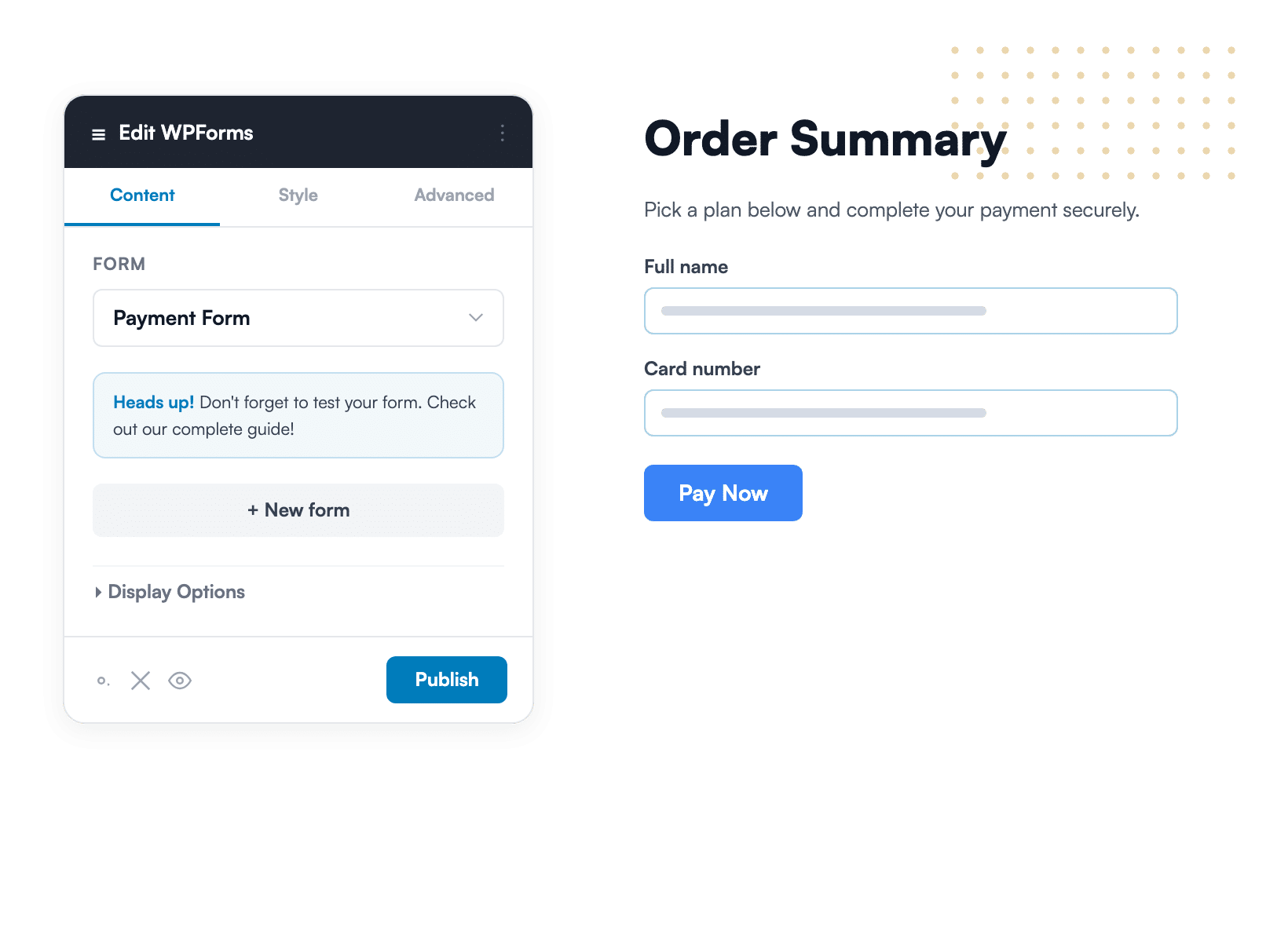
Embed workflow adding a WPForms payment form to a new block editor page

Payments in Any Block Editor Layout Without a Store

Build a payment form with Stripe (subscriptions and coupons included), Square, PayPal, or Authorize.Net, then drop it into any page or template part.

WPForms Lite takes Stripe payments with a 3% fee per transaction, and paid plans remove it.

Add the WPForms Integration to Your Gutenberg Site Today

Join the 5,000,000 professionals who trust WPForms to collect leads, accept payments, and grow their block editor sites.

✓ 14-Day Money-Back Guarantee · ✓ No Coding Required · ✓ Used on 5+ Million Sites

View all

WPForms + Gutenberg Integration – Frequently Asked Questions and Resources

Have questions about the WPForms Gutenberg integration? We’ve got answers.

How do I add a WPForms form to a Gutenberg page?

Open any page, post, or FSE template and click the block inserter. Search for WPForms and add the WPForms block to your layout.

Pick a form you’ve already built in WPForms from the dropdown. The block editor renders it live, so you see exactly how it will look before you publish. If you haven’t built the form yet, create it in WPForms first and come back.

You can add the same form to as many pages as you like. See our step-by-step guide to displaying WPForms on your site.

Can I use the same WPForms form on more than one Gutenberg page?

Yes. Add the WPForms block wherever you need it, whether that’s a landing page, a blog post, or a sidebar template part, and pick the same form each time.

Every copy sends the same notifications, keeps the same spam protection, and syncs to the same integrations. On paid plans, entries from every page land in one place, so you don’t have to check each page separately.

Edit the form once in WPForms and every page that uses it updates automatically. There’s nothing to copy, paste, or keep in sync by hand.

Does the WPForms block work in the Site Editor and FSE templates?

Yes. The WPForms block works in posts, pages, template parts, and full site editor layouts, because it isn’t limited to one type of content.

That means you can drop a form into a header, footer, sidebar template part, or custom page template, and it renders the same way it does on a regular page.

Every copy of the form keeps its notifications and integrations, and paid plans save its entries in WordPress. Edit the form once in WPForms and every template that uses it updates automatically.

Can I style WPForms forms in the block editor without writing CSS?

Yes. The WPForms block sidebar has Field, Label, Button, Container, and Background style panels. Change fonts, colors, borders, and spacing, and watch each change in the live preview.

You can also start from a preset Form Theme for a one-click restyle, then adjust it to match your brand. When you like the result, save it as a custom Theme and reuse it on other forms.

See our post on how to style WPForms using the block editor for a walkthrough.

Does anti-spam still work when I embed a WPForms form in the block editor?

Yes. Embedding a form with the WPForms block doesn’t change its spam protection. The honeypot and modern anti-spam protection stay active in the editor preview and on the published page, so there’s no gap between the editor and your live site.

Any CAPTCHA you’ve set up, such as Google reCAPTCHA, hCaptcha, or Cloudflare Turnstile, keeps working too. Manage these per form in the form builder under Settings » Spam Protection and Security.

See our guide to preventing spam in WPForms.

Where do submissions from a Gutenberg-embedded WPForms form go?

Email notifications go out as soon as someone submits, no matter which page the form is embedded on.

With a paid WPForms license, every submission is also stored in the WPForms entries database inside WordPress. You can search, filter, and export entries to CSV, Excel, or PDF.

Entries can also sync to native WPForms integrations, such as Mailchimp, HubSpot, Salesforce, or Google Sheets, so nothing gets lost between the block editor and your inbox. See our complete guide to form entries.

Can I accept payments with WPForms on a Gutenberg page?

Yes. Build a payment form in WPForms with Stripe (subscriptions and coupons supported), Square, PayPal, or Authorize.Net, then drop the WPForms block into any page or template. No ecommerce store is required.

WPForms Lite takes Stripe payments with a 3% fee per transaction, and paid plans remove that fee. Notification emails arrive as soon as someone pays, so you can follow up right away, and the form keeps the same look and spam protection as any other WPForms form.

See WPForms plans and pricing for what each plan includes.

Is the WPForms block free?

Yes. The WPForms block ships in the core plugin, so WPForms Lite, the free version, includes it. Build a form, add the WPForms block to any page or template, and style it from the block sidebar.

Paid plans add more on top of the same block, like extra field types, entry management, and no 3% Stripe fee. You never need a separate block plugin or a shortcode to embed your forms, on any plan.

See WPForms plans and pricing to compare plans.

🔔 Subscribe to get our latest updates
📧 Subscribe to Emails

Email Subscription

Join our Newsletter

We won’t spam you. We only send an email when we think it will genuinely help you. Unsubscribe at any time!
Improvement New Feature

Meet the New Front-End Form Themes Editor

Hero banner announcing the new Front-End Form Themes Editor; bear mascot on the left and stacked form illustrations on the right.

The Front-End Form Themes Editor lets you restyle your WPForms forms on the pages where they’re embedded, with each adjustment showing up as you make it.

Saving from the form’s preview page sets its default look, while saving anywhere else changes that one placement only.

Open it from the admin bar’s Edit Form Theme item, or from an Edit Theme button inside the builder, the block editor, Elementor, or Divi.

Every form ends up looking at home wherever it appears.

Integration New Feature

Grow Your Drip List Right From Any WPForms Form

Announcement banner:'Announcing Drip for All WPForms Users' with a mascot on the left and a circular logo on the right.

Drip now works inside WPForms itself, so any form can create or update subscribers in your Drip account without a separate addon to manage.

Tags set on a connection travel with each new subscriber, which lets the Drip workflow tied to that tag pick them up straight away.

Link a Drip account in WPForms » Settings » Integrations, then set up a connection from the Marketing panel of the form builder.

Sites that ran the earlier Drip addon keep their accounts, connections, and field mappings exactly as they were.

New Feature Payments

Start Your Stripe Subscriptions With a Trial Period

Left-aligned hero text: “Add a Trial Period to Stripe Subscriptions in WPForms,” with a bear avatar and an ANNOUNCEMENT badge on dark blue background.

A Stripe subscription sold through WPForms can now begin with a trial period: the subscriber signs up today, and their first payment waits until the trial is over.

The card is collected and checked at signup, held by Stripe, and charged automatically on the day the trial ends.

The length is a number of days, weeks, months, or years, chosen in the form builder’s Payments tab for each Stripe subscription you sell.

Each trial shows up in WPForms » Payments with a Trialing status until that first payment lands.

Improvement

Weekly Email Summary

Hero banner announcing the WPForms Weekly Email Summary with a mascot circle on the left and a white analytics card on the right, on a dark blue background.

The weekly summary WPForms emails you now opens with stat tiles for entries, views, and spam, each marked with how it moved against the previous week.

Beneath them, a table gives every form its own line, and when the data earns it the headline changes to call out a best week, a milestone, or a form that has gone quiet.

A single button takes you from the email back into WPForms, so the thing worth checking is one click away.

Integration New Feature Payments

Paystack Addon

Introducing the WPForms Paystack Addon: Accept Payments in Nigeria, Ghana, South Africa, and Kenya

The Paystack addon brings card, bank transfer, and mobile money payments to your forms for buyers in Nigeria, Ghana, South Africa, and Kenya.

Buyers click submit and pay in the Paystack popup in naira, cedis, rand, or Kenyan shillings, with no new field to add to your form.

Bank transfer and mobile money payments are saved as Pending, and WPForms can hold your notification emails until Paystack confirms the payment, then completes the order on its own.

Every Paystack payment shows up in WPForms » Payments, and full refunds can be issued without leaving WordPress.