








AI Spam Protection for WordPress Forms

Stop Form Spam Without a CAPTCHA

Most spam tools make visitors solve puzzles. ActiveLayer AI checks every WPForms entry in the background to keep your inbox clean, no CAPTCHA or coding needed.

Everything the WPForms + ActiveLayer Integration Gives You

Smart spam protection that works quietly behind every form, so real visitors never notice it.

No CAPTCHA for Visitors

No puzzles, checkboxes, or image grids. Real people just fill in the form and submit.

AI Spam Detection

ActiveLayer weighs submission content, reputation, and behavior signals to spot bots and human spammers.

Background Checks

Entries submit instantly while ActiveLayer checks them in the background.

A Score for Every Entry

Each submission gets a clean or spam verdict with a score you can review.

Recheck or Override

Recheck past entries or mark any verdict as clean or spam in one click.

Per-Form Control

Protection turns on for your forms automatically, and you can switch it off on any single form.

Fail-Safe by Design

If ActiveLayer can’t be reached, your forms keep working and no entries are lost.

No Cookies

ActiveLayer doesn’t set cookies on your visitors.

Works With WPForms Lite and Pro

Install it from inside WPForms in a few clicks. No upgrade needed.

ActiveLayer Protects Every Kind of WPForms Form

Contact, signup, payment, and newsletter forms all get the same ActiveLayer protection, with no CAPTCHA.

Contact Forms

Keep junk out of your contact form inbox. ActiveLayer checks every message in the background, and clean ones reach you as normal.

ActiveLayer marking a WPForms contact form entry as clean

Registration Forms

Stop bot signups on your WPForms registration forms. ActiveLayer flags spam entries without making real users prove they’re human.

ActiveLayer flagging a spam registration with a high score

Payment Forms

Protect order and payment forms without a CAPTCHA standing between a buyer and the Pay button.

WPForms order form with no CAPTCHA and a clean ActiveLayer verdict

Newsletter Signups

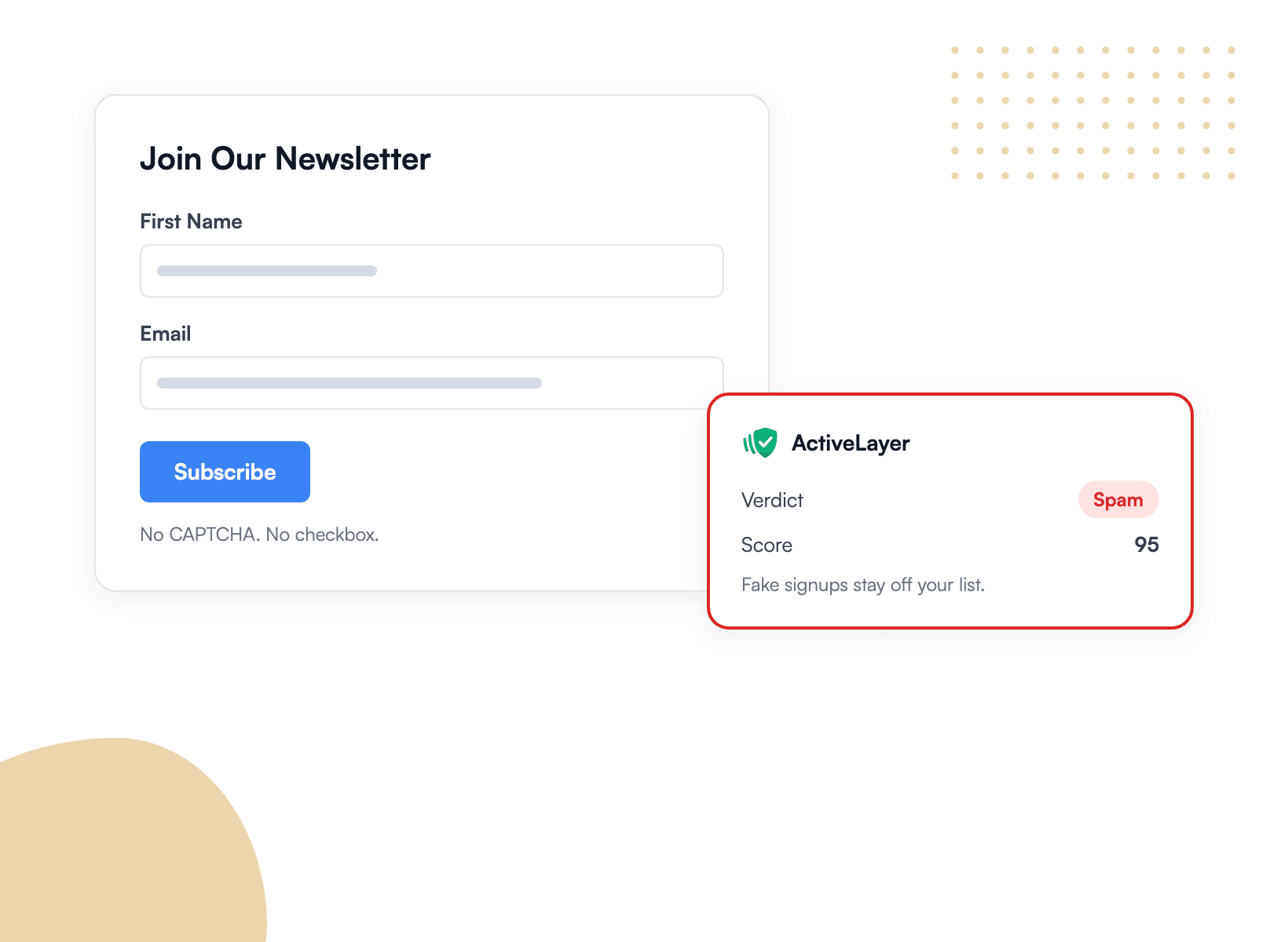
Keep fake signups off your email list. ActiveLayer catches junk submissions before you count them as leads.

ActiveLayer flagging a fake newsletter signup as spam

Why Add the ActiveLayer Integration to WPForms

Five reasons the ActiveLayer integration is the easiest way to add AI spam protection for WordPress forms.

ActiveLayer AI spam protection for WordPress forms recommended in WPForms CAPTCHA settings

ActiveLayer Is Recommended Right Inside WPForms

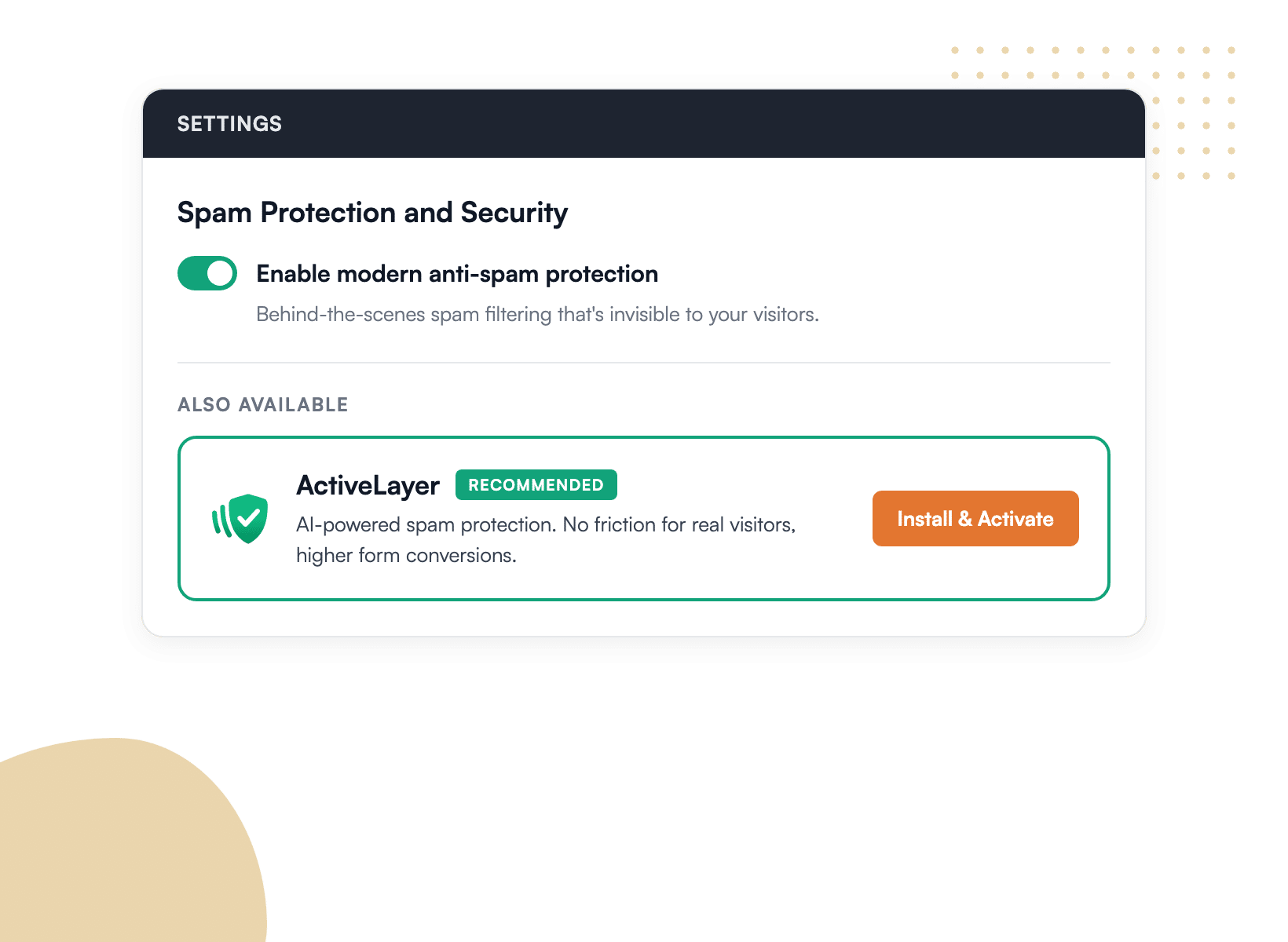
You don’t have to go looking for it. WPForms recommends ActiveLayer under WPForms » Settings » CAPTCHA and in the form builder’s Spam Protection panel.

Click Install, paste your API key, and your forms are protected. ActiveLayer comes from Awesome Motive, the same team behind WPForms.

No CAPTCHA With ActiveLayer and No Lost Leads

Every extra step on a form gives visitors a reason to leave. ActiveLayer catches bots invisibly, so visitors never have to prove they’re human.

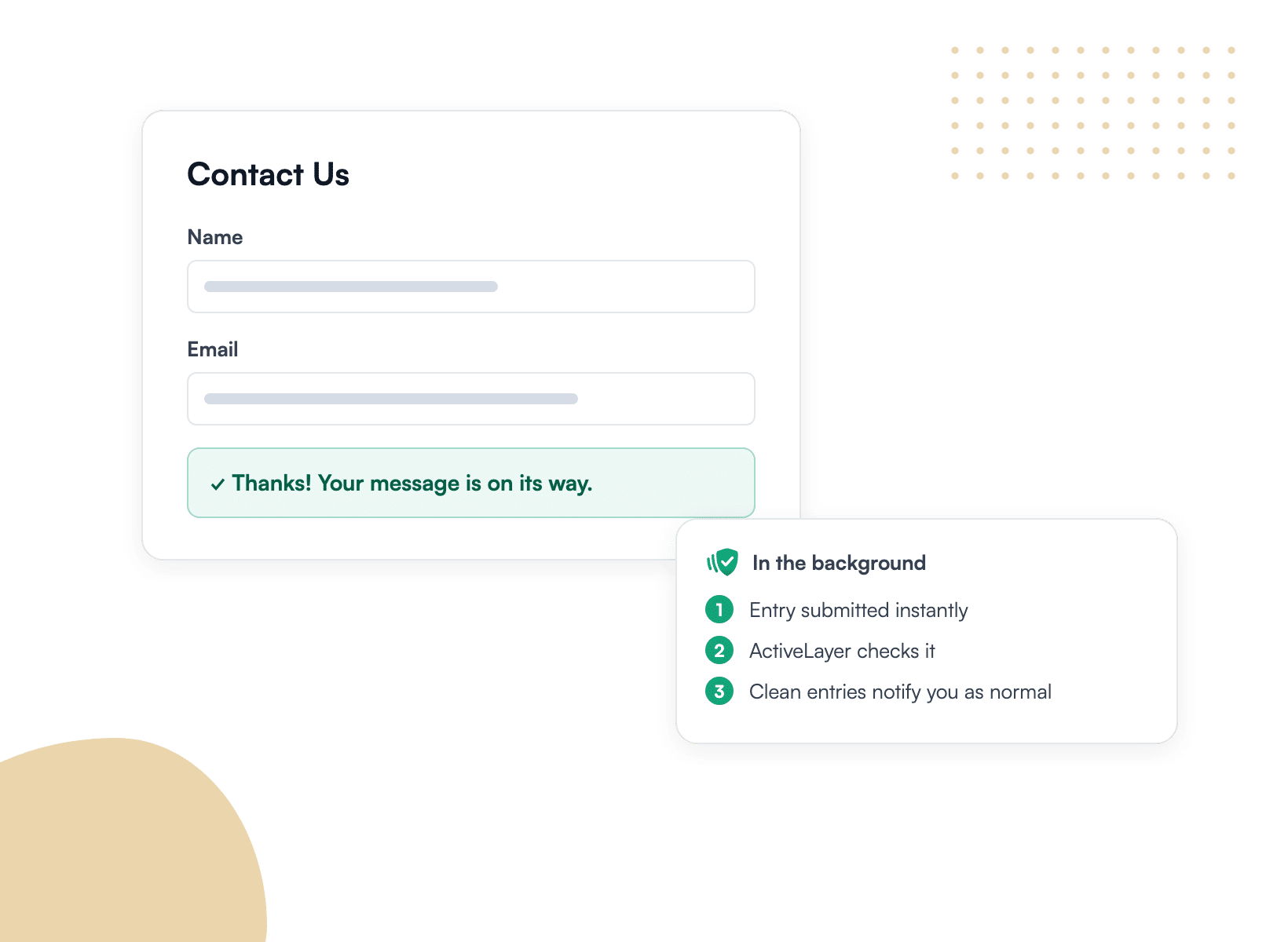
The form submits right away and the spam check runs in the background. Clean entries send your notifications as normal.

A WPForms contact form submitting instantly while ActiveLayer checks it in the background
ActiveLayer recommended in the WPForms form builder Spam Protection and Security panel

Turn On ActiveLayer Once and Every Form Is Covered

Once your API key is connected, ActiveLayer protects your WPForms forms by default.

Need an exception? Switch protection off on any single form from the form builder. You stay in control without setting it up form by form.

See Every ActiveLayer Verdict and Fix Any Mistake

Every submission gets a clean or spam verdict with a score.

Filter your submissions, recheck any entry with a fresh verdict, or mark it clean or spam yourself. Nothing is a black box, and a real lead never gets lost without you knowing.

ActiveLayer submissions screen showing clean and spam verdicts with scores
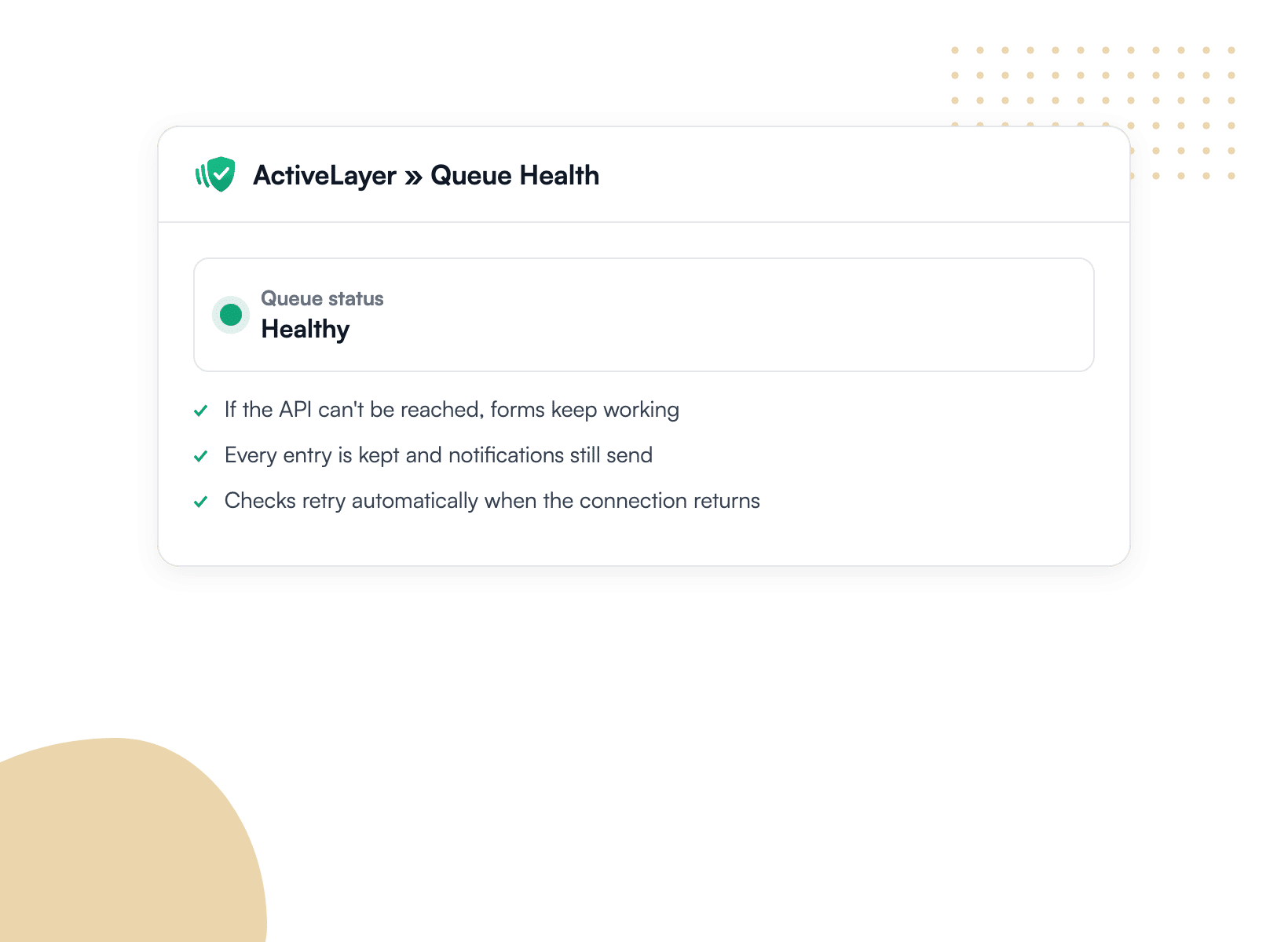
ActiveLayer queue health showing forms keep working when the API is unreachable

Your Forms Keep Working, Even If ActiveLayer Can’t Be Reached

ActiveLayer is built to fail open. If the service is briefly unavailable, your forms keep working, every entry is saved, and notifications still send.

Checks retry automatically when the connection comes back. A built-in health check tells you if anything needs attention.

Protect Every Form With ActiveLayer Today

Join the 5,000,000 professionals who trust WPForms to collect leads and keep spam out of their inbox.

✓ 14-Day Money-Back Guarantee · ✓ No Coding Required · ✓ Used on 5+ Million Sites

View all

WPForms + ActiveLayer – Frequently Asked Questions and Resources

Have questions about ActiveLayer AI spam protection for WordPress forms? We’ve got answers.

What is ActiveLayer?

ActiveLayer is AI spam protection for WordPress forms from Awesome Motive, the same team behind WPForms. It looks at each WPForms entry along with submission patterns, content reputation, and behavior signals, then marks it clean or spam with a score.

Because it uses many signals at once, it catches both automated bots and human spammers that a simple keyword blocklist or honeypot can miss. Visitors never see a CAPTCHA, puzzle, or checkbox.

Beyond WPForms, the same plugin also protects WordPress comments, WooCommerce reviews, and other popular form plugins, all managed from one settings page.

How do I add ActiveLayer to WPForms?

Go to WPForms » Settings » CAPTCHA, or open the Spam Protection and Security panel in the form builder, and click Install ActiveLayer. WPForms installs the free ActiveLayer plugin from WordPress.org for you.

Next, create a free account at activelayer.com to get your API key, then paste it into the ActiveLayer settings. As soon as the key is connected, every WPForms form is protected by default.

If you want to leave a form out, switch protection off for that form in the form builder. There’s no code to add and nothing to change on your pages.

Does ActiveLayer work with WPForms Lite?

Yes. ActiveLayer works with both WPForms Lite and WPForms Pro, so you don’t need to upgrade WPForms to start using it. Install it from inside WPForms Lite, connect your ActiveLayer API key, and your forms are covered.

If you use WPForms Pro, you also get two-way spam status sync with your WPForms entries, so marking an entry as spam or not spam stays consistent in both places.

Either way, ActiveLayer protects your forms with no CAPTCHA, and you can review every verdict in the ActiveLayer submissions screen. See WPForms plans and pricing to compare WPForms editions.

Is ActiveLayer free?

ActiveLayer has a free tier with 200 spam checks and no credit card required, so you can try it on a live WPForms form before you pay anything. The free tier covers unlimited sites and full API access.

When you need more volume, paid plans start at $4 a month, billed yearly, for 5,000 checks a month, and scale up from there. You can upgrade, downgrade, or cancel at any time.

Plans and prices can change, so check ActiveLayer pricing for the current options before you choose.

Does ActiveLayer show visitors a CAPTCHA or make them wait?

No. ActiveLayer doesn’t add a CAPTCHA, puzzle, or checkbox to your WPForms forms.

By default, it runs checks in the background, so the form submits right away and your visitor sees your normal confirmation message. ActiveLayer then checks the entry. Clean entries send your notifications as usual, and spam entries are held back.

If you’d rather block spam before the entry completes, you can turn on Sync Mode, which waits for the verdict and adds a small delay to submissions. Background checks stay the default unless you change it.

What happens if ActiveLayer flags a real lead as spam?

You can fix it in a few clicks. Every submission gets a clean or spam verdict with a score, and you can filter the ActiveLayer submissions screen by status to find any entry.

Mark it as clean, mark it as spam, or recheck it with the API for a fresh verdict. With WPForms Pro, spam status also syncs two ways with your WPForms entries.

You can also keep spam entries in WPForms so nothing is lost while you review them. See our guide to viewing and managing spam entries.

What happens if ActiveLayer is down?

Your forms keep working. ActiveLayer is built to fail open, so if its service can’t be reached, every WPForms entry is still saved and your notifications still send.

Checks retry automatically when the connection returns, so no submission is lost or skipped. ActiveLayer also runs a built-in health check every 15 minutes and shows an admin notice if pending checks start to build up, so you know if anything needs attention.

That means a temporary outage never breaks your forms or blocks a real customer from reaching you.

Does ActiveLayer use cookies?

No. ActiveLayer doesn’t set cookies on your visitors.

To spot bots more accurately, it can collect behavior signals, like typing, mouse, touch, and scroll patterns, along with environment checks that detect headless browsers and automation tools. These signals are on by default and are sent with the form data for analysis. You can switch them off in the ActiveLayer settings if you prefer.

Debug logging is opt-in and redacts personal data, and email addresses are hashed. Read the ActiveLayer privacy policy for full details on what is collected.

Can I use ActiveLayer with other WPForms spam protection?

Yes. ActiveLayer works alongside the spam protection already built into WPForms, including the anti-spam token, country and keyword spam filters, and the option to store spam entries for review.

You can also keep a CAPTCHA such as Cloudflare Turnstile, hCaptcha, or Google reCAPTCHA on high-risk forms if you want an extra layer.

Because ActiveLayer checks entries invisibly in the background, you may not need a CAPTCHA at all. See our guide to preventing spam in WPForms for every option you can combine.

🔔 Subscribe to get our latest updates
📧 Subscribe to Emails

Email Subscription

Join our Newsletter

We won’t spam you. We only send an email when we think it will genuinely help you. Unsubscribe at any time!
Improvement New Feature

Meet the New Front-End Form Themes Editor

Hero banner announcing the new Front-End Form Themes Editor; bear mascot on the left and stacked form illustrations on the right.

The Front-End Form Themes Editor lets you restyle your WPForms forms on the pages where they’re embedded, with each adjustment showing up as you make it.

Saving from the form’s preview page sets its default look, while saving anywhere else changes that one placement only.

Open it from the admin bar’s Edit Form Theme item, or from an Edit Theme button inside the builder, the block editor, Elementor, or Divi.

Every form ends up looking at home wherever it appears.

Integration New Feature

Grow Your Drip List Right From Any WPForms Form

Announcement banner:'Announcing Drip for All WPForms Users' with a mascot on the left and a circular logo on the right.

Drip now works inside WPForms itself, so any form can create or update subscribers in your Drip account without a separate addon to manage.

Tags set on a connection travel with each new subscriber, which lets the Drip workflow tied to that tag pick them up straight away.

Link a Drip account in WPForms » Settings » Integrations, then set up a connection from the Marketing panel of the form builder.

Sites that ran the earlier Drip addon keep their accounts, connections, and field mappings exactly as they were.

New Feature Payments

Start Your Stripe Subscriptions With a Trial Period

Left-aligned hero text: “Add a Trial Period to Stripe Subscriptions in WPForms,” with a bear avatar and an ANNOUNCEMENT badge on dark blue background.

A Stripe subscription sold through WPForms can now begin with a trial period: the subscriber signs up today, and their first payment waits until the trial is over.

The card is collected and checked at signup, held by Stripe, and charged automatically on the day the trial ends.

The length is a number of days, weeks, months, or years, chosen in the form builder’s Payments tab for each Stripe subscription you sell.

Each trial shows up in WPForms » Payments with a Trialing status until that first payment lands.

Improvement

Weekly Email Summary

Hero banner announcing the WPForms Weekly Email Summary with a mascot circle on the left and a white analytics card on the right, on a dark blue background.

The weekly summary WPForms emails you now opens with stat tiles for entries, views, and spam, each marked with how it moved against the previous week.

Beneath them, a table gives every form its own line, and when the data earns it the headline changes to call out a best week, a milestone, or a form that has gone quiet.

A single button takes you from the email back into WPForms, so the thing worth checking is one click away.

Integration New Feature Payments

Paystack Addon

Introducing the WPForms Paystack Addon: Accept Payments in Nigeria, Ghana, South Africa, and Kenya

The Paystack addon brings card, bank transfer, and mobile money payments to your forms for buyers in Nigeria, Ghana, South Africa, and Kenya.

Buyers click submit and pay in the Paystack popup in naira, cedis, rand, or Kenyan shillings, with no new field to add to your form.

Bank transfer and mobile money payments are saved as Pending, and WPForms can hold your notification emails until Paystack confirms the payment, then completes the order on its own.

Every Paystack payment shows up in WPForms » Payments, and full refunds can be issued without leaving WordPress.