










WordPress Form Abandonment

Stop Losing Leads to Half-Finished Forms

While most marketers pour budget into driving more traffic, you’ll have every partial entry saved for automatic lead recovery and warmer follow-ups. No extra traffic or coding needed.

Everything You Need to Recover Abandoned Leads

Turn half-finished forms into a steady stream of warm leads. It’s easier than you think.

Auto-Saved Partial Entries

Capture the name, email, and phone the moment someone starts typing.

Automatic Follow-Ups

Trigger a recovery email to every abandoner without lifting a finger.

Smart Save Rules

Save every partial entry, or only the ones that include an email or phone number.

Duplicate Prevention

Built-in dedupe keeps your recovered-lead list clean and accurate.

Abandonment Insights

See exactly how many visitors start your forms but never hit submit.

Email Marketing Sync

Enroll abandoners into nurture sequences in the platform you already use.

Works on Any Form

Contact, quote, registration, order, donation. Every form gets recovered.

Mobile-Ready Capture

Recover leads from phone and tablet visitors, not just desktop.

Your Data Stays in WordPress

Partial entries are stored on your own site, not a third-party tool.

One Addon. Every Lead-Recovery Use Case.

See how teams use Form Abandonment to win back leads across the funnel.

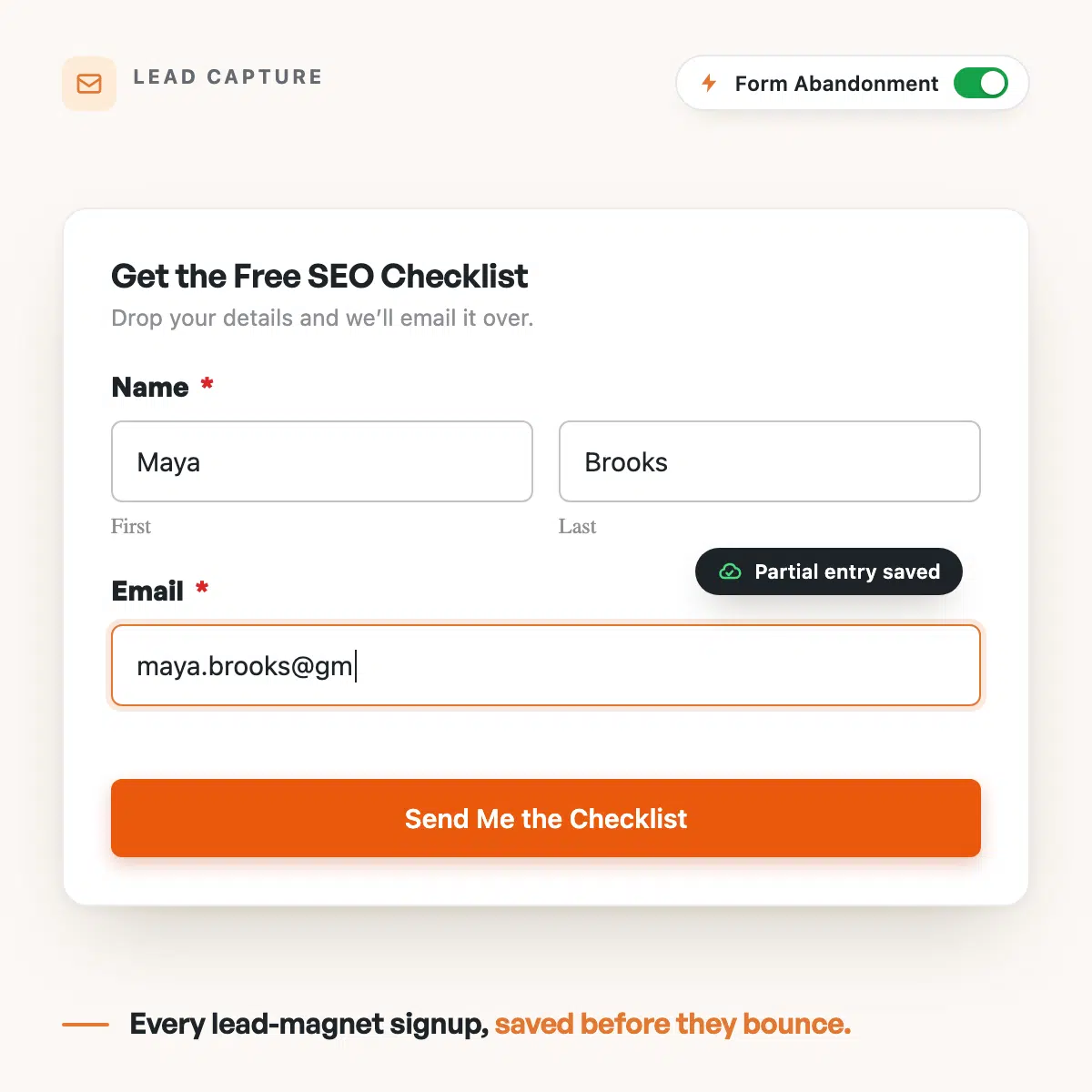
Lead Capture

Recover prospects who start your lead or contact form but leave before hitting submit, then follow up while their interest is fresh.

WPForms lead capture form saving a partial entry as Maya Brooks types her email

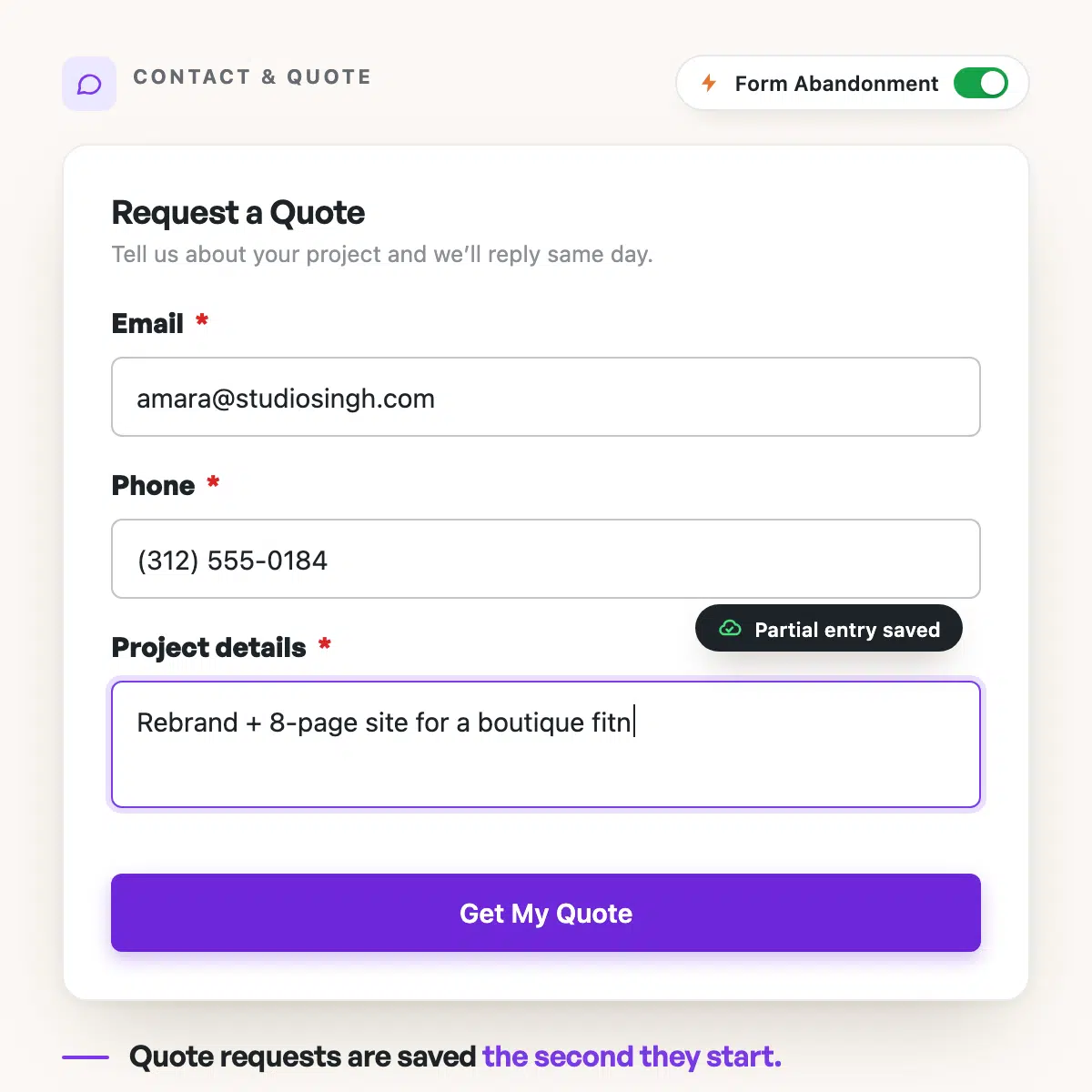
Quote Requests

Save half-finished quote and estimate requests so a high-value lead never slips away mid-form.

WPForms quote request form saving Amara Singh's partial entry as she types project details

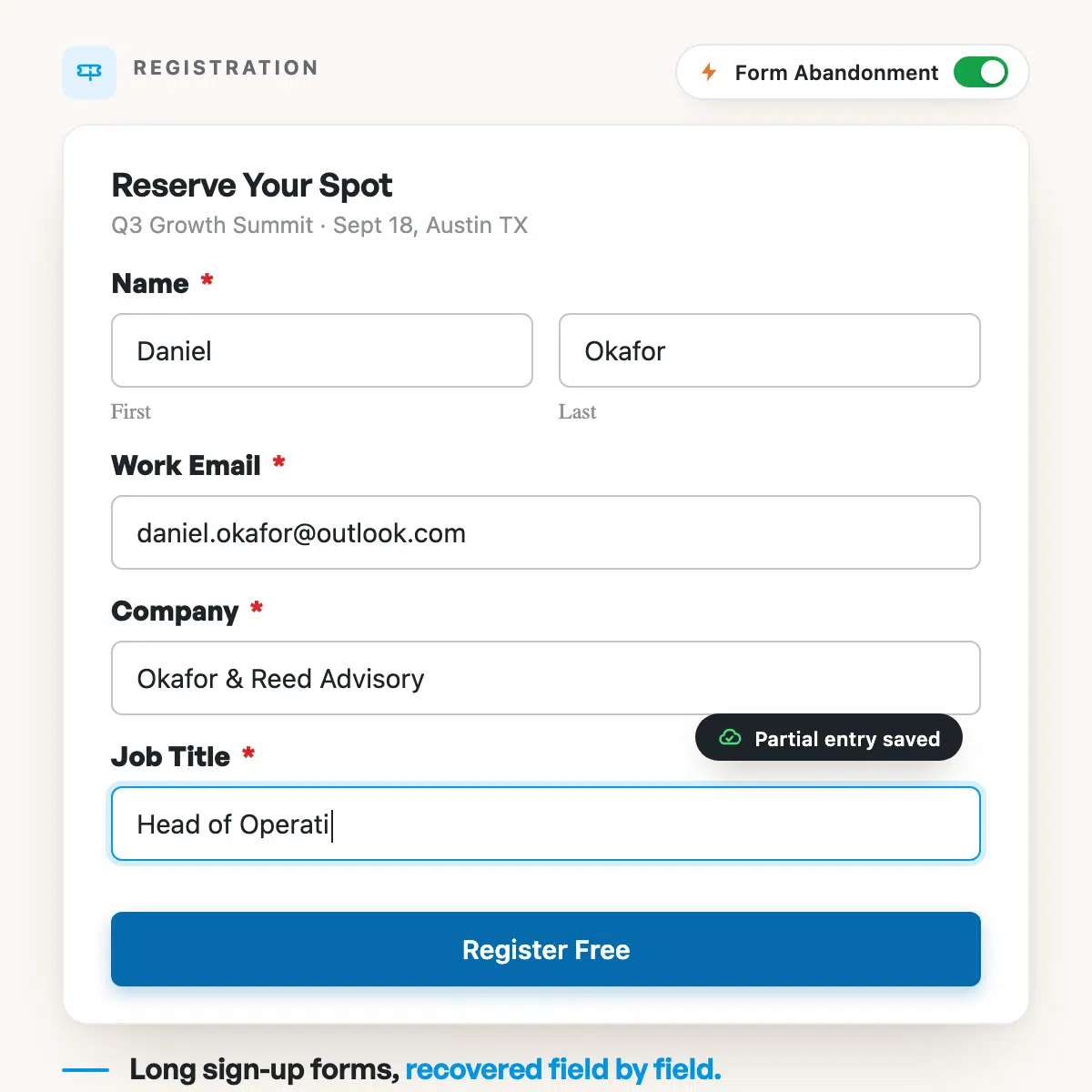
Registrations

Reach event, webinar, and course registrants who dropped off partway through signup.

WPForms event registration form capturing Daniel Okafor's partial entry midway through signup

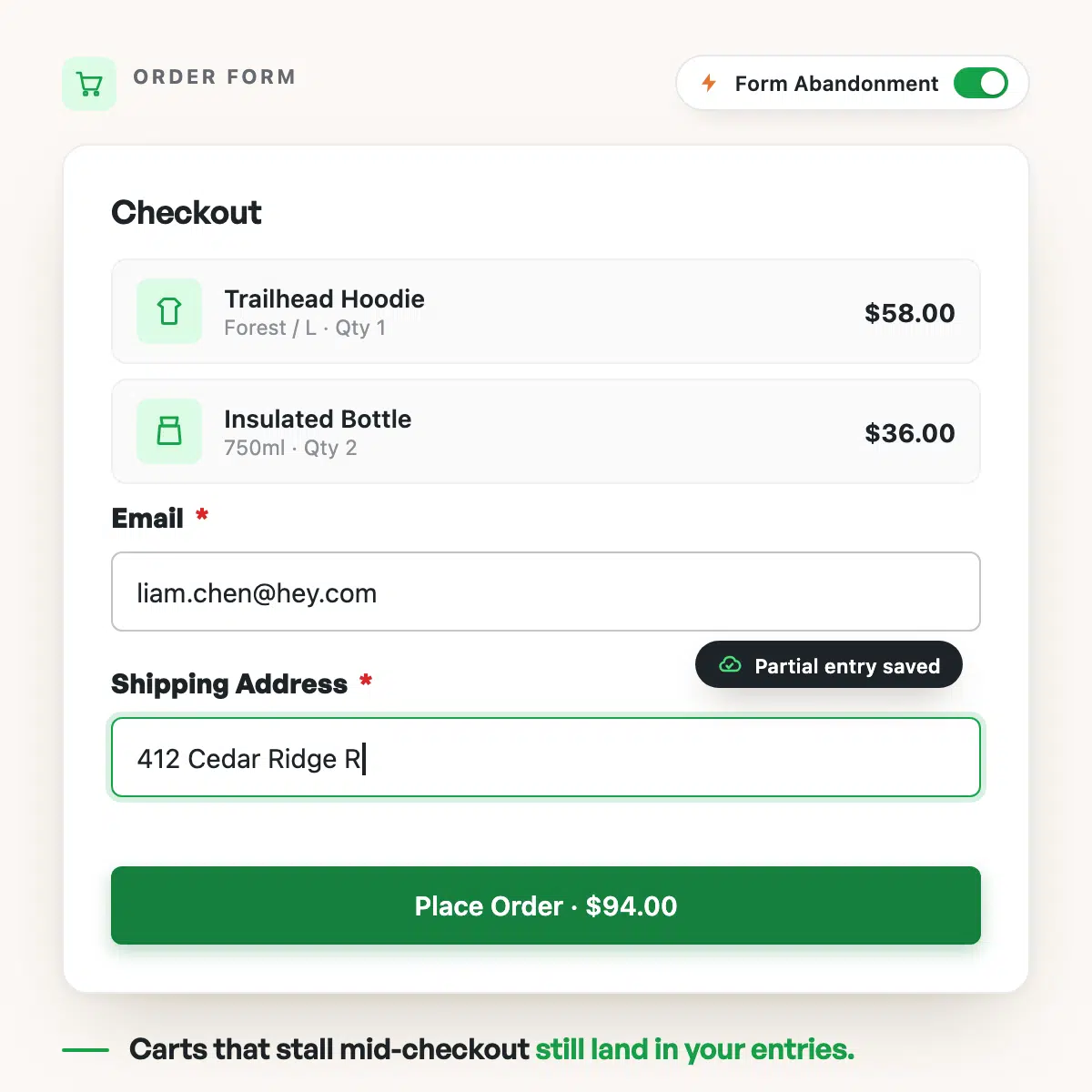
Order Forms

Rescue abandoned order and booking forms the same way online stores rescue abandoned carts.

WPForms order form saving Liam Chen's partial entry before checkout is completed

Donations

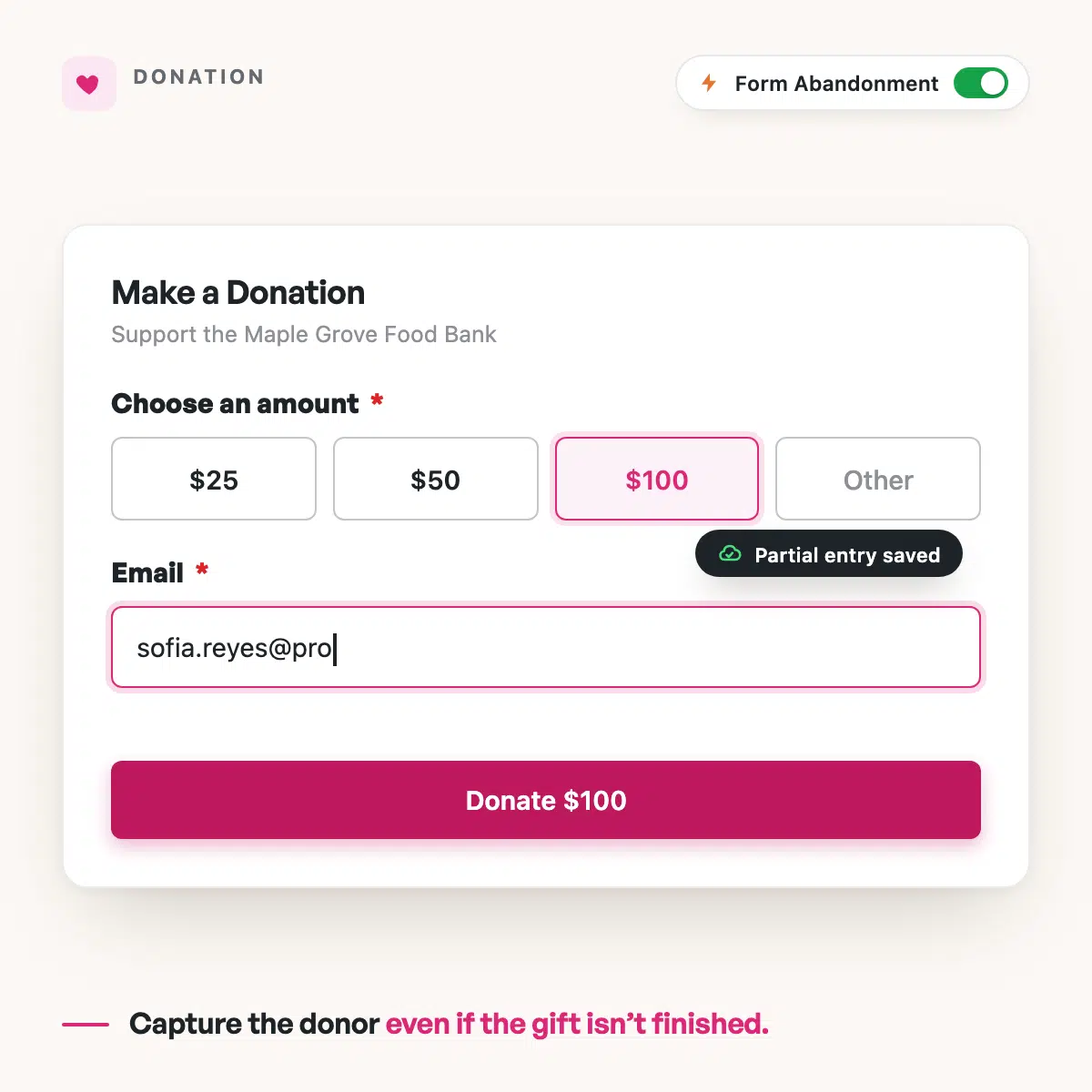
Follow up with supporters who started a donation but did not complete their gift.

WPForms donation form capturing Sofia Reyes's partial entry before the gift is completed

Why 5,000,000 Websites Trust WPForms

Form abandonment recovery turns traffic you already paid for into leads you can actually close.

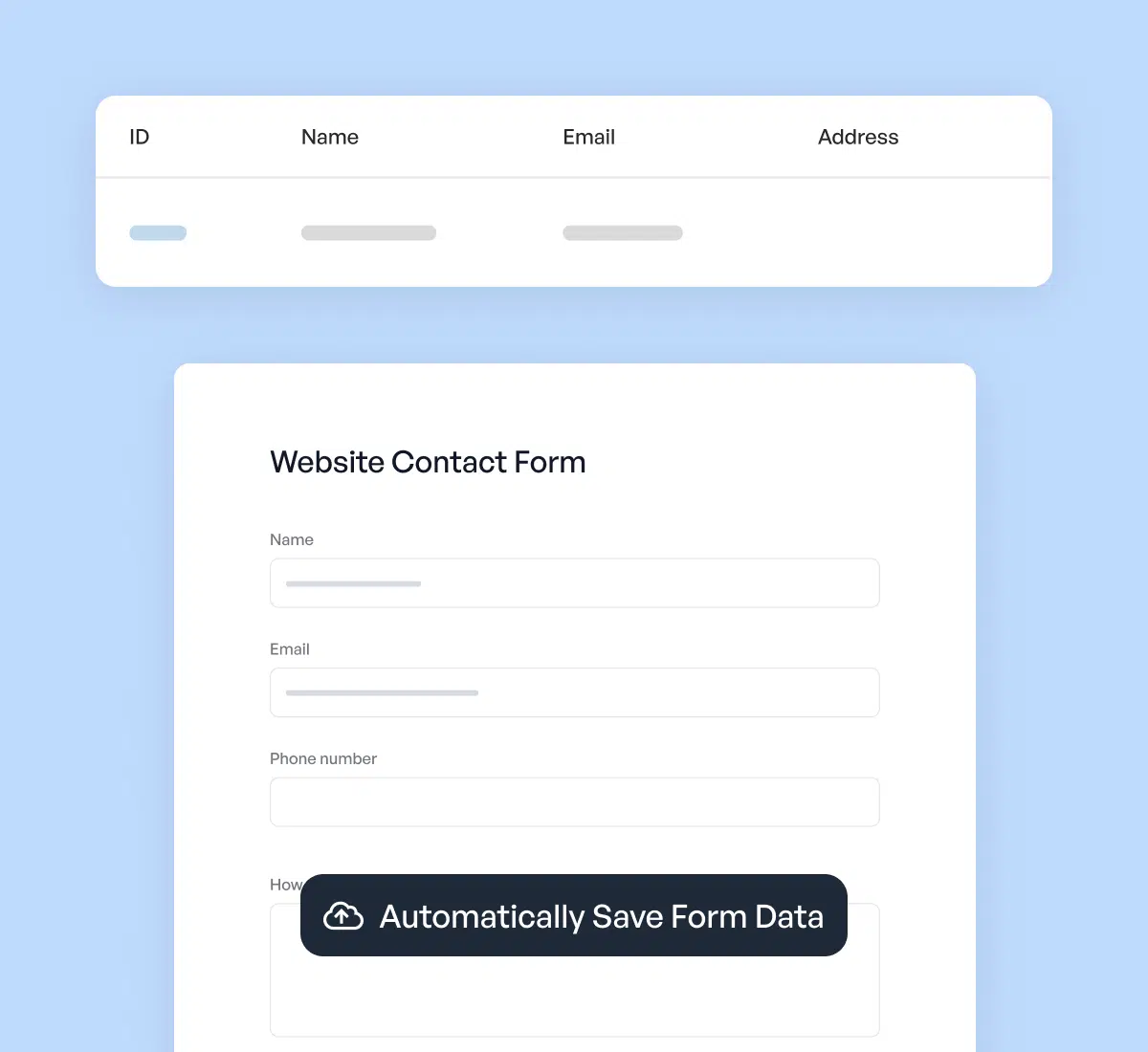
WPForms automatically saving form data from a visitor who started a form

Treat Form Abandonment Like Cart Abandonment

Online stores recover abandoned carts every day. Your lead forms deserve the same safety net. WPForms saves every partial entry the moment a visitor starts typing, so the people who slip away mid-form become a list you can win back instead of leads that vanish without a trace.

See Exactly Where Your Leads Drop Off

Most funnels lose leads in a blind spot: the gap between someone starting your form and finishing it. Form Abandonment shows you how many visitors begin a form and never submit, so you can fix the friction and recover the people you already lost. It turns an invisible leak into a number you can act on.

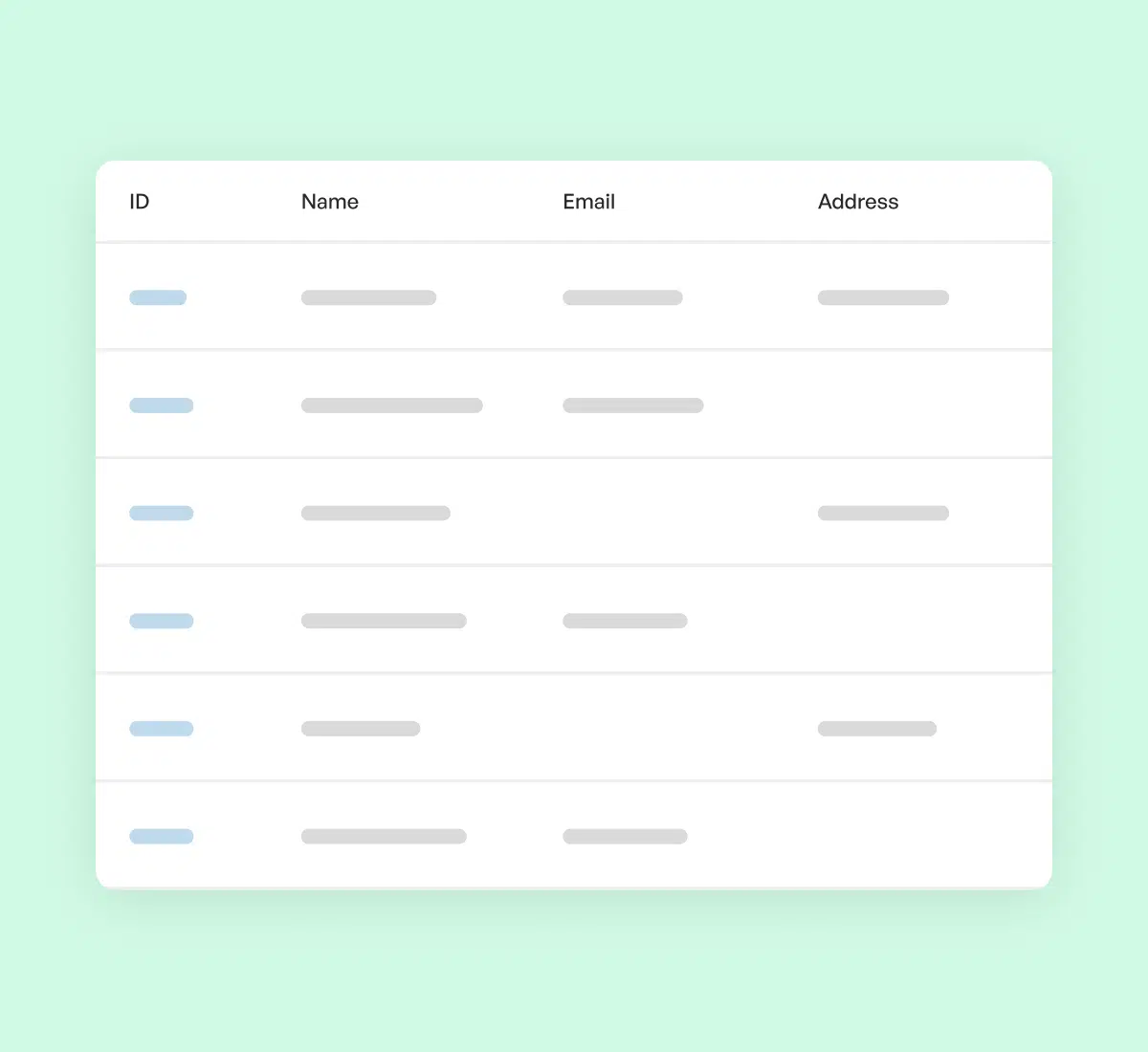
Table of captured partial form entries showing names and emails inside WPForms
Automated follow-up email being sent to a visitor who abandoned a WPForms form

Follow Up While Intent Is Still Hot

An abandoner just raised their hand. Trigger an automatic follow-up email from WPForms, or enroll them in a nurture sequence in your email platform, so the warmest leads in your funnel hear from you within minutes instead of never. They were already engaged, which is why recovery messages land so much better than cold outreach.

Keep Every Recovered Lead Inside WordPress

Partial entries save straight to your own site, not a third-party portal you have to log into. Your recovered-lead data stays yours, exportable any time, with built-in duplicate prevention keeping the list clean. Pair it with your CRM and email tools so every recovered lead flows exactly where you need it.

Recovered partial entries stored securely inside the WordPress dashboard
View all

Frequently Asked Questions

Have questions about Form Abandonment? We’ve got answers.

What is form abandonment?

Form abandonment is when a visitor starts filling out your form but leaves before submitting it. WPForms Form Abandonment captures those partial entries (the name, email, phone, and any message fragment the visitor already typed) so an interested lead is saved instead of lost. Every partial entry is someone who was engaged enough to start, which makes them worth following up with.

How does WPForms Form Abandonment recovery work?

WPForms Form Abandonment recovery works by saving a partial entry the moment a visitor moves past the first field, even if they never click submit. You choose to save all partial entries or only those with an email or phone number, and you can trigger an automatic follow-up email or send the lead to your email marketing platform. It runs in the background on every form you enable it on.

How can I reduce my form abandonment rate?

You can reduce your form abandonment rate by shortening your form, using a multi-step layout, and removing fields you do not truly need. Form Abandonment also helps by showing you where people drop off, so you can fix the exact friction point. Just as important, it recovers the leads you lose today by saving their partial entries so you can still reach them.

Can I automatically follow up with people who abandon my form?

Yes. WPForms Form Abandonment can automatically follow up with people who abandon your form by triggering a notification email to the lead, or by enrolling them into a nurture sequence through an email marketing integration. Because abandoners were just engaged with your form, these recovery messages tend to perform far better than cold outreach.

Which WPForms plan includes Form Abandonment?

Form Abandonment is included with the WPForms Pro and Elite plans. You can compare plans on the pricing page to see everything Pro unlocks, including Form Abandonment, payment addons, and over 2,100 form templates. Every plan comes with a 14-day money-back guarantee.

Does Form Abandonment work on mobile devices?

Yes, WPForms Form Abandonment works on mobile devices. Partial entries are captured from visitors on phones and tablets just like on desktop, so you recover leads no matter how people reach your form. WPForms forms are fully responsive and work on any device out of the box.

Where are abandoned form entries stored, and is it private?

Abandoned form entries are stored as partial entries inside your own WordPress site, not on a third-party server. That means your recovered-lead data stays under your control and is easy to export. You can pair Form Abandonment with WPForms entry management to review, search, and export every entry.

Does Form Abandonment connect to my email marketing or CRM?

Yes. WPForms Form Abandonment connects to the email marketing and CRM tools you already use, so recovered leads can flow automatically into platforms like Mailchimp, HubSpot, and more. You can enroll abandoners into an automated recovery sequence the moment their partial entry is saved, turning a lost lead into an ongoing conversation.

Do I need a developer to set up Form Abandonment?

No, you do not need a developer to set up Form Abandonment. You enable the addon, turn it on for any form in just a few clicks, and choose your save and follow-up rules. There is no code required, and most people have it running in under 5 minutes.

Recover Your Lost Leads. It’s That Simple.

Join the 6 million+ professionals who use WPForms to capture more leads and grow faster. Turn the visitors who start your forms into customers.

🔔 Subscribe to get our latest updates
📧 Subscribe to Emails

Email Subscription

Join our Newsletter

We won’t spam you. We only send an email when we think it will genuinely help you. Unsubscribe at any time!
New Feature

WPForms Dashboard

Dark blue hero with a circular bear logo on the left, large headline'Introducing the New WPForms Dashboard' and an ANNOUNCEMENT badge; a dashboard mockup is visible on the right.

The WPForms Dashboard is a new home screen that opens the moment you click WPForms in your admin menu. Stat cards across the top total up your forms, entries, payments, views, and spam across the whole site.

An Entries widget charts activity over your chosen date range with a per-form table of entries, views, interactions, and conversion rate, and a payments widget totals everything collected once a gateway is connected.

With the Geolocation addon active, Top Locations ranks the countries your visitors come from, and a Suggested Next Steps panel points to features worth turning on.

Nothing to install, as it comes with every plan, including Lite!

New Feature

WPForms QR Code

Announcement banner: dark blue background with headline'Say Hello to WPForms QR Code: One Scan Opens Your Form' and a large QR code on the right.

Every form now has its own built-in QR code generator, with nothing extra to install or buy.

Open a form’s General settings, choose the page the form lives on or paste its URL, and click Generate QR Code to copy it or download it as a PNG or a print-ready SVG.

Put it on menus, packaging, event badges, or business cards, and every scan opens your form instead of a page that only hands people something to read.

Included with every plan, including Lite; Pro and Elite plans can keep, remove, or replace the WPForms logo in the center with their own.

New Feature

Ranking Field for Surveys & Polls

Announcement hero: dark blue background, bear avatar left, large'Introducing the New WPForms Ranking Field' text, and three stacked white option cards with 'Movies' highlighted.

The Surveys & Polls addon gains a Ranking field!

Instead of scoring each option separately, respondents drag options (or tap arrow buttons on a phone) into the order they prefer, so one option always has to come first.

WPForms tallies every response into a “Times at #1” count and an average rank for each option, with a chart that makes the winner obvious.

Lay options out as a vertical list or a grid, and use Image Choices or Icon Choices in place of plain text labels.

Integration New Feature Payments

Mercado Pago Addon

Introducing the WPForms Mercado Pago Addon: Card Payments Built for Latin America

The Mercado Pago addon brings on-page card payments built for Latin America to your forms.

Buyers enter their card details into secure, Mercado Pago-hosted fields inside the form, choose an installment plan, and pay in ARS, BRL, CLP, COP, MXN, PEN, or UYU without leaving your page.

An approved charge fires your confirmation, notifications, and integrations at the moment money actually moves, and full or partial refunds can be issued from WPForms » Payments.

WPForms takes no transaction fee, and it works with Quantities, Coupons, multi-page forms, Conversational Forms, Lead Forms, and Form Pages.

AI New Feature

WPForms Analytics

Dark blue hero with a bear avatar left, large WPForms v2.0 headline and a form analytics screenshot on the right.

WPForms 2.0 adds a complete form performance tracking suite inside your WordPress dashboard.

The All Forms page now shows Views, Entries, and Conversion Rate for every form, and each form gets its own analytics dashboard with views, interactions, conversion rate, abandonments, and errors over the last 7, 30, or 90 days or a custom range.

A field-by-field table shows interactions, time spent, errors, and abandonment for every field, so you can see exactly where people give up, and you can set a conversion goal to track progress.

There’s also a built-in AI chat reads your form data and tells you what is working, what is hurting conversions, and what to fix first.