


AI要約
フォームビルダー内からマーケティングタブを非表示にしますか?サイトに様々なロールを持つユーザーが多くいて、アクセス制御を使用してWPFormsへのアクセスを許可している場合、フォームの統合設定を許可したくないかもしれません。簡単なPHPスニペットを使用すると、マーケティングタブを簡単に非表示にできます。このチュートリアルでは、その方法をご紹介します!
マーケティングタブを非表示にする
デフォルトでは、適切な権限を持つすべてのユーザーは、利用可能なすべてのオプションを使用してWPFormsフォームビルダーを通じてサイトでフォームを作成できます。
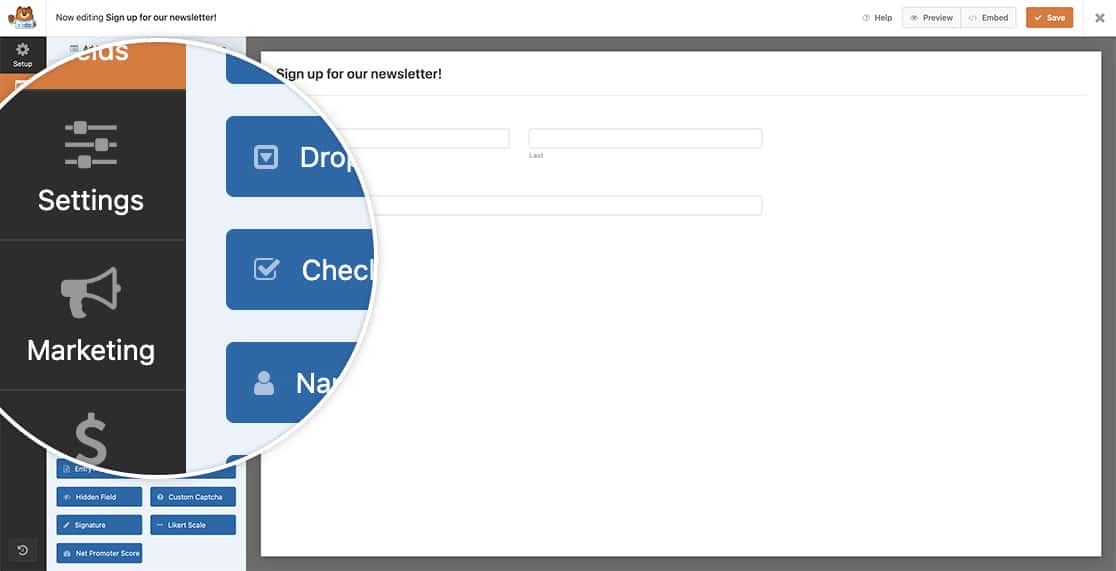
このチュートリアルの目的上、フォームビルダー内から購読者または編集者のWordPressロールを持つすべてのユーザーに対してマーケティングタブを非表示にしたいと考えています。これを達成するために、このスニペットをサイトにコピーする必要があります。
スニペットをサイトに追加する方法と場所について支援が必要な場合は、このチュートリアルを確認してください。
/**
 * Hide the Marketing tab inside the form builder
 *
 * @link   https://wpforms.com/developers/how-to-hide-the-marketing-tab-in-form-builder/
 */

function hide_marketing_tab_based_on_role() {

	// Default WordPress User Roles: subscriber, editor, contributor, author, administrator
	// For more information on WordPress roles check out https://wordpress.org/documentation/article/roles-and-capabilities/

	// Check if the current user is a subscriber OR an editor
	if( current_user_can( 'subscriber' ) || current_user_can( 'editor' ) ) {
		echo '<style>
				.wpforms-panel-providers-button {
				  display: none !important;
				}
			  </style>';
	}
}

add_action('admin_head', 'hide_marketing_tab_based_on_role');
WordPressのユーザーロールと権限の詳細については、ドキュメントを確認してください。
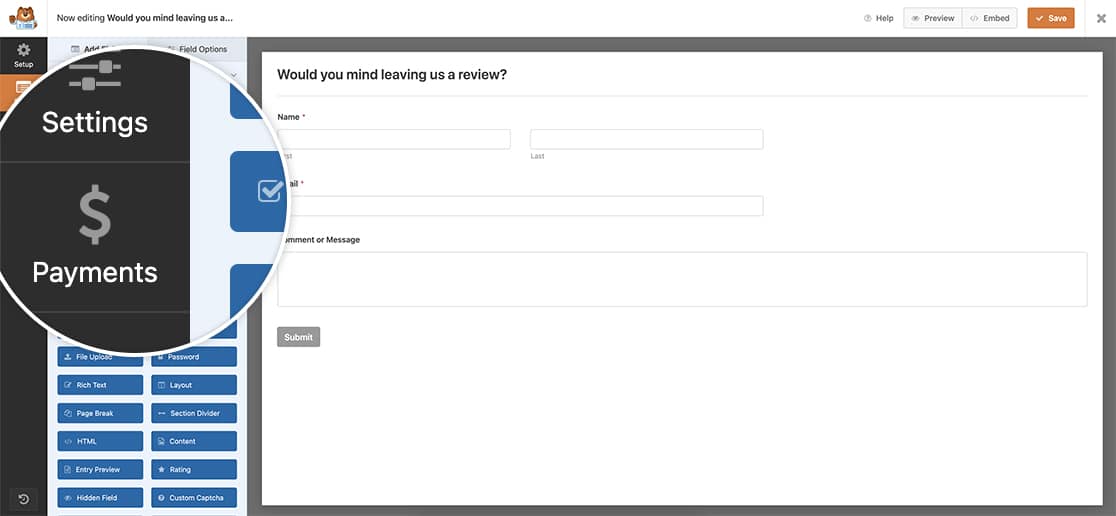
これで、特定のロールを持つWordPressユーザーからマーケティングタブを非表示にするために必要なすべてが揃いました。フォームにカラーピッカーを追加したいですか?フォームにカラーピッカーを追加する方法のチュートリアルをご覧ください。
よくある質問
Q: 支払いタブも非表示にできますか?
A: 支払いタブも非表示にしたい場合。
/**
 * Hide the Payments tab inside the form builder
 *
 * @link   https://wpforms.com/developers/how-to-hide-the-marketing-tab-in-form-builder/
 */

function hide_payments_tab_based_on_role() {

	// Default WordPress User Roles: subscriber, editor, contributor, author, administrator
	// For more information on WordPress roles check out https://wordpress.org/documentation/article/roles-and-capabilities/

	// Check if the current user is a subscriber OR an editor
	if( current_user_can( 'subscriber' ) || current_user_can( 'editor' ) ) {
		echo '<style>
				.wpforms-panel-payments-button {
				  display: none !important;
				}
			  </style>';
	}
}

add_action('admin_head', 'hide_payments_tab_based_on_role');
Q: 両方のタブを非表示にできますか?
A: このスニペットを使用して両方のタブを非表示にできます。
/**
 * Hide the Payments and Marketing tab inside the form builder
 *
 * @link   https://wpforms.com/developers/how-to-hide-the-marketing-tab-in-form-builder/
 */

function hide_marketing_tab_based_on_role() {

	// Default WordPress User Roles: subscriber, editor, contributor, author, administrator
	// For more information on WordPress roles check out https://wordpress.org/documentation/article/roles-and-capabilities/

	// Check if current user is subscriber OR editor
	if( current_user_can( 'subscriber' ) || current_user_can( 'editor' ) ) {
		echo '<style>
				.wpforms-panel-providers-button {
				  display: none !important;
				}
				.wpforms-panel-payments-button {
				  display: none !important;
				}
			  </style>';
	}
}

add_action('admin_head', 'hide_marketing_tab_based_on_role');


