


Connect Forms to Google Calendar

Google Calendar Addon for WPForms

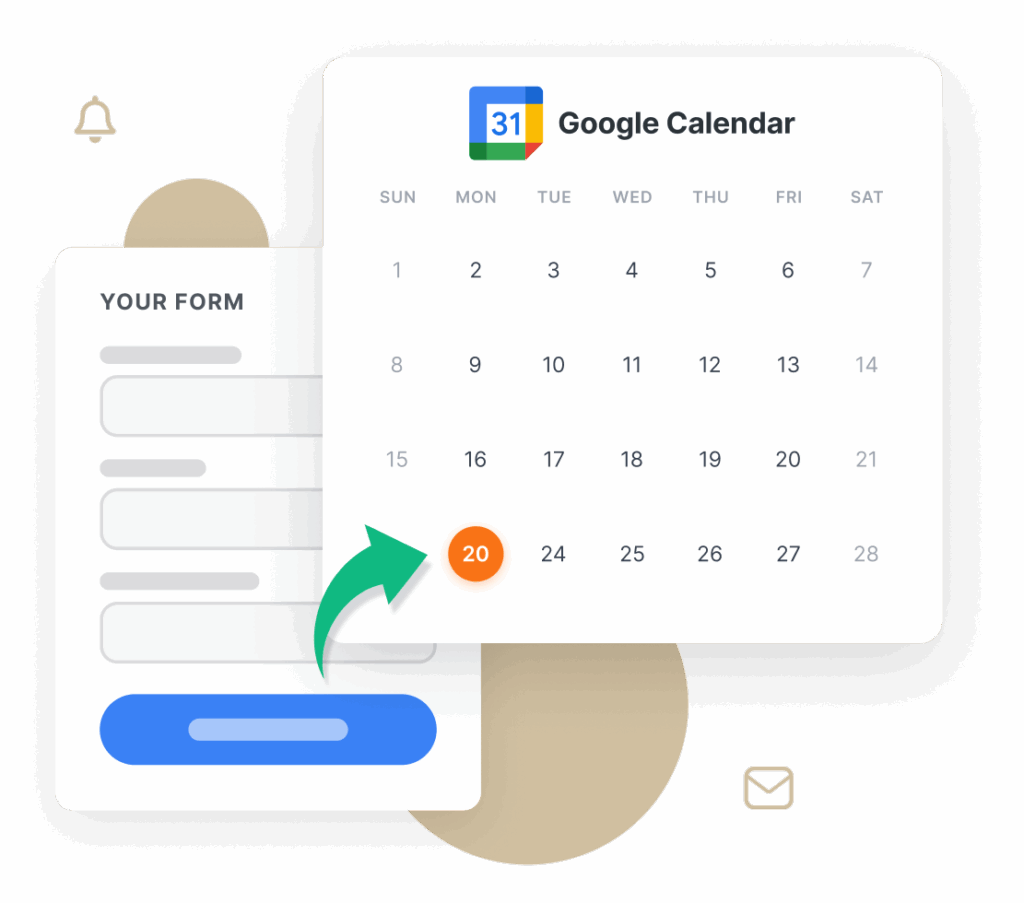
Turn form submissions into calendar events automatically. Collect event details through your forms and send them straight to Google Calendar with just a few clicks.

  • Flexible Date & Time Options
  • Smart Field Mapping
  • Recurring Events
  • Guest Invites

Schedule Events From Forms Without Extra Steps

Stop manually copying form details into your calendar. With the WPForms Google Calendar Addon, every new form entry can create or update an event on your chosen Google Calendar. Save time, stay organized, and collaborate more effectively with your team. Join over 5,000,000 site owners already saving time. Get started with WPForms today!

Quick Setup

Connect your Google account in seconds. No complex configuration needed.

Smart Field Mapping

Use smart tags to automatically fill in event titles, descriptions, and locations with form data.

Flexible Date & Time Options

Map form fields to event start and end times, set fixed durations, or let users define the full schedule.

Recurring Events

Enable repeat rules — daily, weekly, monthly, or custom — directly from your form submissions.

Guest Invitations

Automatically add form submitters and other contacts as event guests, with options to allow guest management.

Conditional Logic

Control which submissions create calendar events based on form responses.

Multiple Calendar Support

Connect to different Google Calendars and choose where each event should go, so you can manage work, personal, or team schedules separately.

Honshin

Verified Customer

WPForms is easy to use and creates flexible forms with provisions for admin editing. I’ve used Ninja Forms for years and I still like their product but WPForms offers several enhancements. I use Forminator Forms strictly for their integration with WPdatatables. It’s lack of back end editing makes it inferior to both WPForms and Ninja Forms. It’s pricing is tiered to support a variety of needs.

The Best WordPress Drag & Drop Form Builder Plugin

Create and publish forms in minutes… What are you waiting for?

2,100+ Ready-Made Templates for the Google Calendar Addon

  • Event Registration Form
  • Team Meeting Request Form
  • Volunteer Signup Form
  • Coaching Session Form
  • Appointment Request Form
  • Service Scheduling Form
  • Client Onboarding Form
  • Support Call Request Form
  • Webinar Signup Form
  • Training Session Registration Form
  • Workshop Registration Form
  • Demo Booking Form
  • Consultation Booking Form
  • Conference RSVP Form
  • Interview Scheduling Form
  • Calendar Event Submission Form

Google Calendar Addon – Frequently Asked Questions

Do you have a question about the Google Calendar addon? See the list below for our most frequently asked questions. If your question is not listed here, then please contact us.

What does the Google Calendar Addon do?

It takes information from your WPForms submissions and turns it into events on your connected Google Calendar automatically.

Do I need coding knowledge to set it up?

No. Just connect your Google account, pick a calendar, and map your form fields — all in a simple interface.

Can I customize event details?

Yes. Use smart tags to set event names, descriptions, times, and locations directly from form inputs.

Does it support recurring events?

Yes. You can configure events to repeat daily, weekly, monthly, or on a custom schedule.

Can I control guest permissions?

Yes. Choose whether guests can view the guest list, invite others, or modify events.

Will my existing forms work?

Any WPForms form with the necessary fields (like date, time, and email) can be connected to Google Calendar right away.

Combine Google Calendar With Other WPForms Features

Together, these features make it easy to manage signups, meetings, and follow-ups, all from a single form submission.

User Registration

Create user accounts and schedule onboarding from a single submission.

  • Auto-create a calendar event for each new signup.
  • Use smart tags to set event title, description, and location.
  • Send confirmations with calendar invites automatically.

File Uploads

Schedule meetings and collect files in one flow.

  • Include uploaded briefs or proposals as links in the event.
  • Create events only when required files are attached (conditional logic).
  • Notify teammates with invites that reference the uploaded files.

Surveys and Polls

Turn responses into scheduled follow-ups.

  • Book calls when a response meets your criteria (e.g., low NPS).
  • Auto-add respondents as guests and set reminders.
  • Create recurring sessions for multi-week feedback or training.
View all
🔔 Subscribe to get our latest updates
📧 Subscribe to Emails

Email Subscription

Join our Newsletter

We won’t spam you. We only send an email when we think it will genuinely help you. Unsubscribe at any time!
AI Integration New Feature

n8n Addon

Connect your forms to n8n, the open-source automation platform, and let a submission trigger workflows across 500+ apps such as Trello, Jira, Discord, ClickUp, and Asana.
Build multi-step automations in n8n’s visual drag-and-drop editor, hand form data to ChatGPT, Claude, or other AI services to process it and generate personalized responses.
Skip the copy-the-data, update-the-spreadsheet, ping-the-team routine that follows every entry.
New Feature

Camera Field

The new Camera field lets visitors take a photo or record a video with their device camera right inside the form, with an instant preview, a retake button, and a 3-2-1 countdown before recording starts.
Every existing File Upload field also gains a capture option alongside upload.
It works in the browser on phones, tablets, and desktops with no extra apps, which turns warranty claims, inspections, ID checks, and contest entries into a single step.
Integration New Feature

Airtable Addon

Send form data directly into your Airtable bases and tables the moment a form is submitted, with no Zapier in between.
Map form fields to the exact Airtable columns you want, connect different forms to different bases and tables, and watch entries appear in real time in the project tracker, CRM, or inventory base your team already works in.
Integration New Feature

Google Calendar Addon

Turn form submissions into Google Calendar events.
Map form fields to event start and end times or set a fixed duration.
Fill in the event title, description, and location with Smart Tags, enable daily, weekly, monthly, or custom recurrence, and add the submitter and other contacts as guests.
Connect several calendars and choose where each event goes, and use conditional logic to decide which submissions create events at all.
New Feature

PDF Addon

Our most requested feature ever: generate PDFs from form submissions!
Choose from seventeen templates across Notifications, Documents, Financial, and Certificates, customize in a live-preview editor with 40+ themes, your logo, decorative backgrounds, and A4, Letter, or Legal paper in portrait or landscape.
Smart Tags pull in any field’s data, PDFs can be generated only when conditions are met, and you can password-protect them or restrict access to specific user roles.