
WordPress Notion Plugin
WPForms Notion Addon
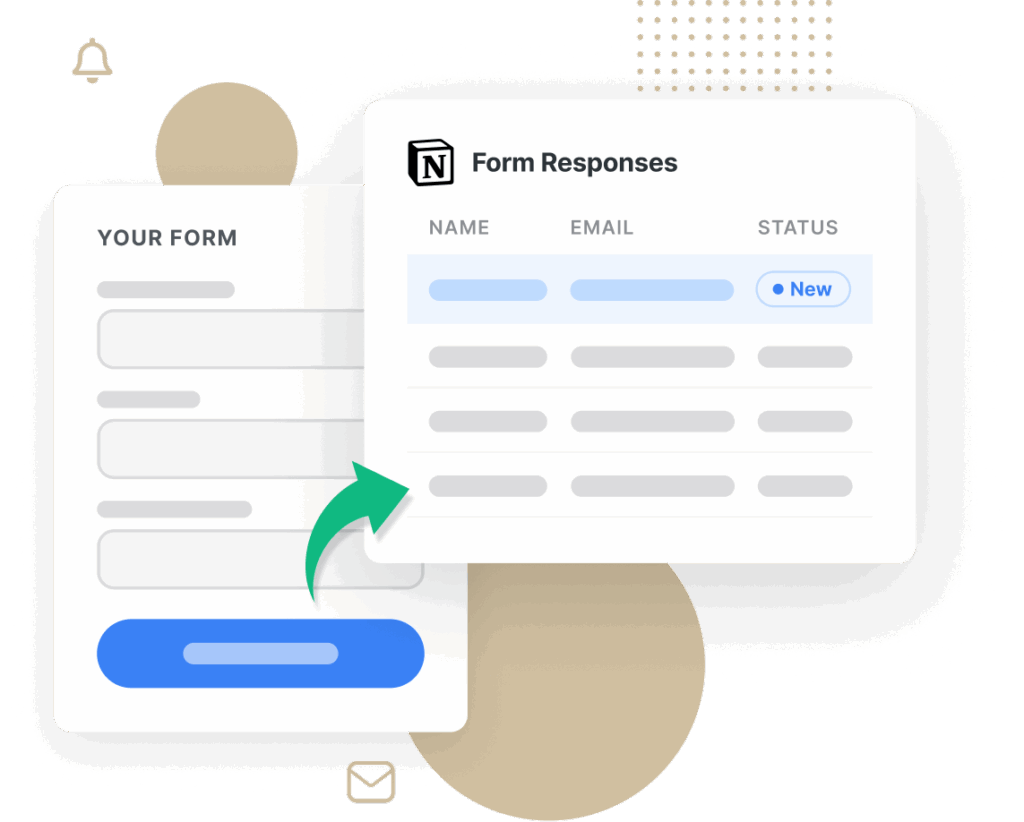
The WPForms Notion addon makes it effortless to send website form entries, task requests, and client data directly into your Notion workspace. No coding required.
- Direct Integration
- Real-Time Data Sync
- Secure & Reliable
- Advanced Field Mapping


2,100+ Templates Ready for Notion
Example forms that work great with Notion:
- Contact Form
- Appointment Booking Form
- Client & Lead Intake Form
- Feature Request Form
- Task Intake Form
- Survey & Feedback Form
- Order & Purchase Form
- RSVP Form
- Helpdesk Request Form
- Event Registration Form
- Bug Report Form
- Quote Request Form
- Content Submission Form
- Application Form
- Idea Submission Form
- Partner Program Form
Notion Addon – Frequently Asked Questions
Need clarity on how the Notion addon works? Browse our most common questions below, or contact us for personalized support.
What is the Notion addon for WPForms?
The Notion addon seamlessly pushes form submissions — like contact leads, task requests, and support tickets — into your chosen Notion database, creating new pages automatically for easy tracking.
Do I need technical skills to set up the Notion integration?
Absolutely not. Setup is done entirely within the WPForms drag-and-drop builder and a standard Notion authorization popup.
Can I connect different forms to different Notion databases or workspaces?
Yes. Each WPForms form can have its own Notion connection, workspace, and database. This makes it perfect for segmenting project intake, sales leads, and internal requests across multiple boards.
How does field mapping between WPForms and Notion work?
After authorizing your Notion account, simply select the database and map each WPForms field (e.g., “Email,” “Due Date,” “Task Name”) to a Notion property. New entries arrive with the correct data in place.
How quickly do submissions appear in Notion?
In most cases, entries show up within 30 to 60 seconds after form submission. Test with a sample form entry to see your Notion database populate live.
Unlock the Full Power of WPForms + Notion
Pair the Notion addon with our most-popular WPForms features to build robust, automated workflows for any use case.
User Registration
Customizable forms with automated email activation.
- Drag-and-drop fields for fully customizable registration forms.
- Automated email activation, CAPTCHA anti-spam, and manual approval options.
- Integrates with Mailchimp, ActiveCampaign, and other leading email platforms.
Digital Signatures
Add secure signature fields to any form.
- Mobile-friendly signature capture on any device.
- Securely store signatures as PNGs alongside each form entry.
- Ideal for contracts, NDAs, and order forms — no extra plugins required.
Surveys & Polls
Interactive surveys and polls with real-time reporting.
- Design unlimited surveys, polls, and quizzes with rich reporting.
- Real-time charts, heatmaps, and filtering for instant insights.
- Export raw data or visual reports as PDF or JPG for stakeholder presentations.