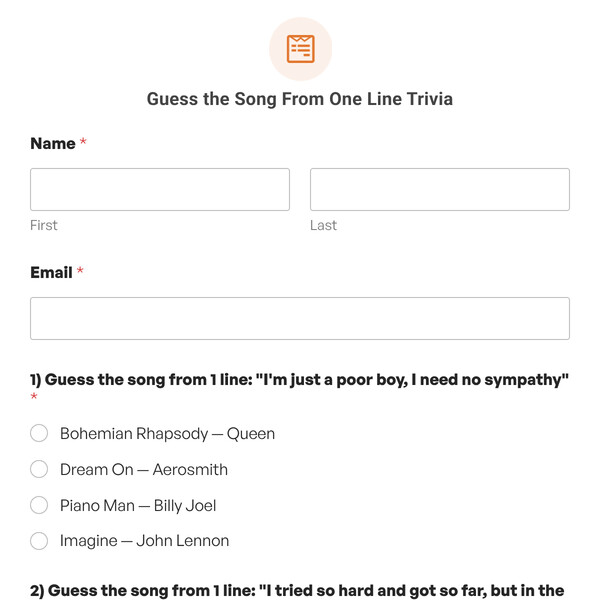
A fun trivia quiz is one of the best ways to keep people on your site longer. Visitors love testing their knowledge, and our templates make it easy to build a quiz that automatically scores answers and shows a final grade.
Boost Engagement and Build Your Community
Trivia is a powerful tool for audience engagement. People stick around to finish a quiz, and they share their scores, which brings more traffic back to your site.
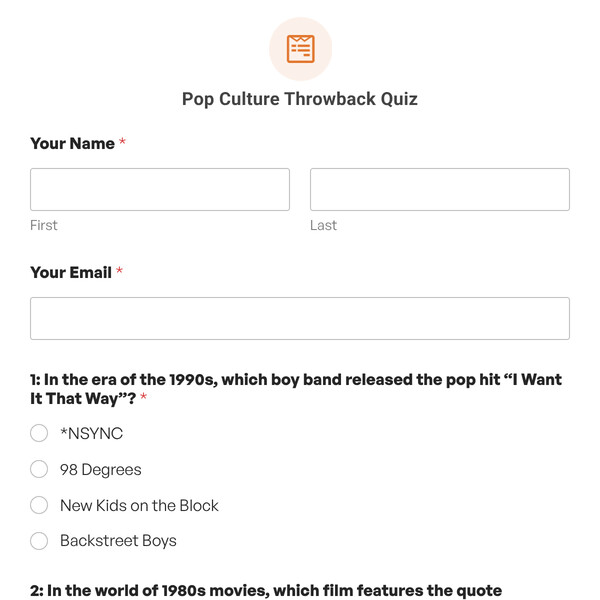
For example, a Pop Culture Throwback Quiz is perfect for an entertainment blog or a brand that wants to connect with a specific generation.
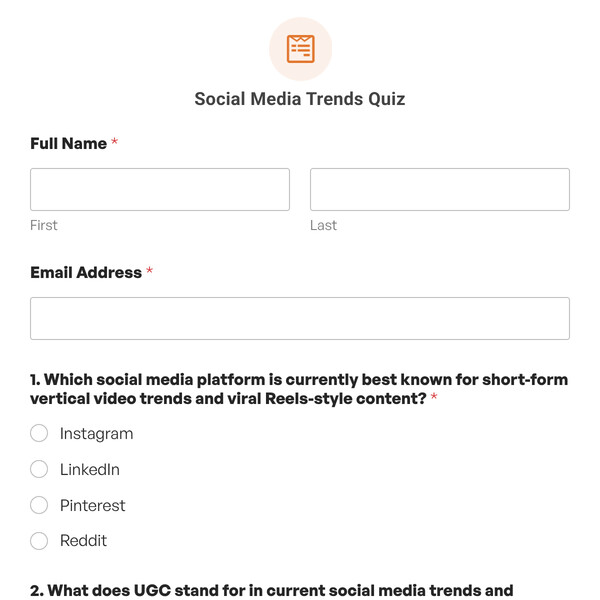
You can also build a community around shared interests with something like a Social Media Trends Quiz, which is great for a marketing-focused audience.
Educate Your Audience and Test Their Knowledge
A trivia is an effective way to educate. You can use a quiz to help customers understand your products, train new employees, or let students review course material.
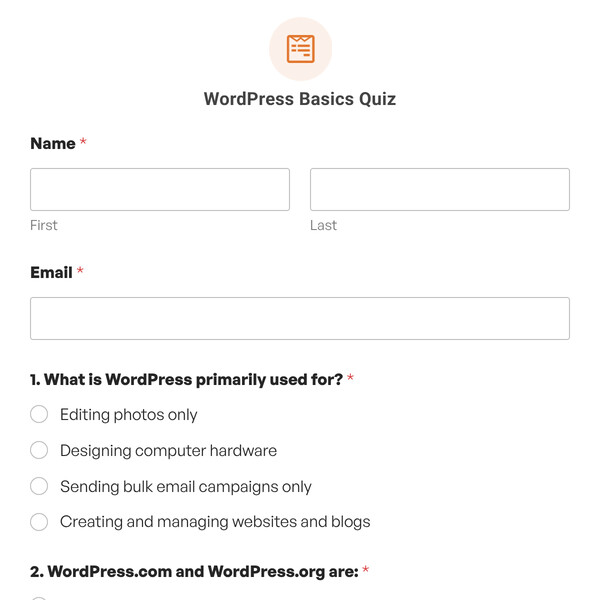
- A WordPress Basics Quiz is a great fit for a tech blog that wants to help beginners test their skills.
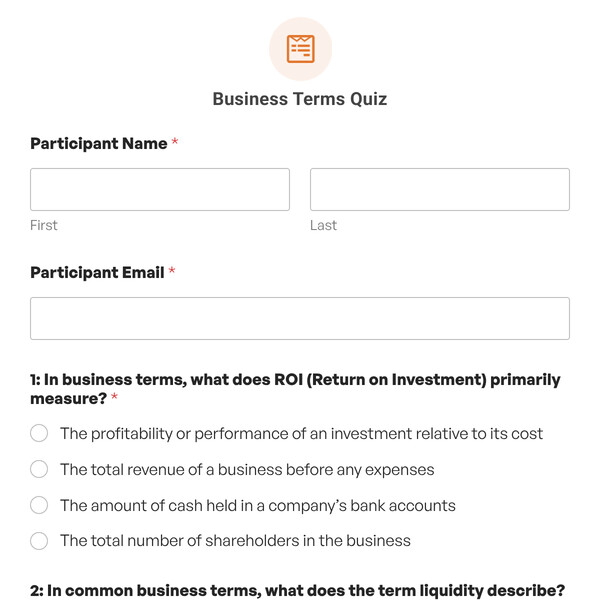
- For a B2B site, a Business Terms Quiz can help qualify high-quality leads or onboard new clients.
Ready to create your trivia quiz? Upgrade to WPForms Pro to access all trivia quiz templates and start building today.
Features That Make Trivia Quiz Building Simple
Let us handle the scoring. Set the correct answers, and WPForms automatically calculates the final grade. Just focus on writing great trivia questions.
- Automatic Scoring and Grading: Just mark the correct answer for each question when you build the quiz. The form will automatically score it, calculate a percentage, and assign a grade (like A, B, C) based on the scale you set.
- Instant Feedback: You can choose to show users the correct answer right after they make a selection, which is perfect for learning and self-assessment.
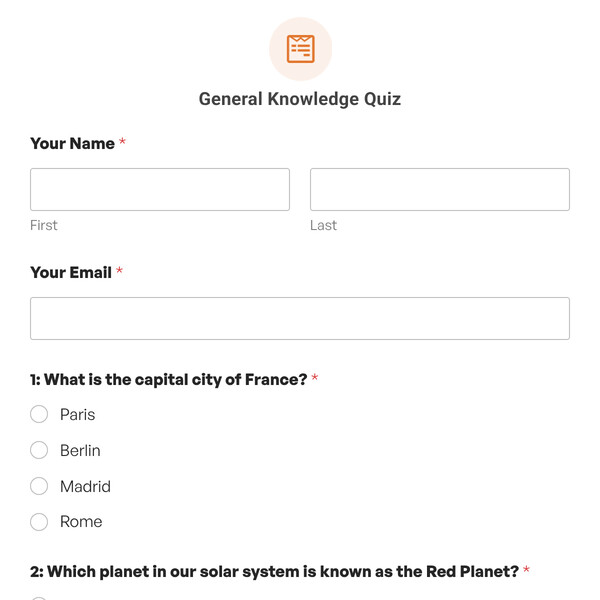
- Lead Capture Built-In: Add an email field before showing the results. This lets you use a fun General Knowledge Quiz as a lead magnet.
- Multi-Step Layout: For longer trivia challenges, break the questions up into multiple pages with a progress bar. Our Multi-Step Graded Quiz Template is already set up to do this.
Make the Trivia Quiz Templates Your Own
Every trivia quiz template in our gallery is a starting point. You have complete control to make it your own.
- Edit the Questions: Rewrite the default questions to fit your specific niche, topic, or audience.
- Add or Remove Questions: Make the quiz harder by adding more challenging questions, or shorten it down to a few key questions.
- Set Your Own Grading Scale: You decide what qualifies as an A, B, or C. Adjust the percentage ranges for each grade to fit your needs.
- Rewrite the Outcome Messages: Customize the message a user sees based on their score. You could congratulate someone for a perfect score or offer helpful resources to those who didn’t pass.
- Add a Call-to-Action: Turn the results page into a next step. You could link to a course for those who need to learn more, or recommend a product for users who prove they’re experts.
- Brand the Experience: Apply your own logo, brand colors, and fonts to make the quiz look like a seamless part of your website.