2,100+ Free Online Form Templates for WPForms

WPForms offer a large collection of free online form templates, so you can get a head start on your data collection. Let's create your first form.

All Templates

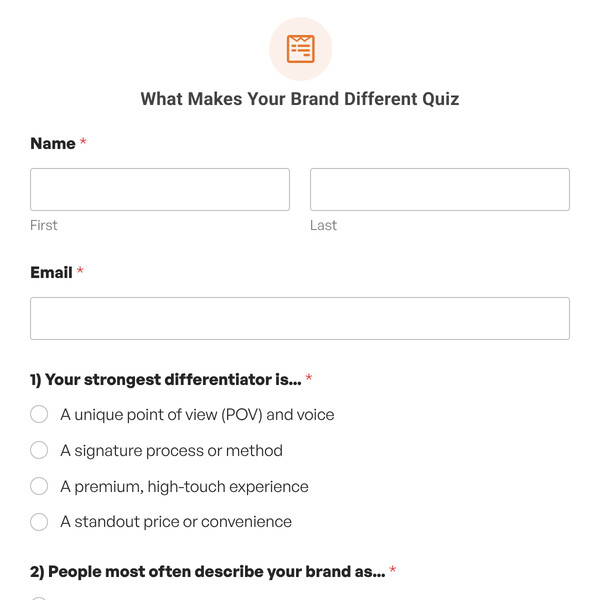
What Makes Your Brand Different Quiz

Use this quiz to help businesses assess how clearly they've defined what makes them different from competitors.
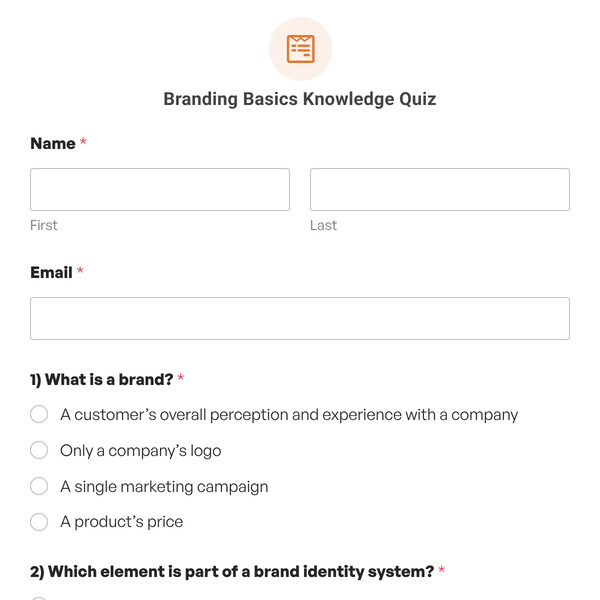
Branding Basics Knowledge Quiz

Use this quiz to spot exactly which branding concepts your team doesn't understand so you can address specific gaps.
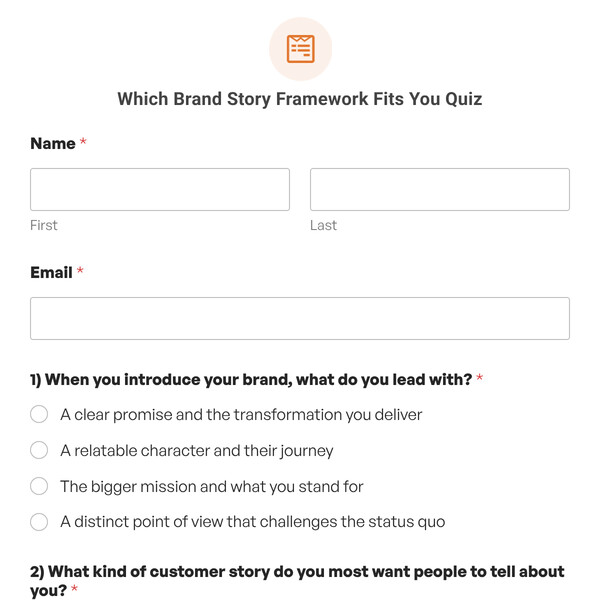
Which Brand Story Framework Fits You Quiz

Use this quiz to help businesses discover which brand storytelling framework matches their authentic narrative and mission.
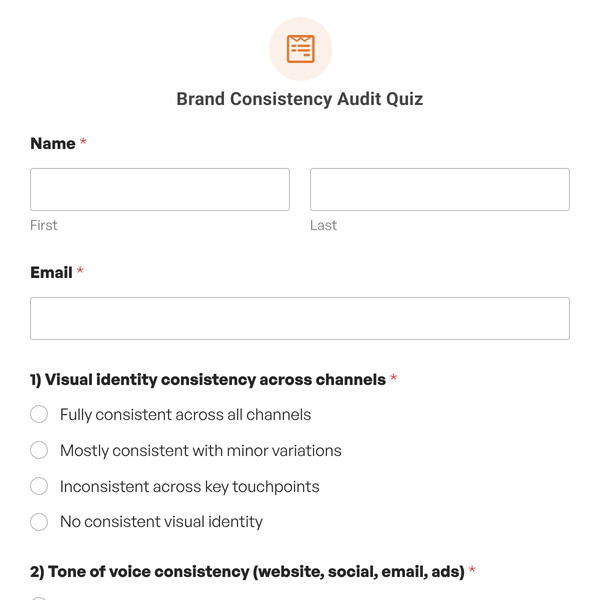
Brand Consistency Audit Quiz

Use this quiz to help businesses assess brand consistency across touchpoints and identify gaps weakening brand recognition.
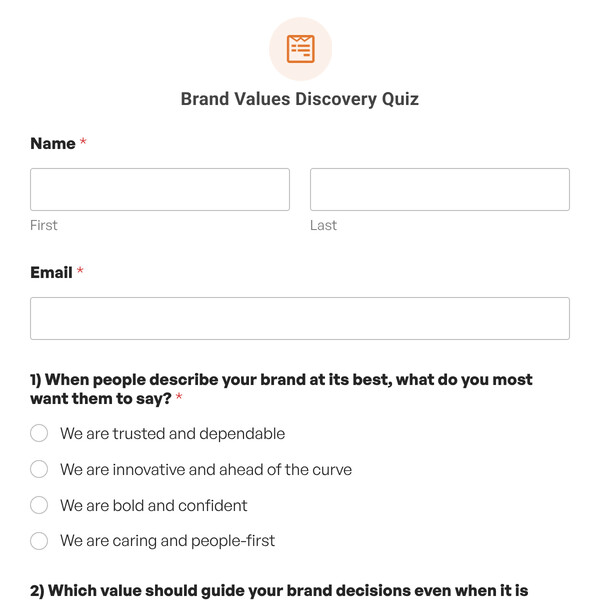
Brand Values Discovery Quiz

Use this quiz to help businesses assess how clearly they've defined and integrated core values into their brand identity.
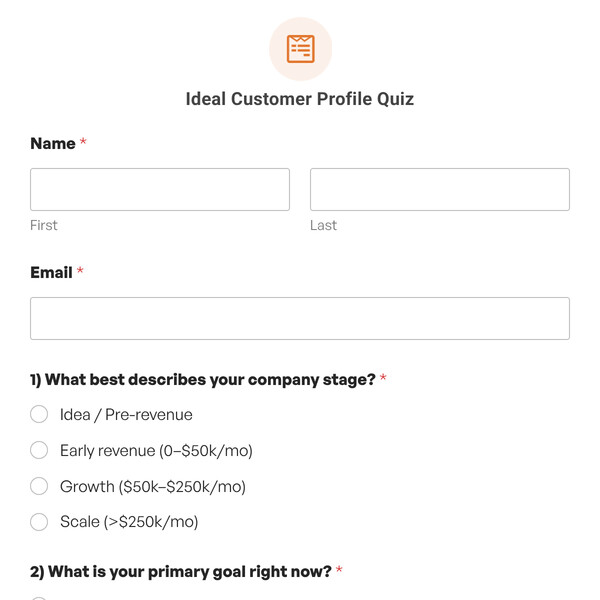
Ideal Customer Profile Quiz

Use this quiz to help businesses assess how clearly they've defined their ideal customer and identify targeting gaps.
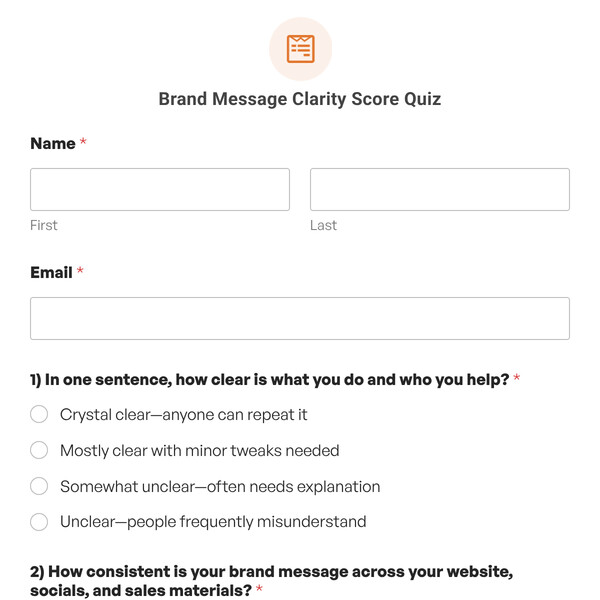
Brand Message Clarity Score Quiz

Use this quiz to help businesses assess their brand messaging clarity and identify improvements that increase conversions.
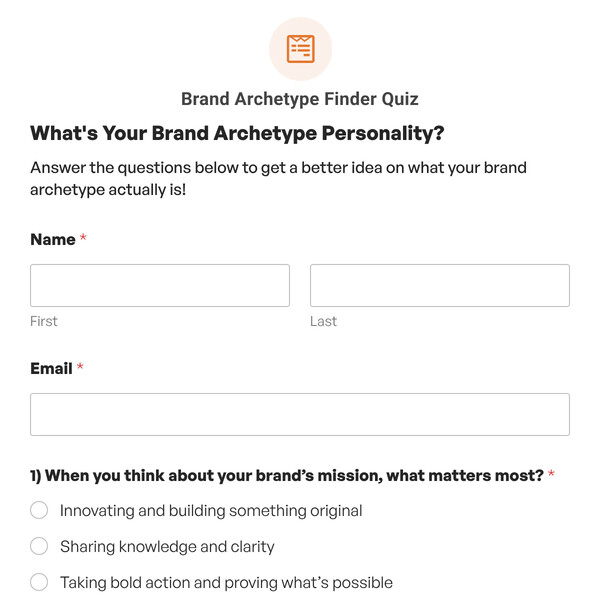
Brand Archetype Finder Quiz

Use this quiz to help businesses discover their brand archetype and receive personalized branding strategy recommendations.
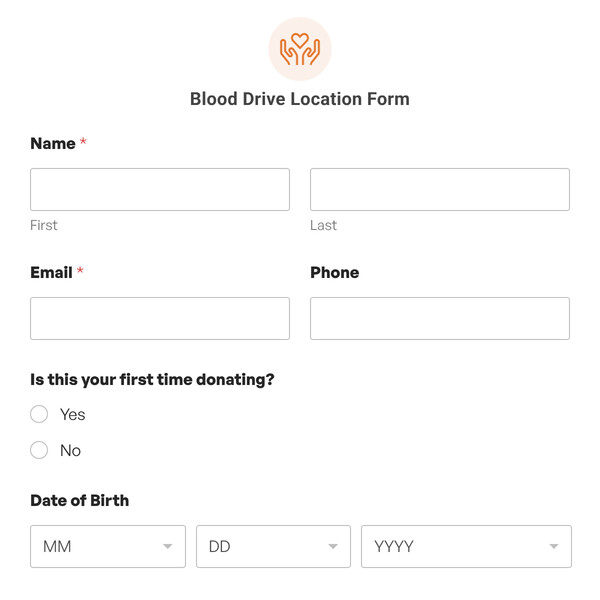
Blood Drive Location Form

Make it easy to find the nearest donation site — and sign up in the same step. Finding a blood drive shouldn’t be the hard part. This template combines a donor intake form with a map of active drive locations, so potential donors can find the nearest site and register without ever leaving the page. […]
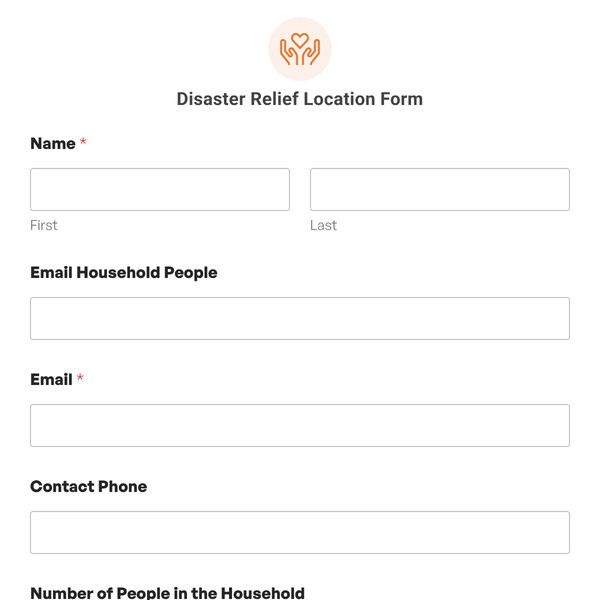
Disaster Relief Location Form

Help people find the help they need, fast. When someone needs disaster relief, finding a location shouldn’t be another obstacle. This template leads with a map of active relief sites — shelters, food distribution points, supply centers, medical triage locations — so people can orient themselves before they fill out a single field. The intake […]
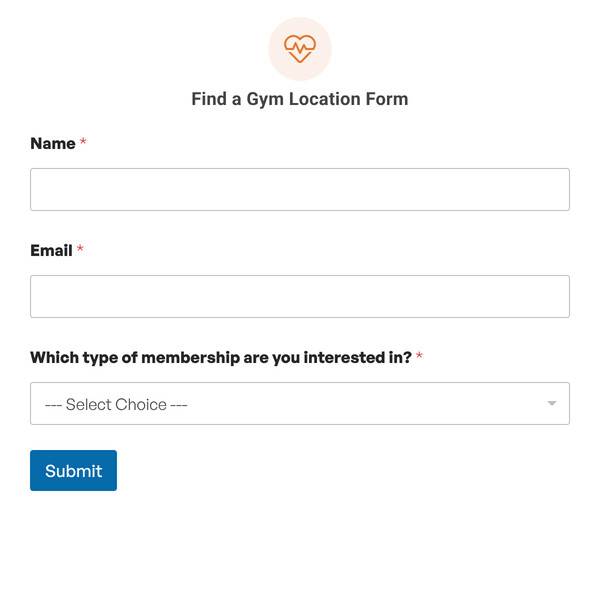
Find a Gym Location Form

Help new members find their nearest location and start their inquiry in one step. For fitness businesses with more than one location, the first question a prospective member asks is: “Which one is closest to me?” This template answers that question with a map, right inside the membership inquiry form — so prospects can find […]
Donation Drop-Off Location Form

Show donors where to go and what to bring — right inside the form. For organizations that collect physical donations, the two biggest questions donors have are: “What can I donate?” and “Where do I drop it off?” This template answers both in a single, simple form — with a map of your drop-off locations […]
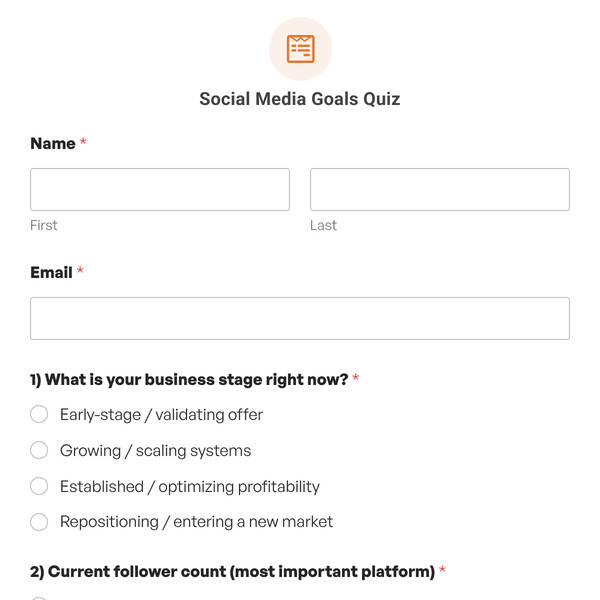
Social Media Goals Quiz

Use this quiz to help clients stop chasing vanity metrics and focus on the one goal that actually moves their business forward right now.
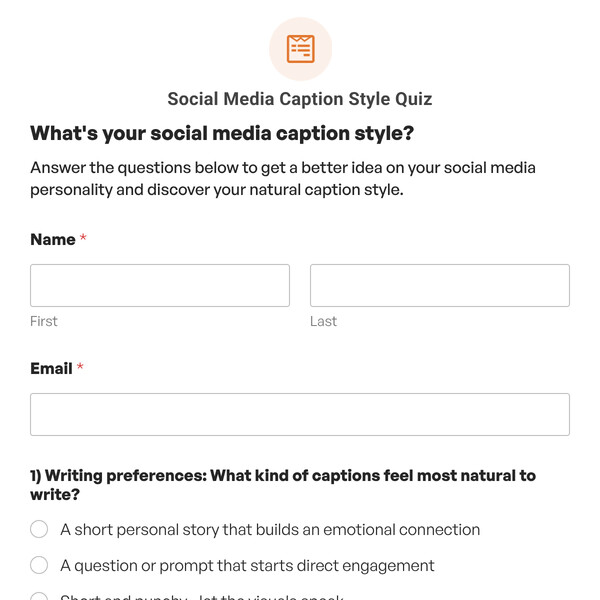
Social Media Caption Style Quiz

Use this quiz to help creators discover their natural social media writing style and receive personalized caption tips.
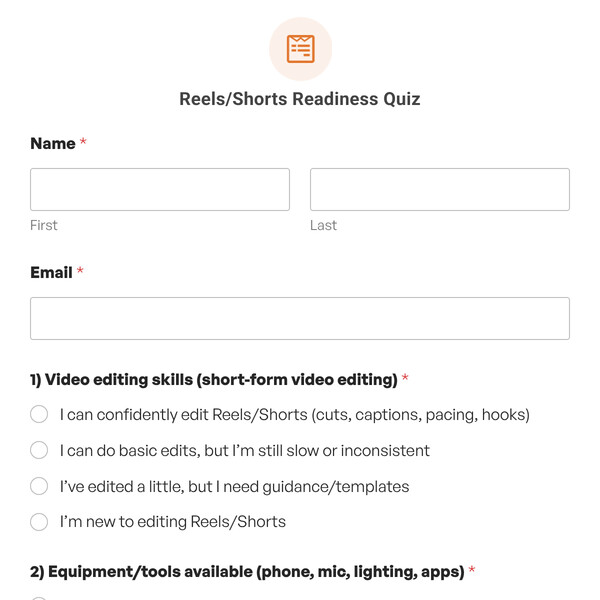
Reels/Shorts Readiness Quiz

Use this quiz to help creators assess their readiness to launch a Reels or Shorts strategy and identify production gaps.
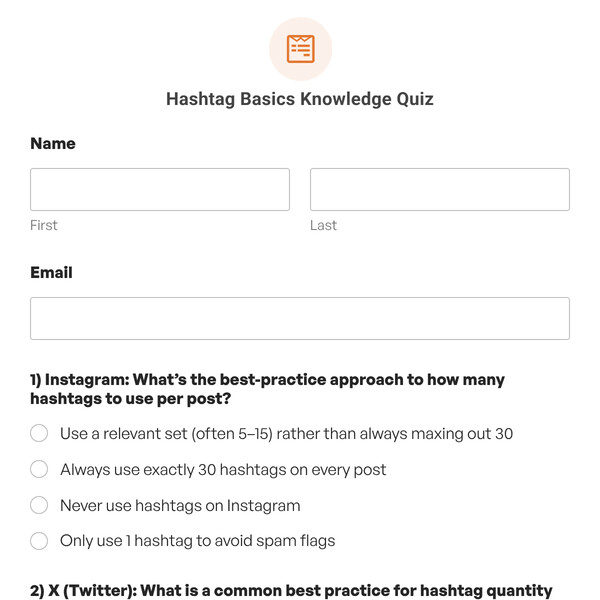
Hashtag Basics Knowledge Quiz

Use this quiz to test understanding of hashtag best practices across Instagram, X, and LinkedIn to improve reach and avoid spam filters.
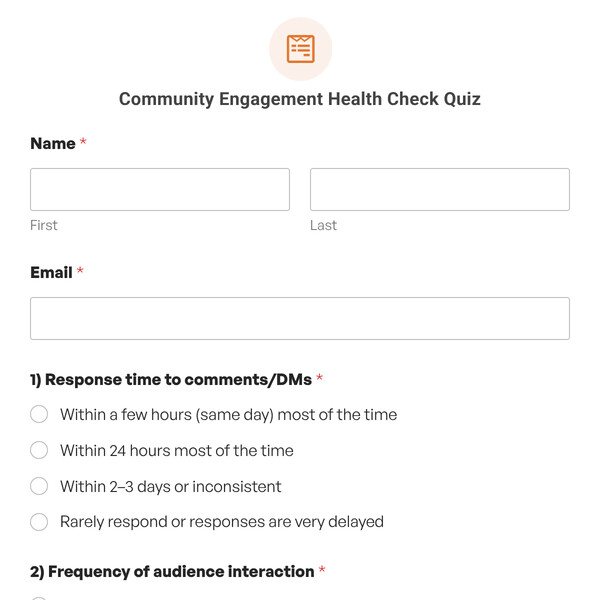
Community Engagement Health Check Quiz

Use this quiz to audit how well a brand interacts with its audience and identify gaps in community management.
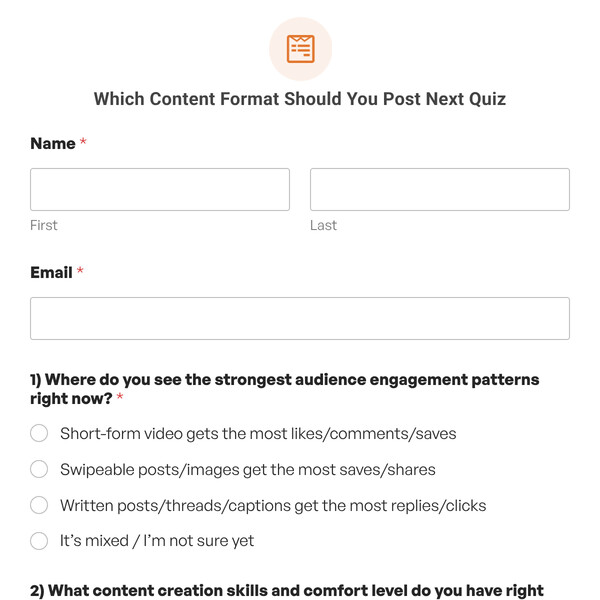
Which Content Format Should You Post Next Quiz

Use this quiz to help creators identify whether they should post video, visual, or text content based on their skills and goals.

Posting Consistency Audit Quiz

Use this quiz to help creators find a sustainable social media posting schedule that matches their time, resources, and energy.

Content Pillar Finder Quiz

Use this quiz template to help overwhelmed creators stop posting random content and focus on a primary pillar that drives their specific goals.

What’s Your Social Media Persona Quiz

Use this quiz to assist creators in discovering their natural social media style and receive personalized content strategies.

Which Social Platform Fits Your Audience Quiz

Use this quiz to help businesses identify which social platform category fits their specific audience and marketing goals.
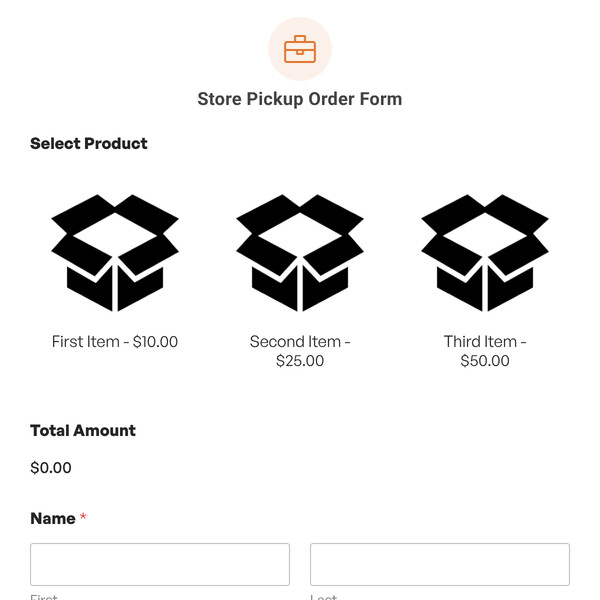
Store Pickup Order Form

Use this form to let customers order products online and choose their preferred pickup location via an interactive map.
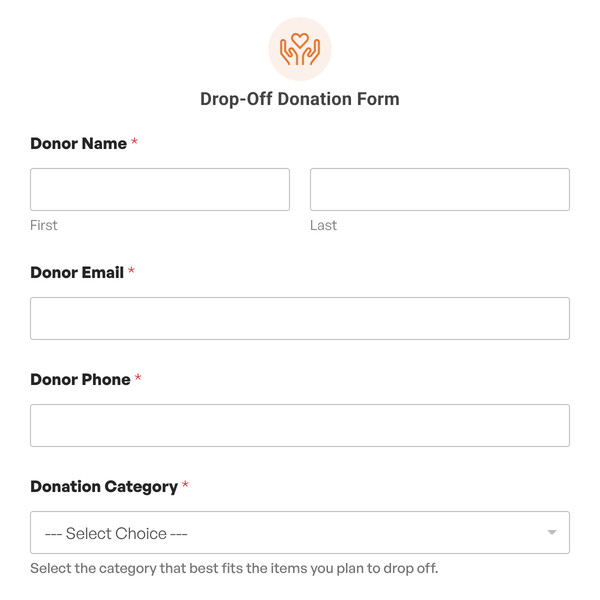
Drop-Off Donation Form

Use this template to capture donation details consistently, reduce intake surprises, and make drop-off coordination easier for both donors and staff.


Our form templates let you create any kind of WordPress form in a few clicks.

You can select any template to view the demo and try it out. If it works for you, you can import it and publish it in minutes. Each WPForms template is fully customizable too. Our drag and drop form builder makes it easy to adapt any template to fits your business’ needs. When you use our form templates, you can easily:
  • Import Any Template With 1 Click

    Ready to get started? Import any form template and start customizing it right away.

  • Add or Remove Fields

    Use our simple drag and drop form builder to add fields, delete them, or move them around.

  • Customize Notification Settings

    It’s easy to edit the notification emails on any template with your own text or smart tags.

  • Change the Confirmation Message

    Easily display a custom message after submission – or forward your visitor to another page.

  • Change the Field Labels

    Click on a field and change the text to collect the exact information you need.

  • Change the Notification Email

    Add CCed recipients and multiple notifications so you never miss an entry.

  • Customize the Submit Button

    Adapt the words on the button and change the color so that it matches your theme.

  • Publish Your Form With Ease

    Hit publish — that's it! WPForms makes it easy to get your forms online without writing code.

  • Get Instant Form Insights

    Track form submissions with our built-in analytics to see how your forms perform.

WPForms makes it easy to publish forms on any post or page. You can also publish your forms in the WordPress sidebar or footer. And because we integrate with page builders, you can easily make an Elementor contact form, or publish any form on a landing page in SeedProd.

Why 6 Million+ Website Owners Love WPForms

Don't just take our word for it. See why real users (like YOU) love WPForms.
  • I am not an expert in WordPress but it was easy to create a contact form based on the step-by-step video on YouTube.

  • Just started using WPForms and I already love it! Purchasing the Pro version now. Grateful for this company!

  • I needed something quick, simple, easy. This fits the bill and worked as soon as set up with no muss or fuss!

Recommended and Used by the Top Brands Around the World

  • GoDaddy logo
  • Hubspot logo
  • Quicjbooks logo
  • Zapier logo
  • Dreamhost logo
  • WPengine logo
  • Cnet logo
  • SAP logo
  • Bluehost logo

Tips for Creating Powerful Forms That Drive Conversions

Read More

Frequently Asked Questions and Resources

Do you have a question about WPForms? See the list below for our most frequently asked questions. If your question is not listed here, then please contact us.
How do I use WPForms form templates?

Our form templates are super easy to use. If you have a WordPress website, you’re ready to start!

When you find the template you want, click Use Template. We’ll help you to install the WPForms plugin so you can open the template. WPForms is the best form builder plugin for WordPress, and it makes it easy to create forms to grow your business.

Any template in our gallery can be imported into your WordPress site and published immediately so that you can start to get submissions right away. If you need to customize a template, you’ll find it easy to adapt the fields, text, labels, and layout using our drag-and-drop form builder.

As your website grows, you’ll find hundreds of templates for any purpose you can think of:

How do I import a form template in the WPForms plugin?

The WPForms plugin makes it easy to open any template you need right from your WordPress dashboard.

Inside the plugin, you get instant access to all of the templates in this gallery, from simple contact forms and registration forms to surveys and polls.

Start by exploring the Templates gallery in the plugin. Search for a template and select the one you’d like to use. WPForms will open the template in the form builder for you. From there, you can customize the template and publish it on your WordPress site in just a few clicks.

Ready to build your form? Get started today with the easiest WordPress form builder plugin. WPForms Pro includes hundreds of free templates and offers a 14-day money-back guarantee.

Can I create a simple contact form using a template?

Yes! We have a template for a simple contact form. It’s perfect for any WordPress site and it can easily be customized.

WPForms makes it easy to publish your first form in less than 5 minutes!

How do I customize my WordPress form template?

WPForms makes it easy to customize any form template so it works exactly how you want it to. You can easily:

  • Add or remove form fields
  • Adjust the items in checkboxes and dropdown lists
  • Adjust the layout and colors
  • Change the text on any field label
  • Add columns
  • Use smart conditional logic to dynamically show or hide fields
  • Customize the email notifications you get when you receive a form entry.

All of these changes can be made with no coding at all!

As you customize your online form, you’ll discover a ton of extra functionality in WPForms, including a simple revision history. Each time you save your form, WPForms keeps track of your changes so you can revert to a previous version whenever you need to.

You can easily publish our forms using your favorite page builder tool. WPForms works great with SeedProd and Elementor.

If you need more help, the WPForms blog has hundreds of tutorials to help you customize your form templates and get them working exactly as you want them to.

Are these WordPress form templates free?

Our form template gallery includes templates for the free version of WPForms, WPForms Lite. We also have hundreds of templates that work great with WPForms Pro.

In addition, our advanced form templates let you integrate your forms with other platforms and services so you can:

  • Make credit card payment forms
  • Create multi-step or multi-page forms with a progress bar
  • Get donations easily via PayPal
  • Increase subscribers on your email marketing list
  • Lock your forms with a password
  • Take signatures on forms
  • Create professional surveys

Some of our advanced form templates require a WPForms Pro license, including our Stripe and PayPal payment forms. If you pick a template that needs a license or addon you don’t already have, we’ll guide you through the setup steps so that you can get started with your template right away.

How can I style my WordPress forms?

WPForms makes syling and customizing WordPress forms super easy. You can customize the color, theme, form fields, labels, buttons, container, and background styles right in the block editor. And you can make all these changes without writing a single line of code.

To style your form, open the form in the block editor and click on the WPForms block to access the styling settings. Here, you will find settings to customize nearly every part of the form.

If you don’t want to change every design setting individually, you can apply a professionally pre-designed theme with just a click. You can also choose a pre-designed theme and customize it further to match your website’s styling. With WPForms, the design possibilities are endless!