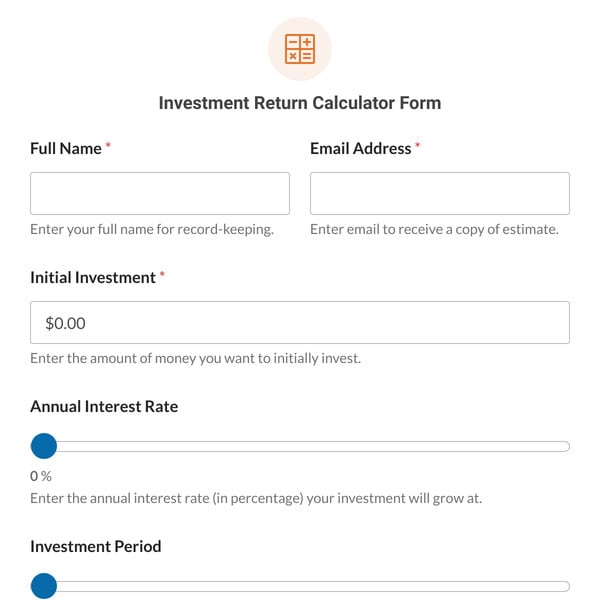
Whether it’s a marketing campaign, a rental property, new equipment, or a stock, the question is the same: was it worth it? This Return on Investment Calculator Form Template gives your visitors the answer as a percentage, along with the gain or loss in money.
It works as an ROI calculator, investment return calculator, or profit percentage calculator for financial advisers, business coaches, marketing agencies, and personal finance sites. If visitors add how many years they held the investment, the form also shows the annualized return, so a five-year gain and a one-year gain can be compared fairly.
How Does the Return on Investment Calculator Form Template Work?
The template uses the Calculations addon to do the maths and the Lead Forms addon to show the form as a clean two-step card. Both come with WPForms Pro. Here’s what’s included:
- Amount invested: What the visitor put in, including fees.
- Final value: What they got back, or what it’s worth now, including any income it paid.
- Years held: Optional, and only used for the annualized return.
- Net gain or loss: The final value minus the amount invested.
- Return on investment (%): The gain or loss as a share of the amount invested, rounded to two decimal places.
- Annualized return (%): The average yearly return over the years held.
- Your name and email: The name is optional, and the email address is where the form sends a copy of the results.
Visitors see their results before you ask for any details. When they send them, you get an email with their figures, set up so you can reply straight to them, and they get a copy. Results are estimates based on the figures entered and don’t account for taxes or inflation, so they’re a guide rather than financial advice.
Get WPForms Pro to start using this template, along with 2,000+ other pre-made form templates.