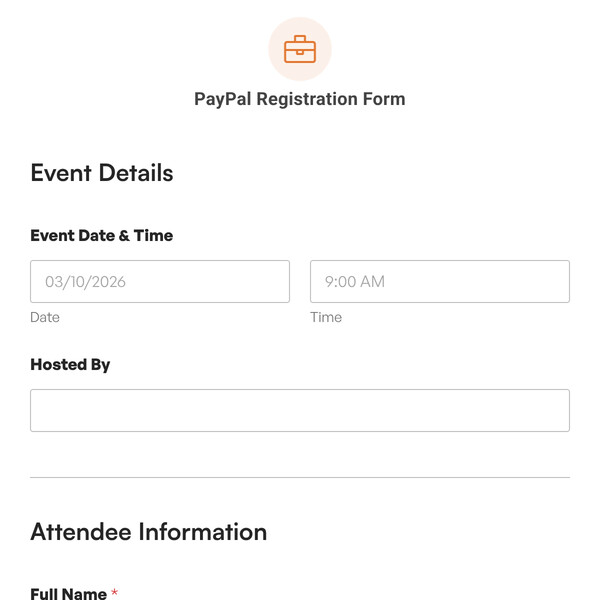
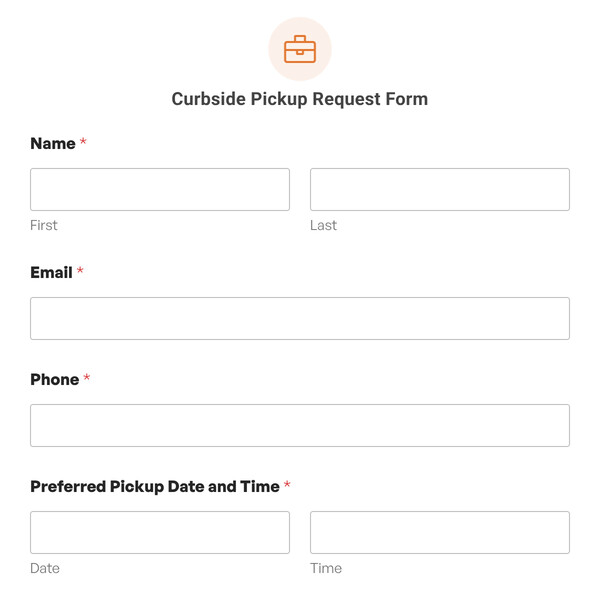
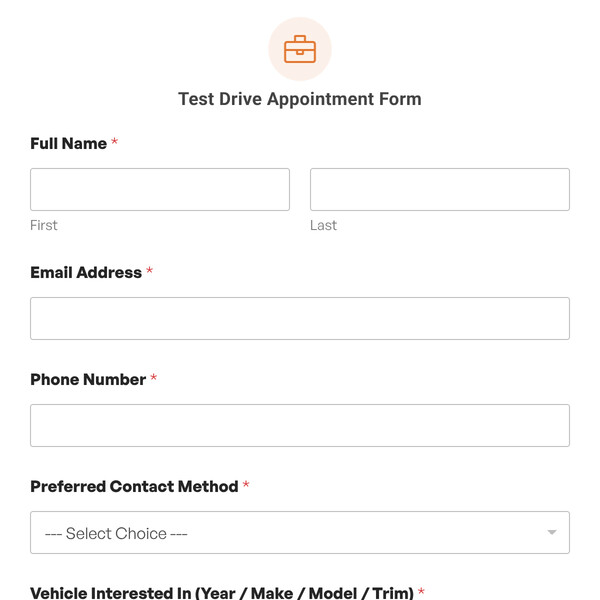
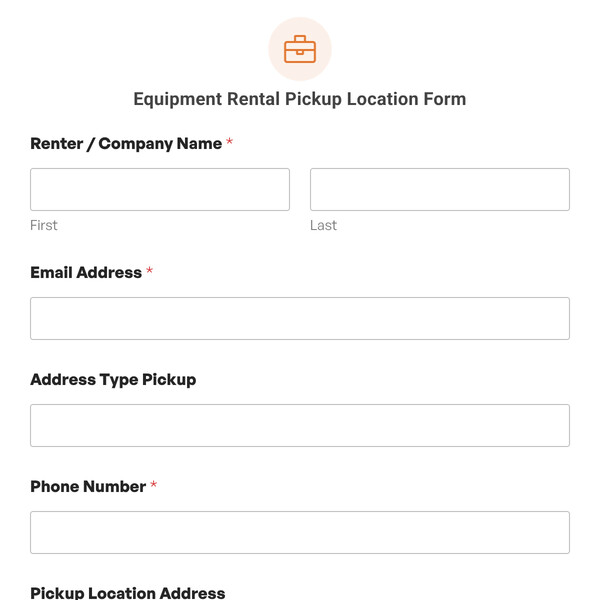
Training companies, conference organizers, and professional development providers running workshops across multiple venues or time slots need a way to register participants, track session preferences, accommodate accessibility needs, and communicate venue locations clearly.
The Workshop Registration Form Template from WPForms gives organizers a structured way to collect attendee information, assign workshop sessions, display venue locations on a map, and gather accessibility or dietary requirements in one place.
Exploring the Workshop Registration Form Template
This template works for corporate training programs, professional conferences, continuing education providers, community learning centers, or any organization running workshops at one or more locations. Here’s what attendees provide:
- Attendee Name: Identifies the registrant for name badges, attendance tracking, and certificate printing.
- Attendee Email: Opens a channel for sending session confirmations, pre-workshop materials, Zoom links for hybrid sessions, or venue directions.
- Attendee Phone: Gives organizers a way to reach participants if a session is moved, if the attendee is running late, or if there’s a last-minute room change.
- Workshop Date and Time: Lets attendees choose which session they’ll attend, helping organizers manage room capacity and prepare materials for the right headcount.
- Workshop Session / Track: Captures which session or topic track the attendee wants to join (Beginner Excel, Advanced Photoshop, Leadership Skills, etc.) so you can assign breakout rooms and match interests.
- Venue Address (for reference): Shows the workshop location on an interactive map so attendees can see parking, transit access, or nearby landmarks before they arrive.
- Dietary Restrictions / Accessibility Needs: Collects information about meal accommodations (vegetarian, gluten-free, kosher), mobility access (wheelchair, elevator), or sensory needs.
- Additional Notes for Workshop Registration: Provides space for questions about the agenda, requests to sit with a colleague, or notes about arriving late due to travel.
- Consent to be contacted about this workshop registration (Checkbox): Captures opt-in for follow-up communication, post-workshop surveys, or future event invitations while respecting privacy preferences.
Customizing the Map Experience (Geolocation Addon + Map Field)
The Venue Address (for reference) field uses the Map Field to show attendees where the workshop will be held.
You’ll need WPForms Pro or higher and the Geolocation Addon configured to use the Map field. Here’s how to set it up based on your workshop structure:
- Single venue: Add one address (conference center, hotel ballroom, training facility) so attendees can preview the exact location, parking entrances, or building access points.
- Multiple venues: If you’re running sessions across different sites (downtown office, suburban campus, university building, or rotating pop-up locations), use the repeater tool to add each venue.
- Switch on Show List of Locations to display venue names and addresses below the map.
- Enable Allow Location Selection (requires 2+ locations and the list toggle active) if you want attendees to pick which venue works best for them.
- Custom markers: Choose an icon and color that aligns with your brand, or upload a marker image that highlights the main entrance, accessible parking, or check-in desk.
- Zoom controls: With one venue, you can manually adjust zoom. Add two or more venues and the map auto-fits all markers; the zoom dropdown disappears.
- Simplified display: Want a clean “here’s the venue” map? Hide fullscreen, map type, street view, camera controls, zoom buttons, or disable dragging and mouse scrolling.
- Nearby location suggestion: Turn on “Find Nearby Location” to use attendee browser geolocation and highlight the closest venue. This is helpful if you host regional workshops.
Ready to Streamline Workshop Registrations?
This template helps you organize session sign-ups, accommodate attendee needs, and make sure everyone knows where to show up. Get WPForms Pro to access the Map field and Geolocation Addon, then customize the session options and venue markers to fit your program.