You don’t need a full eCommerce platform if you only sell a few products or take custom orders. Setting up WooCommerce or Shopify makes sense for stores with lots of inventory and automated fulfillment. B
However, if you’re a baker taking cake orders, a craftsperson selling custom items, or a small business with limited products, this form works better.
Regardless of the size of your business, this template stands ready to improve your order systems and enhance customer satisfaction.
What’s in This Template
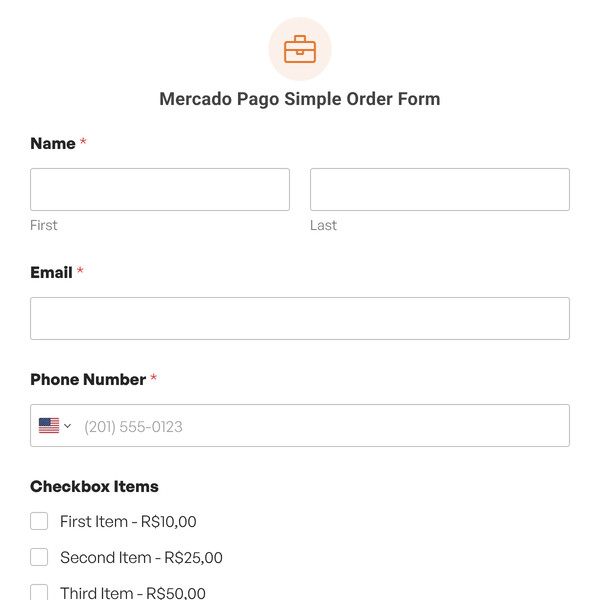
- Customer Details: Name, email, and phone number. Standard contact info you need to follow up and coordinate delivery or pickup.
- Order Information: Product name, product code (if you use them), and quantity fields. Two product slots are included, add more if needed, or use conditional logic to show additional products.
- Delivery Method: Radio buttons for pickup or shipping. If they choose shipping, the form reveals address fields using conditional logic.
- Shipping Address: Full address with city, state, postal code, and country. Only appears if shipping is selected.
- Special Instructions: Text area for notes about delivery timing, gift messages, customization requests, or anything else relevant.
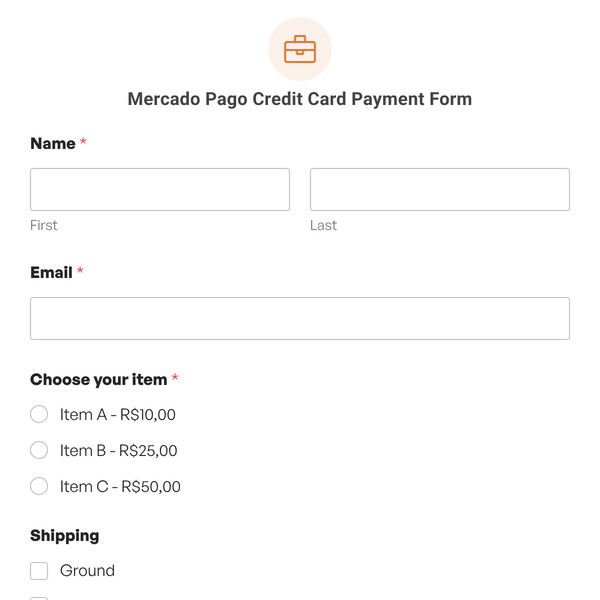
- Payment: Stripe credit card field that processes payment when the form is submitted. You get paid immediately, customer gets order confirmation.
- Order Confirmation: Checkboxes for terms and conditions agreement and final order confirmation.
How to Adapt This Form
- Remove the product code field if you don’t use codes. Delete the special instructions if orders are straightforward.
- Add product selection using dropdowns or checkboxes if you have a defined product list. Instead of asking people to type product names, let them select from your catalog.
- Include pricing with Single Item fields that calculate totals automatically. Show unit price, let them select quantity, display the total.
- Add customization options for made-to-order products. Size dropdowns, color choices, flavor selections, engraving text, whatever options you offer.
- Request photos using file upload fields if customers need to provide images for custom work (logo for embroidery, photo for cake decoration, reference for art commission).
- Split payment and shipping if you want to collect orders now but charge shipping separately, or if you offer payment plans.
Setting Up Payment
This template includes Stripe payment processing. Connect your Stripe account in Settings » Payments, and customers can pay when they submit their order.
You can also remove the payment field and invoice customers separately after reviewing their order. Some businesses prefer to confirm details before charging, especially for custom work where pricing might vary.
For offline payments (cash on delivery, check, bank transfer), replace the Stripe field with instructions about payment methods you accept.
Managing Orders
When someone submits the form, you get an instant email notification with all the order details. You can also view entries in your WordPress dashboard under WPForms » Entries. All you have to do now is create a system for tracking order status. Some businesses:
- Use a spreadsheet to track orders from form entry to fulfillment
- Connect the form to a CRM or project management tool
- Print orders and mark them complete when fulfilled
- Send follow-up emails manually when orders are ready
Start Taking Orders!
You don’t need to know how to code or spend a lot of money to utilize this Customer Order Form Template with WPForms Lite to improve your order coordination processes, reduce errors, and increase customer satisfaction.
Register with WPForms today to access this template and more features to cater to your business requirements. We are dedicated to delivering solutions that assist your business in growing and maximizing conversions.