Are you looking for a billing form template to collect payments from your clients?
This billing/order form template is a secure, easy to use, and highly customizable way for small businesses and ecommerce companies for payment processing.
You can embed this billing form template to your website’s landing pages, blog pages, or as sidebar widgets and use the payment provider of your choice.
Exploring the Billing / Order Form Template
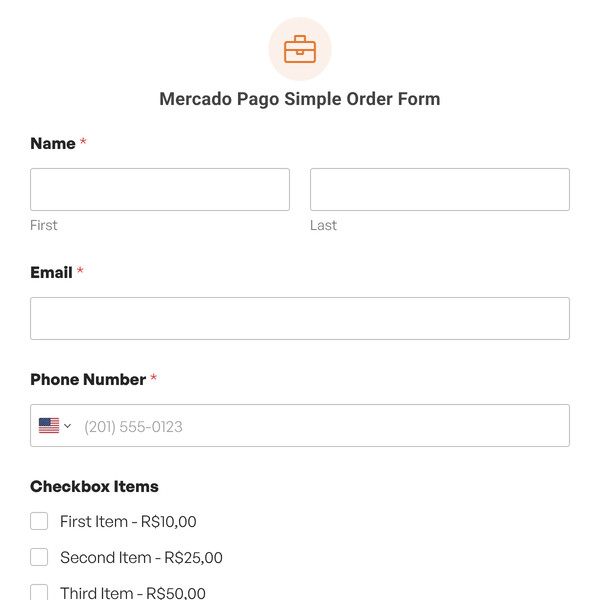
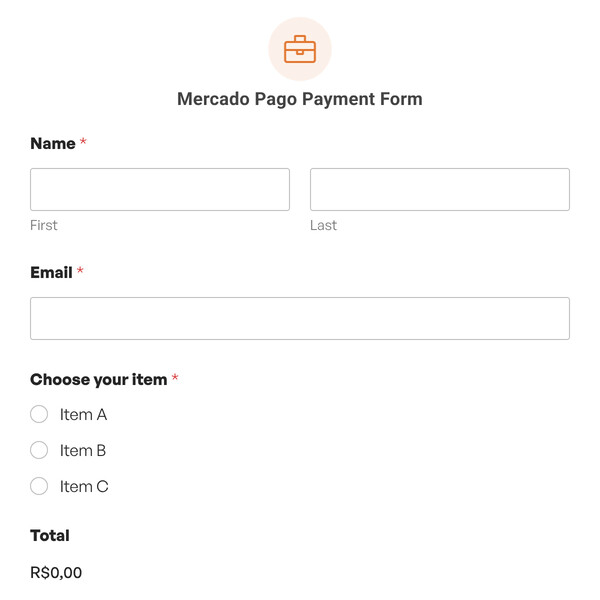
- Contact and Billing Information: Name, email, phone, and complete address with country selection.
- Product Selection: Multiple choice radio buttons showing First Item, Second Item, and Third Item.
- Total Amount: Displays automatically based on which item the customer selects.
- Comments Field: Text area where customers can add notes, special requests, or clarify their order.
The form calculates totals but doesn’t include payment processing fields by default. You’ll add those based on which payment processor you want to use.
How Do You Create a Billing Form?
WPForms makes it easy to create your billing form with its advanced, easy-to-use drag & drop form builder. You can add, remove, and customize form fields using the visual builder.
You can save time with this read-to-use billing form template. Bill your customers quickly and ensure that your invoices are professional, accurate, and efficient.
You can add as many form fields as you like in your billing form, including first and last name, email address, phone number, address, available items, total amount, and more.
What Are the Features of WPForms Billing Form Template?
Clients can select their service using the multiple choice feature in this template. You can add multiple choice options and different totals for those services. This feature makes it easy for clients to receive their payment information.
You want to make paying bills a seamless experience for your clients, making it feasible for them to pay online using credit cards or other payment methods.
With the advanced payment functionality of WPForms, you can collect payments using payment gateways like PayPal, Stripe, Authorize.net, or Square.
Another useful feature of WPForms is its instant notifications feature. You and your team will receive a direct message when a client fills out the payment form.
This online order form template and all other forms made with WPForms are mobile-friendly, meaning your clients can fill the form from mobile, tablet, and desktop.
WPForms allows you to integrate your payment form template with popular CRMs, email marketing providers, and 7,000+ other platforms with Zapier.
Managing Orders and Payments
When someone submits an order, you get instant email notification with all the details. View orders in WPForms » Entries and see payment status for each transaction.
If you’re using Stripe or PayPal, payments process immediately when the form submits. The money goes into your account and customers get confirmation.
Export order data to spreadsheets for accounting, reporting, or sharing with fulfillment teams.
Use This Billing Form Template to Collect Payments
This billing/product order form template will help you provide a seamless buying experience to your clients. So, what are you waiting for? Get started with WPForms today to create your own billing form template. Signing up with WPForms gives you access to our purchase order form template and hundreds more pre-made form templates.