


Resumo de IA
Quer otimizar sua integração JavaScript para formulários criados com o addon Form Pages? Temos a solução ideal! Descubra como usar um hook dedicado, feito especificamente para páginas com formulários do Form Pages. Este hook separado garante que seus scripts sejam carregados apenas nas páginas que contêm esses formulários, evitando o carregamento desnecessário de scripts em todo o seu site e otimizando o desempenho.
Para mais informações sobre este tipo de formulário, consulte a documentação do addon Form Pages.
Configurando Seu formulário
Para o nosso tutorial, queremos que o Form Pages exiba uma pequena animação quando o formulário for enviado. Para informações detalhadas, consulte nosso guia sobre como adicionar animação às mensagens de confirmação.
Então, começaremos criando nosso formulário e adicionando nosso elemento canvas à mensagem de Confirmação na aba Texto.
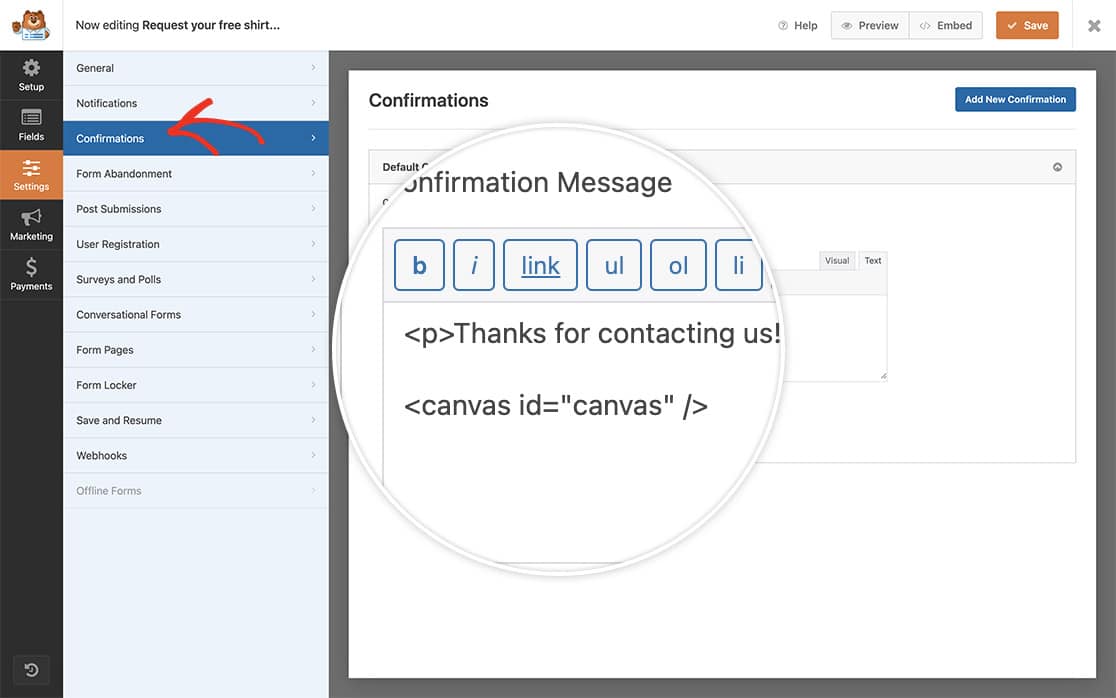
Se precisar de ajuda para criar seu formulário, consulte nosso guia sobre como criar seu primeiro formulário.
Adicionando o JavaScript às Páginas de Formulário
Agora é hora de adicionar o trecho que contém o script que queremos registrar no nosso formulário do Form Pages.
Se precisar de ajuda para adicionar snippets ao seu site, consulte este tutorial.
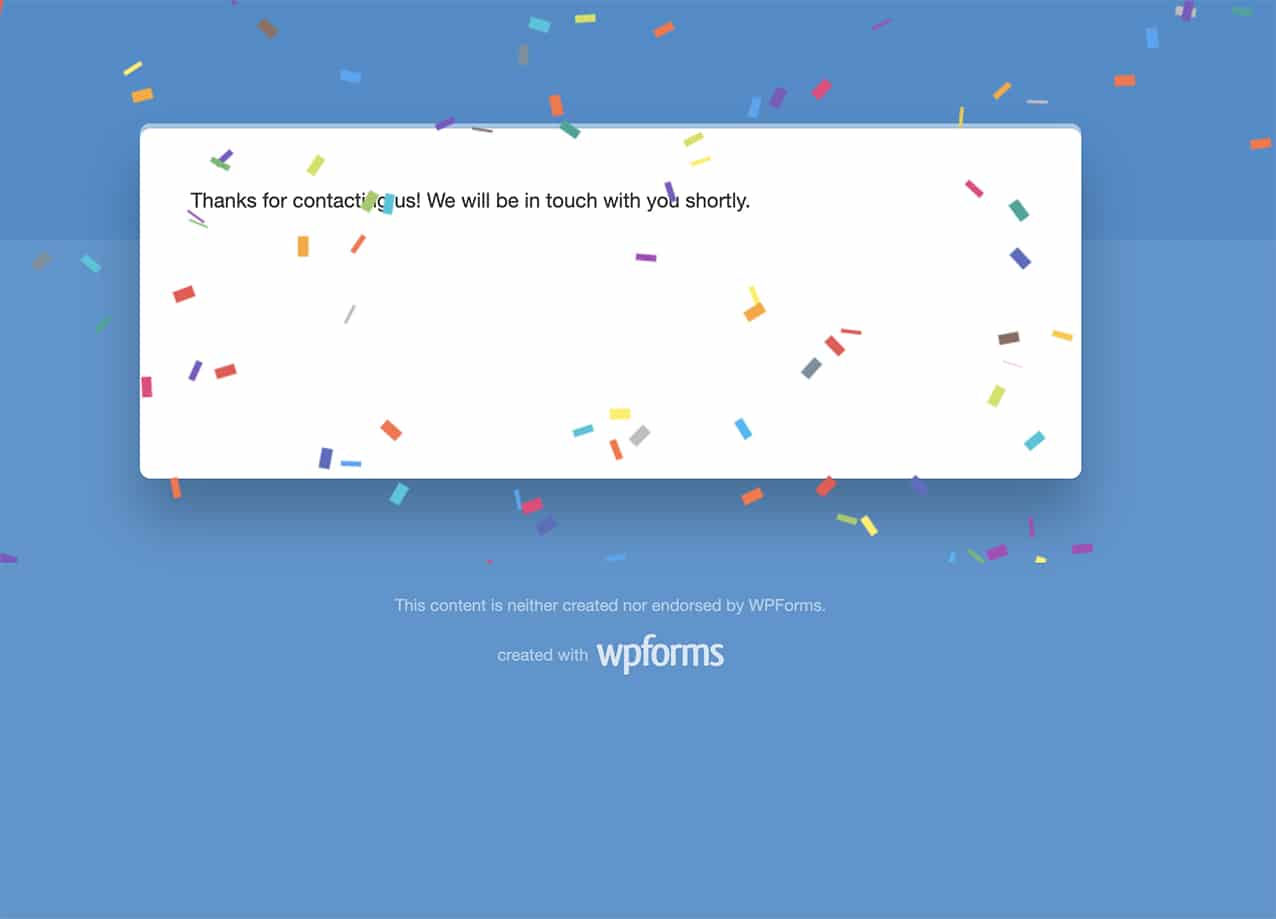
Você pode usar a ação wpforms_form_pages_footer para chamar qualquer JavaScript de um botão de rolar para o topo, serviço de chat ao vivo ou até mesmo do seu Google Analytics.
E é só isso! Em seguida, você gostaria de contar as entradas do seu formulário à medida que elas chegam? Dê uma olhada em nosso artigo Como Incrementar uma Contagem a Cada Envio de Formulário.