
Plugin de Formulário WordPress com formulários de registro de usuário
Formulários de Registro de Usuário Personalizados
Personalize sua experiência de registro de usuário com o WPForms. O Addon de Registro de Usuário permite criar formulários personalizados de registro, redefinição de senha e login para seu site WordPress.


Fortaleça Sua Comunidade Online Com Formulários de Registro de Usuário
Se você deseja publicar um formulário autônomo para registro de usuário ou criar uma experiência totalmente única para sua marca, personalizando muitas funções de usuário do WordPress, o WPForms tem o que você precisa. A configuração é fácil como 1-2-3!
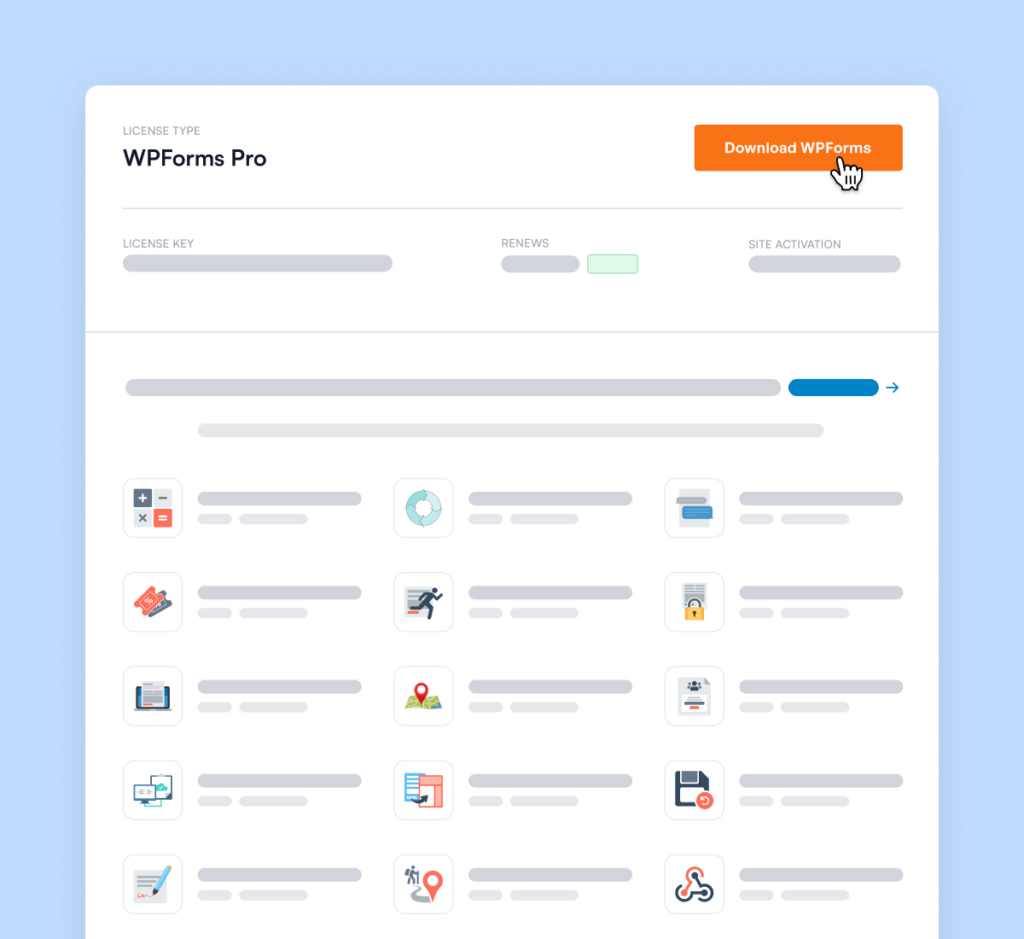
Baixe e Instale o Plugin WPForms
Após registrar sua conta, baixe e instale o plugin WPForms em seu site.
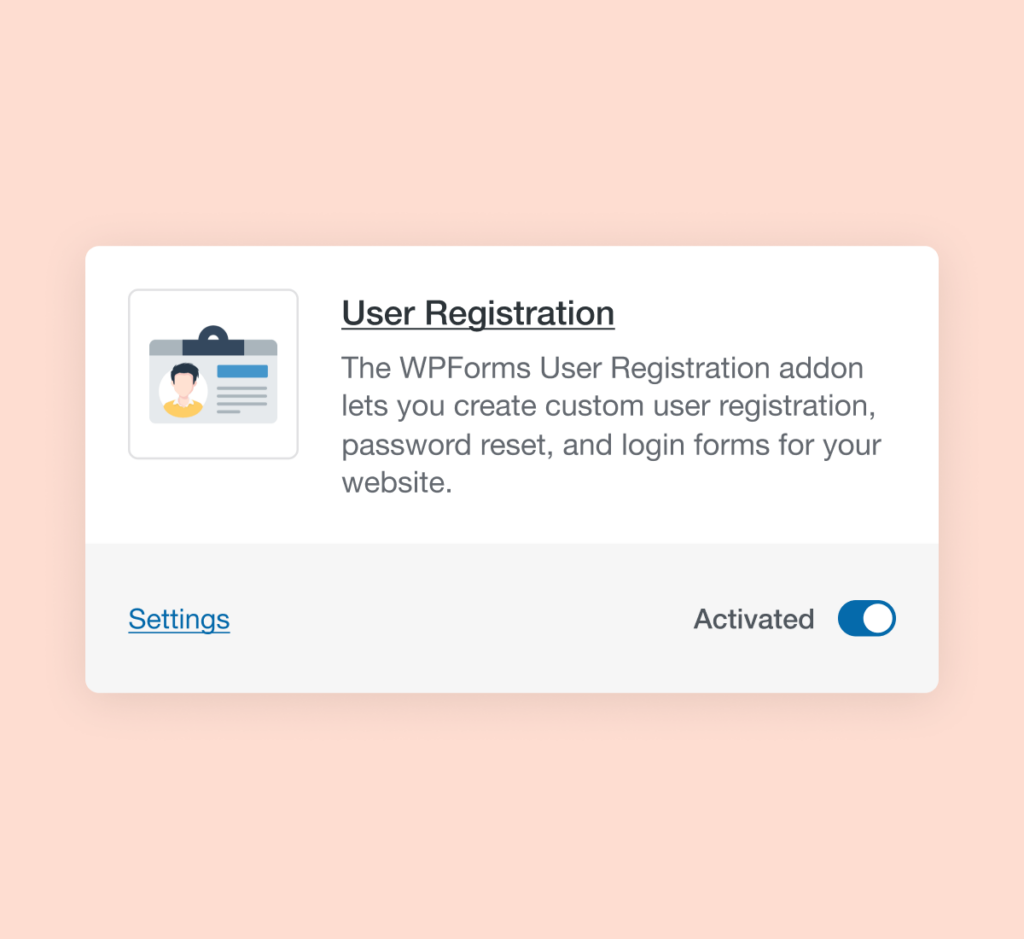
Ative o Addon de Registro de Usuário
Depois de baixar e instalar o WPForms em seu site, certifique-se de ativar o addon de Registro de Usuário no menu Addons.
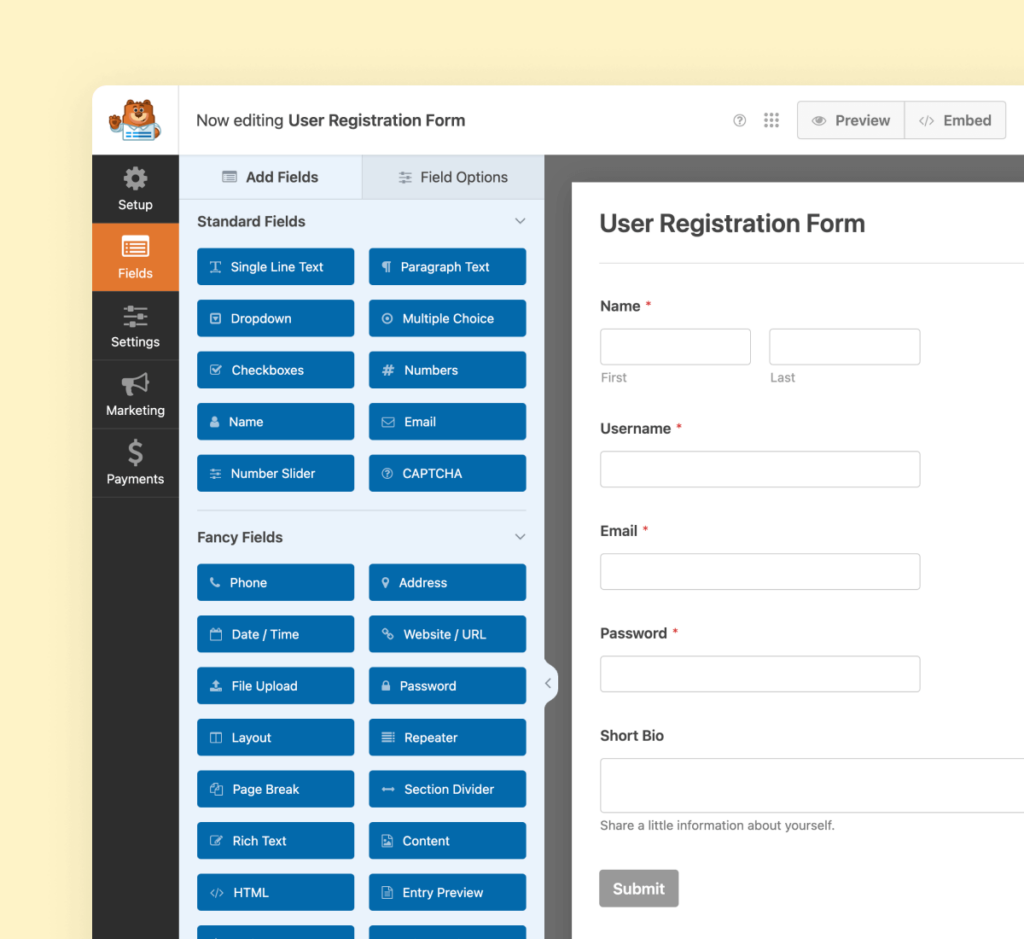
Crie Seu Formulário
Agora é hora de criar seu formulário de registro de usuário. Nosso construtor de formulários amigável torna fácil e sem estresse arrastar e soltar seus elementos de formulário no lugar. Você vai adorar a rapidez com que ele se completa!
Eleve seus Formulários com Mais de 2.100
Modelos Prontos
- Revisar Formulário
- Formulário de Isenção
- Formulário de Triagem
- Formulário de Ocorrência
- Formulário Disciplinar
- Formulário de Petição
- Formulário de Monitoramento
- Formulário de Fornecedor
- Formulário de Despesas
- Formulário de Acordo
- Formulário de Treinamento
- Formulário de Conclusão
- Formulário de Solicitação
- Formulário Médico
- Formulário de Avaliação
- Formulário RMA
Registro de Usuário – Perguntas Frequentes
Tem alguma dúvida sobre Registro de Usuário? Veja a lista abaixo com nossas perguntas mais frequentes. Se sua pergunta não estiver listada aqui, por favor entre em contato conosco.
Como crio um formulário de registro de usuário no WordPress?
Para criar um formulário de registro de usuário no WordPress, baixe o WPForms se ainda não o fez. Você pode começar do zero ou usar a biblioteca de modelos pré-fabricados para criar seu formulário. Para adicionar registro de usuário, ative o addon de Registro de Usuário (se ainda não o fez) e habilite a opção de registro de usuário em seu formulário. Depois de mapear os campos de dados, publique seu formulário e seus usuários poderão começar a se registrar imediatamente.
O que deve ser incluído em um formulário de registro?
As informa ilde{A§}"es m ilde{A>"nimas que voc ilde{Aª} precisa para um formul ilde{A>"rio de registro ilde{A©} um endere ilde{A§}"o de e-mail, pois o WordPress exige um e-mail para criar uma nova conta de usu ilde{A>"rio. Caso contr ilde{A>"rio, voc ilde{Aª} pode adicionar campos adicionais conforme necess ilde{A>"rio. Recomendamos que voc ilde{Aª} tamb ilde{A{m}} solicite um nome de usu ilde{A>"rio, nome e senha.
A que tipos de formul ilde{A>"rios posso adicionar um registro de usu ilde{A>"rio?
Voc ilde{Aª} pode adicionar registro de usu ilde{A>"rio a todos os tipos de formul ilde{A>"rio. Ap ilde{A{m}}s ter criado seu formul ilde{A>"rio, clique na op ilde{A§}"o para "Ativar Registro de Usu ilde{A>"rio" e mapeie os campos de dados corretos.
Posso criar formul ilde{A>"rios de login personalizados do WordPress?
Absolutamente. Voc ilde{Aª} pode criar formul ilde{A>"rios de login e formul ilde{A>"rios de redefini ilde{A§}"o de senha.
Recursos Ainda Mais Poderosos
Pronto para mais? Confira alguns de nossos outros recursos para levar seus formulários para o próximo nível!
Assinaturas
Aceite assinaturas digitais seguras em qualquer formulário.
- Adicione campos de assinatura facilmente a qualquer formulário com arrastar e soltar.
- Armazene assinaturas com segurança como imagens PNG junto com as entradas do formulário.
- Perfeito para contratos, pedidos e acordos.
Lógica Condicional
Crie formul ilde{A>"rios de alto desempenho com nossa l ilde{A{o}}gica condicional inteligente.
- Personalize formulários com base nas respostas dos usuários.
- Mostre ou oculte campos dinamicamente para uma melhor experiência do usuário.
- Otimize a coleta de dados e melhore o fluxo do formulário.