
Plugin de Criação de Formulários WordPress Com campos repetidores
Crie Formulários Dinâmicos WordPress Com Campos Repetíveis
Otimize a coleta de dados e aprimore a experiência do usuário com o Campo Repetidor para WPForms.


Crie Formulários Tão Flexíveis Quanto Bonitos
Nosso Campo Repetidor para WordPress permite que os usuários dupliquem campos em seu formulário para adicionar mais informações, tornando seus formulários mais adaptáveis e fáceis de usar.
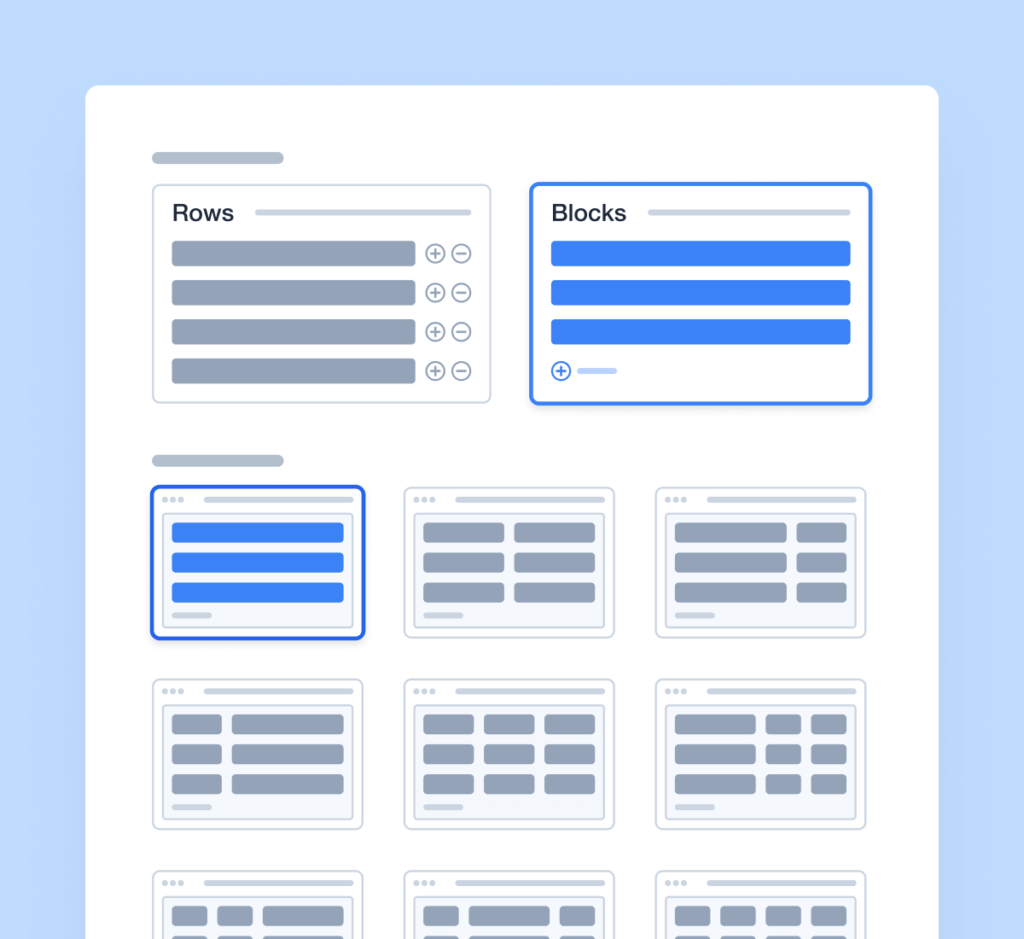
Criação de Formulários Facilmente Flexível
Adicionar campos repetíveis aos seus formulários é tão simples quanto 1-2-3~
- Arraste e Solte: Nosso construtor de formulários WordPress com campos dinâmicos facilita a adição de seções repetíveis ao seu formulário.
- Opções de Exibição Flexíveis: Escolha entre linhas únicas ou blocos para campos repetíveis.
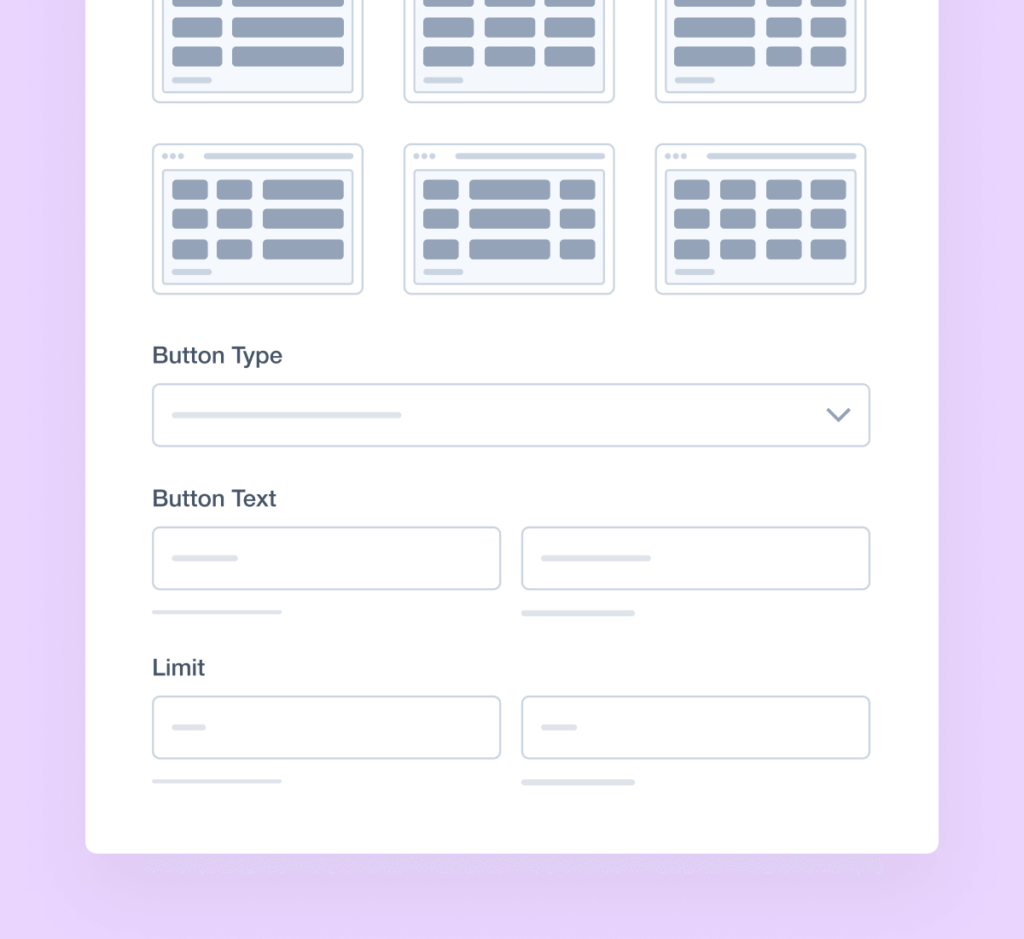
- Rótulos Personalizáveis: Altere o texto padrão "Adicionar" para algo mais descritivo para orientar seus usuários.
Otimize Seus Formulários para Eficiência
O Campo Repetidor se adapta aos seus usuários, garantindo que você obtenha exatamente os dados de que precisa - nem mais, nem menos. É perfeito para formulários que exigem quantidades variáveis de dados, incluindo:
- Inscrições para Eventos: Colete detalhes para vários participantes sem esforço.
- Candidaturas de Emprego: Permita que os candidatos adicionem várias experiências de trabalho anteriores.
- Listagens Imobiliárias: Permita que corretores listem várias propriedades com recursos detalhados.
- Formulários de Reserva de Viagens: Colete informações para todos os viajantes em um único formulário simplificado.
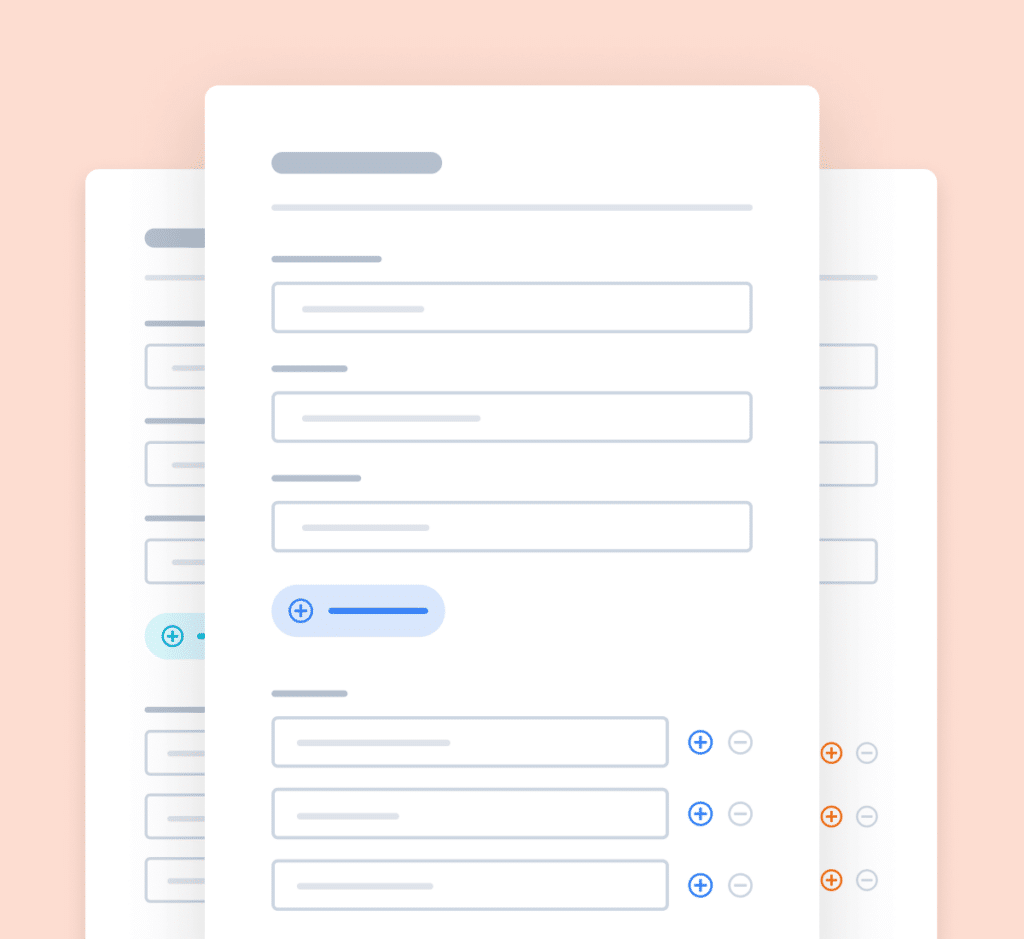
Opções Avançadas de Personalização
Nosso Campo Repetidor para formulários do WordPress oferece várias opções de personalização para atender às suas necessidades:
- Limitar Campos: Defina o número mínimo e máximo de campos repetíveis para controlar a entrada de dados.
- Opções de Estilo: Personalize a aparência do seu formulário, incluindo layout, cores e estilos de botão.
- Lógica Condicional: Use lógica condicional inteligente para mostrar ou ocultar seções repetíveis com base nas entradas do usuário.
Esses recursos tornam mais fácil do que nunca criar formulários que sejam funcionais e visualmente atraentes.
Eleve Seus Formulários Com Mais de 2.100 Modelos Prontos
- Revisar Formulário
- Formulário de Isenção
- Formulário de Triagem
- Formulário de Ocorrência
- Formulário Disciplinar
- Formulário de Petição
- Formulário de Monitoramento
- Formulário de Fornecedor
- Formulário de Despesas
- Formulário de Acordo
- Formulário de Treinamento
- Formulário de Conclusão
- Formulário de Solicitação
- Formulário Médico
- Formulário de Avaliação
- Formulário RMA
Campo Repetidor para WPForms – Perguntas Frequentes
Você tem alguma dúvida sobre nosso Campo Repetidor do WordPress? Veja a lista abaixo com nossas perguntas mais frequentes. Se sua pergunta não estiver listada aqui, entre em contato conosco.
O que é o Campo Repetidor do WPForms?
O Campo Repetidor é um recurso do WPForms que permite aos usuários adicionar ou remover dinamicamente conjuntos de campos dentro de um formulário, permitindo uma coleta de dados mais flexível e dinâmica. É perfeito para qualquer formulário que coleta informações repetitivas, como formulários de inscrição para eventos, formulários de candidatura a empregos, formulários de clientes de agências de viagens e muito mais.
Como adiciono um Campo Repetidor ao meu formulário?
Para adicionar um Campo Repetidor, abra o construtor do WPForms, arraste o Campo Repetidor do painel esquerdo para o seu formulário e personalize-o com os subcampos necessários. É simples assim – sem código, sem complicações.
Os usuários podem adicionar e remover conjuntos de campos em tempo real?
Sim, os usuários podem adicionar ou remover dinamicamente conjuntos de campos em tempo real enquanto preenchem seu formulário, facilitando a inserção de quantidades variáveis de dados sem a desordem visual de campos desnecessários.
O Campo Repetidor é compatível com dispositivos móveis?
Sim, o Campo Repetidor é totalmente responsivo e compatível com dispositivos móveis, garantindo uma experiência de usuário fluida em todos os dispositivos.
Posso definir limites para o número de repetições?
Sim, você pode configurar o Campo Repetidor para definir limites mínimos e máximos no número de conjuntos de campos repetidos que os usuários podem adicionar. Colete as informações que você precisa, nem mais, nem menos.
Recursos Ainda Mais Poderosos
O WPForms é repleto de uma variedade de recursos e add-ons que se integram perfeitamente para criar formulários incríveis.
Dados Geográficos
Saiba mais sobre seus usuários com dados de geolocalização.
- Colete e armazene dados de geolocalização de envios de formulários.
- Personalize respostas com base na localização do usuário.
- Analise tendências geográficas em entradas de formulários.
Addon User Journey
Descubra os passos que os visitantes dão antes de enviar seus formulários.
- Acompanhe as interações do usuário e os envios de formulários.
- Analise o comportamento do usuário para melhorar o design do formulário.
- Obtenha insights sobre o processo de envio de formulários.
Abandono de Formulário
Capture entradas parciais de formulários para capturar leads perdidos.
- Capture dados de formulários não enviados.
- Recupere leads perdidos e melhore as taxas de conversão.
- Obtenha insights sobre por que os usuários abandonam os formulários.