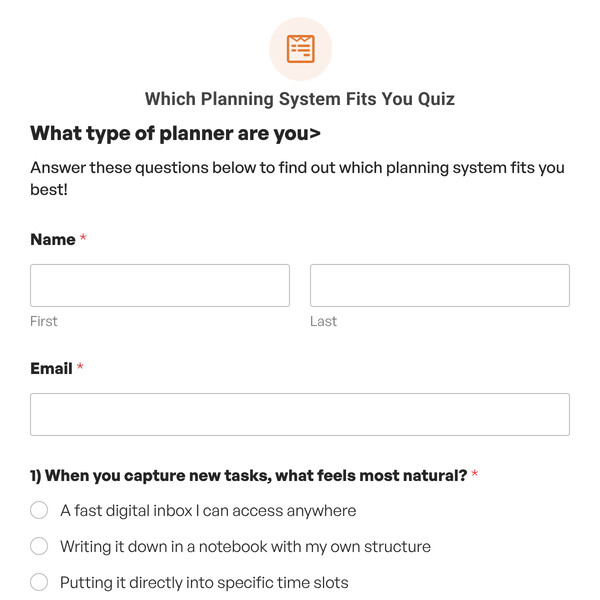
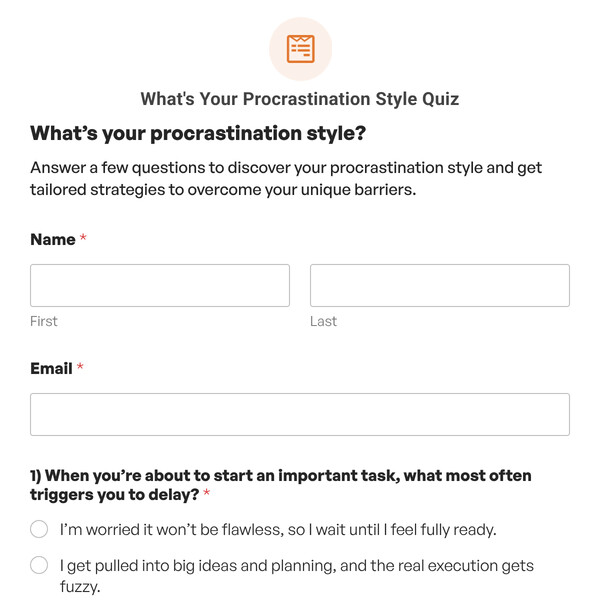
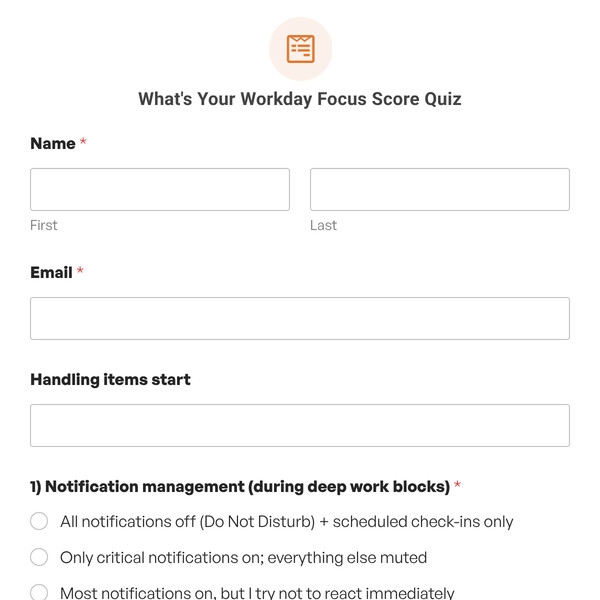
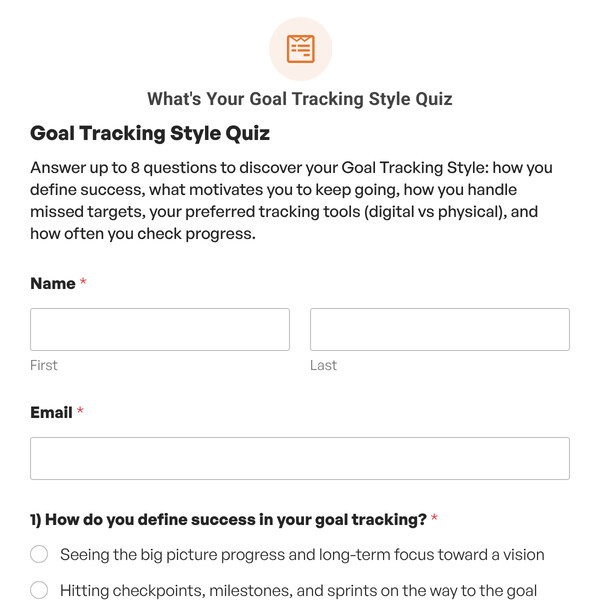
Want to create engaging personality quizzes that match participants to categories based on their response patterns? The Personality Quiz Template from WPForms gives you a complete foundation for building “Which type are you?” quizzes, without starting from scratch.
Understanding the Personality Quiz Template
Personality quizzes categorize participants based on response patterns rather than scoring correctness. Here’s the fundamental difference:
- No correct or incorrect answers: Every response is equally valid.
- Answer mapping: Each answer choice is assigned to a specific personality type.
- Tallying logic: WPForms counts which personality type received the most selections.
- Outcome display: Participants see the personality type that matched most frequently.
- Response analytics: View graphs for completion stats, personality distribution and more.
Answer Mapping System
The template’s key feature is answer mapping. Each answer choice has a dropdown menu where you assign it to a personality type:
- Question 1, First Choice → maps to “Personality One”
- Question 1, Second Choice → maps to “Personality Two”
- Question 1, Third Choice → maps to “Personality Three”
- Question 1, Fourth Choice → maps to “Personality Four”
WPForms tracks these selections across all questions and determines which personality type appears most often in the participant’s responses.
Conditional Outcomes
The template includes four outcome messages configured with conditional logic:
- Outcome for Personality One: Shows when “Personality Type is Personality One”
- Outcome for Personality Two: Shows when “Personality Type is Personality Two”
- Outcome for Personality Three: Shows when “Personality Type is Personality Three”
- Outcome for Personality Four: Shows when “Personality Type is Personality Four”
Only the matched personality outcome displays. Participants never see the other three.
How to Customize Your Personality Quiz
- Define Your Personality Types: Go to Settings, replace “Personality One, Two, Three, Four” with your actual type names (e.g., “The Strategist, The Collaborator, The Innovator, The Executor”).
- Customize Quiz Title and Description: Update the Title field to reflect your quiz topic, and rewrite the Description to set expectations for what participants will discover.
- Replace Questions: Click on each question in the form builder, replace placeholder text with actual questions that reveal personality traits, and update answer choices to reflect realistic response options.
- Configure Answer Mapping: For each answer choice, use the dropdown to assign it to the appropriate personality type (you can map multiple answers to the same type for nuanced detection).
- Write Outcome Messages: Go to the Outcomes tab, click on each personality outcome, replace placeholder text with personalized descriptions of that type, and add insights, strengths, recommendations, or next steps.
- Set Up Notifications: Configure email notifications in the Notifications tab to send results to participants and track completions as an admin.
- Add or Remove Questions: Use “Add Fields” to include more questions for deeper profiling, or delete questions to create a quicker quiz experience.
Ready to Create Your Personality Quiz?
Building personality quizzes from scratch without figuring out answer mapping logic. Start with a professional template that has personality matching already configured. Get WPForms Pro to access the Personality Quiz Template and create engaging personality assessments that people love taking and sharing.