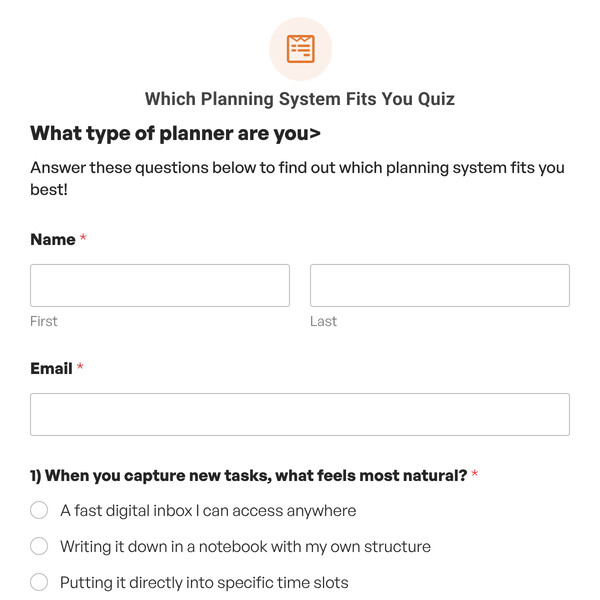
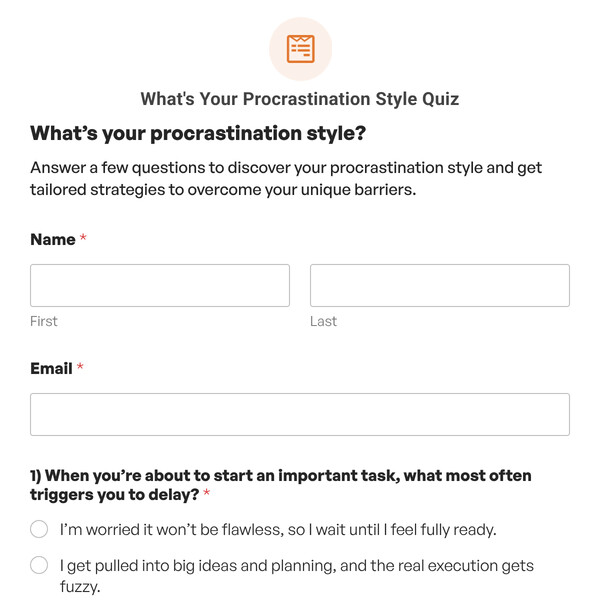
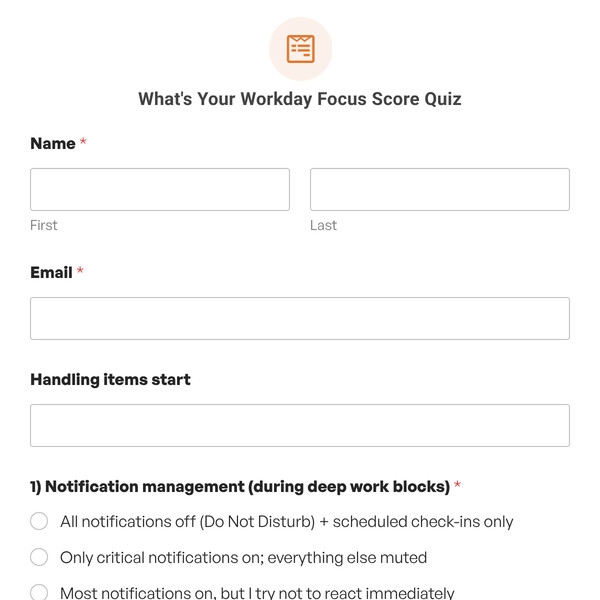
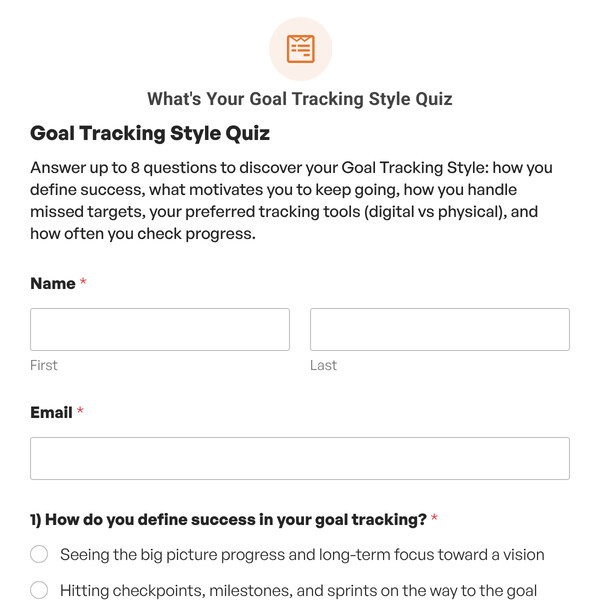
Want to create personality quizzes that feel more engaging and get better completion rates? The Personality Quiz (Multi-Step) Template from WPForms combines the viral appeal of personality assessments with a modern, one-question-at-a-time format that keeps participants focused and moving forward.
Understanding the Multi-Step Personality Quiz Template
This multi-step personality quiz includes 10 pre-configured questions displayed across separate pages, plus a dedicated welcome page for collecting participant information. Each question appears individually with a progress tracker showing exactly how far along they are.
Page 1: Welcome & Information
- Name field (First and Last)
- Email address field
- Custom button: “Let’s Go!” (fully editable)
- Progress indicator: “Step 1 of 8”
- Optional: Add a Content field with quiz description or instructions
Pages 2-11: Individual Questions
- One question per page (Question 1 through Question 10).
- Four answer choices per question.
- Answer mapping dropdowns assigning each choice to a personality type.
- “Next” button to advance (customizable text).
- Progress bar showing completion status.
- Page breaks separating each question.
How Multi-Step Personality Matching Works
The multi-step format doesn’t change the personality matching logic. It only changes how questions are presented:
- Answer selections are tracked across all pages.
- Each answer choice is still mapped to a personality type.
- WPForms tallies which type received the most matches.
- Upon final submission, the corresponding personality outcome displays.
- The matching algorithm works identically to single-page personality quizzes.
The benefit is purely experiential: participants focus on one decision at a time instead of feeling overwhelmed by multiple questions simultaneously.
How to Customize Your Multi-Step Personality Quiz
- Configure Personality Types: Navigate to Settings, replace “Personality One, Two, Three, Four” with your actual type names, and add or remove types using the repeater controls.
- Personalize Welcome Page: Edit Page 1 to include your quiz title, update the Name/Email fields or add additional demographic questions, customize the button text, and optionally add a Content field,
- Update Questions and Answers: Navigate through pages 2-8, replace placeholder questions with your actual content, and update answer choices to reflect realistic options,
- Customize Page Breaks: Click each Page Break element, adjust button text to create a narrative flow (“Next,” “Continue,” “Almost There,” “See My Result”) and enable/disable the Previous button.
- Write Personality Outcomes: Go to the Outcomes tab, click each personality outcome, write compelling descriptions with characteristics, strengths, and recommendations.
- Configure Notifications: Set up email notifications in the Notifications tab to send personality results to participants and get admin alerts when people complete the quiz.
Ready to Create Your Multi-Step Personality Quiz?
Give participants a focused, engaging experience that reveals their personality type one thoughtful question at a time. Get WPForms Pro to access the Personality Quiz (Multi-Step) Template and create personality assessments that people actually finish.