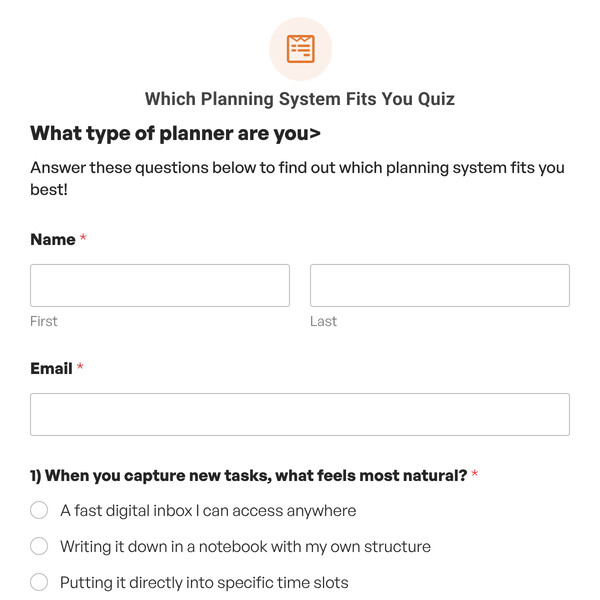
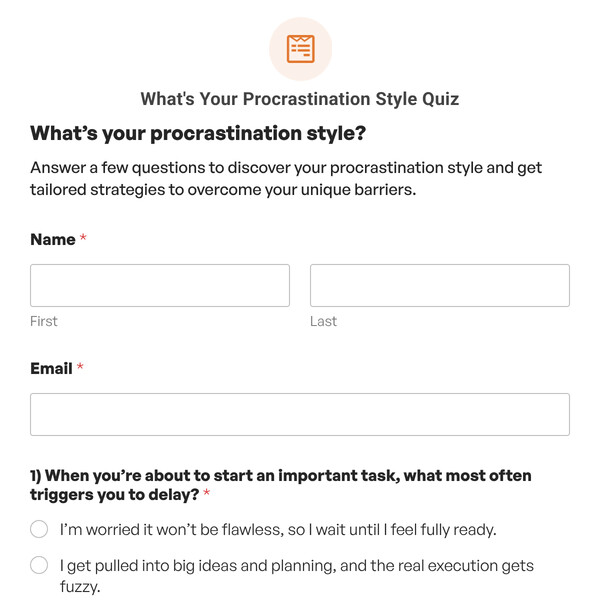
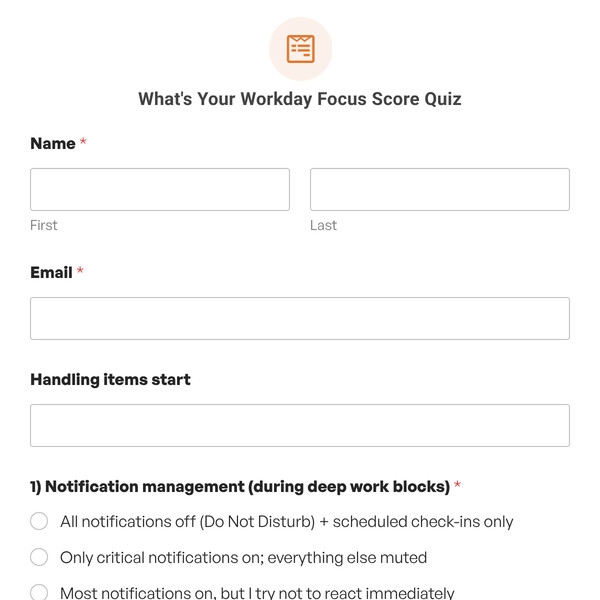
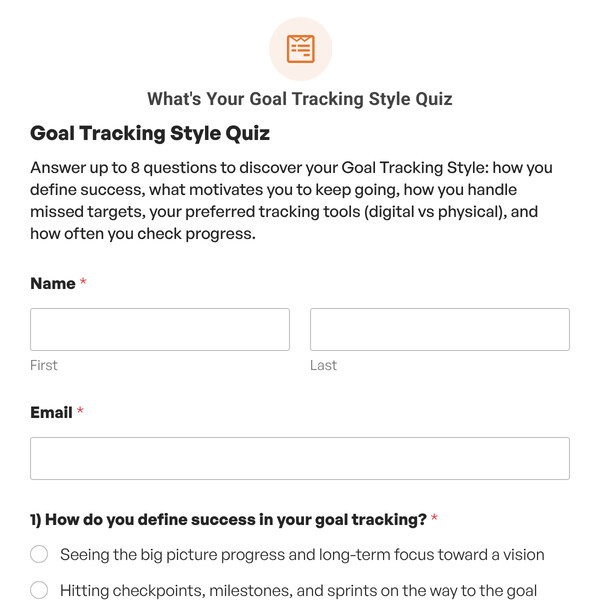
The General Knowledge Quiz Template by WPForms is a graded assessment designed to test and engage participants across a diverse range of topics including geography, history, science, language, and basic mathematics.
Exploring the General Knowledge Quiz Template Features
This ready-to-use Graded Quiz template challenges participants with 10 carefully selected multiple-choice questions, making it perfect for educators, trivia enthusiasts, content creators, publishers, entertainment websites, and community organizations. Here’s what you’ll find inside it:
Name and Email Collection Fields
The template begins with standard Name and Email fields to collect participant information before the assessment begins. This data enables you to build your contact list with engaged, education-minded individuals and personalize follow-up communications with quiz results and score comparisons.
10 Multiple-Choice Questions Across Diverse Topics
The core of this template consists of 10 multiple-choice questions that span a broad range of general knowledge categories, from geography and history to science, language, and basic math.
Each question includes multiple answer choices, with one correct answer designated in the quiz settings. The Graded Quiz functionality automatically tracks correct and incorrect responses to calculate the final score.
Comprehensive Grading Scale (A through F)
This template uses a five-level grading scale that evaluates performance across the full spectrum:
- A Grade (90-100%): Exceptional general knowledge—9-10 correct answers
- B Grade (80-89%): Strong performance—8 correct answers
- C Grade (70-79%): Solid understanding—7 correct answers
- D Grade (60-69%): Below average—6 correct answers
- F Grade (0-59%): Needs improvement—0-5 correct answers
This grading scale is fully customizable in the WPForms Quiz settings, allowing you to adjust grade letters, percentage ranges, and the number of grade levels to match your preferences or institutional standards.
Correct and Incorrect Answer Feedback
As a Graded Quiz, this template can be configured to provide immediate feedback after each question:
Feedback Options:
- Do not show the correct answer (default): Participants see their final grade at the end without question-by-question feedback during the quiz
- Show the correct answer as soon as a choice is made: Participants receive instant feedback after each question, seeing whether they were right or wrong and what the correct answer was
Customizable Feedback Messages:
- Correct Answer Message: Default is “Correct! Great job.” (fully customizable to match your tone and brand)
- Incorrect Answer Message: Default is “Incorrect. The right answer is {quiz_correct_answer}” (the smart tag automatically inserts the correct answer)
These feedback options let you decide whether to create a learning experience with immediate correction or a traditional test format where results are revealed only at the end.
Grade-Based Conditional Outcomes
The template includes conditional outcomes that display different content based on which letter grade the participant earns. Using WPForms’ conditional logic, you can create five distinct outcome messages.
Each outcome can include rich text formatting, images, videos, links to educational resources, social sharing buttons, and calls-to-action like “Challenge a friend!” or “Explore our learning library.”
Quiz Summary Link and Detailed Breakdown
Every quiz submission includes a Quiz Summary Link that provides a comprehensive review of:
- All 10 questions presented
- The answer selected for each question
- Whether each answer was correct or incorrect
- The correct answer for any missed questions
- The final grade, percentage, and score breakdown
- Timestamp and participant information
Getting Started is Easy!
The General Knowledge Quiz Template is included with WPForms Pro or higher license levels. Once you have access to the Quiz Addon, simply:
- Select the General Knowledge Quiz Template to add it to your forms.
- Edit the questions, answer choices, grading scale, and outcome messages.
- Use the simple WPForms embed options to add the quiz to any page or post.
- Publish your page and share the quiz link through different channels.
Track Performance with Quiz Responses
WPForms’ quiz responses provide valuable insights into participant performance and engagement:
- Grade Distribution Graph: View how many participants earned each grade level (A, B, C, D, F).
- Identify Difficulty Patterns: Discover whether your quiz is too easy (mostly A’s and B’s) or too challenging (mostly D’s and F’s).
- Track Engagement Metrics: Monitor completion rates and identify questions where participants commonly drop off.
- Analyze Question Performance: Review which questions are most frequently missed to identify common knowledge gaps.
This data empowers you to refine your quiz, adjust difficulty, and understand your audience’s general knowledge strengths and weaknesses.
Ready to Challenge Your Audience?
Start engaging your audience with interactive assessments that challenge their knowledge, provide instant gratification through grading, and encourage social sharing. Get WPForms Pro and use this template to launch a professional general knowledge quiz in minutes and begin collecting valuable engagement data immediately.