GDPR (General Data Protection Regulation) requires explicit consent before you collect or store someone’s personal information. That means you can’t just have a contact form that saves emails to your database, you need to ask permission first.
The GDPR Contact Form Template by WPForms includes a required consent checkbox where people acknowledge that you’re storing their information to respond to their inquiry. They can’t submit the form without checking the box, which gives you documented consent.
Who needs this: Any website with European visitors. GDPR applies if you have users in the EU, regardless of where your business is located. It also just makes sense as a best practice for respecting privacy everywhere.
Using the GDPR Contact Form Template
By explicitly seeking permission from your visitors, you can ensure the legal safety and credibility of your website. Here’s what you’ll find inside this fully customizable template:
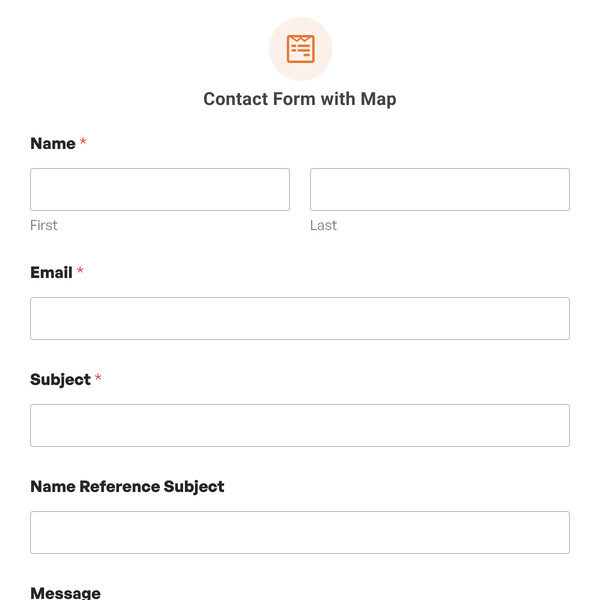
- Name Field: First and last name for personalizing your response.
- Email Address: Contact email with validation.
- Message Field: Text area for their inquiry or message.
- GDPR Consent Checkbox: Required checkbox stating “I consent to having this website store my submitted information so they can respond to my inquiry.”
The consent language is clear and specific about why you’re collecting data (to respond to their inquiry) and what you’re doing with it (storing it). You can customize this text to match your privacy policy.
Moreover, you can customize this form according to your preferences. For instance, in the consent checkbox field, you can change the wording of the GDPR agreement or add a link to an extended legal GDPR page.
Making Your Contact Form GDPR Compliant
- Link to your privacy policy: In the consent checkbox text, change the wording to something like: “I consent to having my information stored as described in the Privacy Policy.”
- Be specific about data use: Instead of vague consent, explain exactly what happens: “I consent to receiving a response to my inquiry via email and understand my information will be stored for this purpose.”
- Add the ability to unsubscribe or delete data: Include a note in your confirmation email explaining how people can request data deletion if they change their mind.
- Only collect what you need: Don’t ask for phone numbers, addresses, or other information unless it’s actually necessary for responding to the inquiry.
- Set data retention periods: Decide how long you’ll keep form submissions and delete old entries regularly. WPForms Pro includes tools for automated entry cleanup.
GDPR Requirements for Forms
- Explicit consent required: Pre-checked boxes don’t count. People must actively check the box themselves.
- Clear language: Legal jargon doesn’t work. Use plain language explaining what you’re doing with their data.
- Right to access: People can request to see what data you have about them.
- Right to deletion: People can request you delete their information (unless you have legal reasons to keep it).
- Data security: You need to protect the information you collect from unauthorized access.
- Purpose limitation: If someone fills out a contact form, you can’t automatically add them to your marketing emails unless they separately consent to that.
WPForms handles the technical security part. You handle the consent, privacy policy, and data management practices. The checkbox field is available in all WPForms licenses. Just drag it onto your form and customize the consent text to match what you’re collecting and why.
Start Using GDPR-Compliant Forms!
If you have European visitors or just want to respect privacy properly, this template gives you the starting point. Add the consent checkbox, link to your privacy policy, and you’re covering the basics. Sign up with WPForms today to access the GDPR Contact Form template, and then worry no further about compliance with GDPR regulations.