Are you managing a customer support team, running a CX training program, or hiring customer service representatives? The Customer Support Scenarios Quiz Template from WPForms is an assessment tool that evaluates knowledge of support best practices and proper response protocols across real-world customer interactions.
Exploring the Customer Support Scenarios Template
This graded quiz template comes pre-configured with essential features that make support competency assessment simple and effective. Here’s what you’ll find:
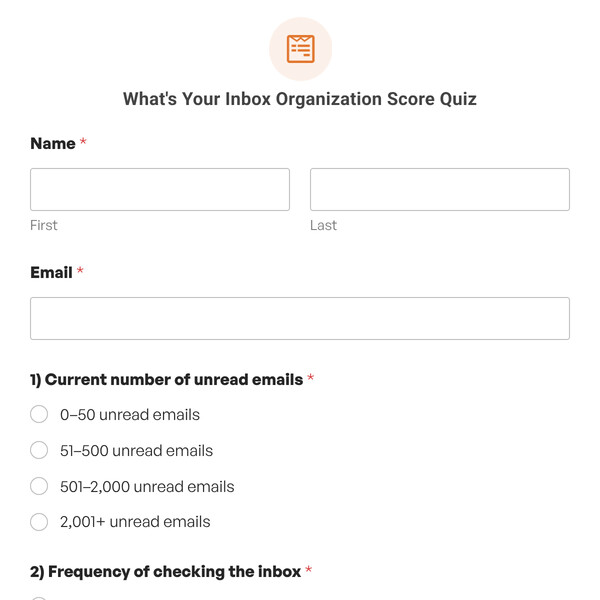
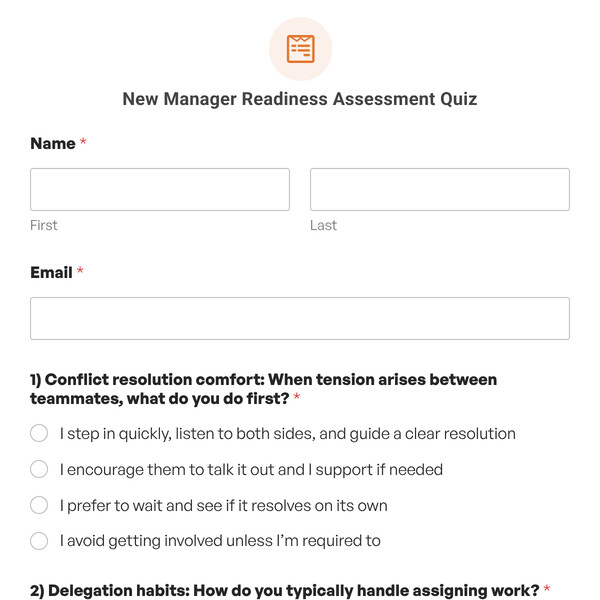
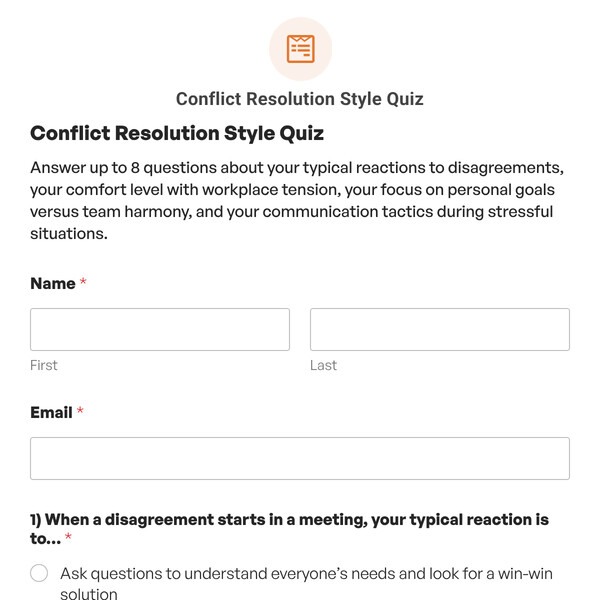
Name and Email Collection Fields
The quiz opens by capturing each participant’s name and email address. This allows you to track which team members or candidates have completed the assessment, send results to HR or training managers, and maintain records for performance documentation.
10 Multiple-Choice Customer Support Questions
The template includes 10 scenario-based questions testing knowledge of appropriate customer support responses. Each question is configured with the “Include in Quiz Scoring” option enabled, allowing WPForms to automatically evaluate responses as correct or incorrect based on customer support best practices.
Instant Feedback Options
Choose how and when participants see correct answers:
- Hide correct answers entirely (recommended for formal assessments).
- Show the correct answer immediately after each question is answered (useful for training purposes).
You can also customize the feedback messages that appear when participants select correct or incorrect answers, providing explanations about why certain responses are best practice and how they align with company values.
5 Conditional Outcomes
The template includes five pre-configured outcome conditions. Based on the participant’s final grade, they’ll see a personalized message tailored to their performanc
- A: 90-100% – Excellent customer support knowledge and judgment.
- B: 80-89% – Strong understanding with minor gaps.
- C: 70-79% – Satisfactory knowledge but needs reinforcement.
- D: 60-69% – Basic awareness but significant training needed.
- F: 0-59% – Requires substantial training before customer-facing work.
Getting Started is Easy!
The Customer Support Scenarios Quiz Template is included with WPForms Pro or higher license levels. Once you have access to the Quiz Addon, simply:
- Select the Customer Support Scenarios Quiz Template from your WPForms template library
- Customize questions, scenarios, and outcomes to fit your company protocols
- Embed the quiz on any page or post using the WPForms block or shortcode, or share directly with team members via link
- Start assessing support competency and improving customer service quality
Monitor Team Competency with Quiz Responses
WPForms provides powerful analytics for your graded quizzes. View graphs showing grade distribution across all team member submissions, helping you identify which support scenarios are well-understood and which may need additional emphasis in training programs or team meetings.
Ready to Build Your Support Training Quiz?
Ensure your customer support team has the knowledge and judgment to deliver excellent service. Get WPForms Pro to access the Customer Support Scenarios Quiz Template and create assessments that verify competency, guide training, and maintain high service standards.