Are you a customer success leader, SaaS consultant, onboarding specialist, or CX professional helping businesses improve customer retention and reduce churn? The Customer Onboarding Health Check Template from WPForms helps analyze the effectiveness and maturity of customer onboarding processes.
Exploring the Customer Onboarding Health Check Template
This weighted quiz includes 8 multiple-choice questions covering essential onboarding components including goal clarity and success criteria, process standardization, kickoff and alignment practices, and more. This makes it ideal for customer success teams, SaaS consultancies, and customer onboarding platform providers. Here’s what you’ll find inside the template:
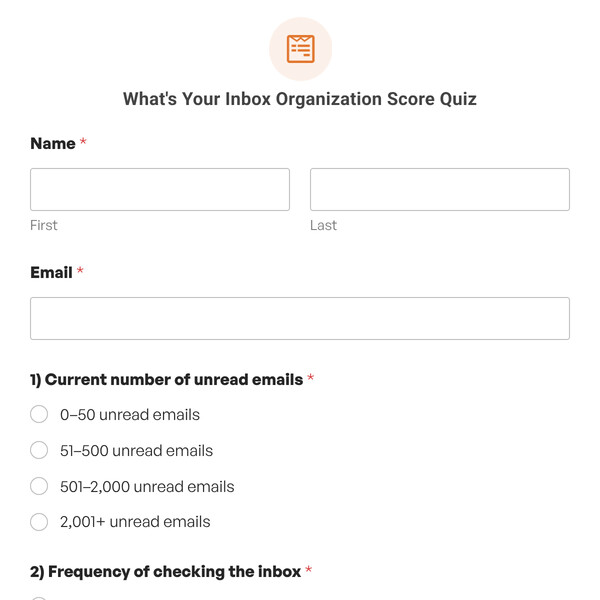
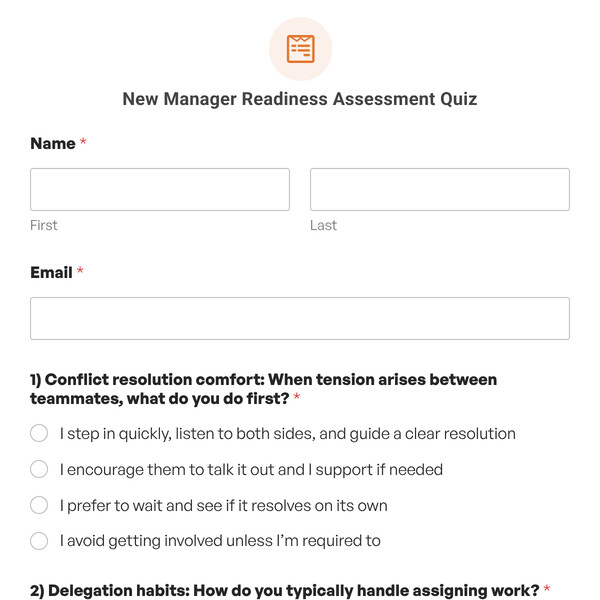
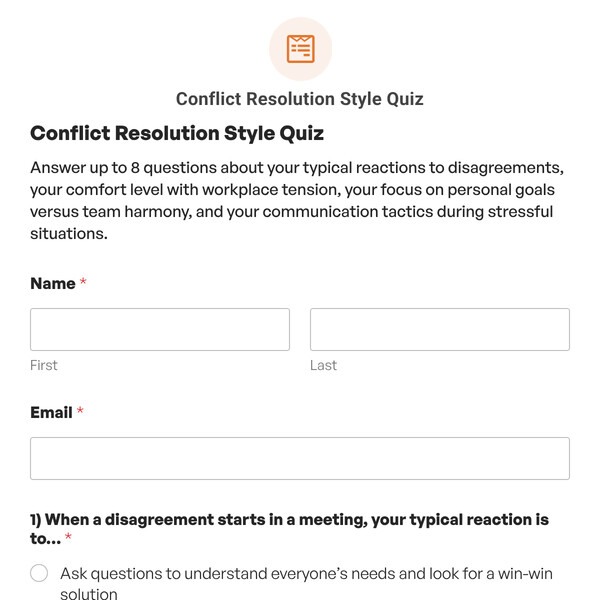
Name and Email Collection Fields
The template begins with standard Name and Email fields to collect participant information which helps you segment your audience by onboarding maturity level for targeted service offerings and content marketing and maintain assessment records for tracking client improvement over time or documenting consulting impact.
8 Multiple-Choice Questions on Important Onboarding Factors
The core of this template consists of 8 multiple-choice questions covering essential customer onboarding elements that directly impact success. Each answer choice is assigned a specific weight value that reflects its contribution to overall onboarding effectiveness.
Best-practice approaches receive the highest weights (25 points), while absent or ad-hoc processes receive the lowest weights (0 points), with intermediate options weighted accordingly (15, 5 points). With 8 questions, the maximum possible score is 200 points, which WPForms converts to a percentage for easy interpretation.
4 Conditional Outcomes Based on Score Thresholds
The template includes conditional outcomes that display different content based on the participant’s total weighted score. Using WPForms’ conditional logic with “greater than” and “less than” operators, the template offers four distinct health level messages:
- Outcome 4 (Excellent): Greater than 75%
- Outcome 3 (Strong): Greater than 50% – Less than 75%
- Outcome 2 (Developing): Greater than 25% – Less than 50%
- Outcome 1 (Poor): Less than 25%
Each outcome message can be fully customized with rich text, downloadable onboarding playbooks, links to consulting services, process templates, or calls-to-action for your customer success services. You can also use WPForms smart tags to personalize outcomes with the participant’s name and specific score data.
Track Score Distribution with Quiz Responses
WPForms’ quiz analytics provide valuable insights into onboarding maturity across your organization or client base. View graphs showing the distribution of scores across ranges (90-100, 80-89, 70-79, 60-69, 50-59, 0-49), revealing common onboarding maturity patterns among your audience.
Use this data to create targeted content, develop new service packages, and refine your messaging to address the most common onboarding gaps affecting customer retention.
Flexible Customization Options
While the Customer Onboarding Health Check Template comes ready to use, you have complete flexibility to customize it for your specific methodology and audience:
- Edit Questions: Modify questions to focus on specific onboarding contexts relevant to your market (enterprise SaaS, SMB products, etc.)
- Adjust Weight Values: Change weight assignments based on your experience with what matters most for onboarding success in different product categories.
- Add or Remove Questions: Include additional assessment areas like product adoption metrics, customer health scoring, or expansion readiness.
- Customize Score Thresholds: Adjust the percentage ranges for each outcome level to match your assessment framework.
- Rewrite Outcomes: Tailor outcome messages to reflect your consulting methodology, proprietary onboarding framework, or service offerings.
- Include Implementation Guides: Provide specific onboarding playbooks, templates, or best practice resources based on maturity level.
- Brand the Experience: Apply your logo, professional colors, and styling to create a cohesive brand experience.
Getting Started is Easy!
The Customer Onboarding Health Check Template is included with WPForms Pro or higher license levels. Once you have access to the Quiz Addon, simply:
- Select the Customer Onboarding Health Check Template from your WPForms template library.
- Customize questions, weight values, outcomes, and score thresholds to fit your methodology.
- Embed the quiz on any page or post using the WPForms block or shortcode.
- Start collecting responses and helping businesses improve their customer onboarding effectiveness.
Ready to Build Your Onboarding Health Check Quiz?
Help businesses reduce churn, accelerate time-to-value, and build customer onboarding processes that drive long-term success. Get WPForms Pro to access the Customer Onboarding Health Check Template and create weighted assessment quizzes that demonstrate your expertise and deliver actionable insights.