Are you a teacher, school administrator, or educator looking to establish clear behavioral expectations and ensure students understand classroom procedures? The Classroom Rules & Expectations Quiz Template from WPForms is a tool that helps analyze student comprehension of essential classroom behavior standards.
Exploring the Classroom Rules & Expectations Quiz Template
This graded quiz includes 8 multiple-choice questions covering fundamental classroom rules including listening during instruction, raising hands to speak, arriving to class on time, showing respect to classmates and more. This makes it great for elementary, middle, and high school classrooms, virtual learning environments, and back-to-school orientation activities. Here’s what you’ll find inside the template:
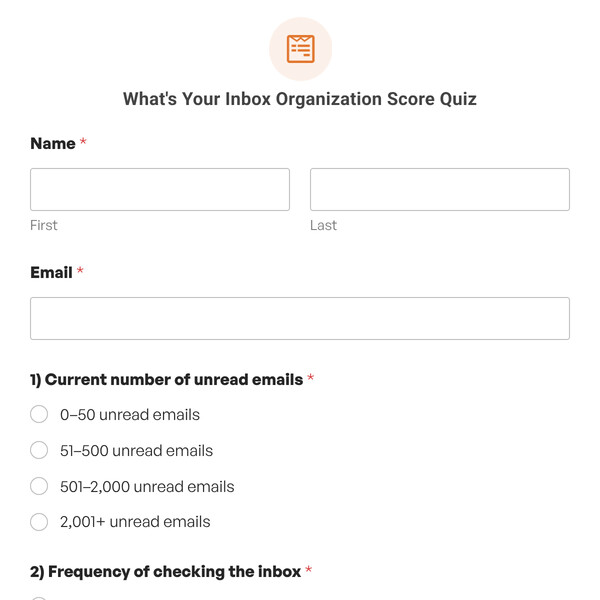
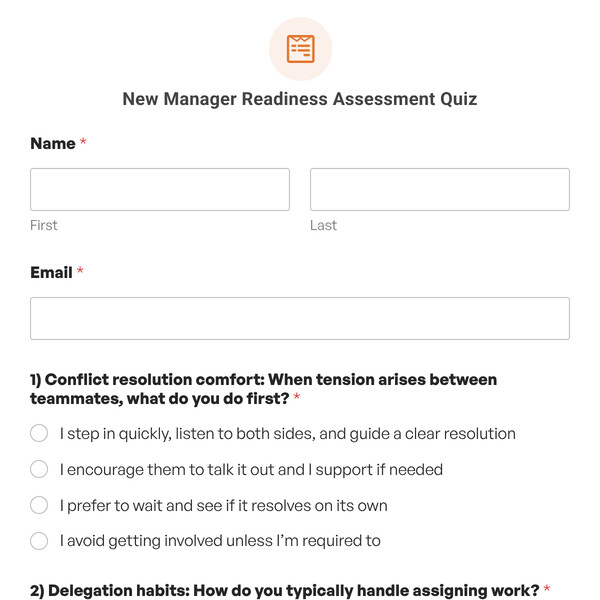
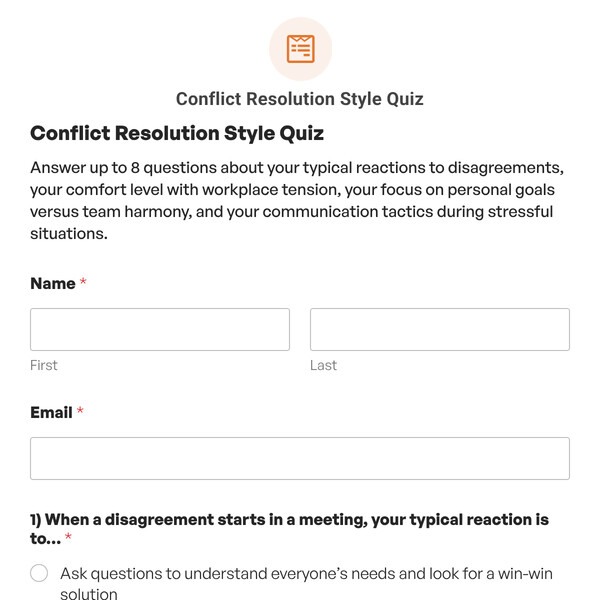
Name and Email Collection Fields
The template begins with standard Name and Email fields to collect participant information, which helps you identify students who scored low and need one-on-one clarification of rules and follow up with personalized reminders or additional resources for students who struggled.
Note for Teachers: You may want to customize the email field to be optional or replace it with a student ID field, depending on your school’s privacy policies and whether students have email addresses.
8 Multiple-Choice Questions on Classroom Expectations
The template includes 8 multiple-choice questions covering essential classroom behavior standards that every student should understand. Each question includes multiple answer choices, with one correct answer designated in the quiz settings. The Graded Quiz functionality automatically tracks correct and incorrect responses to calculate the final score.
Customization Note: These questions are examples and should be customized to reflect YOUR specific classroom rules and expectations, which may vary by grade level, subject, and teaching style.
Standard Grading Scale (A through F)
This template uses a five-level grading scale that evaluates understanding of classroom expectations:
- A Grade (90-100%): Excellent understanding—7-8 correct answers
- B Grade (80-89%): Good understanding—6-7 correct answers
- C Grade (70-79%): Adequate understanding—5-6 correct answers
- D Grade (60-69%): Below expectations—5 correct answers
- F Grade (0-59%): Insufficient understanding—0-4 correct answers
This grading scale is fully customizable in the WPForms Quiz settings, allowing you to adjust grade letters, percentage ranges, and the number of grade levels to match your school’s grading system or your personal standards.
Correct and Incorrect Answer Feedback
As a Graded Quiz, this template is configured to provide immediate educational feedback via the “Show the correct answer as soon as a choice is made” option. With this setting enabled, students receive instant feedback after each question, seeing whether they were right or wrong.
- Correct Answer Message: Default is “Correct! Great job.” (you can customize this to something encouraging like “That’s right! You understand this classroom expectation.”)
- Incorrect Answer Message: Default is “Incorrect. The right answer is {quiz_correct_answer}” (the smart tag automatically inserts the correct answer, helping students learn immediately).
5 Grade-Based Conditional Outcomes
The template includes five pre-configured outcome conditions. Based on the student’s final grade, they’ll see a personalized message tailored to their performance. Each outcome message can be fully customized with rich text, links to classroom rules documents, visual behavior charts, or parent communication templates.
Automatic Results Display
Upon completion, students instantly see:
- Their letter grade (A, B, C, D, or F)
- Percentage score
- Number of correct answers
- Number of incorrect answers
- Total questions answered
- Personalized outcome message based on their grade
Students can also click a link to a detailed breakdown showing each question, their selected answer, and the correct answer. This comprehensive summary helps students understand which expectations they need to review and reinforces correct understanding of classroom rules.
Getting Started is Easy!
The Classroom Rules & Expectations Quiz Template is included with WPForms Pro or higher license levels. Once you have access to the Quiz Addon, simply:
- Select the Classroom Rules & Expectations Quiz Template from your WPForms template library.
- Customize questions, outcomes, and settings to fit your classroom rules and grade level.
- Embed the quiz on any page or post using the WPForms block or shortcode.
- Start collecting responses and ensuring all students understand your classroom expectations.
Ready to Build Your Classroom Rules Quiz?
Create a positive learning environment where all students understand behavioral expectations. Get WPForms Pro to access the Classroom Rules & Expectations Quiz Template and start building self-scoring quizzes that save time and establish clear classroom standards.