WPForms Form Template Gallery logo
  • Features
  • Solutions
  • Pricing
  • Integrations
  • Testimonials
  • Resources
  • Support
  • Log In
  • Get WPForms

    Join 6,000,000+ Professionals Who Build Smarter Forms and Surveys with WPForms.

    • Payments
    • Email Marketing
    • Bonus Form Templates
    • Surveys & Polls
    • Post Submissions
    • User Registration
    • Form Permissions
    • Form Abandonment
    • Geolocation
    • Signatures
    Get WPForms Now
Templates › Marketing › Signup › Gym Membership Signup Form Template

Gym Membership Signup Form Template

Use This Template
Please enable JavaScript in your browser to complete this form.
Full Name *
Membership Plan *
Add-Ons (Optional) *
pro
This template includes features available in WPForms Pro. Compare Plans

When someone is ready to join a gym, the signup flow should be quick, clear, and location-aware, especially for multi-branch fitness businesses.

The Gym Membership Signup Form Template helps gyms capture member details, select a membership plan, add optional services, and confirm the correct facility location using an interactive map.

Exploring the Gym Membership Signup Form Template

This template is ideal for gyms, boutique studios, fitness franchises, and wellness centers that want a simple online intake form that works on mobile and reduces front-desk admin work. Here’s what you’ll find inside:

  • Full Name (First + Last): Adds the member to your roster with the correct name formatting.
  • Email Address: Used for welcome emails, membership confirmations, and onboarding instructions.
  • Phone Number: Helpful for follow-ups, scheduling first visits, and resolving issues quickly.
  • Preferred Membership Start Date (Date Picker): Lets members choose when they want coverage to begin.
  • Membership Plan (Multiple Choice): Presents common plan options in a clean format:
  • Add-Ons (Checkboxes, optional): Helps you upsell services during signup without extra steps.
  • Gym Address / Location (Map Field): Displays an embedded map so new members can confirm the correct branch location before submitting.

Customizing the Map Experience (Geolocation Addon + Map Field)

The map can do much more than simply show a pin. If your gym has multiple locations, you can configure the Map Field as a true location selector.

It requires WPForms Pro or higher license levels and the Geolocation Addon configured with a valid Google Maps or Mapbox API key. Once you set all of that up, here are some tips for customizing the field.

  • Add multiple gym branches using the location repeater (add/remove/reorder as your franchise grows).
  • Enable “Show List of Locations” to display each location name and address beneath the map.
  • Turn on “Allow Location Selection” to add radio buttons so members select their preferred gym (requires 2+ locations and Show List of Locations enabled).
  • Use brand-friendly markers by choosing icons from the Icon Library, adjusting colors, or uploading a custom marker image.
  • Enable “Find Nearby Location” to request browser location and bias selection toward the closest facility, helpful for local SEO traffic where members may not know your neighborhood names.
  • Simplify the interface with advanced settings (hide fullscreen/map type/street view, disable dragging, hide zoom, etc.) for a cleaner experience on mobile.

Ready to Capture More Memberships Online?

Use this template to reduce registration friction, standardize membership plan selection, and route new members to the right location from the start. Get WPForms Pro to unlock the Map field and Geolocation Addon, then customize your locations, membership plans, and extras.
Get WPForms Pro

Looking for something else?

Here are some other Marketing form templates

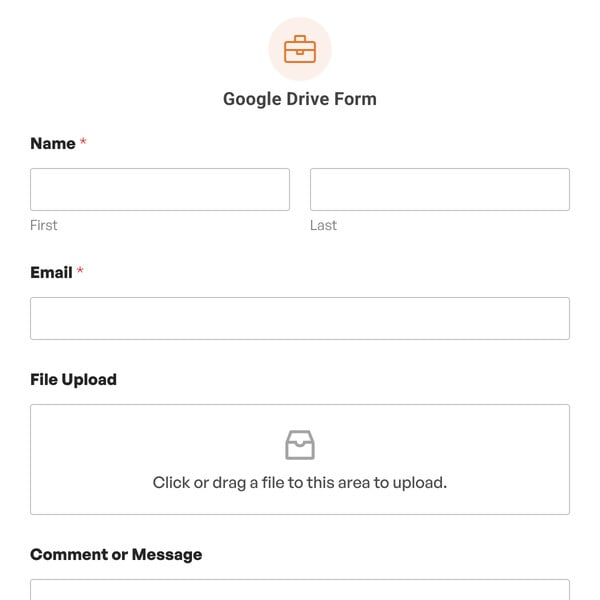
Google Drive Form Template

Google Drive Form

An easy way to collect files through your forms and send them straight to Google Drive.

Use Template View Demo
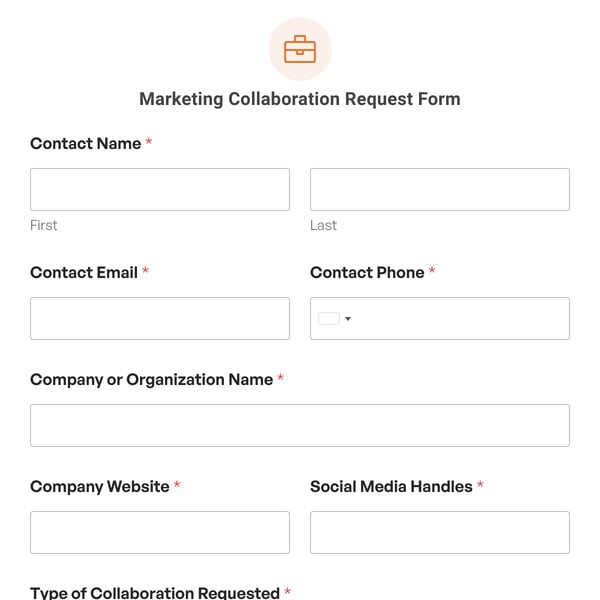
Marketing Collaboration Request Form Template

Marketing Collaboration Request Form

For businesses looking to enhance their marketing efforts through strategic partnerships.

Use Template View Demo

Seasonal Event Sponsorship Form

Helping event organizers and sponsors work together.

Use Template View Demo
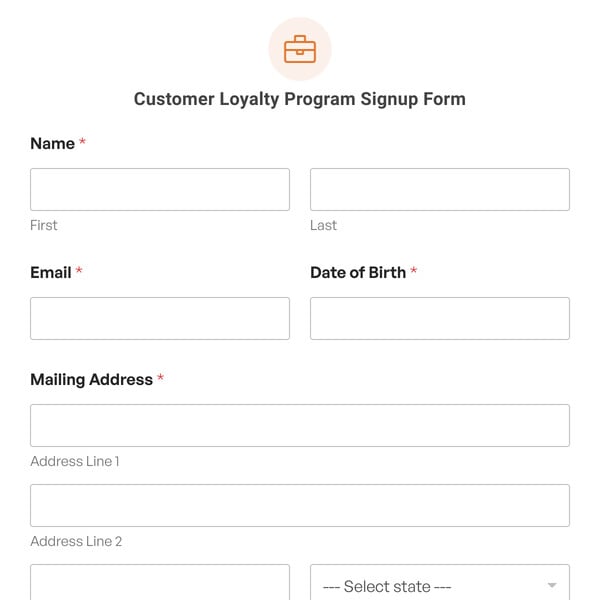
Customer Loyalty Program Signup Form Template

Customer Loyalty Program Signup Form

For any business looking to build strong, lasting relationships with its customers.

Use Template View Demo
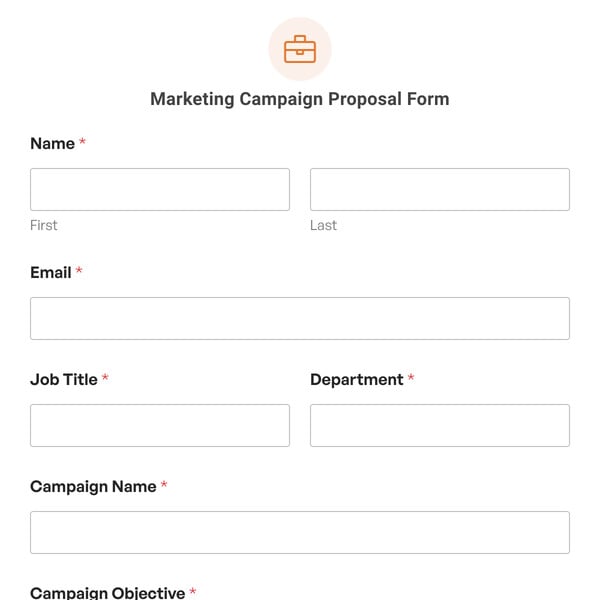
Marketing Campaign Proposal Form Template

Marketing Campaign Proposal Form

Allows marketers to detail their campaign ideas, objectives, and logistics.

Use Template View Demo
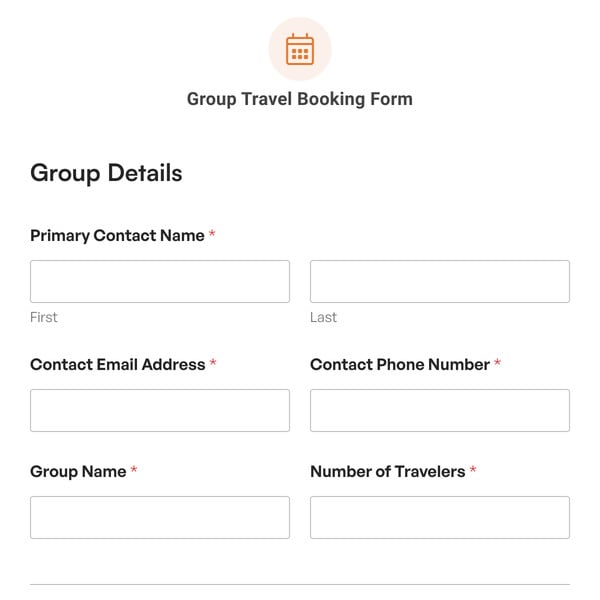
Group Travel Booking Form Template

Group Travel Booking Form

Easily gather critical information and guarantee everyone a smooth and enjoyable travel experience.

Use Template View Demo

Our form templates let you create any kind of WordPress form in a few clicks.

You can select any template to view the demo and try it out. If it works for you, you can import it and publish it in minutes. Each WPForms template is fully customizable too. Our drag and drop form builder makes it easy to adapt any template to fits your business’ needs. When you use our form templates, you can easily:
  • Import Any Template With 1 Click

    Ready to get started? Import any form template and start customizing it right away.

  • Add or Remove Fields

    Use our simple drag and drop form builder to add fields, delete them, or move them around.

  • Customize Notification Settings

    It’s easy to edit the notification emails on any template with your own text or smart tags.

  • Change the Confirmation Message

    Easily display a custom message after submission – or forward your visitor to another page.

  • Change the Field Labels

    Click on a field and change the text to collect the exact information you need.

  • Change the Notification Email

    Add CCed recipients and multiple notifications so you never miss an entry.

  • Customize the Submit Button

    Adapt the words on the button and change the color so that it matches your theme.

  • Publish Your Form With Ease

    Hit publish — that's it! WPForms makes it easy to get your forms online without writing code.

  • Get Instant Form Insights

    Track form submissions with our built-in analytics to see how your forms perform.

WPForms makes it easy to publish forms on any post or page. You can also publish your forms in the WordPress sidebar or footer. And because we integrate with page builders, you can easily make an Elementor contact form, or publish any form on a landing page in SeedProd.
Start Building Smarter
WordPress Forms
Create and publish forms in minutes...
What are you waiting for?
Get WPForms Now Talk to an expert
Company
  • About Us
  • Careers
  • Testimonials
  • Contact
  • Press
  • Affiliates
  • Blog
  • FTC Disclosure
Top Features
  • Online Form Builder
  • Conditional Logic
  • Conversational Forms
  • Form Landing Pages
  • Entry Management
  • Form Abandonment
  • Form Notifications
  • Form Templates
  • File Uploads
  • Calculation Forms
  • Geolocation Forms
  • Multi-Page Forms
  • Newsletter Forms
  • Payment Forms
  • Post Submissions
  • Signature Forms
  • Spam Protection
  • Surveys and Polls
  • User Registration
Integrations
  • Drip Forms
  • HubSpot Forms
  • Mailchimp Forms
  • Brevo Forms
  • Salesforce Forms
  • Authorize.Net
  • PayPal Forms
  • Square Forms
  • Stripe Forms
Helpful Links
  • Support
  • Documentation
  • Plans & Pricing
  • WordPress Hosting
  • Start a Blog
  • Make a Website
  • WPBeginner
  • WordPress Forms for Nonprofits

Copyright © 2016-2026 WPForms, LLC. WPForms is a trademark of WPForms, LLC.

  • Terms of Service
  • Privacy Policy
  • Sitemap
  • WPForms Coupon
Norton verified badge PayPal verified badge WPBeginner verified badge
The WordPress® trademark is the intellectual property of the WordPress Foundation. Uses of the WordPress®, names in this website are for identification purposes only and do not imply an endorsement by WordPress Foundation. WPForms Templates is not endorsed or owned by, or affiliated with, the WordPress Foundation.