WPForms Form Template Gallery logo
  • Features
  • Solutions
  • Pricing
  • Integrations
  • Testimonials
  • Resources
  • Support
  • Log In
  • Get WPForms
Templates › Marketing › Signup › Newsletter Signup Form Template

Newsletter Signup Form Template

Free two-field newsletter signup form. Connect it to Constant Contact or your email platform.

Use This Template
Please enable JavaScript in your browser to complete this form.
Name *
You'll get [our monthly newsletter]. You can unsubscribe at any time.

A newsletter signup form has one job: get a name and an email address onto your list without asking for anything else. This Newsletter Signup Form Template does just that, with two fields you can drop into a sidebar, a footer, the end of a blog post, or a page of its own.

It works for any kind of email list, whether you call it a newsletter subscription form, an email signup form, a mailing list form, or a “join our newsletter” box. Bloggers, online shops, coaches, nonprofits, churches, schools, and local businesses can use it as it is, and it’s free with WPForms Lite.

How the Newsletter Signup Form Template Works

The form has two fields and a Subscribe button:

  • Name: first and last name, so your emails can greet people by name.
  • Email: checked for a valid address before the form sends. A short note under it tells people what they’re signing up for and that they can unsubscribe at any time. Replace the text in square brackets with what you’ll actually send.

Submitting the form is the signup, so there’s no separate opt-in checkbox. If you have subscribers in the EU or UK, you can add a GDPR Agreement field once GDPR Enhancements is switched on in your WPForms settings.

To add new subscribers to your list automatically, connect the form to your email marketing platform. Constant Contact is built into WPForms, including the free Lite version. Connect your account in the WPForms integration settings, then add a Constant Contact connection in the form builder’s Marketing tab, pick your list, and map the Email and Name fields. Mailchimp, AWeber, Kit, MailerLite, GetResponse, Brevo, and other platforms connect the same way on WPForms Plus and higher. Until you connect one, each signup reaches you as an email notification and you add people to your list yourself.

Your email platform takes care of welcome emails and unsubscribes. If it sends a confirmation email before adding people (often called double opt-in), edit the thank-you message so new subscribers know to check their inbox.

You’ll get an email notification for each signup, set up so you can reply straight to the subscriber. You can change the button text to match your offer, such as “Get Weekly Tips”, or add a field that asks which topics people want.

It helps to tell people what they’ll get in a line above the form: how often you’ll send, what you’ll cover, and anything extra, like a free guide. Readers who reach the end of a post have just seen what you write, so that’s a natural place for the form. If you write about very different topics, a separate form for each one lets you send people only what they asked for.

Before you start collecting email addresses, check the consent and privacy rules that apply where your subscribers live.

Get WPForms Lite to start using this template for free, or upgrade to WPForms Pro for 2,000+ other pre-made form templates.

Get WPForms Pro

Looking for something else?

Here are some other Marketing form templates

Free Trial Membership Signup Form Template

Free Trial Membership Signup Form

Free trials make it easy for new members to say yes. This Free Trial Membership Signup Form Template saves their card when they sign up and doesn’t charge anything until the 14-day trial ends. After that, Stripe bills them every month automatically. It’s a good fit for membership sites, online communities, paid newsletters, and course […]

Use Template View Demo
Gym Membership Signup Form Template

Gym Membership Signup Form

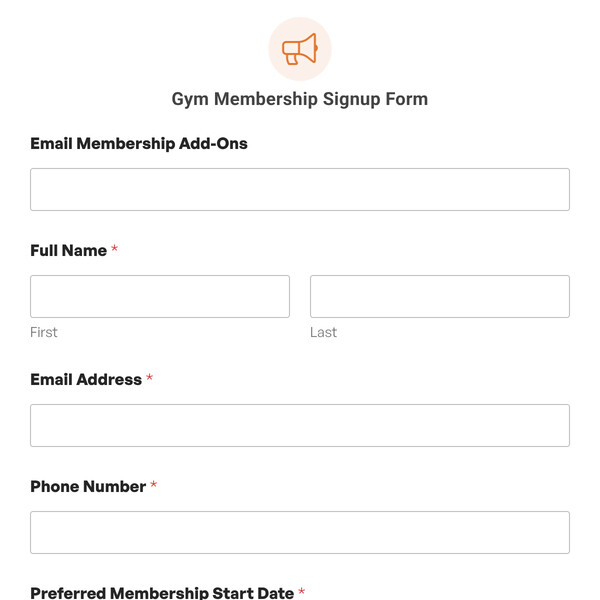
Use this template to allow new members to register, select a plan and add-ons, and confirm the correct gym location using an interactive map field.

Use Template View Demo
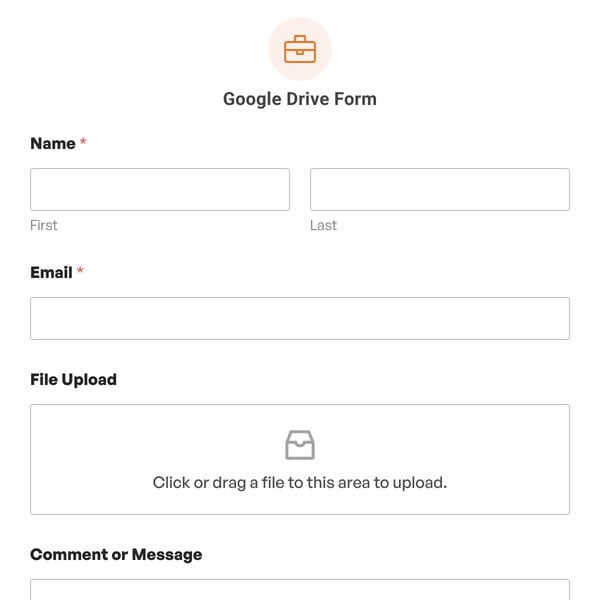
Google Drive Form Template

Google Drive Form

An easy way to collect files through your forms and send them straight to Google Drive.

Use Template View Demo
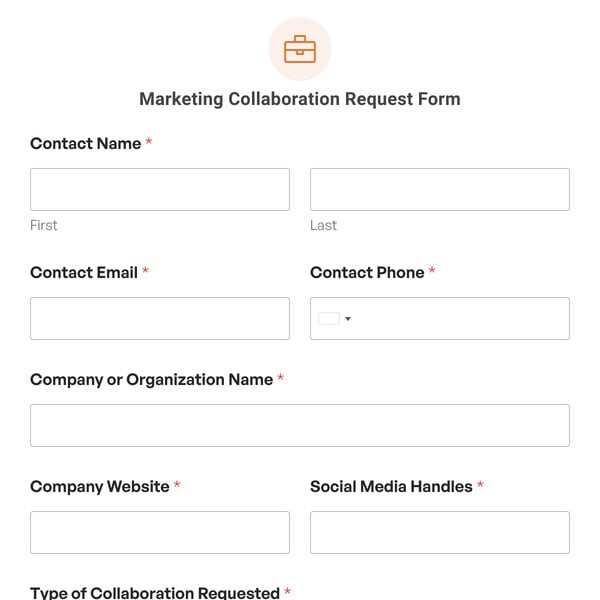
Marketing Collaboration Request Form Template

Marketing Collaboration Request Form

For businesses looking to enhance their marketing efforts through strategic partnerships.

Use Template View Demo

Seasonal Event Sponsorship Form

Helping event organizers and sponsors work together.

Use Template View Demo
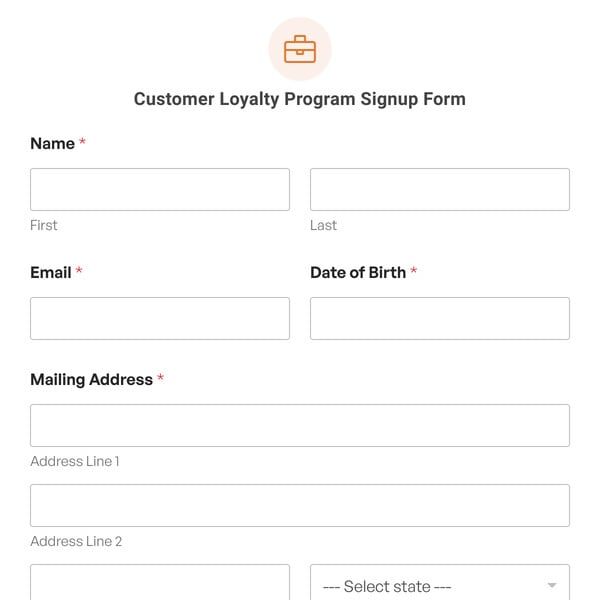
Customer Loyalty Program Signup Form Template

Customer Loyalty Program Signup Form

For any business looking to build strong, lasting relationships with its customers.

Use Template View Demo
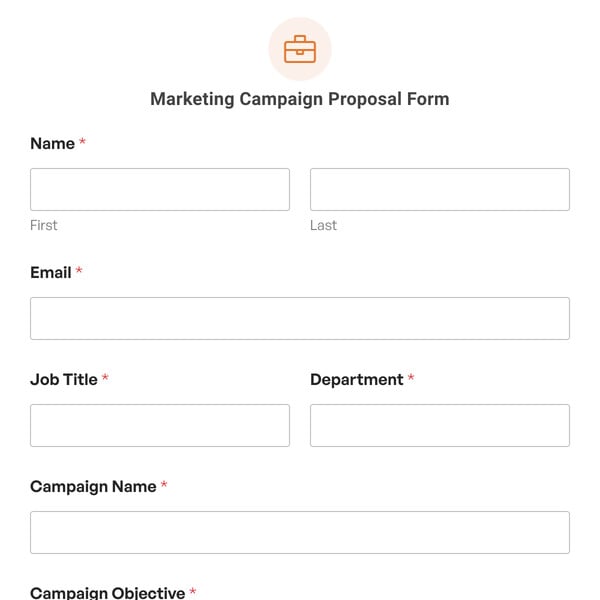
Marketing Campaign Proposal Form Template

Marketing Campaign Proposal Form

Allows marketers to detail their campaign ideas, objectives, and logistics.

Use Template View Demo

Our form templates let you create any kind of WordPress form in a few clicks.

You can select any template to view the demo and try it out. If it works for you, you can import it and publish it in minutes. Each WPForms template is fully customizable too. Our drag and drop form builder makes it easy to adapt any template to fits your business’ needs. When you use our form templates, you can easily:
  • Import Any Template With 1 Click

    Ready to get started? Import any form template and start customizing it right away.

  • Add or Remove Fields

    Use our simple drag and drop form builder to add fields, delete them, or move them around.

  • Customize Notification Settings

    It’s easy to edit the notification emails on any template with your own text or smart tags.

  • Change the Confirmation Message

    Easily display a custom message after submission – or forward your visitor to another page.

  • Change the Field Labels

    Click on a field and change the text to collect the exact information you need.

  • Change the Notification Email

    Add CCed recipients and multiple notifications so you never miss an entry.

  • Customize the Submit Button

    Adapt the words on the button and change the color so that it matches your theme.

  • Publish Your Form With Ease

    Hit publish — that's it! WPForms makes it easy to get your forms online without writing code.

  • Get Instant Form Insights

    Track form submissions with our built-in analytics to see how your forms perform.

WPForms makes it easy to publish forms on any post or page. You can also publish your forms in the WordPress sidebar or footer. And because we integrate with page builders, you can easily make an Elementor contact form, or publish any form on a landing page in SeedProd.
Start Building Smarter
WordPress Forms
Create and publish forms in minutes...
What are you waiting for?
Get WPForms Now Talk to an expert
Company
  • About Us
  • Careers
  • Testimonials
  • Contact
  • Press
  • Affiliates
  • Blog
  • FTC Disclosure
Top Features
  • Online Form Builder
  • Conditional Logic
  • Conversational Forms
  • Form Landing Pages
  • Entry Management
  • Form Abandonment
  • Form Notifications
  • Form Templates
  • File Uploads
  • Calculation Forms
  • Geolocation Forms
  • Multi-Page Forms
  • Newsletter Forms
  • Payment Forms
  • Post Submissions
  • Signature Forms
  • Spam Protection
  • Surveys and Polls
  • User Registration
Integrations
  • Drip Forms
  • HubSpot Forms
  • Mailchimp Forms
  • Brevo Forms
  • Salesforce Forms
  • Authorize.Net
  • PayPal Forms
  • Square Forms
  • Stripe Forms
Helpful Links
  • Support
  • Documentation
  • Plans & Pricing
  • WordPress Hosting
  • Start a Blog
  • Make a Website
  • WPBeginner
  • WordPress Forms for Nonprofits

Copyright © 2016-2026 WPForms, LLC. WPForms is a trademark of WPForms, LLC.

  • Terms of Service
  • Privacy Policy
  • Sitemap
  • WPForms Coupon
Norton verified badge PayPal verified badge WPBeginner verified badge
The WordPress® trademark is the intellectual property of the WordPress Foundation. Uses of the WordPress®, names in this website are for identification purposes only and do not imply an endorsement by WordPress Foundation. WPForms Templates is not endorsed or owned by, or affiliated with, the WordPress Foundation.