


Resumo de IA
Gostaria de alterar os sub-rótulos do campo Endereço no WPForms? Esses sub-rótulos informam aos usuários que tipo de informação eles devem preencher. Neste tutorial, mostraremos como alterar esses sub-rótulos usando PHP.
Por padrão, o campo de formulário Endereço exibirá campos adicionais. Cada um desses campos tem seus próprios rótulos chamados sub-rótulos.
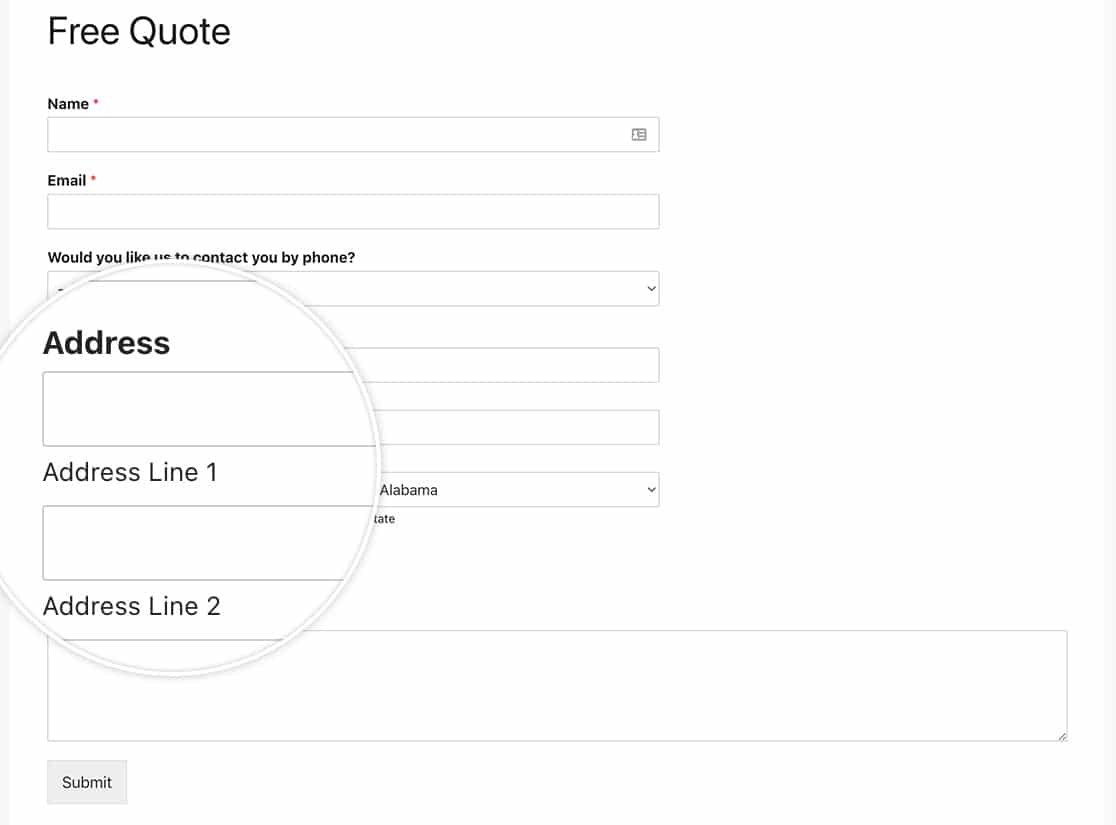
Criando o formulário
Começaremos criando o formulário e adicionando nossos campos, que incluirão o campo de formulário Endereço.
Se precisar de alguma ajuda na criação do seu formulário, consulte esta documentação.
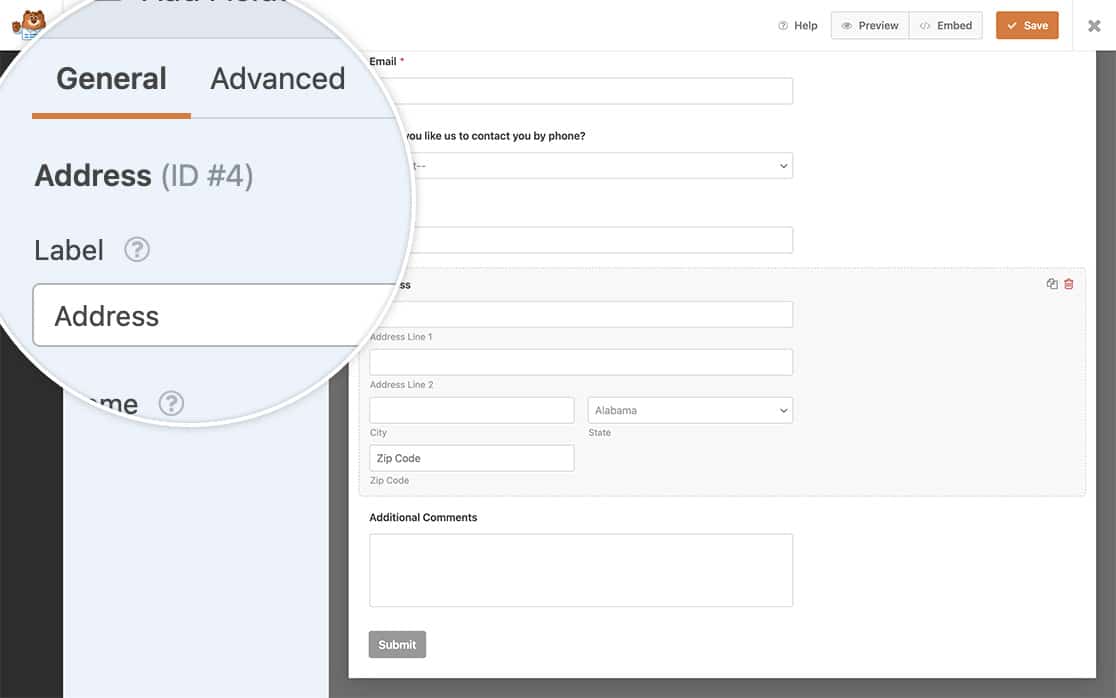
Alterando os sub-rótulos de endereço
É hora de adicionar o snippet ao seu site.
Se precisar de ajuda sobre onde e como adicionar snippets ao seu site, por favor, revise este tutorial.
Apenas esquema de endereço dos EUA
O snippet de código abaixo permitirá que você altere os sub-rótulos do seu campo Endereço para o esquema EUA.
/**
 * Change the sublabels for the Address field for the US Address Scheme.
 *
 * @link https://wpforms.com/developers/how-to-change-the-address-field-sublabels/
 */

function wpf_dev_address_field_properties_usa( $properties, $field, $form_data ) {

  // check for address scheme
  if ( $field[ 'scheme' ] === 'us' ){

	  // Change sublabel values
	  $properties[ 'inputs' ][ 'address1' ][ 'sublabel' ][ 'value' ] = __( 'Street Address' );
	  $properties[ 'inputs' ][ 'address2' ][ 'sublabel' ][ 'value' ] = __( 'Apartment #' );
	  $properties[ 'inputs' ][ 'city' ][ 'sublabel' ][ 'value' ] = __( 'City' );
	  $properties[ 'inputs' ][ 'state' ][ 'sublabel' ][ 'value' ] = __( 'State' );
	  $properties[ 'inputs' ][ 'postal' ][ 'sublabel' ][ 'value' ] = __( 'Zip' );
  	}

    return $properties;
}

add_filter( 'wpforms_field_properties_address', 'wpf_dev_address_field_properties_usa', 10, 3 );
Apenas esquema de endereço internacional
O snippet de código abaixo permitirá que você altere os sub-rótulos do seu campo Endereço para o esquema Internacional.
/**
 * Change the sublabels for the Address field for the International Address Scheme.
 *
 * @link https://wpforms.com/developers/how-to-change-the-address-field-sublabels/
 */

function wpf_dev_address_field_properties_international( $properties, $field, $form_data ) {

  // check for address scheme
  if ( $field['scheme'] === 'international' ){

	  // Change sublabel values
	  $properties[ 'inputs' ][ 'address1' ][ 'sublabel' ][ 'value' ] = __( 'Address' );
	  $properties[ 'inputs' ][ 'address2' ][ 'sublabel' ][ 'value' ] = __( 'Apartment / Suite #' );
	  $properties[ 'inputs' ][ 'city' ][ 'sublabel' ][ 'value' ] = __( 'City' );
	  $properties[ 'inputs' ][ 'state' ][ 'sublabel' ][ 'value' ] = __( 'State / Province / Region' );
	  $properties[ 'inputs' ][ 'postal' ][ 'sublabel' ][ 'value' ] = __( 'Postal Code' );
	  $properties[ 'inputs' ][ 'country' ][ 'sublabel' ][ 'value' ] = __( 'Country' );
  	}

    return $properties;
}

add_filter( 'wpforms_field_properties_address', 'wpf_dev_address_field_properties_international', 10, 3 );
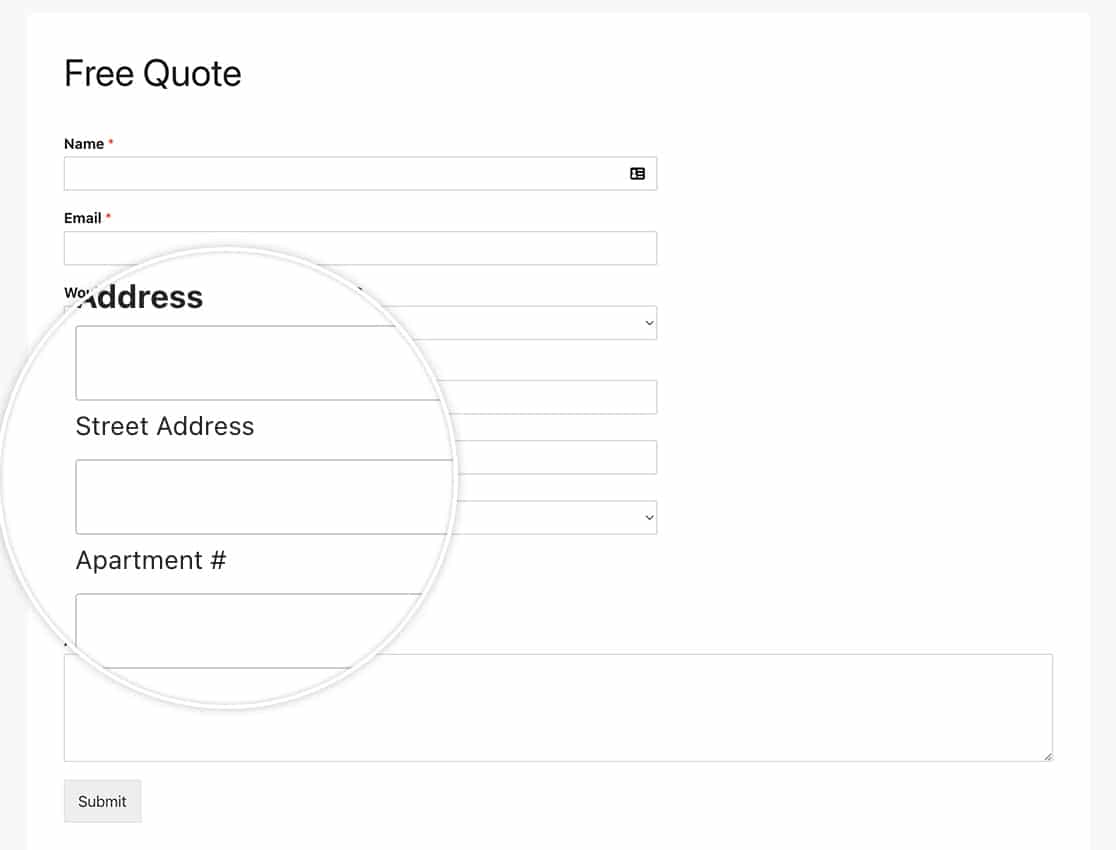
E é isso! Gostaria de criar esquemas de endereço adicionais para serem usados no seu campo Endereço? Dê uma olhada em nosso artigo sobre Como Criar Esquemas Adicionais para o Campo de Endereço.
Filtro de Referência
Perguntas Frequentes
P: Posso alterar isso para apenas um formulário?
R: Com certeza, se você deseja alterar esses sub-rótulos apenas para um formulário específico, use este snippet em vez disso e lembre-se de atualizar o ID do formulário 123 para corresponder ao seu próprio ID de formulário. Se precisar de ajuda para encontrar o ID do seu formulário, por favor, revise este guia útil.
/**
 * Change the sublabels for the Address field for the US Address Scheme.
 *
 * @link https://wpforms.com/developers/how-to-change-the-address-field-sublabels/
 */

function wpf_dev_address_field_properties_usa( $properties, $field, $form_data ) {

	// Only process this snippet on the form ID 123
    if ( absint( $form_data[ 'id' ] ) !== 123 ) {

        return $properties;
    }

  // check for address scheme
  if ( $field[ 'scheme' ] === 'us' ){

      // Change sublabel values
      $properties[ 'inputs' ][ 'address1' ][ 'sublabel' ][ 'value' ] = __( 'Street Address' );
      $properties[ 'inputs' ][ 'address2' ][ 'sublabel' ][ 'value' ] = __( 'Apartment #' );
      $properties[ 'inputs' ][ 'city' ][ 'sublabel' ][ 'value' ] = __( 'City' );
      $properties[ 'inputs' ][ 'state' ][ 'sublabel' ][ 'value' ] = __( 'State' );
      $properties[ 'inputs' ][ 'postal' ][ 'sublabel' ][ 'value' ] = __( 'Zip' );
    }

    return $properties;
}

add_filter( 'wpforms_field_properties_address' , 'wpf_dev_address_field_properties_usa', 10, 3 );
Como você pode ver no snippet, tudo o que precisamos fazer é adicionar a verificação do ID do formulário com if ( absint( $form_data[ 'id' ] ) !== 123 ) { return $properties; } , o restante do snippet permanece exatamente o mesmo do exemplo com todos os formulários.