


Riassunto AI
Stai usando il Classic Editor per il tuo sito WordPress e vuoi rimuovere il pulsante Aggiungi modulo dall’editor TinyMCE? Usando PHP puoi disabilitare facilmente questo pulsante. In questo tutorial, ti mostreremo lo snippet PHP necessario per rimuovere il pulsante “Aggiungi modulo” dall’editor TinyMCE.
Quando WPForms è installato, un pulsante Aggiungi modulo verrà visualizzato nelle opzioni dell’editor TinyMCE per qualsiasi tipo di post di WordPress quando si utilizza l'editor classico.
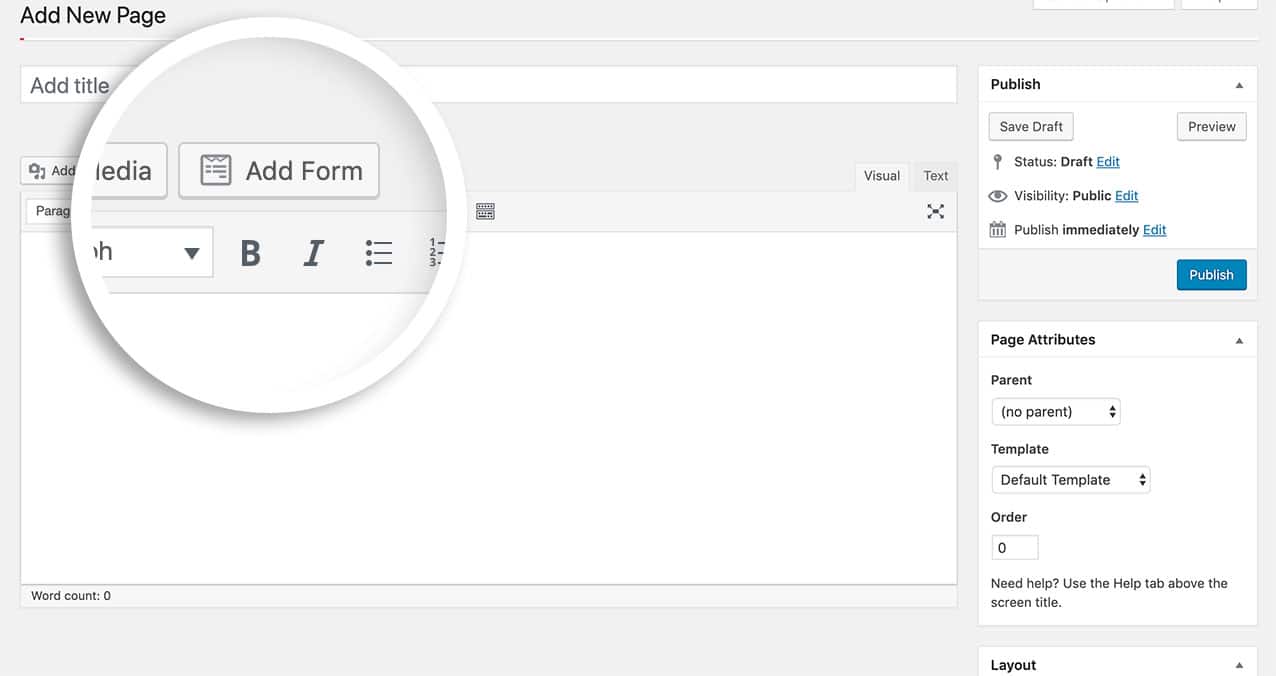
Questo pulsante può essere facilmente rimosso aggiungendo lo snippet di codice sottostante al tuo sito.
Rimozione del pulsante Aggiungi modulo
In questo specifico esempio, stiamo nascondendo il pulsante Aggiungi modulo nelle pagine e nei post. Tuttavia, puoi sostituire page e post con qualsiasi nome di tipo di post.
/**
 * Remove the 'Add Form' WPForms TinyMCE button.
 *
 * In the function below we disable displaying the 'Add Form' button
 * on pages and posts. You can replace 'page' and 'post' with your desired post type.
 *
 * @link   https://wpforms.com/developers/remove-add-form-button-from-tinymce-editor/
 */

function wpf_dev_remove_media_button( $display ) {

	$screen = get_current_screen();

	if ( 'page' == $screen->post_type || 'post' == $screen->post_type ) {
		return false;

	}
	return $display;
}
add_filter( 'wpforms_display_media_button', 'wpf_dev_remove_media_button', 10, 1 );
E questo è tutto! Hai disabilitato il pulsante Aggiungi modulo dall’editor. Vuoi disabilitare l’autocompletamento nei browser? Dai un’occhiata al nostro tutorial su Come disabilitare l’autocompletamento del browser per i campi modulo.
Filtro di Riferimento
FAQ
D: Posso usarlo per altri tipi di post?
R: Assolutamente! In questo esempio, includiamo pagine, post e il tipo di post prodotto di Woocommerce.
/**
 * Remove the 'Add Form' WPForms TinyMCE button.
 *
 * In the function below we disable displaying the 'Add Form' button
 * on pages and posts. You can replace 'page' and 'post' with your desired post type.
 *
 * @link   https://wpforms.com/developers/remove-add-form-button-from-tinymce-editor/
 */

function wpf_dev_remove_media_button( $display ) {

    $screen = get_current_screen();

    if ( 'page' == $screen->post_type || 'product' == $screen->post_type || 'post' == $screen->post_type ) {
        return false;

    }
    return $display;
}
add_filter( 'wpforms_display_media_button', 'wpf_dev_remove_media_button', 10, 1 );


