


Resumo de IA
Gostaria de desativar os ícones de emoji que aparecem nas notificações do formulário ao usar o campo Avaliação? Você pode não precisar que os ícones apareçam na notificação, então, usando um trecho de código PHP, você pode desativar facilmente essa opção. Neste tutorial, mostraremos como desativar esses ícones.
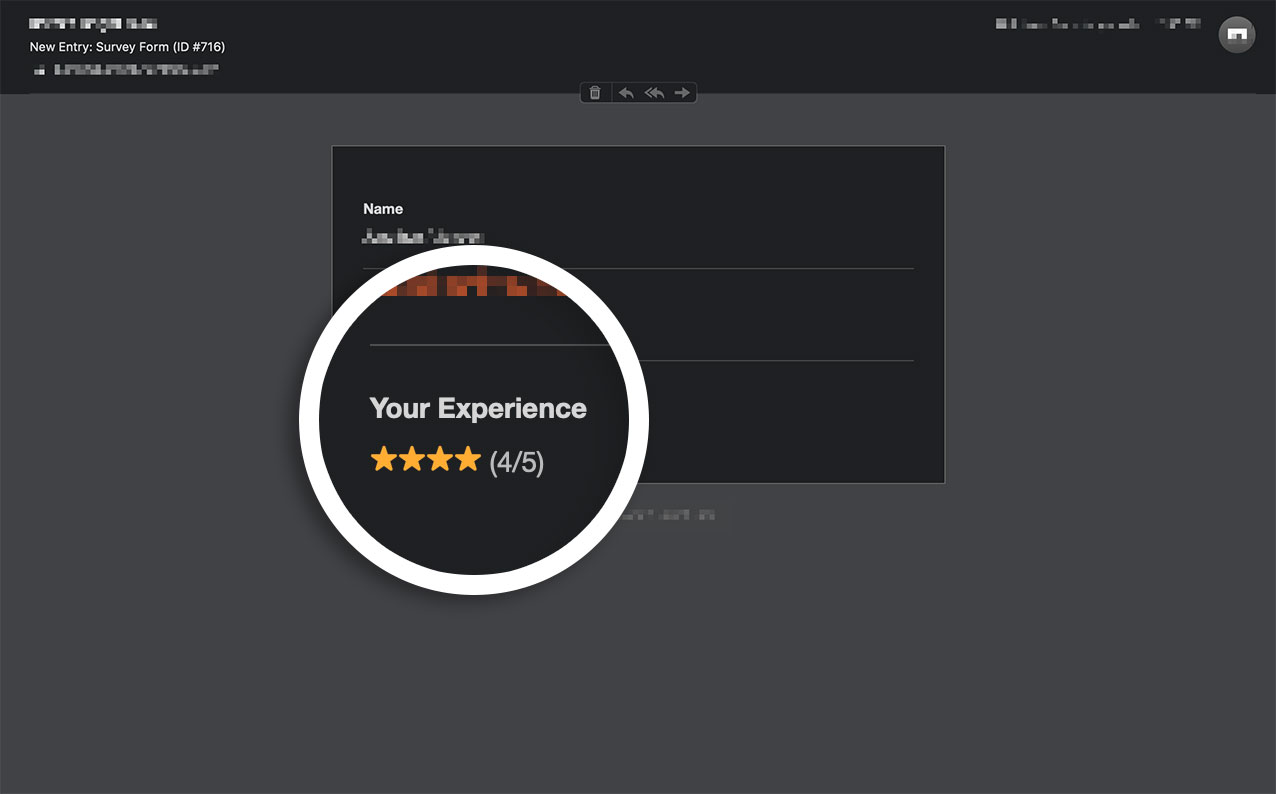
Por padrão, os ícones de emoji serão incluídos automaticamente em todas as notificações do formulário ao usar o campo Avaliação.
Criando seu formulário
Primeiro, você precisará criar seu formulário e configurar seu campo Avaliação.
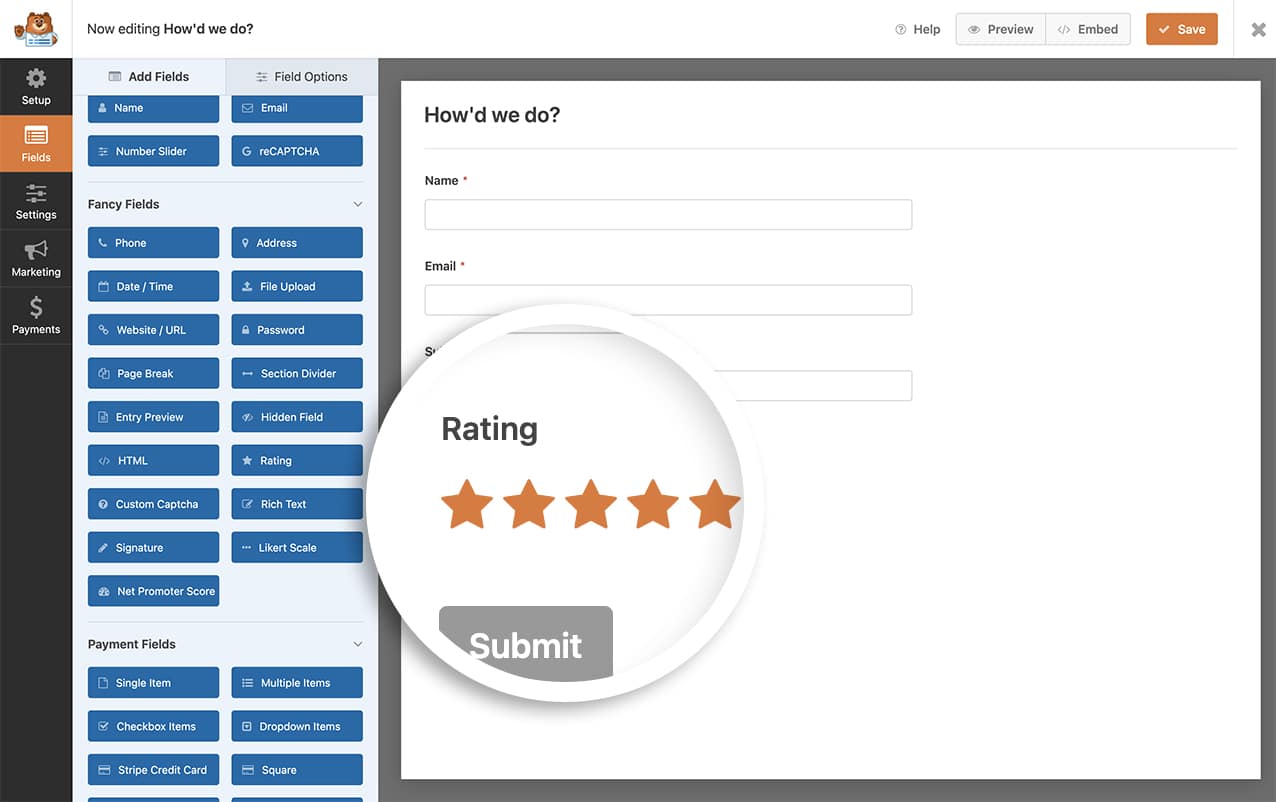
Se precisar de ajuda com isso, consulte esta documentação.
Desativando os ícones de avaliação
Para desativar esses ícones nas notificações do formulário, você precisará adicionar este trecho ao seu site.
Se precisar de ajuda para adicionar trechos ao seu site, revise este artigo.
/**
 * Filters the disable the emoji icons in notification emails.
 *
 * @link   https://wpforms.com/developers/how-to-disable-the-emoji-rating-icons-in-form-notifications/
 */

add_filter( 'wpforms_rating_field_emoji', '__return_false' );
Usando este trecho, isso seria aplicado a todas as notificações por e-mail.
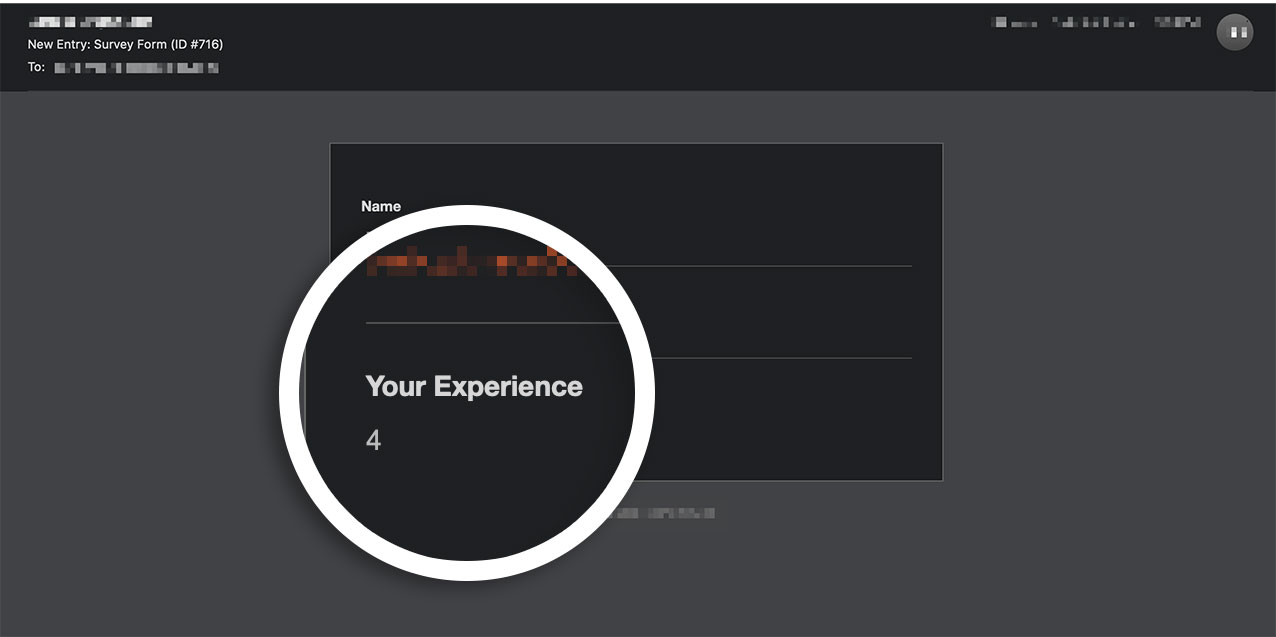
E é isso! Você agora adicionou com sucesso um trecho para desativar os ícones de emoji de todas as notificações do formulário.
Gostaria de alterar o estilo desses ícones no seu formulário? Dê uma olhada em nosso artigo sobre Como Personalizar a Aparência dos Ícones de Avaliação.