### [How to Disable the Emoji Icons in Form Notifications](https://wpforms.com/developers/how-to-disable-the-emoji-icons-in-form-notifications/)
**Published:** November 18, 2019
**Author:** Editorial Team
**Excerpt:** This article will show you how to use a code snippet in order to disable the emoji icons from inside all email notifications.
**Content:**
Would you like to disable the emoji icons that show up in the form notifications when using the **Rating** field? You may not require the icons to come through the notification so using a PHP code snippet you can easily disable this option. In this tutorial, we’ll show you how to disable these icons from showing.
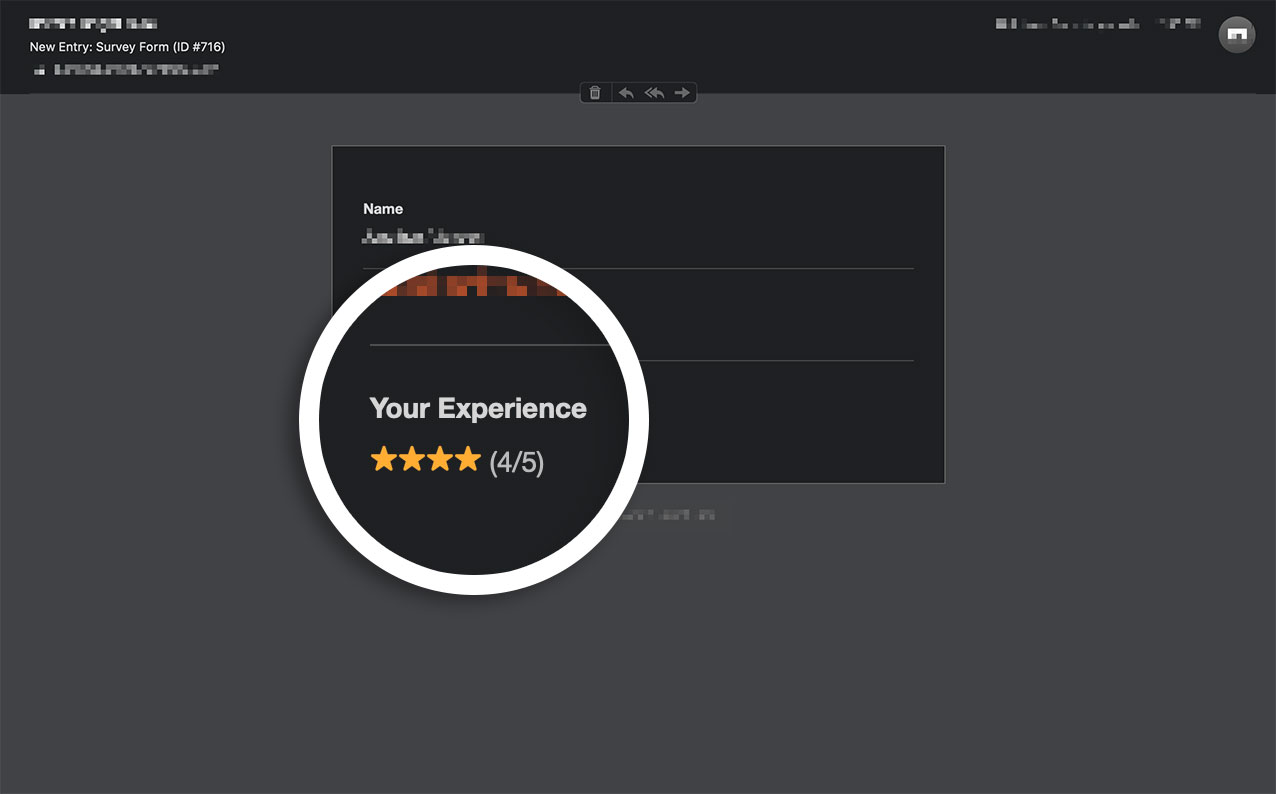
By default, the emoji icons will automatically be included in all form notifications when using the **Rating** field.
## Creating your form
First, you’ll need to create your form and set up your **Rating** field.
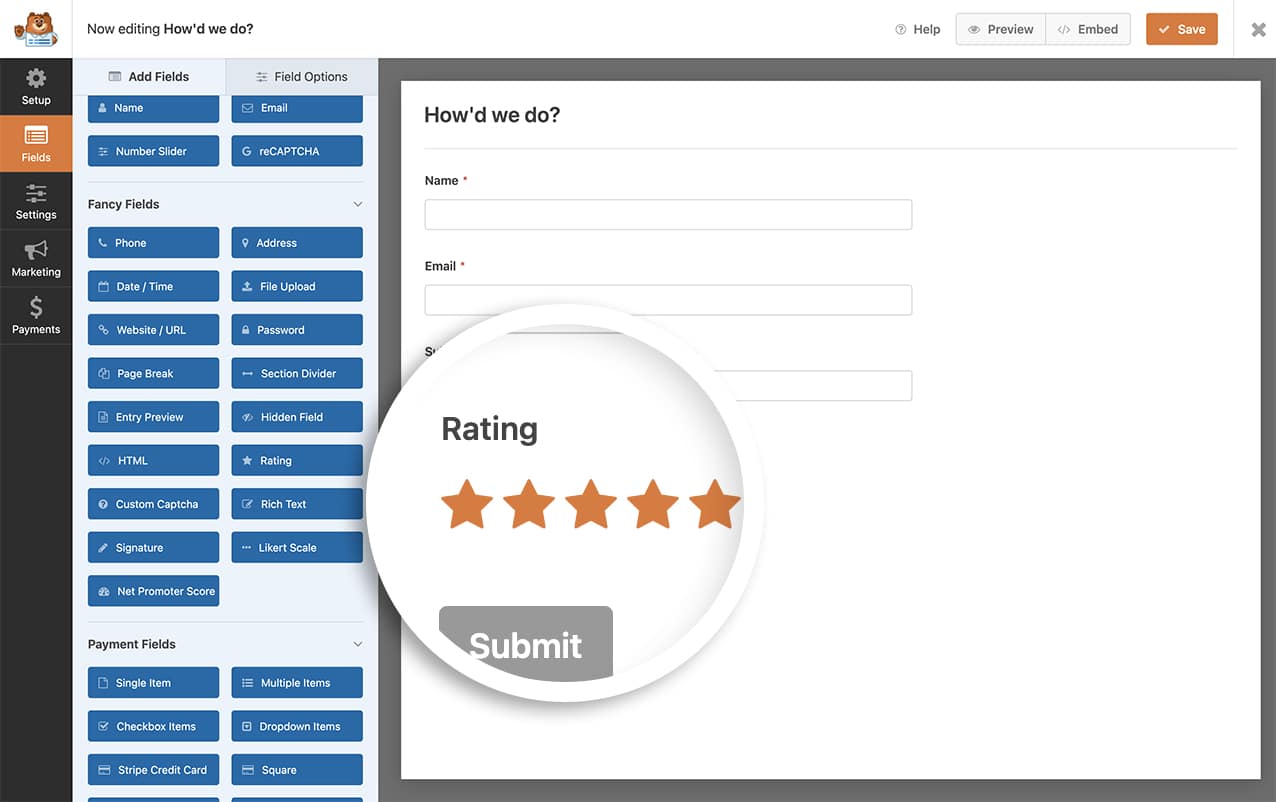
If you need assistance with this, [please check out this documentation.](https://wpforms.com/docs/how-to-add-a-rating-field-to-wpforms/ "How to Add a Rating Field to WPForms")
## Disabling the rating icons
To disable these icons in the form notifications, you’ll need to add this snippet to your site.
If you need help in how to add snippets to your site, [please review this article.](https://wpforms.com/developers/how-to-add-custom-php-or-javascript-for-wpforms/ "How to Add Custom PHP or JavaScript for WPForms")
```
/**
* Filters the disable the emoji icons in notification emails.
*
* @link https://wpforms.com/developers/how-to-disable-the-emoji-rating-icons-in-form-notifications/
*/
add_filter( 'wpforms_rating_field_emoji', '__return_false' );
```
By using this snippet, this would be applied to all email notifications.
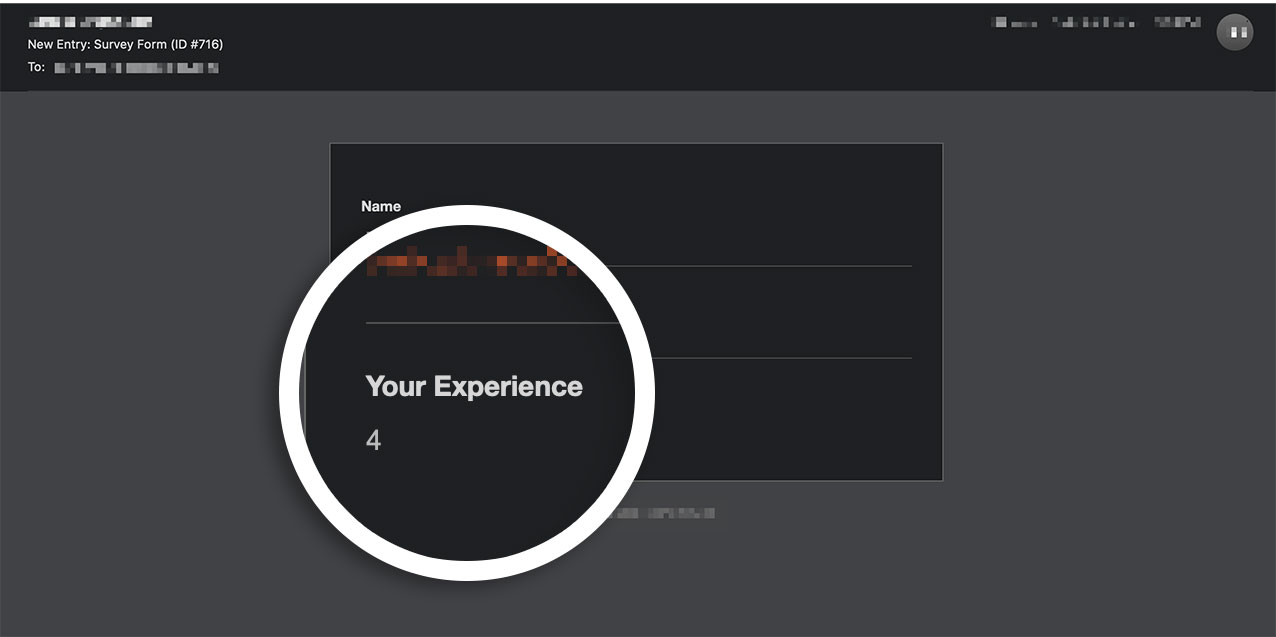
And that’s it! You’ve now successfully added a snippet to disable the emoji icons from all form notifications.
Would you like to change the style of these icons on your form? Take a look at our article on [How to Customize the Look of the Rating Icons](https://wpforms.com/developers/how-to-customize-the-look-of-the-rating-icons/ "How to Customize the Look of the Rating Icons").
## Reference Filter
[wpforms\_rating\_field\_emoji](https://wpforms.com/developers/wpforms_rating_field_emoji/ "Using the wpforms_rating_field_emoji with WPForms")
**Categories:** Notifications
**Tags:** PHP
---