
Resumen de IA
Descripción
El hook de acción wpforms_conversational_forms_content_after se dispara después de que se muestra un formulario en el frontend del sitio, y el formulario fue creado con el addon Conversational Forms.
Parámetros
Esta acción no acepta ningún parámetro.
Más Información
La acción solo se dispara para formularios creados con el addon Conversational Forms. Se ejecuta después del proceso de renderizado de salida para formularios creados con el addon Conversational Forms.
Una acción alternativa a considerar es wpforms_conversational_forms_content_before, ya que funciona de manera similar pero se mostrará antes del formulario.
Origen
wpforms-conversational-forms/templates/single-form.php
Ejemplos
En este ejemplo, mostraremos un enlace a la página de inicio después de mostrar el formulario.
/**
 * Output something after your Conversational Forms
 *
 * @link  https://wpforms.com/developers/wpforms_conversational_forms_content_after/
 */

function wpf_dev_conversational_forms_content_after( ) {

    // Run code or see example echo statement below.
    _e( '<div class="home-wrapper">If you would like to check out our complete site, <a href="http://myexamplesite.com/" target="_blank">click here</a>.</div>', 'plugin-domain' );

}
add_action( 'wpforms_conversational_forms_content_after', 'wpf_dev_conversational_forms_content_after');
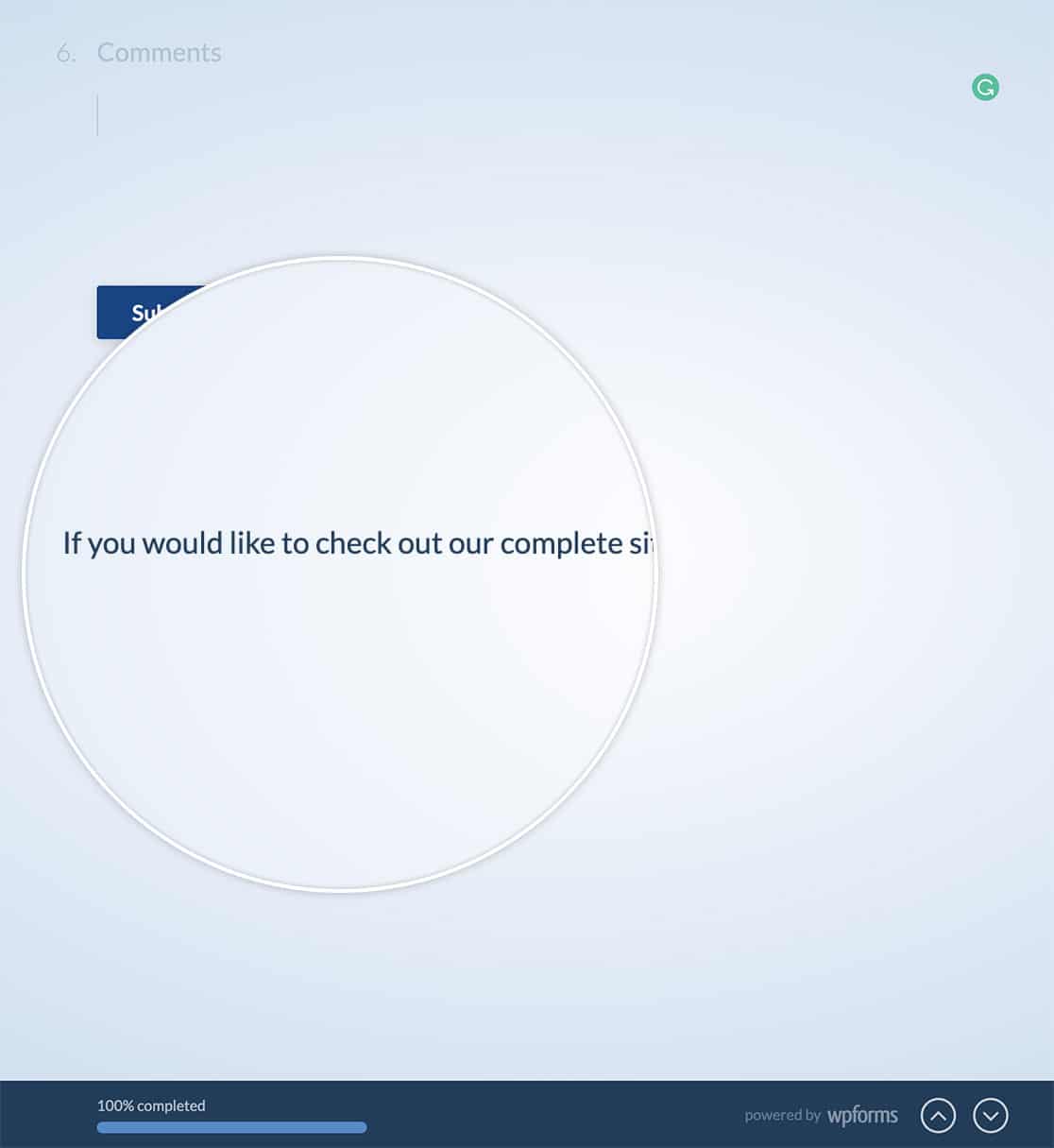
Si estás utilizando este fragmento exacto, es posible que incluso quieras añadir algo de CSS a tu sitio. Como ejemplo, también hemos proporcionado un fragmento de CSS.
.home-wrapper {
    bottom: 50%;
    position: fixed;
}


