


AI要約
WordPressサイトでクラシックエディターを使用しており、TinyMCEエディターからフォームを追加ボタンを削除したいですか?PHPを使用すると、このボタンを簡単に無効にできます。このチュートリアルでは、TinyMCEエディターから「フォームを追加」ボタンを削除するために必要なPHPスニペットを紹介します。
WPFormsがインストールされている場合、クラシックエディターを使用しているときに、WordPressの任意の投稿タイプのエディターオプションにフォームを追加ボタンが表示されます。
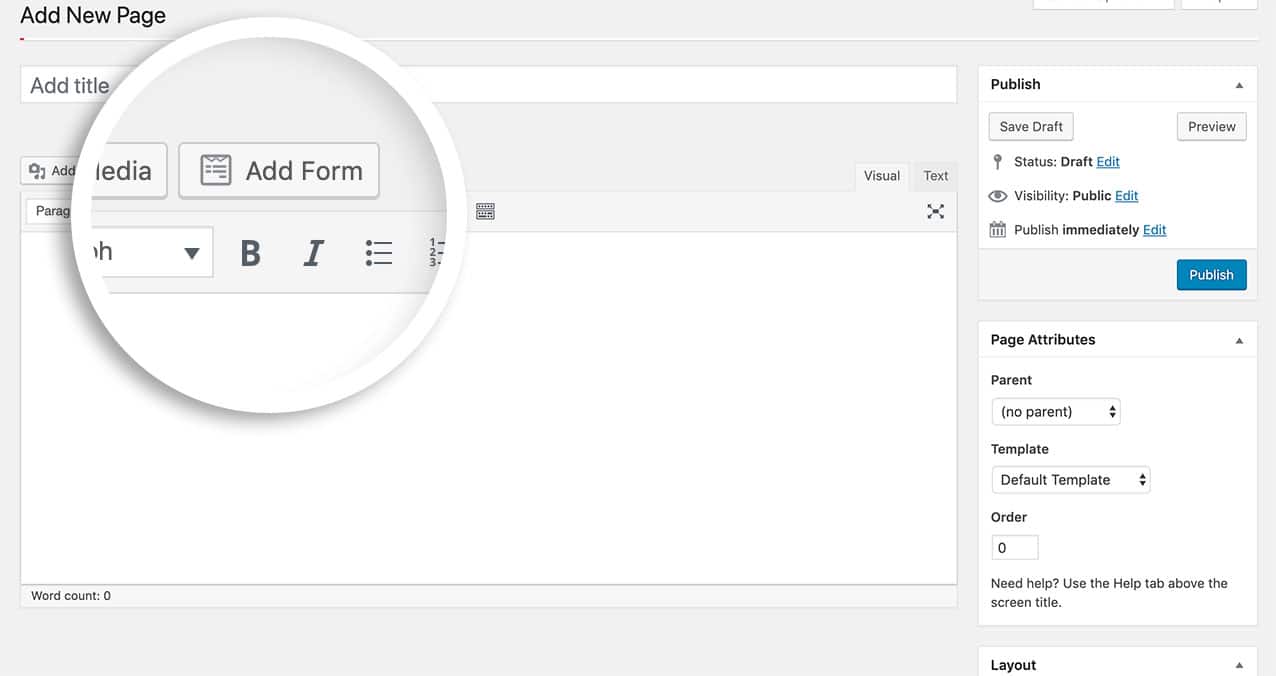
このボタンは、以下のコードスニペットをサイトに追加することで簡単に削除できます。
フォーム追加ボタンの削除
この特定の例では、ページと投稿でフォームを追加ボタンを非表示にしています。ただし、pageとpostを任意の投稿タイプ名に置き換えることができます。
/**
 * Remove the 'Add Form' WPForms TinyMCE button.
 *
 * In the function below we disable displaying the 'Add Form' button
 * on pages and posts. You can replace 'page' and 'post' with your desired post type.
 *
 * @link   https://wpforms.com/developers/remove-add-form-button-from-tinymce-editor/
 */

function wpf_dev_remove_media_button( $display ) {

	$screen = get_current_screen();

	if ( 'page' == $screen->post_type || 'post' == $screen->post_type ) {
		return false;

	}
	return $display;
}
add_filter( 'wpforms_display_media_button', 'wpf_dev_remove_media_button', 10, 1 );
これで、エディターからフォームを追加ボタンが無効になりました。ブラウザでオートコンプリートを無効にしたいですか?フォームフィールドのブラウザオートコンプリートを無効にする方法のチュートリアルをご覧ください。
参照フィルター
よくある質問
Q: 他の投稿タイプにも使用できますか?
A: もちろんです!この例では、ページ、投稿、およびWooCommerceの製品投稿タイプを含めています。
/**
 * Remove the 'Add Form' WPForms TinyMCE button.
 *
 * In the function below we disable displaying the 'Add Form' button
 * on pages and posts. You can replace 'page' and 'post' with your desired post type.
 *
 * @link   https://wpforms.com/developers/remove-add-form-button-from-tinymce-editor/
 */

function wpf_dev_remove_media_button( $display ) {

    $screen = get_current_screen();

    if ( 'page' == $screen->post_type || 'product' == $screen->post_type || 'post' == $screen->post_type ) {
        return false;

    }
    return $display;
}
add_filter( 'wpforms_display_media_button', 'wpf_dev_remove_media_button', 10, 1 );


