


AI要約
概要
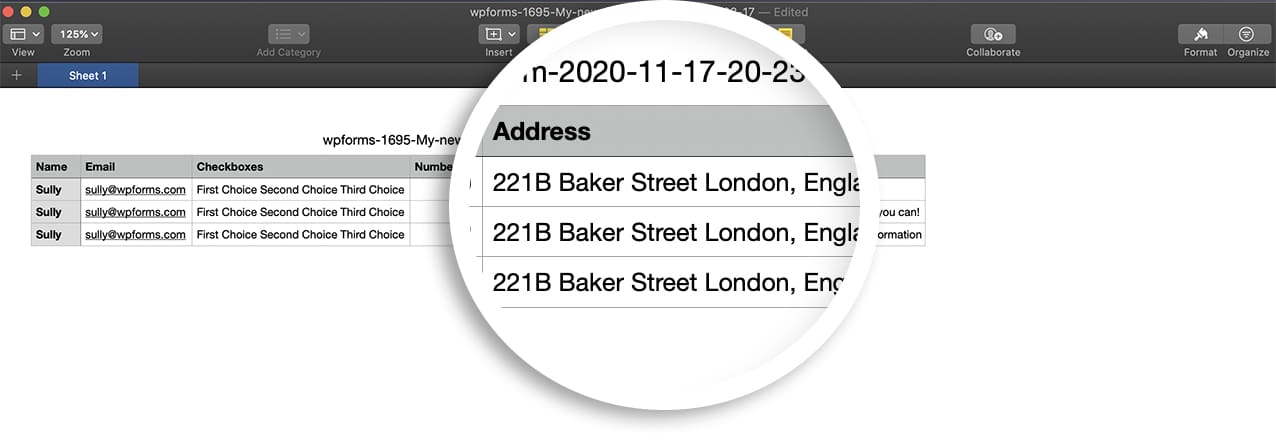
CSVエクスポートから改行を削除しますか? チェックボックスや住所フォームフィールドなどのほとんどのフィールドでは、エクスポートファイルからこれらの改行を削除する簡単なコードスニペットを追加できます。このチュートリアルでは、その方法をご紹介します!
セットアップ
このコードスニペットをサイトに追加するだけです。
/**
 * Removes line breaks from CSV data
 *
 * @link   https://wpforms.com/developers/how-to-remove-line-breaks-from-csv-exports/
 */

function wpf_dev_remove_line_breaks_csv( $export_data, $request_data, $entry ) {

	array_walk(
         $export_data,
         static function( &$row ) {
            $row = str_replace( "\n", ' ', $row );
         }
      );

      return $export_data;

}
add_filter( 'wpforms_pro_admin_entries_export_ajax_get_entry_data', 'wpf_dev_remove_line_breaks_csv', 10, 3 );
関連
フィルターリファレンス:wpforms_pro_admin_entries_export_ajax_get_entry_data


