### [Overwriting Entries From Users Who Have Already Submitted a Form](https://wpforms.com/developers/how-to-overwrite-entries-from-users-who-have-already-submitted-a-form/)
**Published:** January 7, 2021
**Author:** David Ozokoye
**Excerpt:** In this article, we'll show you how to have a snippet delete any previous entries already submitted by a logged-in user so that the user can only have 1 entry for all forms on your site.
**Content:**
## Overview
Would you like to overwrite entries from users who have already submitted a form? In some cases, you wish to overwrite entries so that the user can only submit one entry on each form. With a small PHP snippet, you can allow this on your site for just one single form or even for all forms.
## Setup
By default, unless you are using the [Form Locker addon](https://wpforms.com/docs/how-to-install-and-use-the-form-locker-addon-in-wpforms/ "How to Install and Use the Form Locker Addon in WPForms"), all users can submit as many entries as they wish to all of your forms.
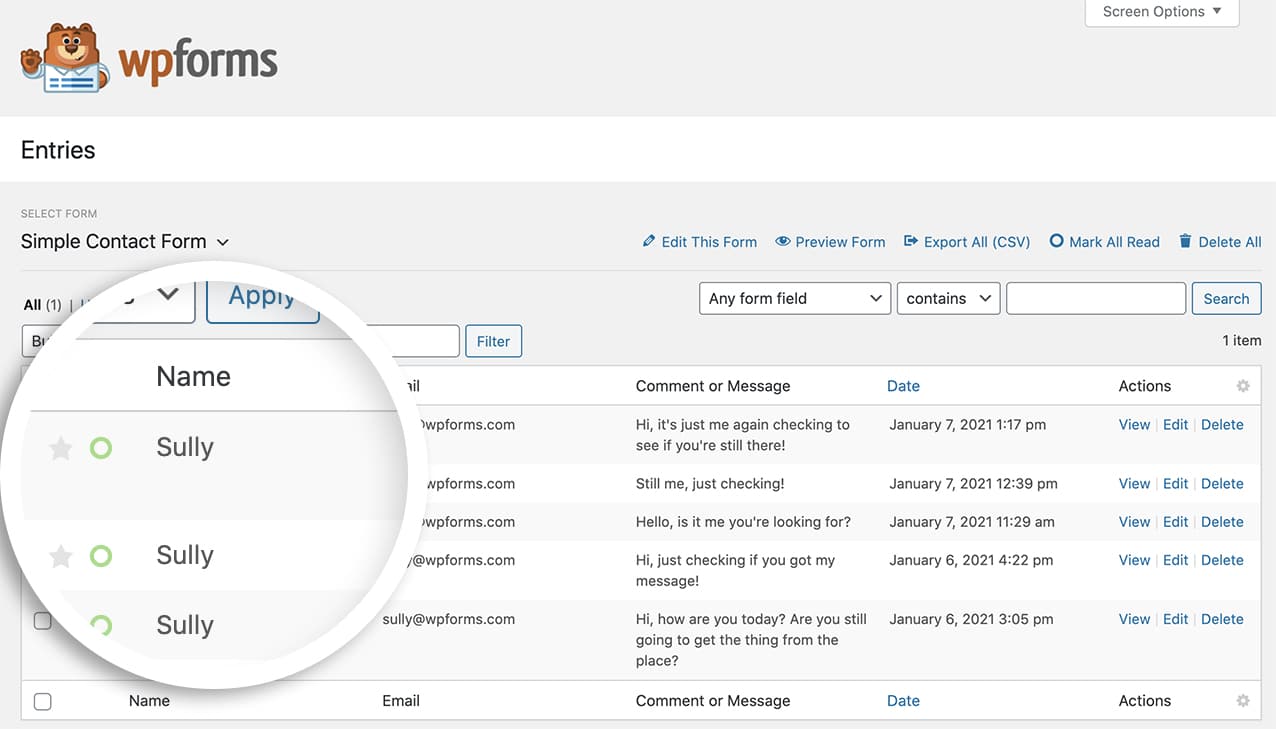Using this snippet below, this code will look for any previous entries on this form from the user ID and overwrite their entries with the latest entry so each of your members will only have one form entry for each form you’ve created.
If you need any help on adding code snippets to your site, [please review this tutorial](https://wpforms.com/developers/how-to-add-custom-php-or-javascript-for-wpforms/ "How to Add Custom PHP or JavaScript for WPForms").
**Note:** If the user isn’t logged in, this code snippet will not run. This code snippet can only run if a user is logged in when submitting any form entries.
When this user submits a new entry, that entry will overwrite all previous entries on this form.
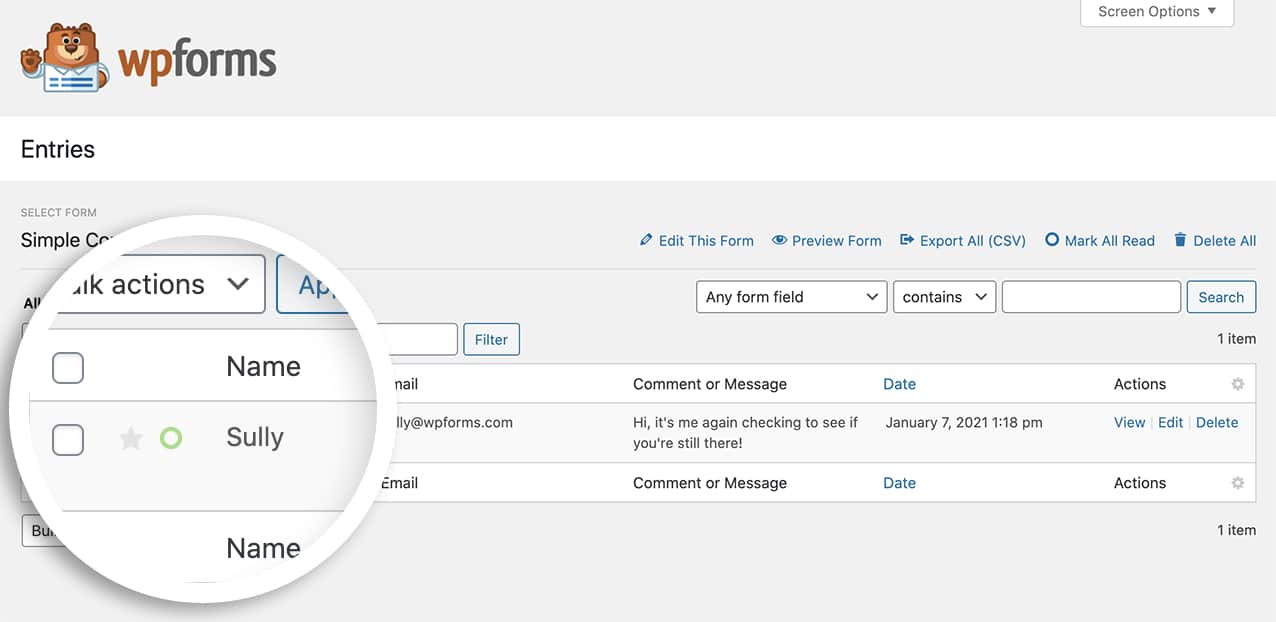That’s it! You’ve now learned how to overwrite entries previously submitted by a particular user ID.
Next, would you like to learn how to display a message to your visitors if they are already logged in? Take a look at our tutorial on [displaying a message when the user is already logged in](https://wpforms.com/developers/how-to-display-a-message-when-the-user-is-already-logged-in/ "How to Display a Message When the User is Already Logged In").
## Related
Action Reference: [wpforms\_process\_entry\_save](https://wpforms.com/developers/wpforms_process_entry_save/ "Using the wpforms_process_entry_save action")
**Categories:** Snippets
**Tags:** PHP
---