### [How to Enable Legacy Email Template](https://wpforms.com/developers/how-to-enable-legacy-email-template/)
**Published:** November 15, 2023
**Author:** Editorial Team
**Excerpt:** This article will give you the snippet you need to enable the legacy email template used for WPForms version 1.8.4 and below.
**Content:**
Do you want to enable the legacy email template in WPForms? Since version 1.8.5, WPForms provides many email templates to choose from. If you’d like to learn more about the email templates, [please review this useful article for further information](https://wpforms.com/introducing-wpforms-1-8-5-new-email-templates/ "Introducing WPForms 1.8.5 – NEW Email Templates").
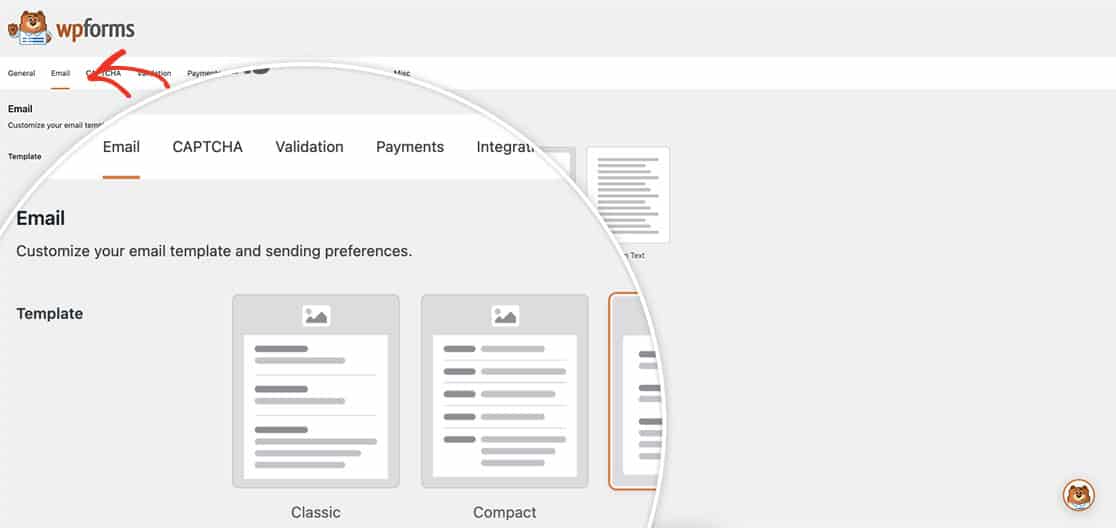
However, if you prefer to continue using the **Legacy** (HTML) template from previous version of WPForms, we have the perfect snippet for you.
Please note that when using this snippet, certain settings on this page will not be supported with the **Legacy** template.
## Enabling the Legacy Email template
You can add this snippet to your site. If you need assistance in how to add snippets to your site, [please check out this tutorial](https://wpforms.com/developers/how-to-add-custom-php-or-javascript-for-wpforms/ "How to Add Custom PHP or JavaScript for WPForms").
```
/**
* Revert to legacy 'HTML' email template, v1.8.4 and below
*
* @link https://wpforms.com/developers/how-to-enable-legacy-email-template/
*
* For support, please visit: https://www.facebook.com/groups/wpformsvip
*/
$settings = (array) get_option( 'wpforms_settings', [] );
$settings[ 'email-template' ] = 'default';
update_option( 'wpforms_settings', $settings );
```
Once you’ve added this snippet, you can now go to **WPForms** » **Settings** » **Email** » **Template** and see that **Legacy** is now an option for you.
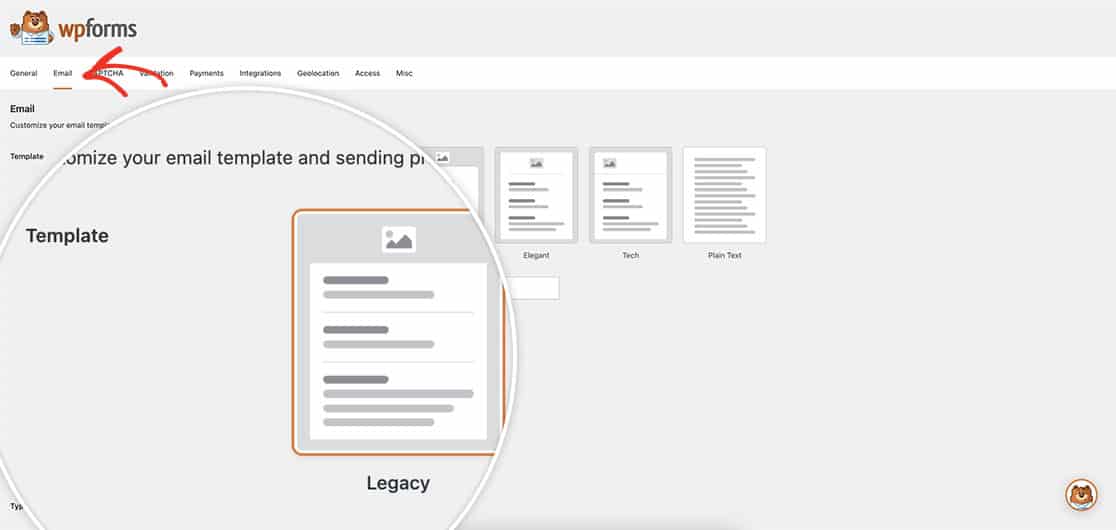
And that’s all you need you enable legacy email templates! Would you also like to create conditional email notifications? Take a look at our article on [How to Create Conditional Email Recipients](https://wpforms.com/developers/how-to-create-conditional-email-recipients/ "How to Create Conditional Email Recipients").
**Categories:** Extending
**Tags:** email
---